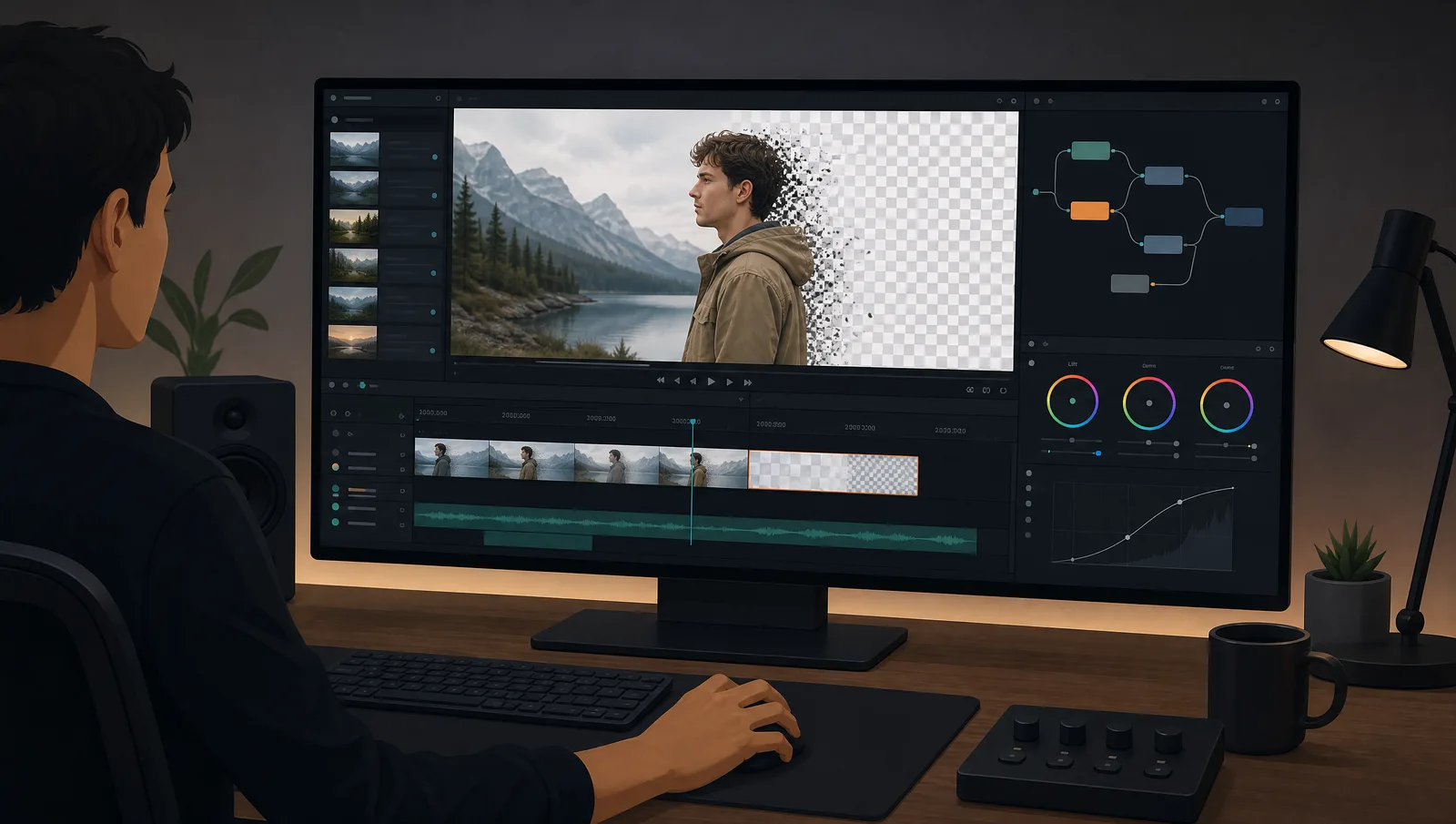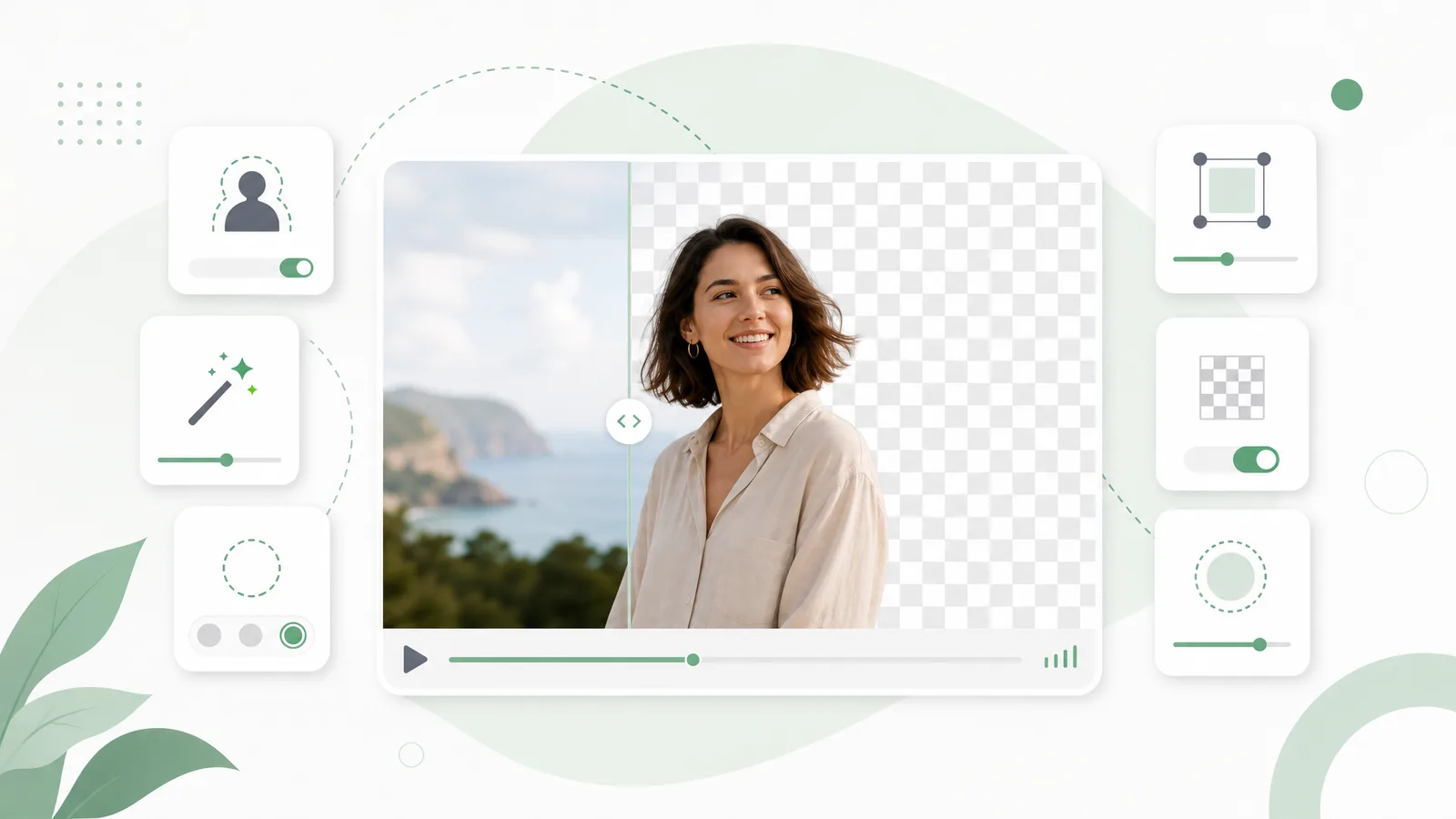
The most common Runway question isn't how to remove a background — it's where the option went. Runway reorganises its tools regularly, features move between the main editor and standalone apps, and what was free last year may now sit behind a plan tier. This guide covers where background removal actually lives today, what it costs in credits, the clip-length limit that catches people out, and when a dedicated remover is simply the faster route.
Where is the remove background option in Runway?
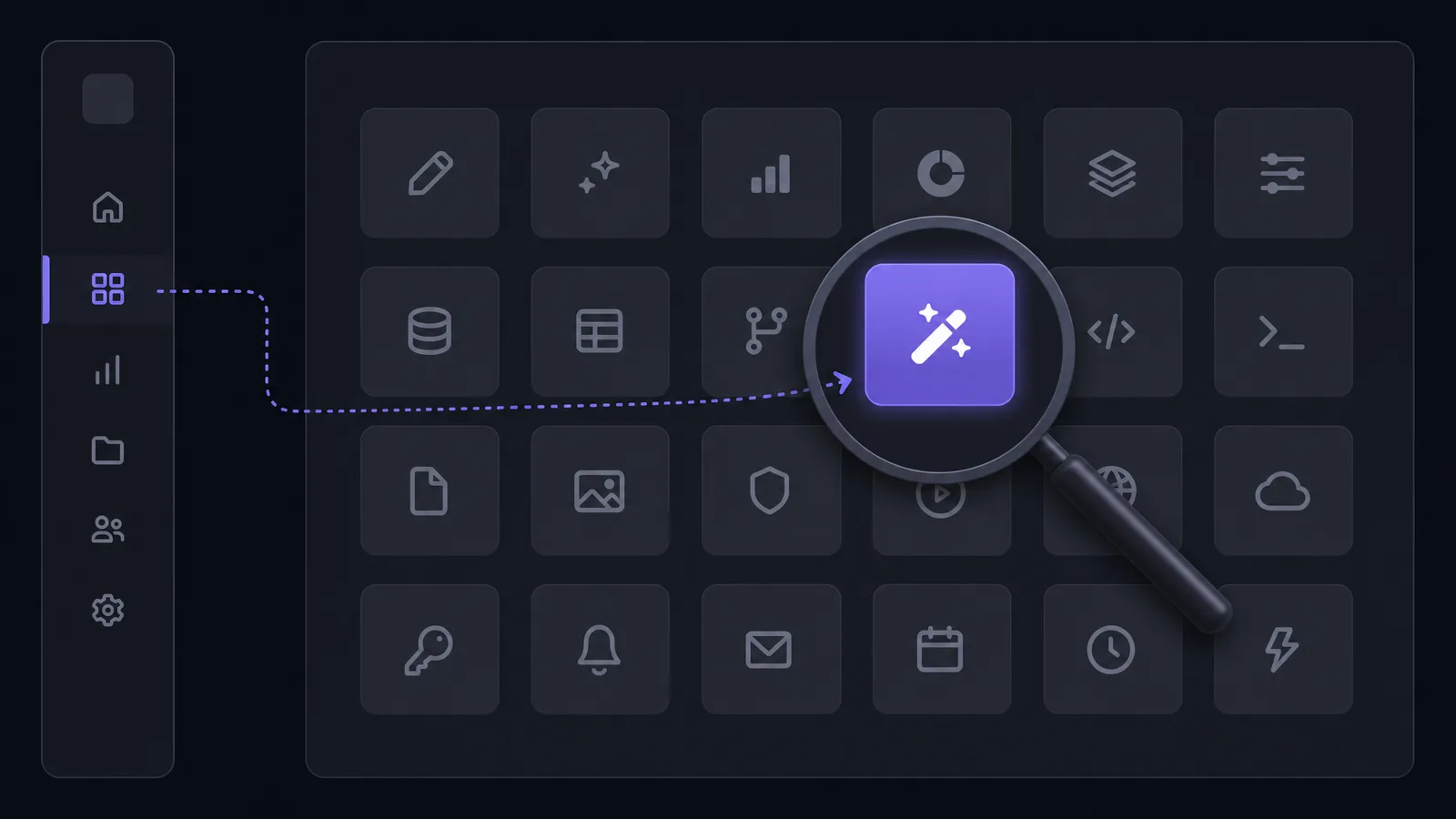
Log in, open All Tools from the left-hand navigation, and pick the background removal tool. Runway also ships a standalone Remove from Video app, which removes objects or backgrounds from a prompt you type in plain language.
If you've hunted through the editor and come up empty, that's why: it isn't buried in a timeline right-click menu. It's a tool you launch from the tools list, and Runway has more than one thing that does removal:
| Runway tool | How you drive it | What it's for |
|---|---|---|
| Remove Background | Select the subject visually | Cutting a person or object out of a clip |
| Remove from Video | Type what to remove in plain language | Erasing objects, logos, distractions, or the background |
| Green screen assets | Generation-based | Producing a green screen plate or clean plate to key later |
Those are genuinely different jobs, and picking the wrong one is the second most common source of "Runway can't do this."
The distinction that matters most is between removing a subject from its background and erasing something out of a shot. The first gives you a cutout — a subject you can composite anywhere. The second repairs the frame, filling in whatever was behind the thing you deleted. If you ask the erase tool for a cutout, you get a video with a hole in it rather than a transparent subject, which is exactly the outcome that sends people to search for whether Runway can do backgrounds at all.
See video background removal in action
Upload a clip and watch the background disappear — no green screen, no watermark, all in your browser.
Try it freeHow to remove a background in Runway, step by step
Open the background removal tool from All Tools, upload or drop in your clip, mark the subject you want to keep, and let Runway generate the mask. From there you can swap the background, place text behind the subject, or apply effects only to the isolated region.
- Log in and click All Tools in the left-hand navigation.
- Choose the background removal tool from the list.
- Upload your video — drag and drop, or select from your assets.
- Mark the subject. Runway builds a mask around what you highlight rather than guessing from scratch.
- Refine the mask across the clip if the subject moves in and out of frame.
- Apply your change — replace the background, put text behind the subject, or restrict an effect to the masked region.
The masking model is genuinely strong, which is Runway's real selling point. Where it gets frustrating is everything wrapped around that model: plan gating, credit burn, and clip length.
What Runway's background removal actually costs
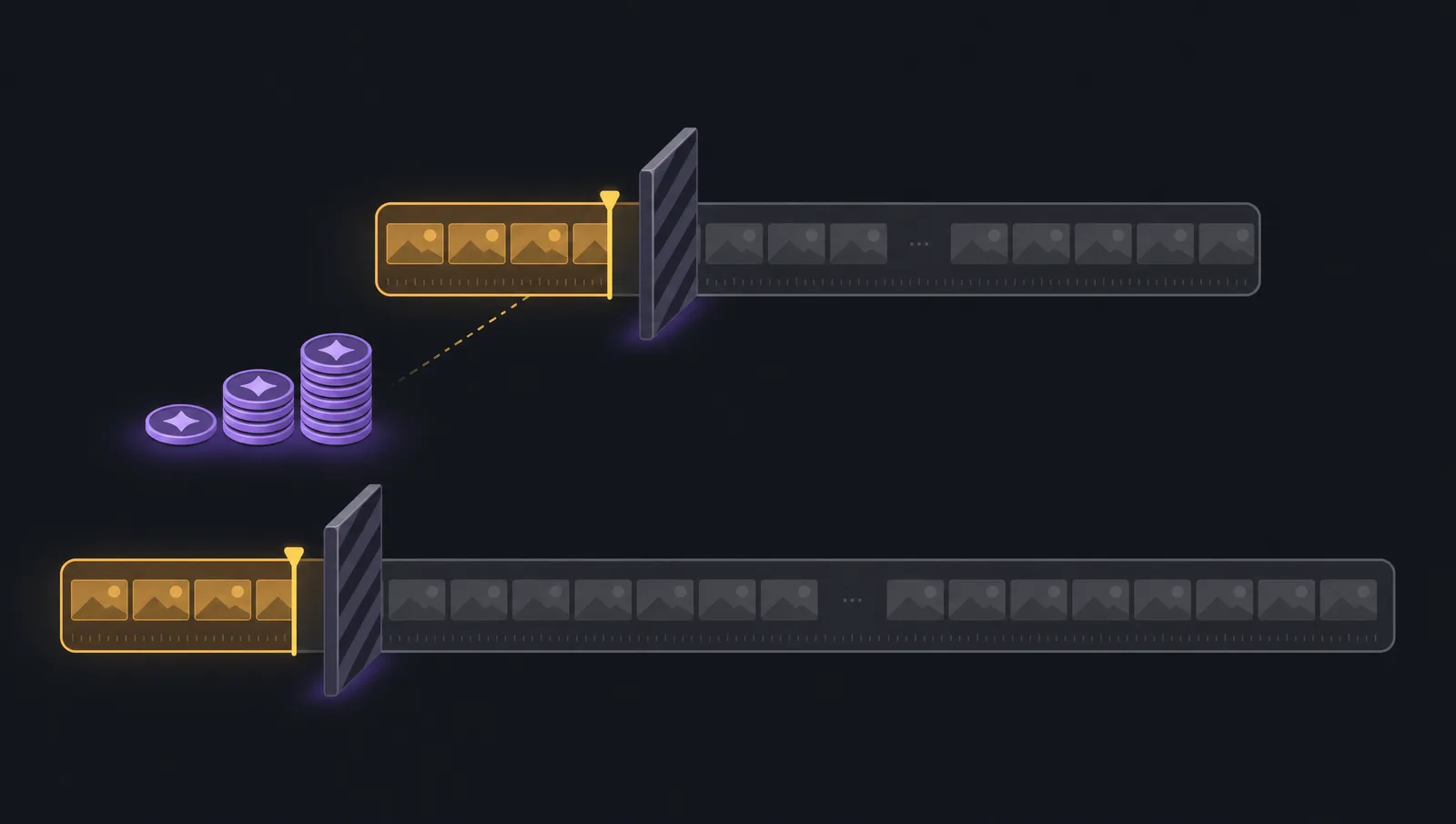
Runway's Remove from Video app requires the Standard plan or above, costs 15 credits per second of video, and supports clips up to 5 seconds. You can experiment in Unlimited Explore mode without spending credits.
Three numbers worth internalising before you plan a project around it:
- Plan-gated. It's not on the free tier — you need Standard or higher to use it on real work.
- 15 credits per second. Credit cost scales linearly with duration, so a 30-second clip isn't a rounding error.
- 5-second clip ceiling. This is the one that surprises people. A tool that maxes out at five seconds is built for shots, not for talking-head videos, tutorials, or product demos.
Unlimited Explore mode softens this for experimentation — you can try things without burning credits — but explore-mode output isn't how you deliver client work.
This is also why "did they remove background removal from the free plan?" is such a recurring question. The capability is still there; the access tier moved.
What 15 credits per second means in practice
Credit pricing is linear, so the arithmetic is easy and unforgiving: a 5-second clip costs 75 credits, and that's the maximum a single Remove from Video pass will take. A one-minute talking-head video isn't 900 credits — it's simply out of scope for that tool, because you'd have to cut it into twelve separate five-second passes and stitch them back together.
That's the real constraint people miss when they budget a project around Runway. It isn't only "is this affordable?" — it's "does the tool even accept a clip this long?" For shot-level work inside a generative pipeline, five seconds is entirely reasonable. For anything resembling a normal video, it isn't the right instrument.
Runway's masking quality versus its workflow limits
The masking model itself is excellent — the friction is almost entirely around it. Plan tier, credit burn, and clip length decide whether Runway fits your project far more often than mask quality does.
It's worth separating those two things, because Runway gets unfairly criticised for the wrong reason. The subject isolation is genuinely strong, including on tricky edges. What trips people up:
- You have to find the tool. It moves between the editor and standalone apps as Runway reorganises, which is why "where is it?" outranks "how good is it?" as a question.
- Access tiers change. What was reachable on a lower tier may not be next quarter, so a workflow you documented six months ago may no longer run as written.
- Removal is one feature in a generative suite. Runway is built around generating video. Background removal is a supporting tool, not the product — so it's optimised for short generative shots, not for processing footage you already have.
None of that makes Runway a bad tool. It makes it a tool with a specific shape, and that shape is "short shots inside a generative workflow."
Green screen work in Runway
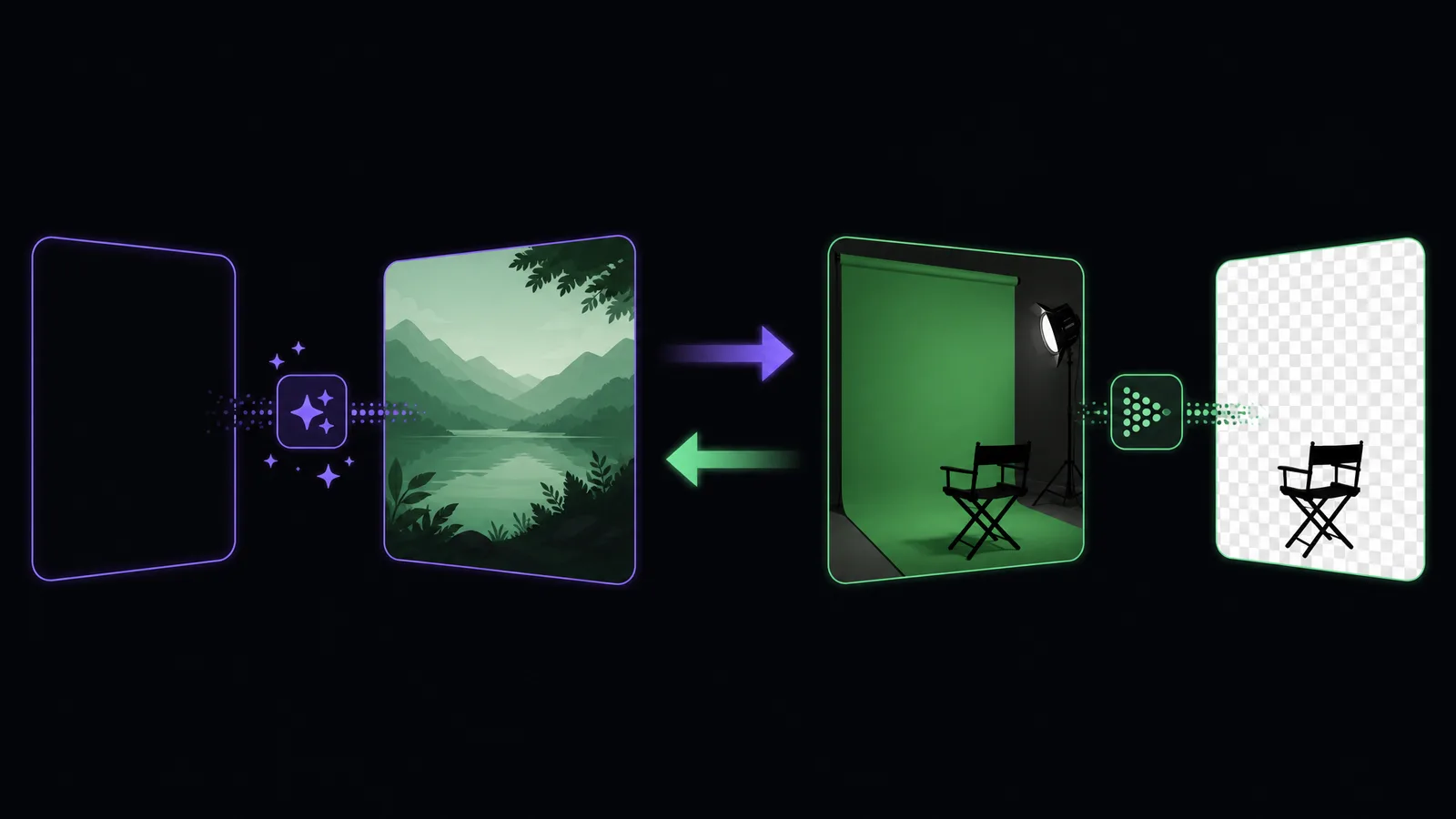
Runway approaches green screen from the generation side — producing green screen assets and clean plates you then key in your editor — rather than as a traditional chroma keyer applied to footage you already shot.
That's a meaningful distinction. If you shot a green screen and want it keyed, Runway isn't really the intended path — a proper keyer in DaVinci Resolve or a dedicated green screen remover will do it faster and with more control. Runway's green screen strength is the opposite direction: creating a plate that didn't exist.
When a dedicated background remover is the better call
If your clip is longer than a few seconds, if you don't want a subscription for occasional cutouts, or if you need a transparent file to hand to another editor, a dedicated remover clears all three in one pass.
Match the tool to the job:
- Stay in Runway when removal is one step inside a bigger generative workflow — you're already producing shots there, and the masking quality is excellent.
- Use a dedicated remover when the cutout is the deliverable: a longer clip, a batch of social videos, or a transparent asset for someone else's timeline.
Our video background remover runs the Bria v3 matting model, so no green screen is required and there's no five-second ceiling. It exports a transparent WebM with a real alpha channel that imports cleanly into Premiere, Final Cut, or Resolve. It's free to start, adds no watermark, and you pay only for the seconds you process — the Runway alternative page has the direct comparison.
Remove your video background now
Automatic, accurate cutouts in minutes. Start free — no install, no watermark.
Get startedIf you need the output in a specific container, the transparent video page covers which formats preserve an alpha channel and which silently flatten it to black — the mistake that undoes an otherwise perfect cutout.
Working around the five-second limit
Two options: cut your footage into sub-five-second segments and process each separately, or use a tool without a clip-length ceiling — a remover that handles a 30-minute video in one pass keeps a single mask across the whole timeline. Segmenting works, but it costs you consistency at the seams.
Segmenting sounds harmless and usually isn't. Each pass builds its own mask independently, so the subject boundary can shift slightly between segments — a shoulder edge that sits one pixel further out in segment three than segment two. On a static background you'd never notice. Composite it over a moving background and the edge visibly breathes at each cut point. You then spend longer matching segments than you would have spent on the removal.
If your clip is naturally under five seconds — a product spin, a reaction shot, a generative sequence — none of this applies and Runway is a fine choice. The limit only becomes a problem when you try to force footage through it that was never the intended shape.
There's a second, subtler cost to segmenting: you lose the ability to iterate. Background removal is rarely right on the first pass — you look at the result, adjust, and run it again. With one clip that's one retry. With twelve segments, every adjustment means twelve reruns, twelve credit charges, and twelve chances for one segment to come back subtly different from its neighbours. The work doesn't scale linearly with length; it scales with length times the number of iterations, which is how a "quick cutout" turns into an afternoon.
A three-question decision
Ask: is the clip under five seconds, are you already paying for Standard or above, and is the removal one step inside a Runway generation? Three yeses means stay in Runway. Any no means a dedicated remover is probably faster and cheaper.
- Under five seconds? If no, Runway's removal app can't take the clip in one pass.
- Already on Standard+? If no, you'd be subscribing for a single feature.
- Part of a Runway generation? If no, you're paying for a generative platform to do one utility task.
That's not a knock on Runway — it's a genuinely impressive generative video platform, and the masking model behind its removal tools is among the better ones available. It's simply optimised for a different job than "here is footage I already shot, give me a transparent version of it."
For reference, the same trade-off looks different in other tools: DaVinci Resolve has no clip-length limit and no credits at all, but expects you to learn keyer nodes; CapCut is free for chroma key but meters its AI removal and never hands you an alpha channel. Runway sits in between — excellent masks, tightest constraints on how much footage you can push through.
Frequently asked questions
Why can't I find the remove background option in Runway?
It isn't inside the timeline editor — open All Tools from the left-hand navigation and select the background removal tool from the list. Runway also has a separate Remove from Video app driven by a text prompt.
Is Runway background removal free?
The Remove from Video app requires the Standard plan or above and charges 15 credits per second. You can experiment without spending credits in Unlimited Explore mode, but real project use needs a paid plan.
How long a video can Runway remove the background from?
The Remove from Video app supports clips up to 5 seconds. For longer footage you'll need to split the clip or use a tool without that ceiling.
Can Runway key an existing green screen?
Runway is oriented toward generating green screen assets and clean plates rather than keying footage you already shot. To key existing green screen material, use a dedicated keyer or a chroma key remover.
Does Runway export a transparent video?
Runway's removal tools are built to composite inside its own workflow. If you need a standalone transparent asset for another editor, export a transparent WebM from a dedicated remover — see our transparent video export guide.
What's the difference between Remove Background and Remove from Video?
Remove Background works from a subject you mark visually. Remove from Video takes a plain-language instruction describing what to erase — people, objects, logos, or the background — and is the one with the credit cost and 5-second limit.
Can I split a long video into 5-second chunks for Runway?
Technically yes, but each pass builds its own mask independently, so the subject edge can shift slightly between segments. Over a moving background that shows up as a visible "breathing" edge at every join, and matching the segments often costs more time than the removal saved.
Does Unlimited Explore mode let me use removal for free?
Explore mode lets you experiment without spending credits, which is useful for testing whether the mask quality suits your footage. It isn't intended as a production route for deliverable work.