Video Background Remover Tools
Browse the full collection of free, online video background tools. Each one works online with no install and no watermark — pick the exact job you need below.
Remove Background

Delete Video Background
Separate a recorded subject from the room or scenery where the clip began. Download a transparent WebM when you want to place another visual behind the subject.
Try now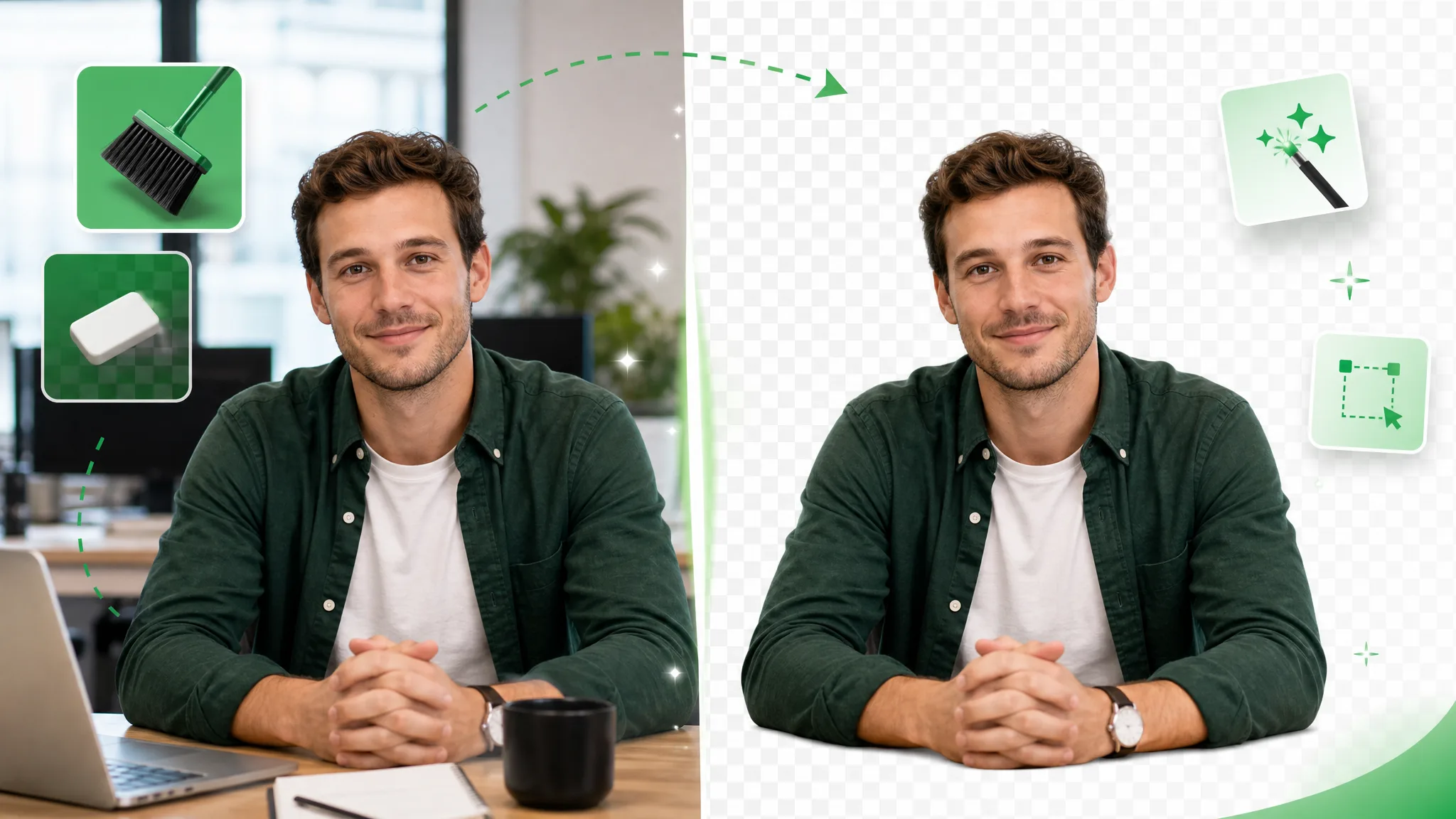
Erase Background Video with an AI Eraser
Erase the setting around a presenter, product or character in a recorded video. Choose transparent WebM for layering the subject over another visual.
Try now
Transparent Video
Remove the recorded background and download the subject as transparent WebM. Layer the clip over a scene or design in a compatible editor.
Try now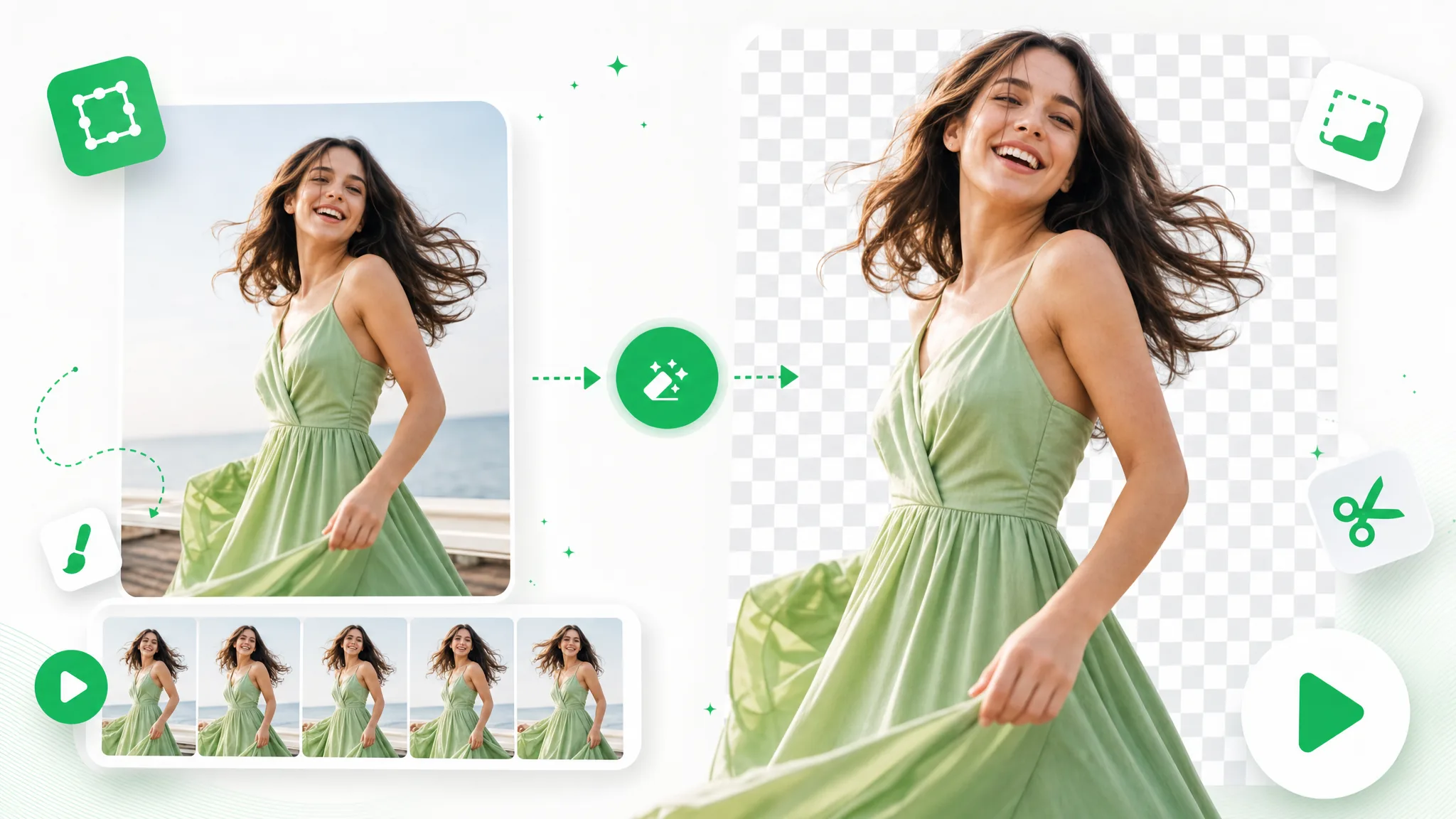
GIF Background Remover
Upload an animated GIF to separate its moving subject from the original background. Download a transparent WebM made from the GIF source.
Try now
Transparent Formats
WebM Background Remover for Transparent Video
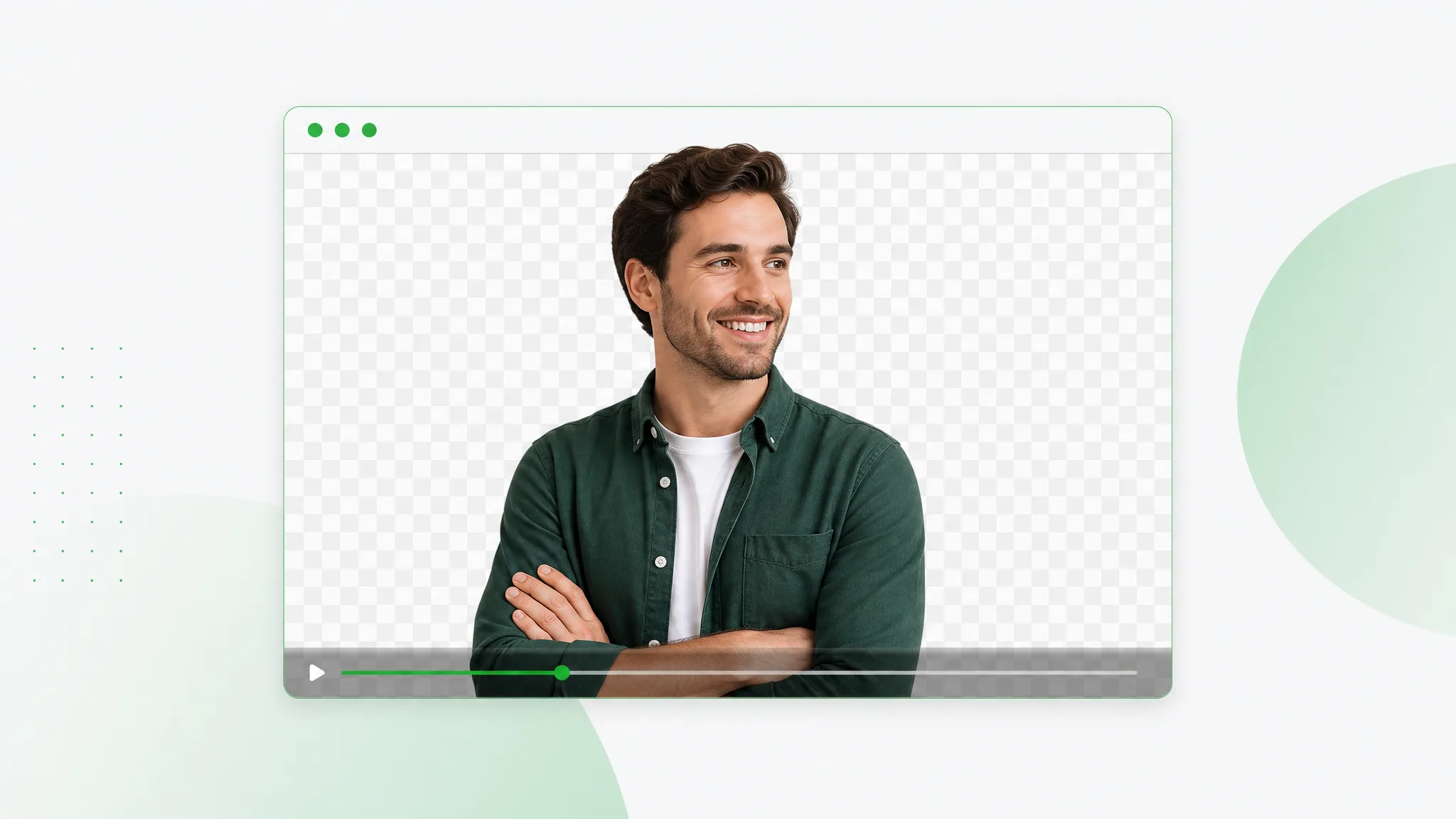
Use a WebM background remover to create a transparent video layer for your website or next edit. Separate the subject and place the exported clip over your own design, scene or page background.
Try now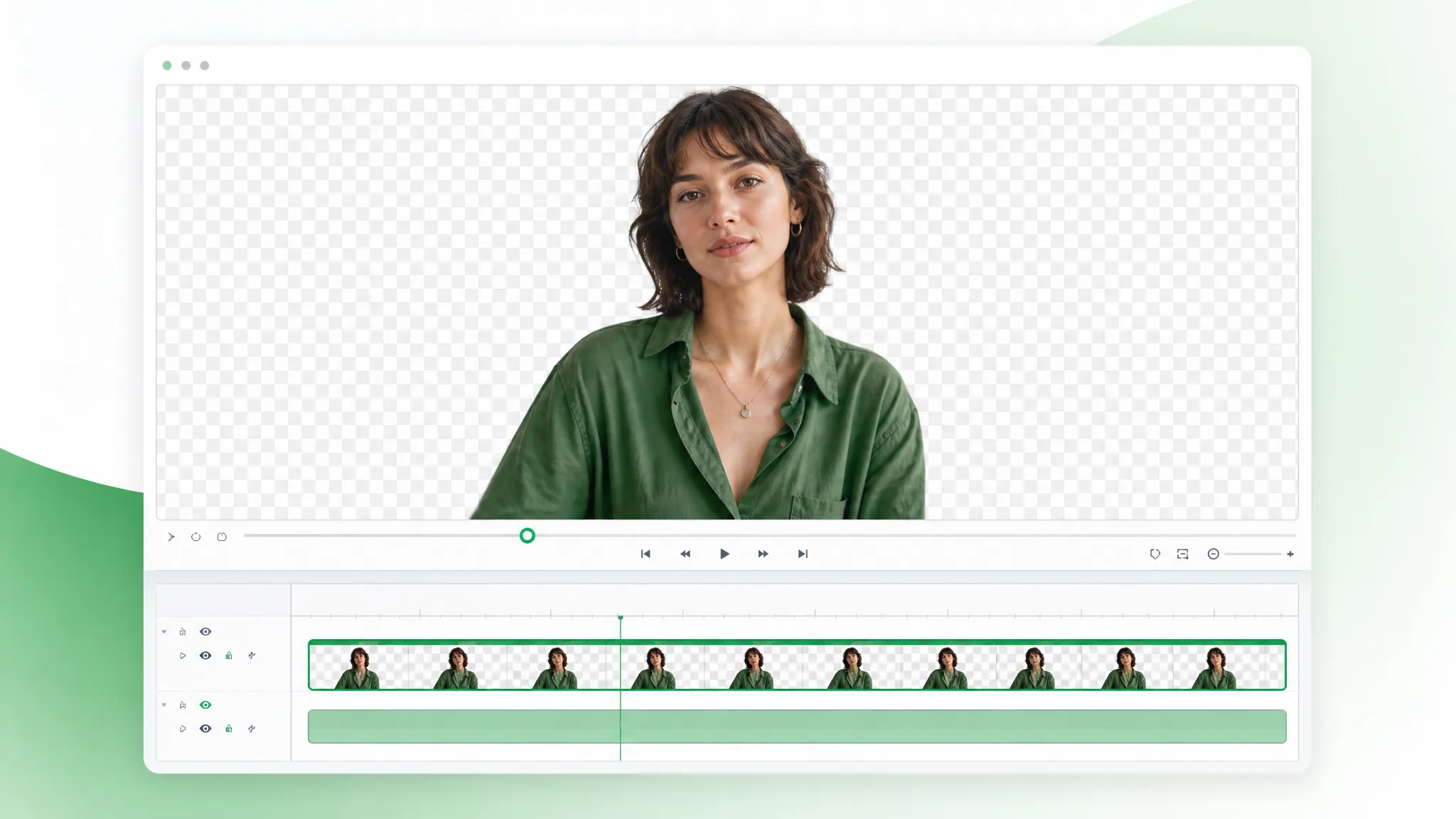
MOV Background Remover
Choose ProRes for an editing file with a selected background.
Try now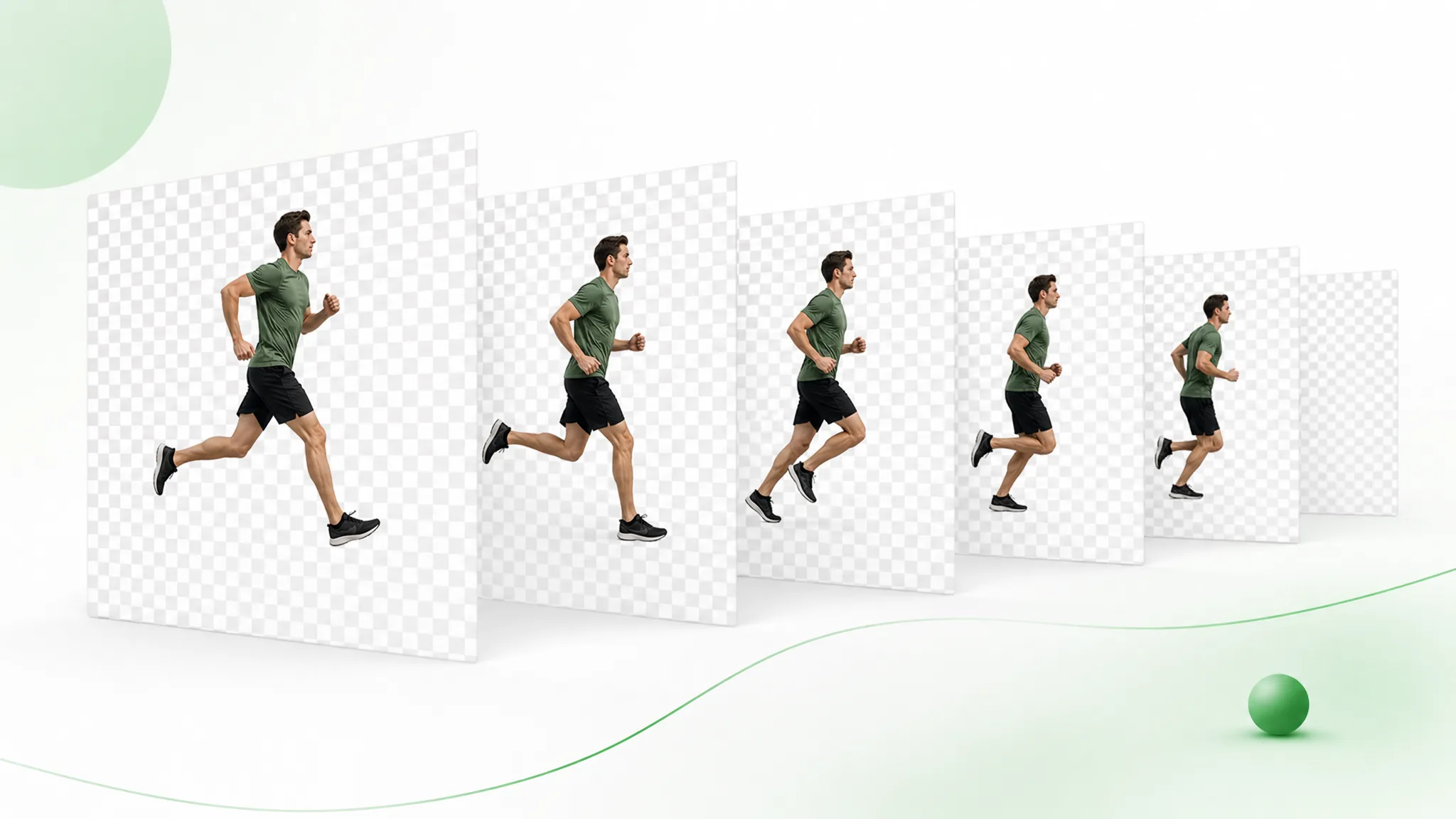
Video to PNG Sequence
Remove the background, then export the transparent result as numbered PNG images in a ZIP. Import the sequence into your composition in frame order.
Try now
Video to WebP with Transparent Background
Remove the background and export the result as animated WebP. Place the transparent animation in a compatible website, product card or presentation.
Try now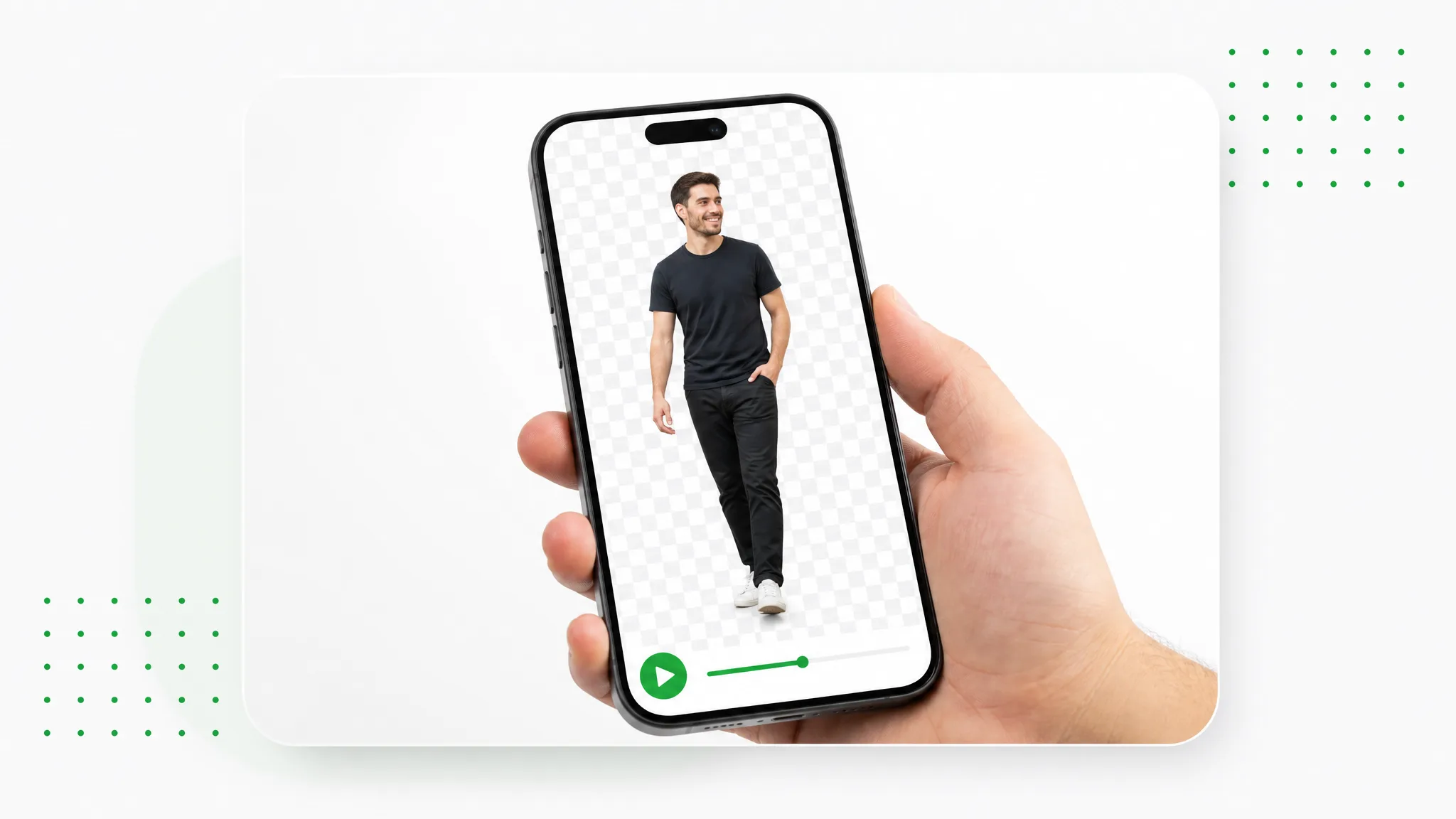
MP4 to Lottie with Transparent Background
Turn your recorded subject into animation for a web page or interface prototype, then preview it with your design in a compatible player.
Try now
Green Screen & Chroma
Green Screen Remover
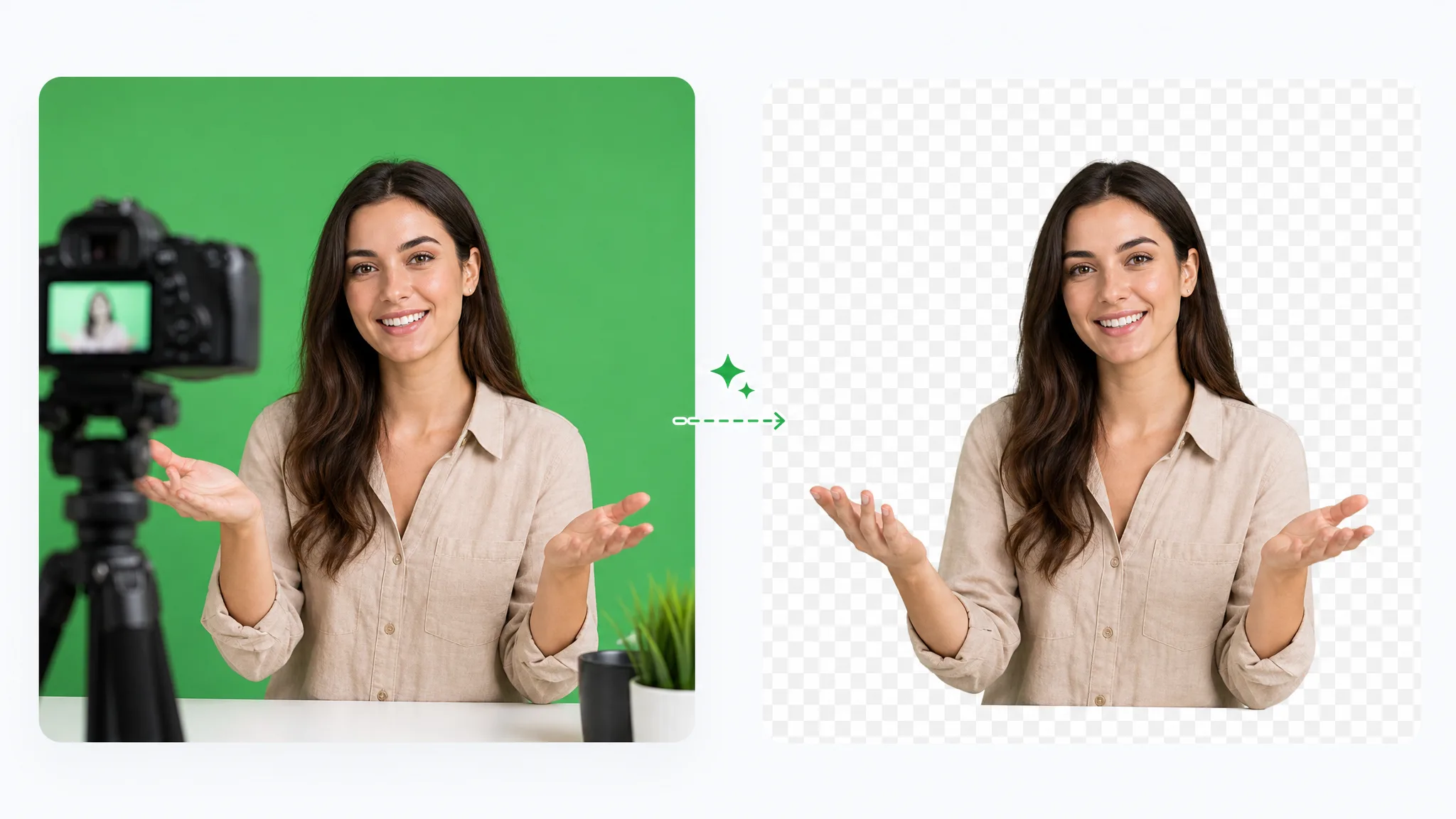
Remove green screen from a recorded presenter or character and prepare a transparent layer for your next lesson, stream edit or campaign.
Try now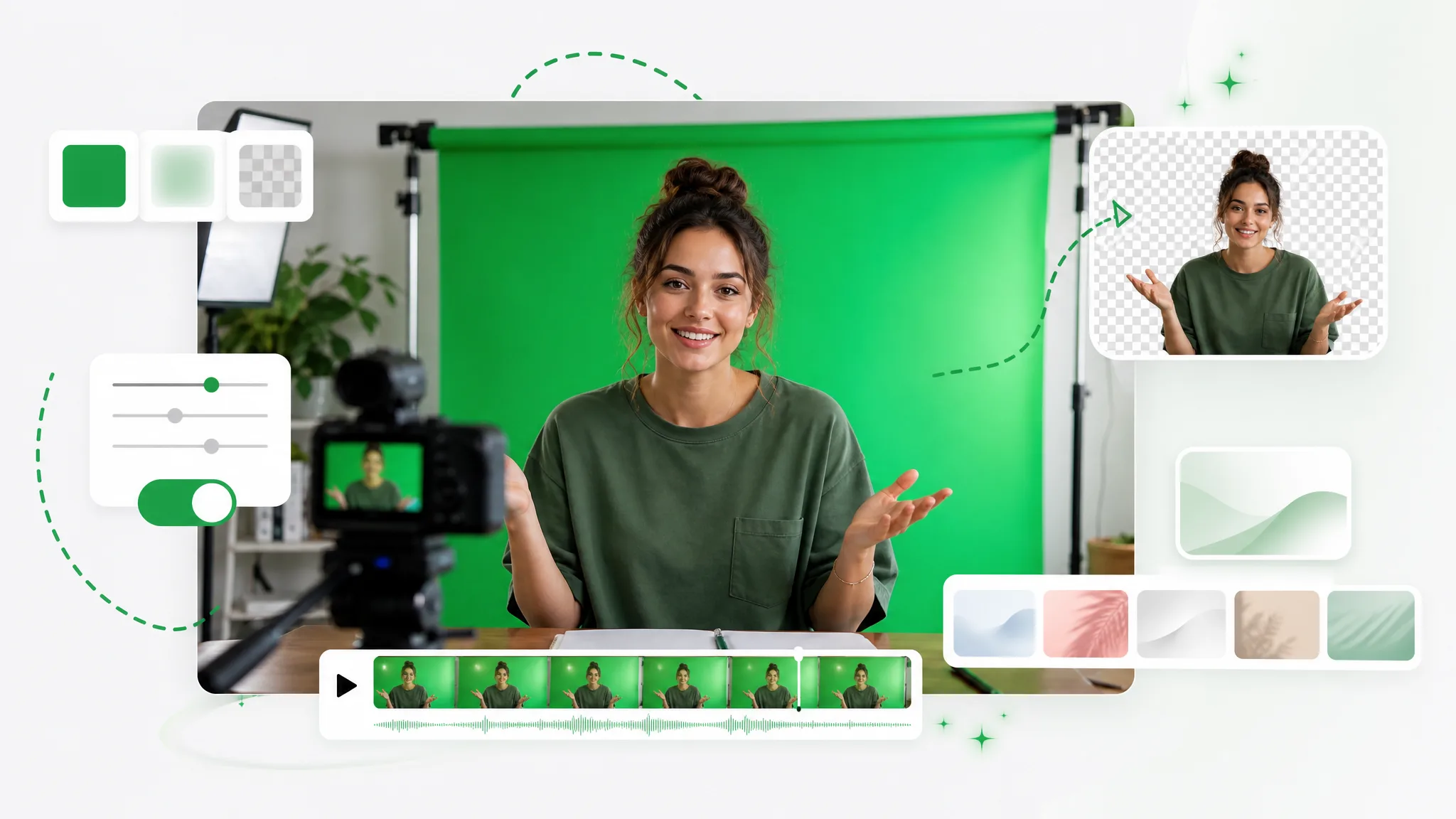
Green Screen Video Maker
Separate the subject in an existing clip and place it on a green background. Download the green-background clip in an available output format.
Try now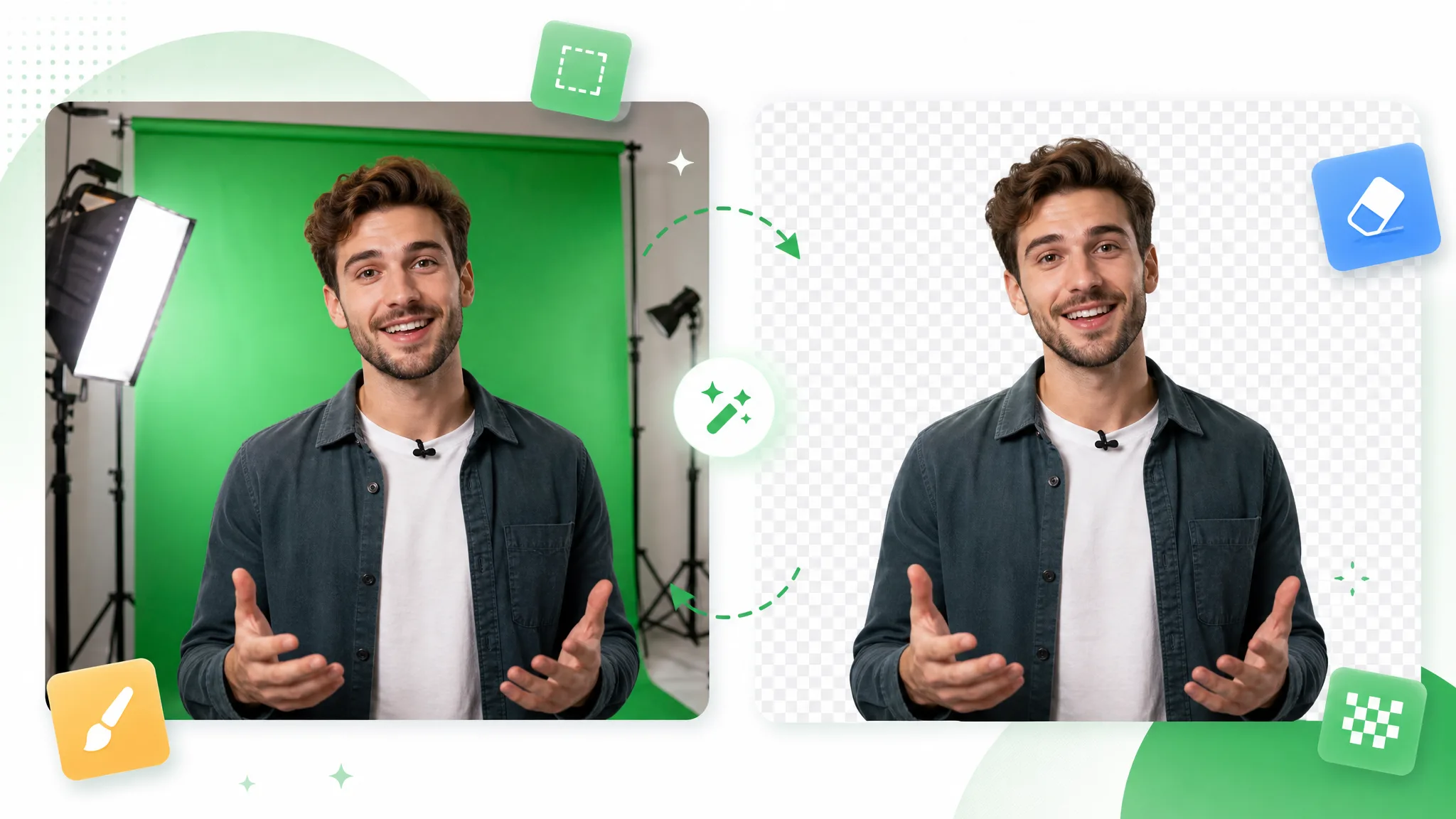
Chroma Key Remover
Prepare a subject from chroma-key footage through automatic background removal. Choose a transparent layer or one of the background outputs available in the tool.
Try now
Replace & Blur
Change Video Background Online Free
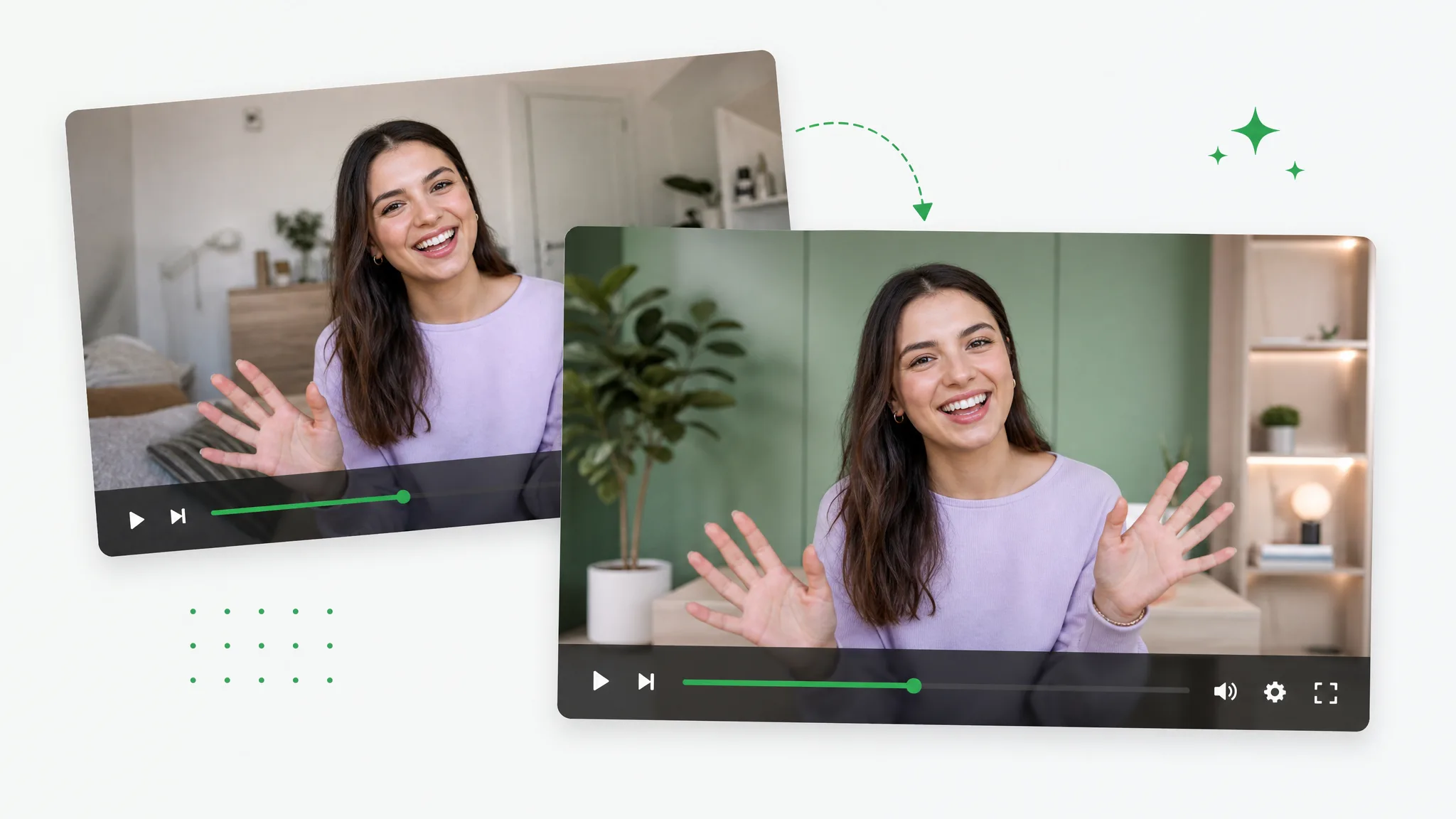
Upload a recorded clip and the image you want to use as its new setting. Export an MP4 with the chosen image included in the scene.
Try now
Replace Video Background Online Free with AI
Give an existing recording another setting by supplying a replacement image. Download the composition as an MP4 with the replacement image in the picture.
Try now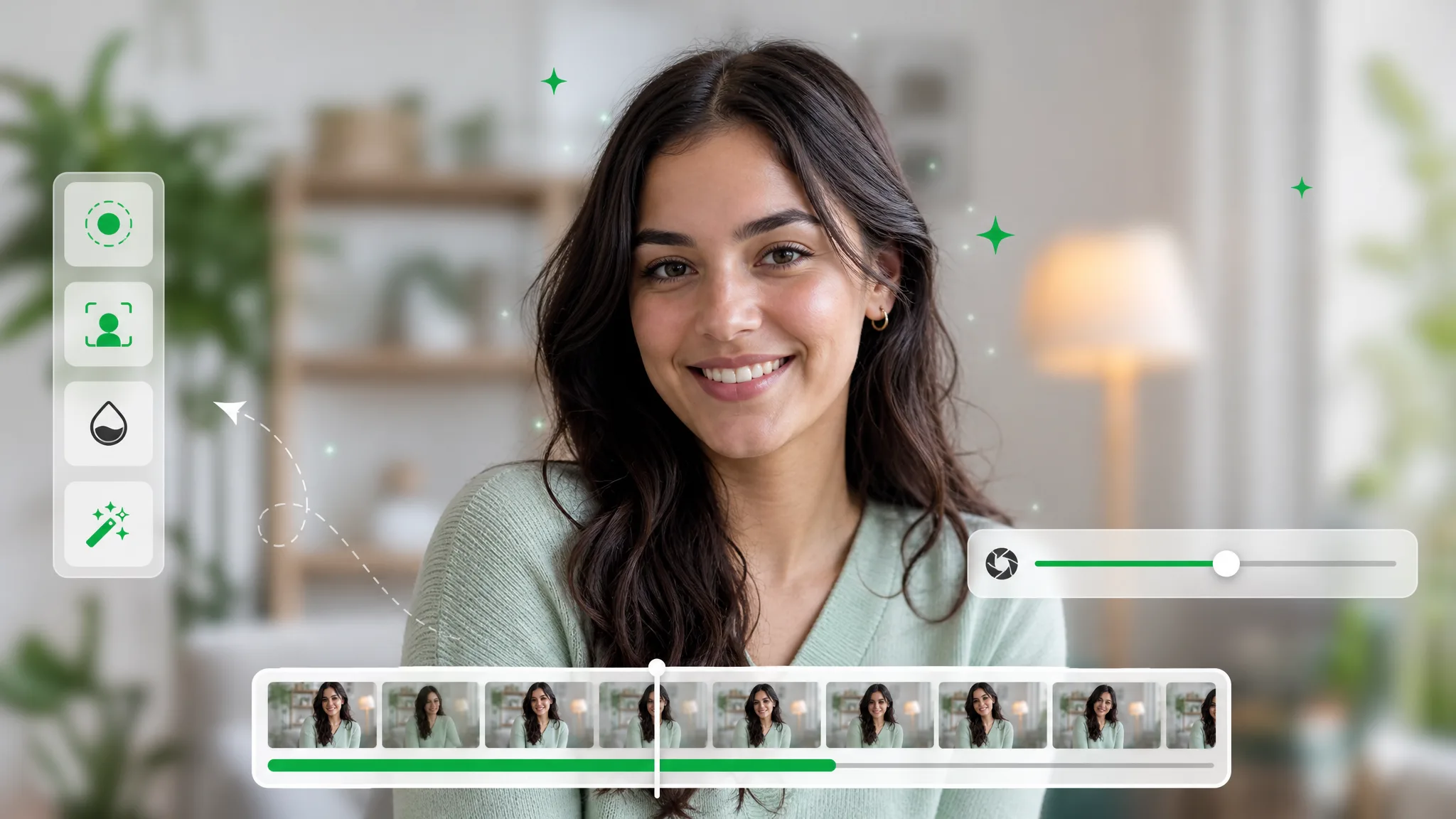
Blur Video Background
Soften the background of a recorded explanation, interview or introduction. Adjust the strength, start processing and preview a composition that brings attention to the subject.
Try now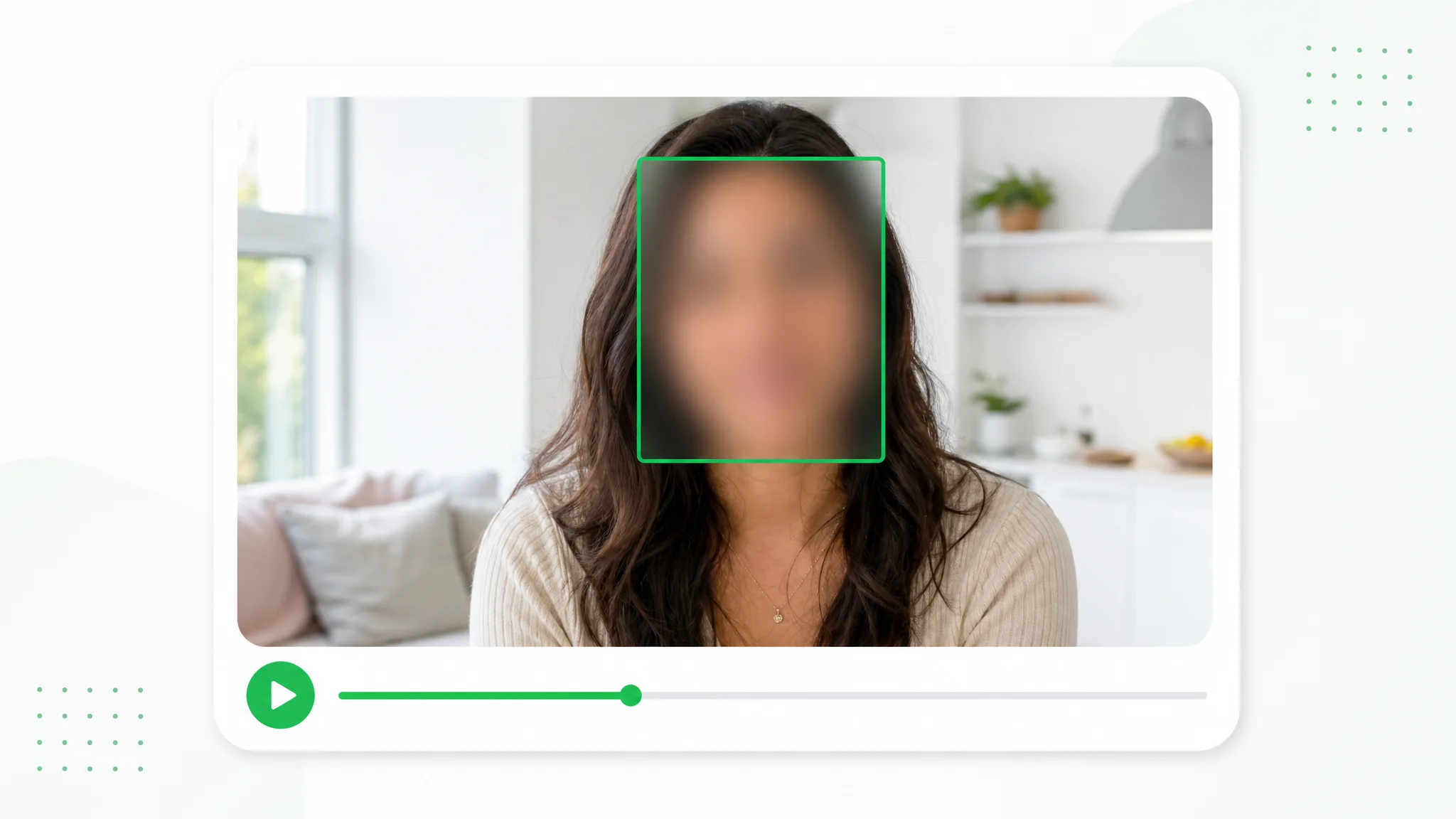
Face Blur Tool for Video
Choose which people remain visible in an interview, event recording or vlog. Draw a box for each face you want to cover, adjust the appearance and preview the edited video before sharing.
Try now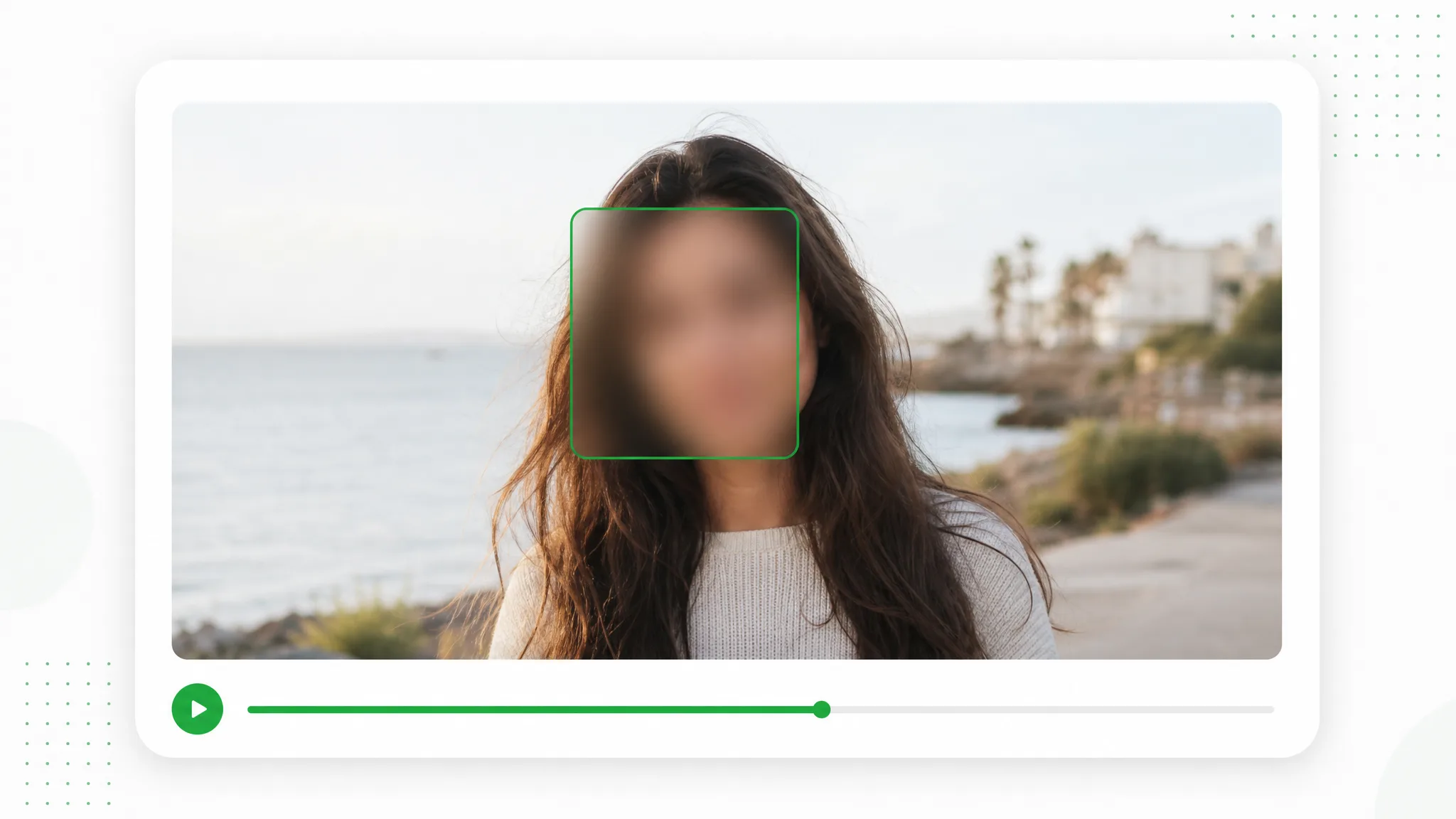
Blur Faces in Photo — Free & Private
Prepare a group photo, family moment or screenshot for a post. Draw a box around each face you choose, adjust blur or pixelation and download an edited image from your browser.
Try now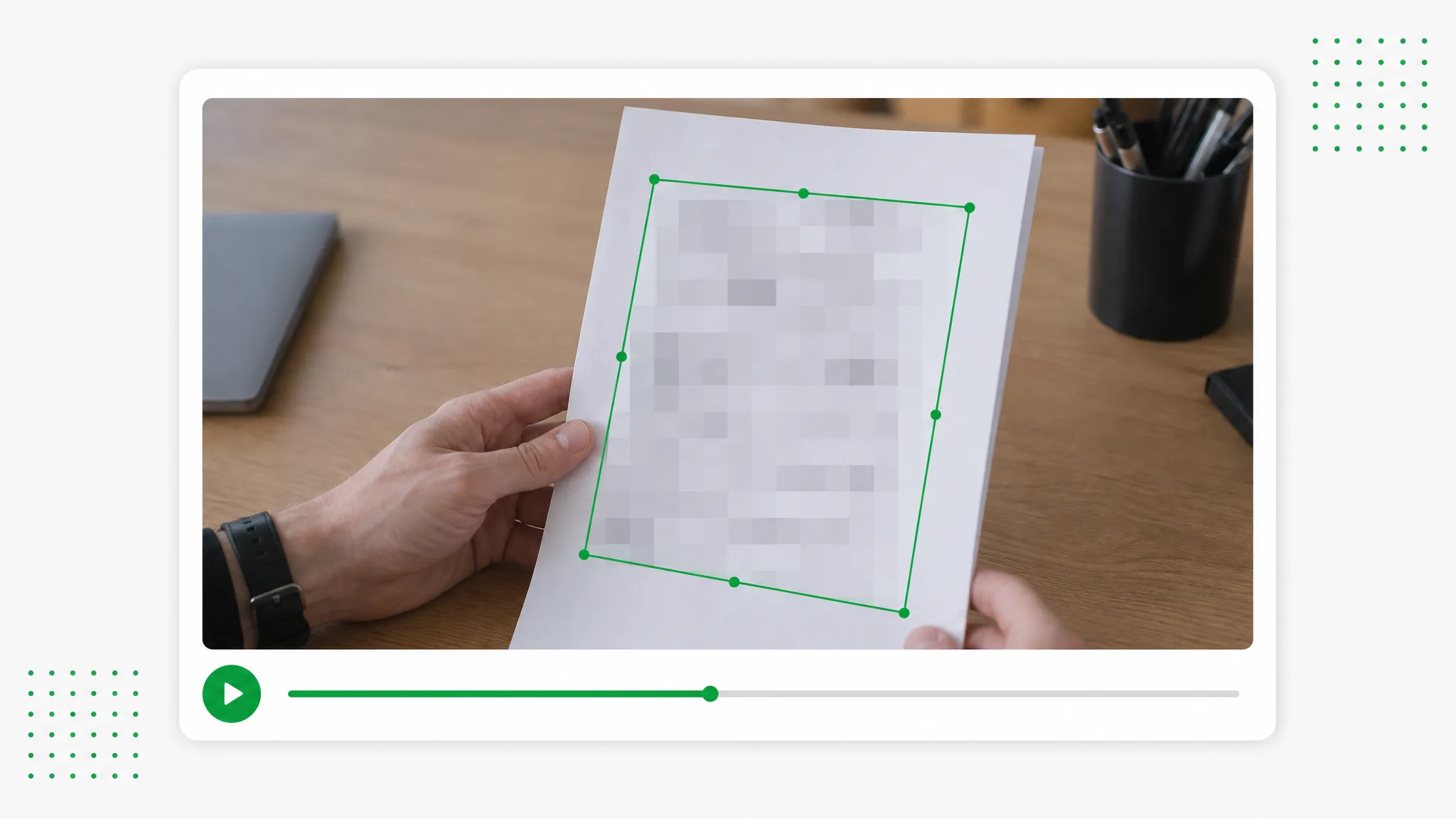
Auto Censor Video
Prepare screen recordings and everyday footage for sharing. Draw boxes over chosen details, select blur or pixelation and set the time ranges for each region.
Try now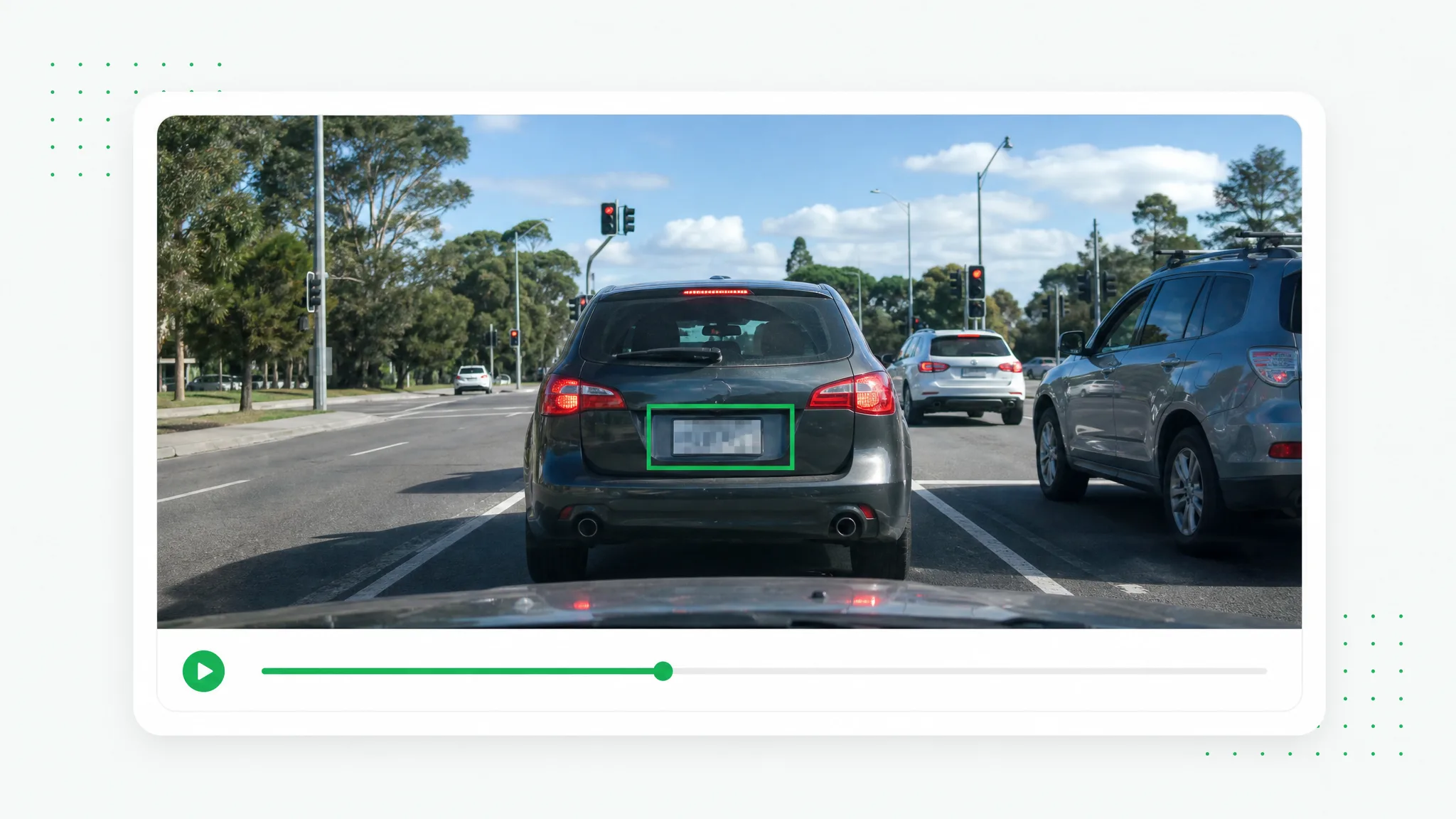
Blur Number Plate in Video Online
Prepare a vehicle walkaround, dashcam segment or street recording for publication. Mark the plates you choose to cover and adjust each region for the relevant part of the shot.
Try now
Batch & Long Video
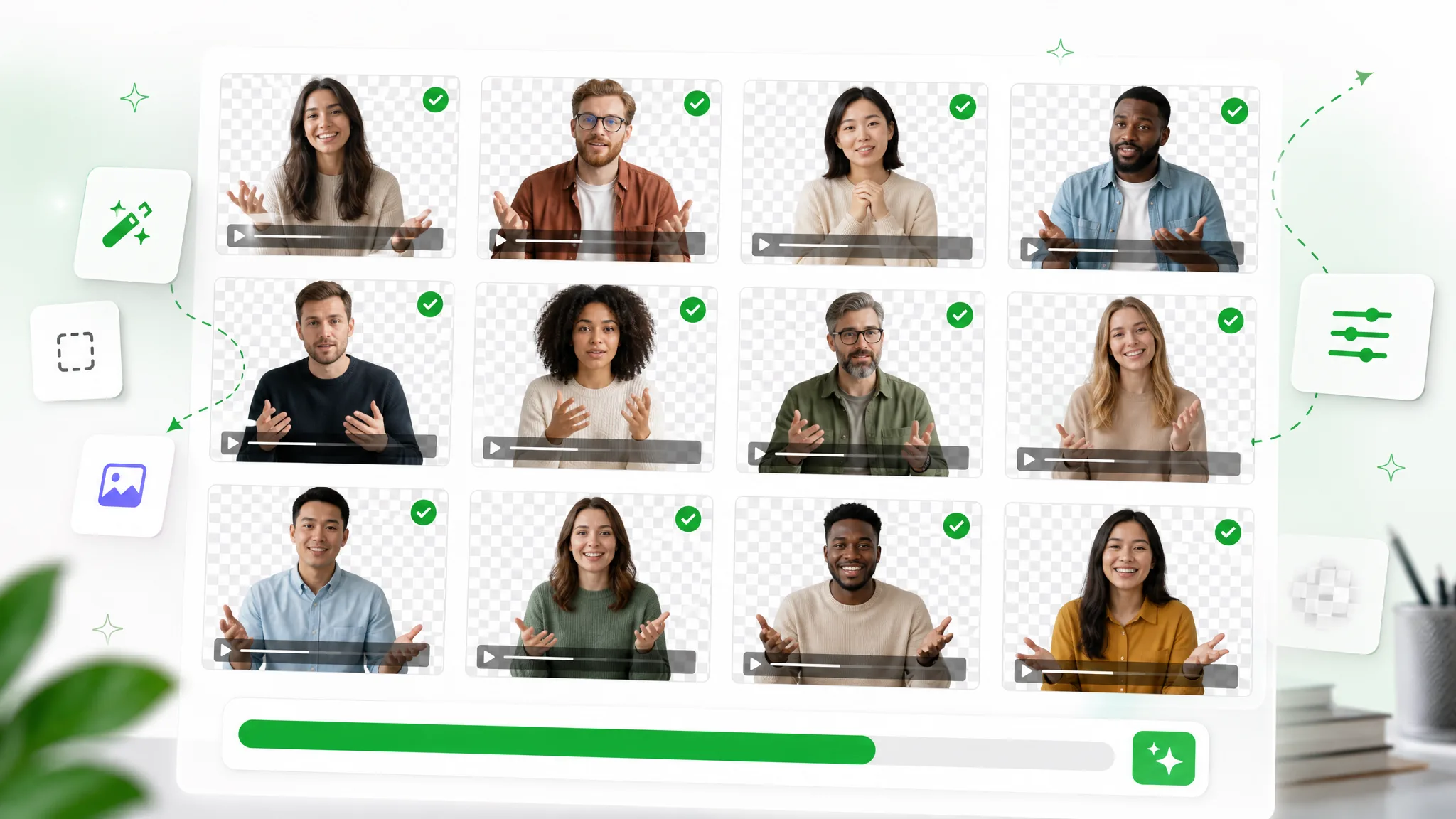
Batch Transparent Background Remover
Upload a set of clips and organize them in one processing queue. Download each processed clip as its own output for the project.
Try now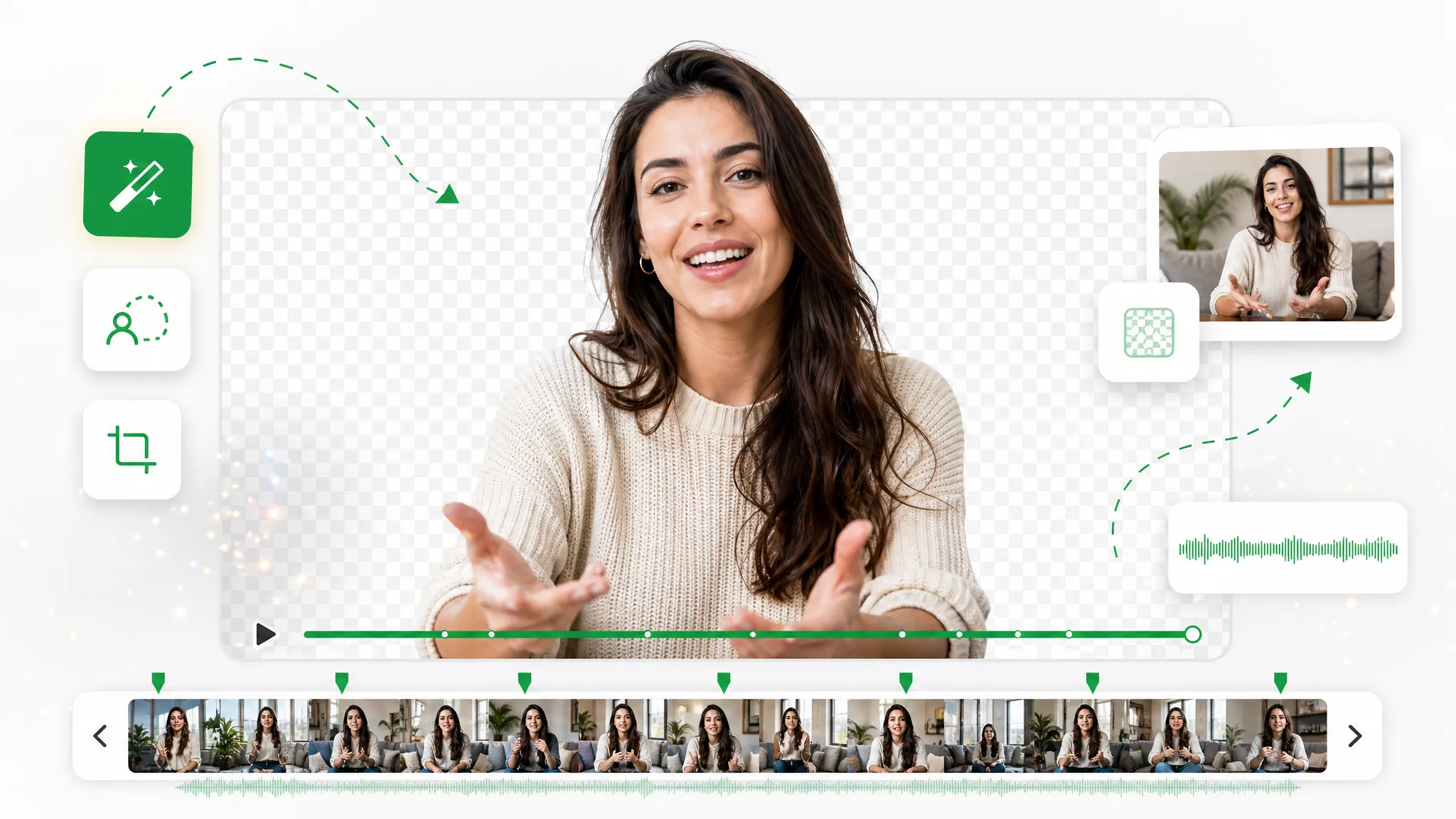
Remove Background Video 30 Minutes or Longer
Prepare a longer lesson, interview or explanation with a new background, and reuse the recording in your next edit.
Try now
Frames & Stills
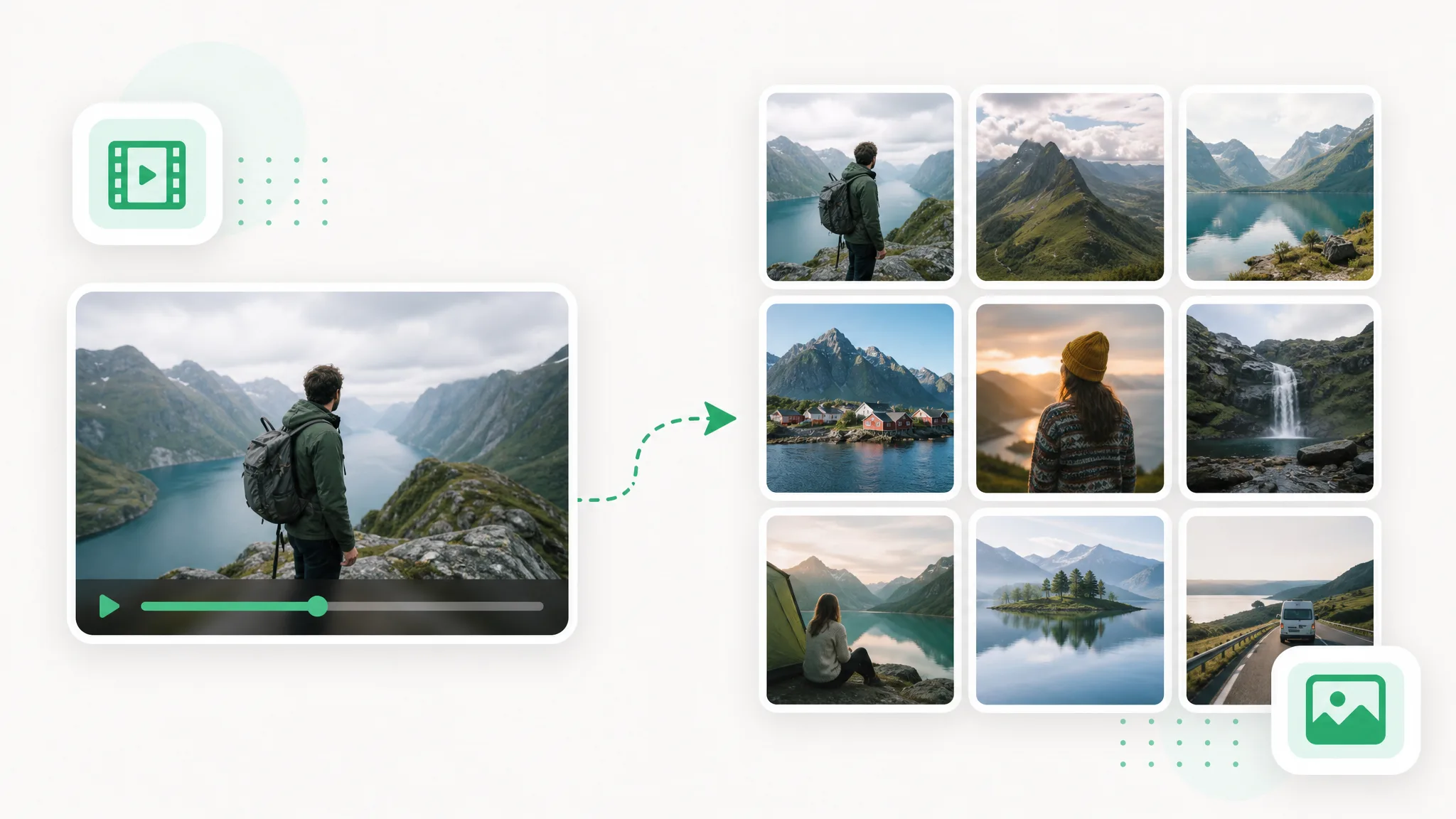
Video to Frames
Use video to frames to create images for a storyboard, tutorial or reference set. Choose the sampling and format, extract in your browser and download the pictures.
Try now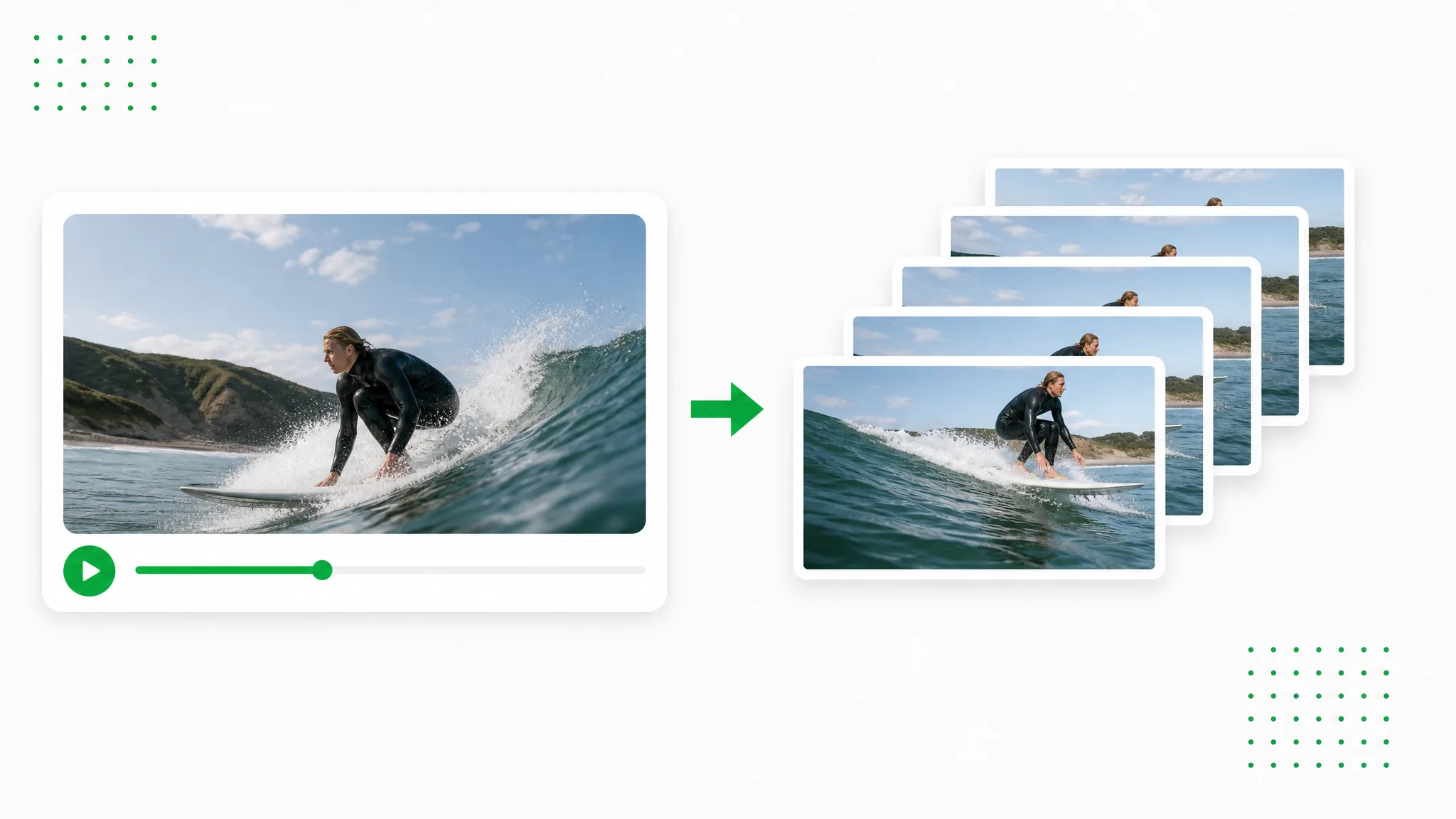
Video to PNG
Extract the video as PNG images and download a ZIP for your design workflow.
Try now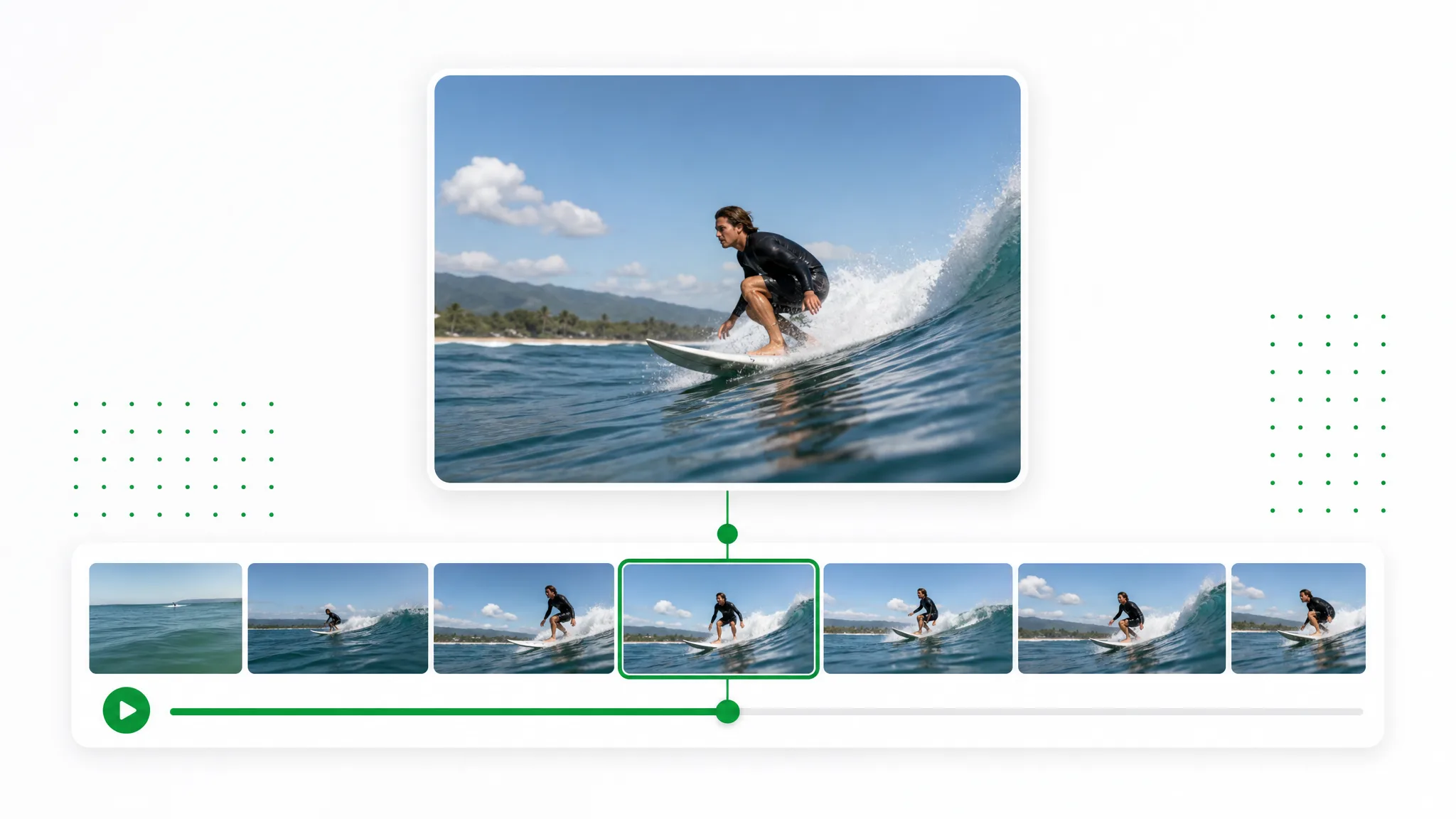
Frame Grabber
Move to the moment you want, capture the current frame and download a PNG or JPG. Use the chosen still for a thumbnail, slide or reference image.
Try now
Alternatives

The Free CapCut Remove Background Alternative
Prepare a presenter or reaction layer before arranging captions, music and vertical framing in your social edit.
Try now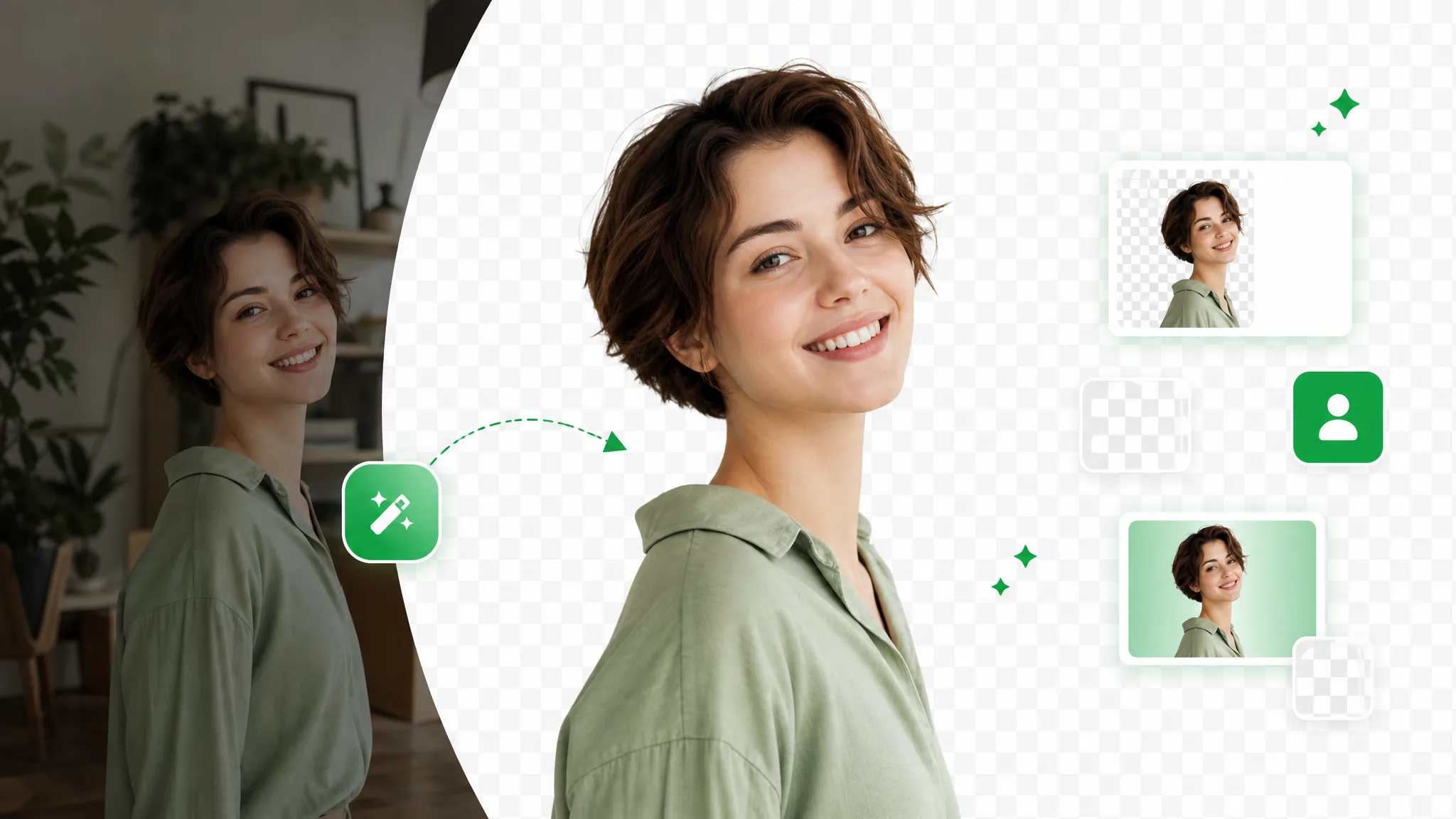
Remove Background DaVinci Resolve Alternative
Prepare an interview subject or product insert before the final timeline edit.
Try now
The Free Runway Remove Background Alternative
Bring a subject from recorded footage into a motion-design composition. Prepare a transparent layer, then arrange it with your graphics, titles and scene timing in a compatible editor.
Try now
Best Unscreen Alternative for Video Background Removal
Looking for an Unscreen alternative? Upload an existing recording, separate the subject and prepare a transparent layer or a new-background video for your next creative project.
Try now
The Free VEED AI Background Remover Alternative
Give recorded explainers a new setting for each campaign. Prepare the presenter with a brand background or as a separate layer, then add the campaign message in your editing workflow.
Try now
The Free Cutout Alternative for Video Cutout Online
Turn a product demonstration or character recording into a video asset. Choose a transparent cutout for a composition or a new background for a ready-to-use product scene.
Try now