Faces of bystanders
Keep the main interview guest visible while covering the faces behind them.

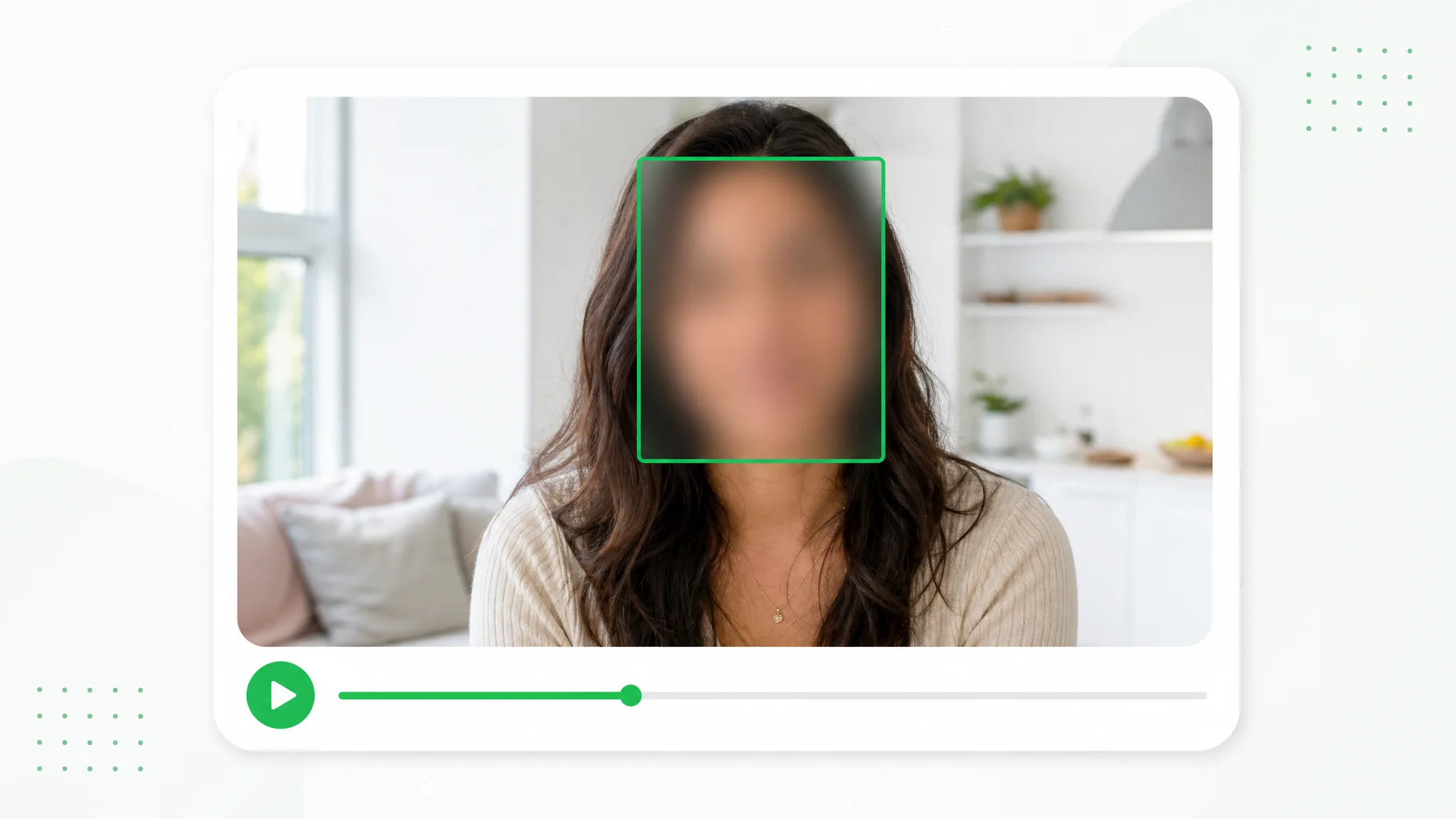
Choose which people remain visible in an interview, event recording or vlog. Draw a box for each face you want to cover, adjust the appearance and preview the edited video before sharing.
Before and after
Choose the people who remain visible in an interview, meeting recording or event recap.
A presenter prepared as a separate subject for another scene.
An action example showing the subject against a changed background.
An animated character shown separately from its original setting.
A stylized creature prepared for a layered composition.
A creator and product example with the background removed.
An animated scene element prepared for a new background.
A presenter prepared as a separate subject for another scene.
An action example showing the subject against a changed background.
An animated character shown separately from its original setting.
A stylized creature prepared for a layered composition.
A creator and product example with the background removed.
An animated scene element prepared for a new background.
Features
Choose which people remain visible in an interview, event recording or vlog. Draw a box for each face you want to cover, adjust the appearance and preview the edited video before sharing.
Keep the interview speaker visible while marking the bystanders you choose to cover.
Create a Transparent ClipGive each face its own box so the selection follows your publishing plan.
Use Your Own FootageArrange additional boxes and time ranges as a person changes position.
Choose a New SettingPreview the relevant moments before using the edited footage in your event or vlog.
Prepare Your Next ClipHow it works
Give each face its own box so the selection follows your publishing plan.
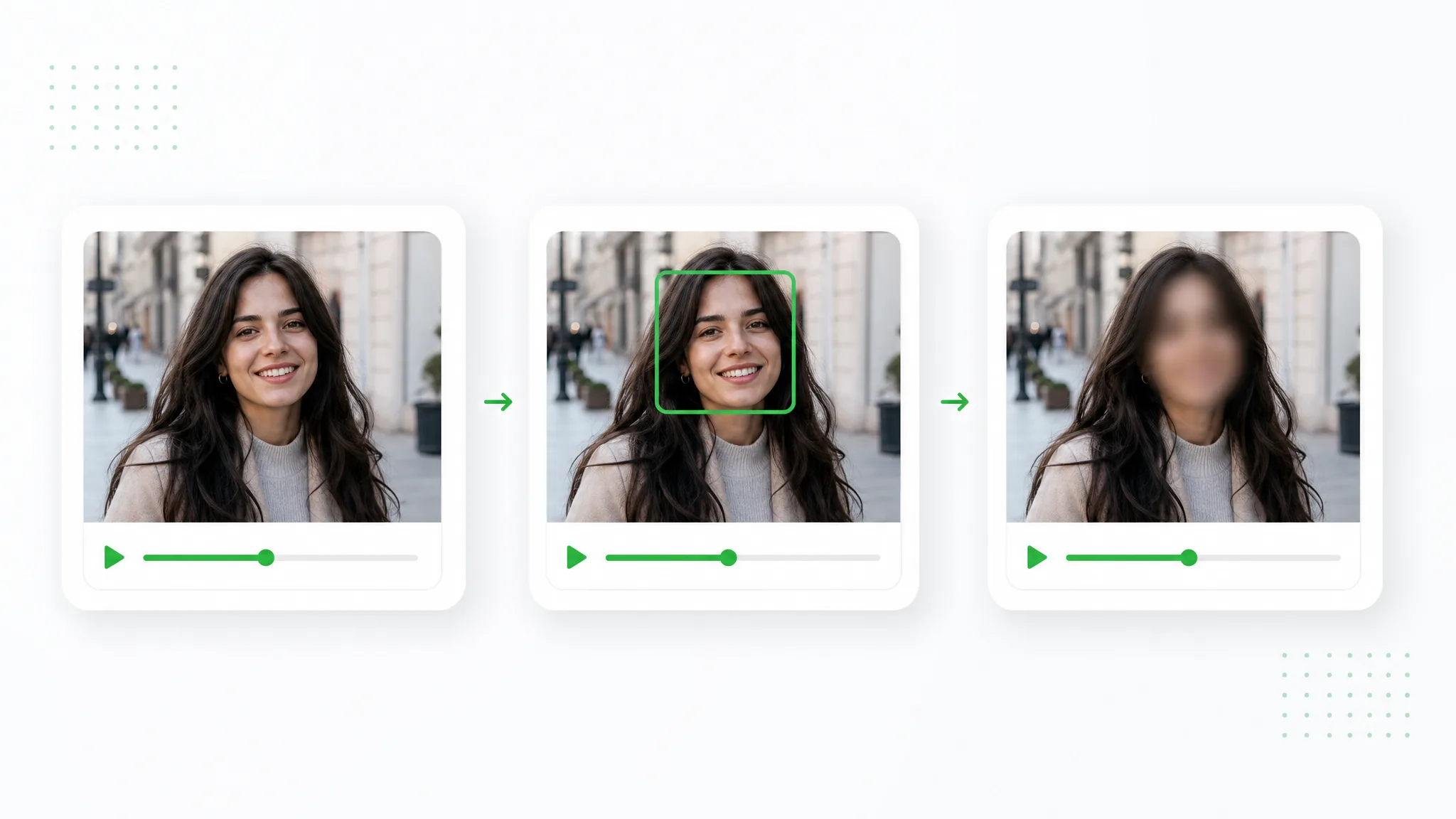
Open your recorded video in the browser. Keep the interview speaker visible while marking the bystanders you choose to cover.
Draw the selected regions, set their time ranges and apply blur or pixelation. Give each face its own box so the selection follows your publishing plan.
Preview the result and download the prepared clip. Preview the relevant moments before using the edited footage in your event or vlog.
Project ideas
Arrange additional boxes and time ranges as a person changes position.
Keep the main interview guest visible while covering the faces behind them.
Prepare a street interview with selected faces and nearby identifying details covered.
Mark participant portraits and names within a recorded meeting screen.
Give a brief walk-on appearance its own face box and time range.
Creator stories & examples
“Our street interview had a useful answer just as a passerby stopped behind the speaker. With the face blur tool, I drew a region around that person and set it for the relevant section. The interviewee remained visible, and I kept the uninterrupted answer in the short film for our local history exhibition.”
 Dylan MoreauInterview Editor
Questions and answers
Plan your edit
Draw boxes only over the faces to cover, leaving the chosen speaker outside those regions. Set time ranges and preview before saving the edited video.
For each face region, choose a start and end time. The box applies during that interval; add regions for other positions as needed.
Arrange additional boxes and time ranges as a person changes position.
Preview the relevant moments before using the edited footage in your event or vlog.
Choose blur or pixelation and adjust its strength. Preview how the covered area looks alongside the rest of your footage before you save the result.
Yes. It runs on your device in the browser and uses no credits. Mark the faces, preview the result and download the edited file.
Reviewed by RemoveVideoBG TeamUpdated
Related tools
Other tools for removing, replacing, and keying video backgrounds.
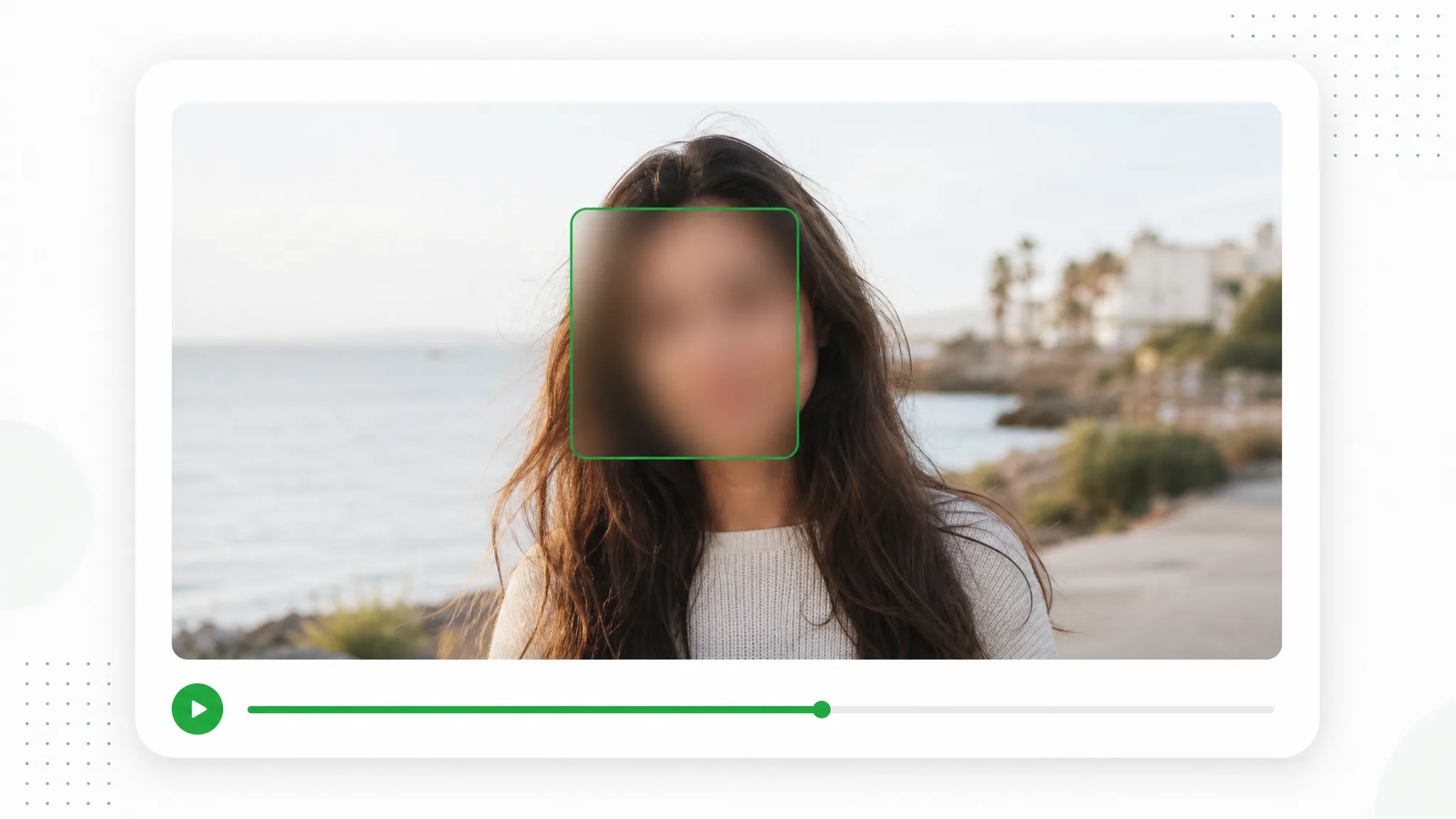
Prepare a group photo, family moment or screenshot for a post. Draw a box around each face you choose, adjust blur or pixelation and download an edited image from your browser.
Try now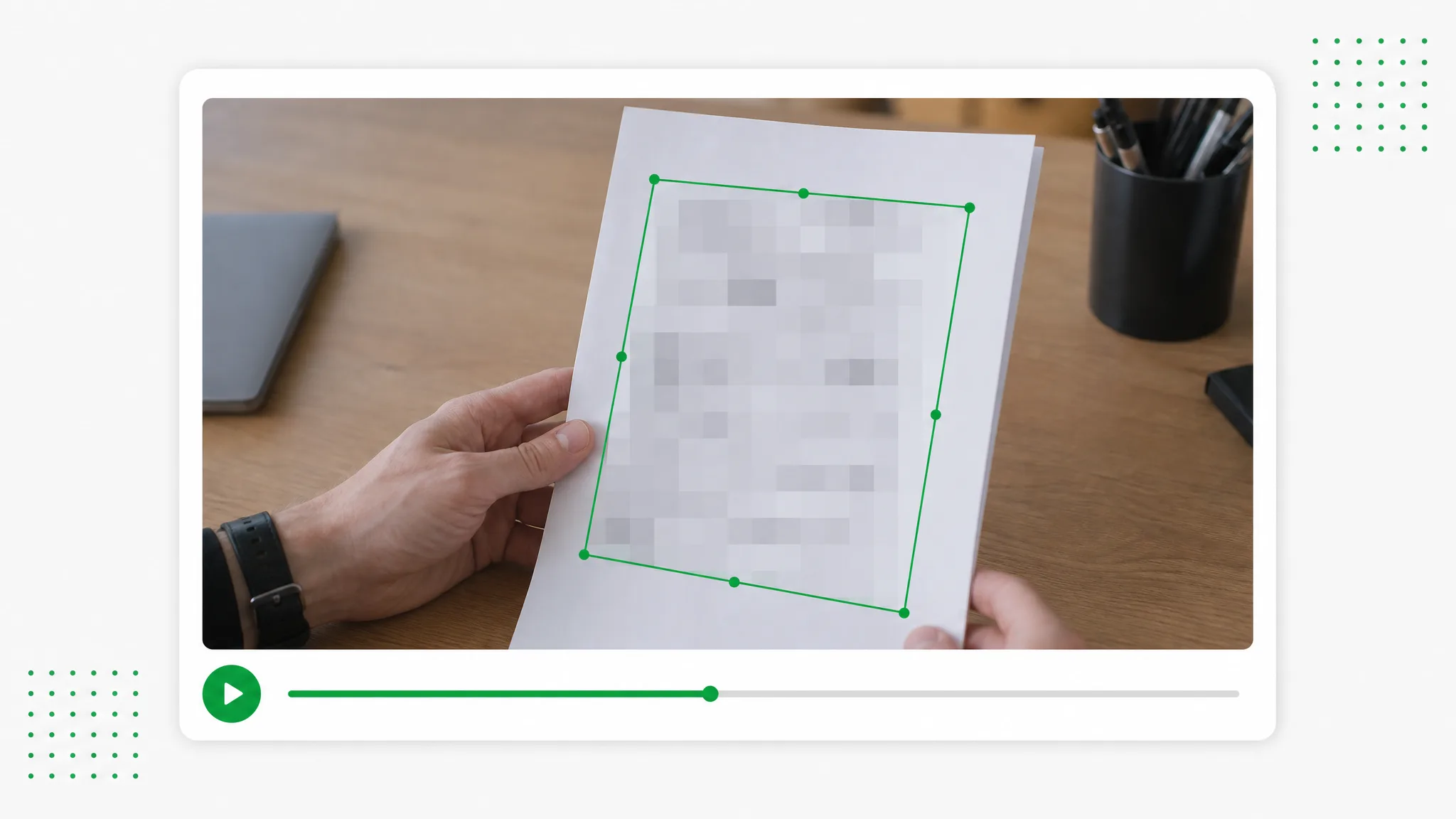
Prepare screen recordings and everyday footage for sharing. Draw boxes over chosen details, select blur or pixelation and set the time ranges for each region.
Try now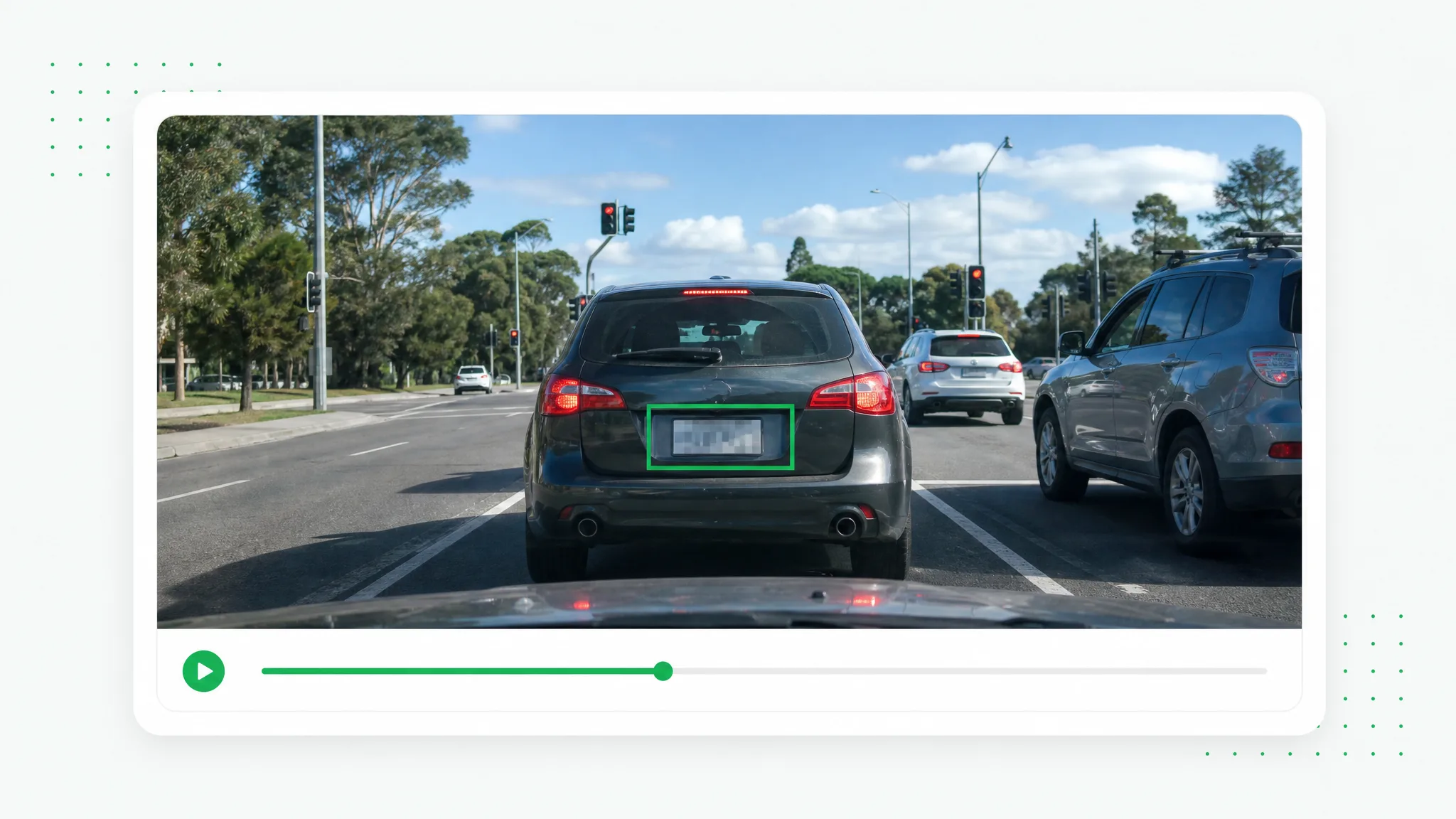
Prepare a vehicle walkaround, dashcam segment or street recording for publication. Mark the plates you choose to cover and adjust each region for the relevant part of the shot.
Try nowPreview the relevant moments before using the edited footage in your event or vlog.
Choose a fileYour video never leaves your browser — every frame is processed on your device.