Virtual call backgrounds
Swap a messy room for a clean branded backdrop on any video call.

Change video background online free: upload a clip, choose an image or color, and let the AI video background changer create the new scene.
Reviewed by RemoveVideoBG TeamUpdated
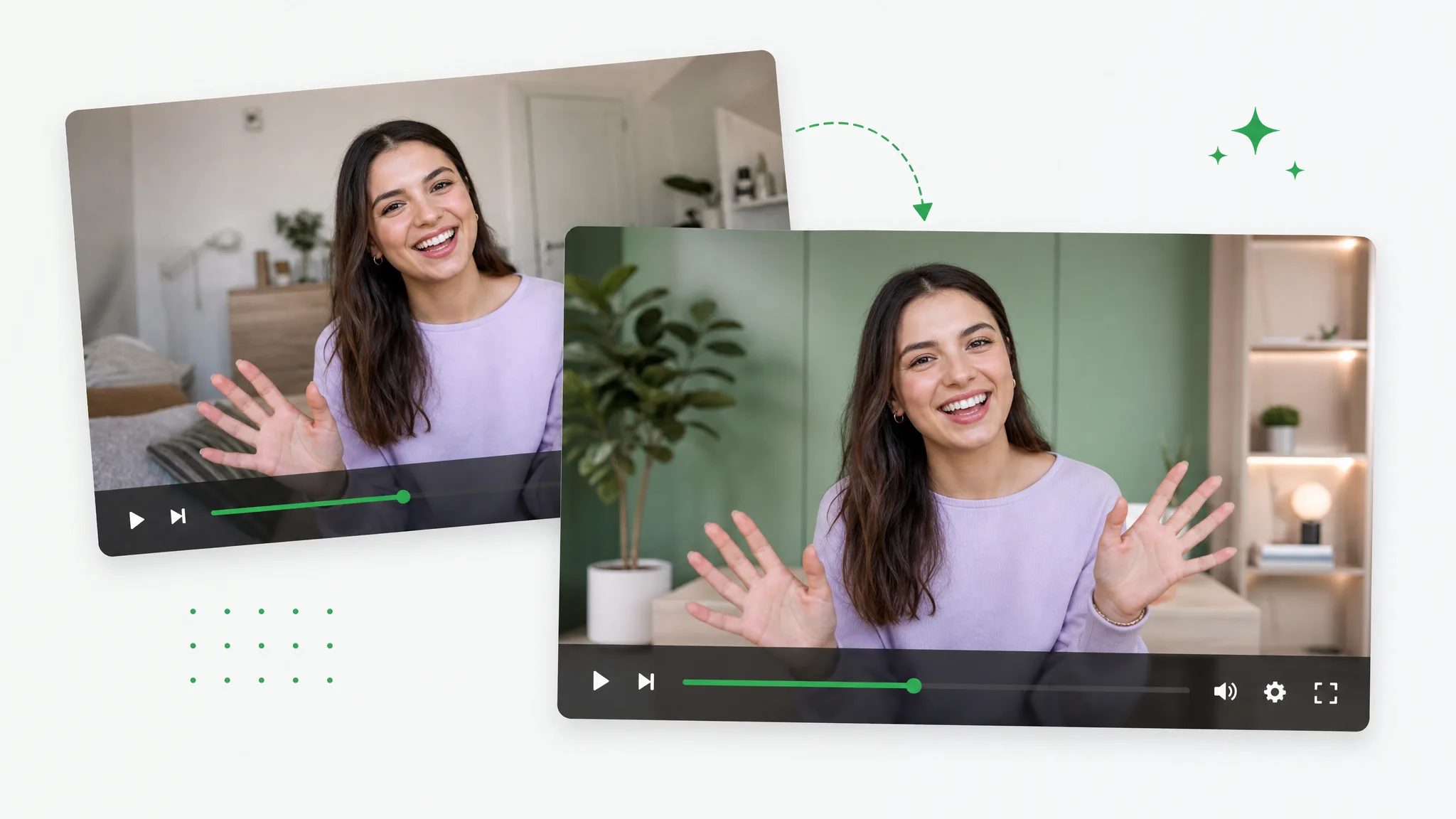
Before / after
Drag any sample to compare the original footage with the same shot on a brand-new backdrop, and judge the edges for yourself before you use it on your own clip.
Place yourself in a polished workspace — no studio needed.
Present products on a clean, on-brand set in one step.
Move your subject anywhere — even a tropical beach.
Place a character into a bright, sunny outdoor scene.
Set your subject in a cozy, modern interior in one step.
Composite a CGI shot over a cinematic night skyline.
Place yourself in a polished workspace — no studio needed.
Present products on a clean, on-brand set in one step.
Move your subject anywhere — even a tropical beach.
Place a character into a bright, sunny outdoor scene.
Set your subject in a cozy, modern interior in one step.
Composite a CGI shot over a cinematic night skyline.
Why it works
Automatic subject separation, practical export choices, and no watermark — this page gives the change/replace task one clear owner instead of splitting the same capability across two pages.
Upload a photo, a studio set, or a branded backdrop and the AI places your subject on it, so the tool can put the same take almost anywhere without a real location shoot. That flexibility is the whole point of this workflow — a single take filmed at your desk can land in a boardroom, on a beach, or against a clean brand color, and you never have to book a set or travel to film it.
Remove BackgroundThe removed subject is composited over the photo, scene, or color you choose. Preview difficult hair, motion, or lighting before publishing; the page explains the real workflow without claiming a separate edge-repair or manual color-key engine.
Try it freeThe result is a video export rather than a still-image cutout. That makes the workflow useful for talking heads, product demos, and ads, while leaving footage-specific quality checks to the preview.
Change BackgroundYou get a flattened MP4 with the new scene already baked in, so you can drop it straight onto social, a landing page, or any timeline without extra rendering. There is nothing left to composite on your side once processing finishes — the file behaves like ordinary footage, ready to trim, caption, and publish the moment the export finishes downloading.
Start NowStep by step
Upload your clip, pick a new backdrop, and download a finished video with the scene already swapped — three steps with this tool, and no timeline editing in between.
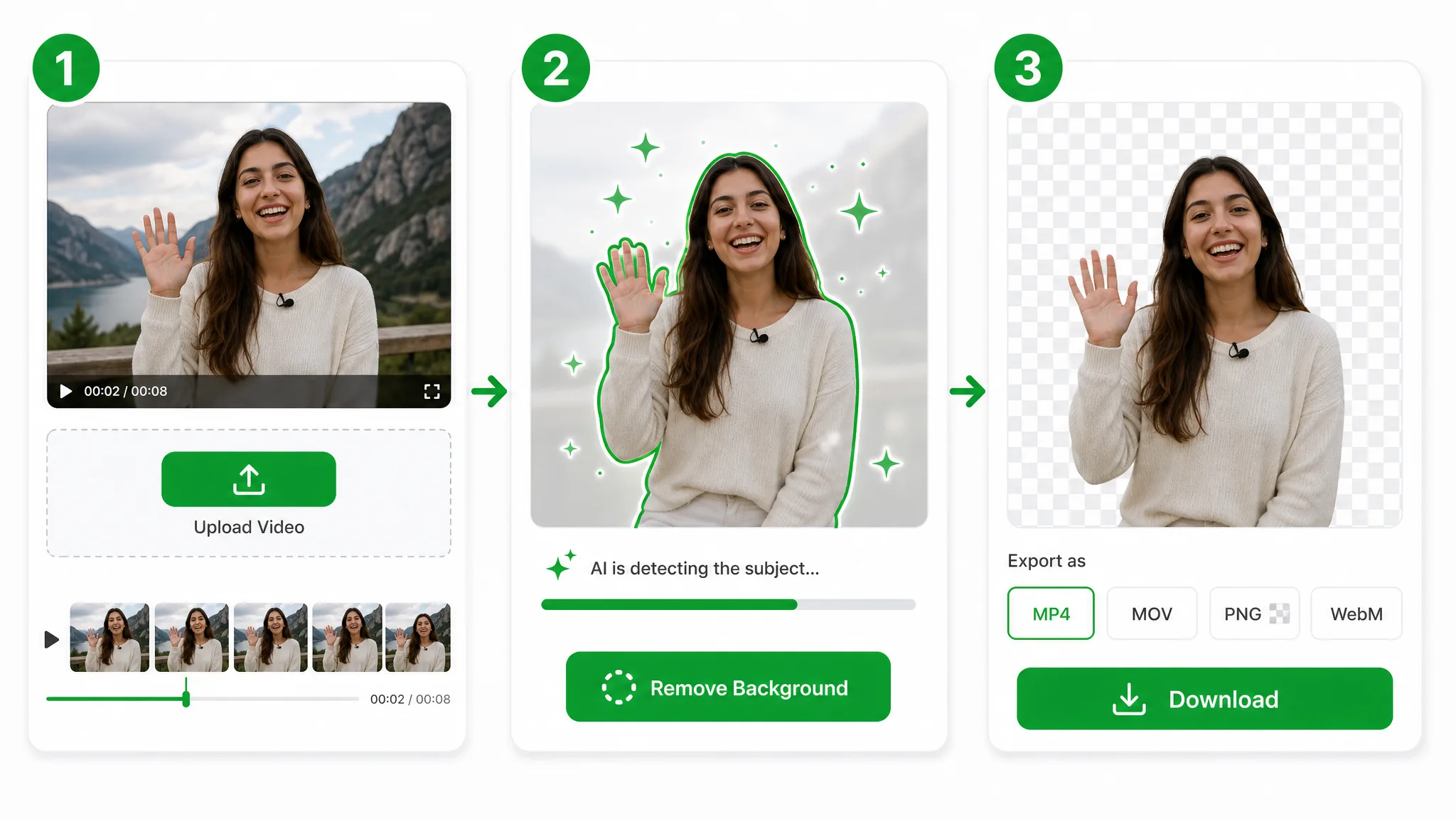
Drop in an MP4, MOV, or WebM and the AI cuts your subject out so the tool can work without green screen, masking, or any editing skills.
Choose a fresh photo, scene, or solid color — the tool composites the removed subject over the selected background. For a video background changer online free workflow, check the preview for difficult hair, motion, or lighting before export.
Download a finished MP4 with the background already changed, ready to post or drop into any editor — no re-rendering needed.
Where it helps
Product demos, talking heads, and ads — use this tool to match any brand, season, or campaign, and reshoot the scene without ever filming it again.
Swap a messy room for a clean branded backdrop on any video call.
Put creators and presenters on a polished branded set without a studio.
Move your subject to any scene — a city, a beach, or a campaign set.
Reuse one shoot across seasons by dropping in new themed backgrounds.
FAQ
Common questions on backdrops, green screen, edges, and clip length — everything to know before you use this tool on a real clip.
Upload your clip, choose a new scene, and the AI swaps the backdrop automatically. For a video background changer online free workflow, download the finished video with no watermark — it is free to start, and credits are charged only for the seconds of video you actually process.
No green screen is needed. The AI separates your subject from real footage automatically, so it works with no lighting rig or manual keying. A handheld phone clip works as well as a lit studio shoot, with no chroma cloth required.
It separates the subject across the uploaded clip. Preview hair, motion, and lighting before export; this page does not promise a separate edge-repair or manual color-key pass.
Yes — change video background online free to start, with no watermark. For users searching “change video background ai”, the video background changer composites your subject onto any backdrop you upload, and once the free starter credits are used, credits are charged per second processed.
MP4, MOV, and WebM all work. Upload any of them to process the clip and export a finished MP4 with the new scene baked in, ready to post or drop straight into any editor without re-rendering the shot.
Clips up to 60 seconds run on the Pro tier; longer footage uses Ultra. Either way the selected tier processes the uploaded clip at the chosen resolution; preview the result before publishing.
Related tools
Other tools for removing, replacing, and keying video backgrounds.

Replace video background online free — this free video background replacer uses the owner workflow. Choose a new image or color; this URL covers replace wording, not a separate capability.
Try now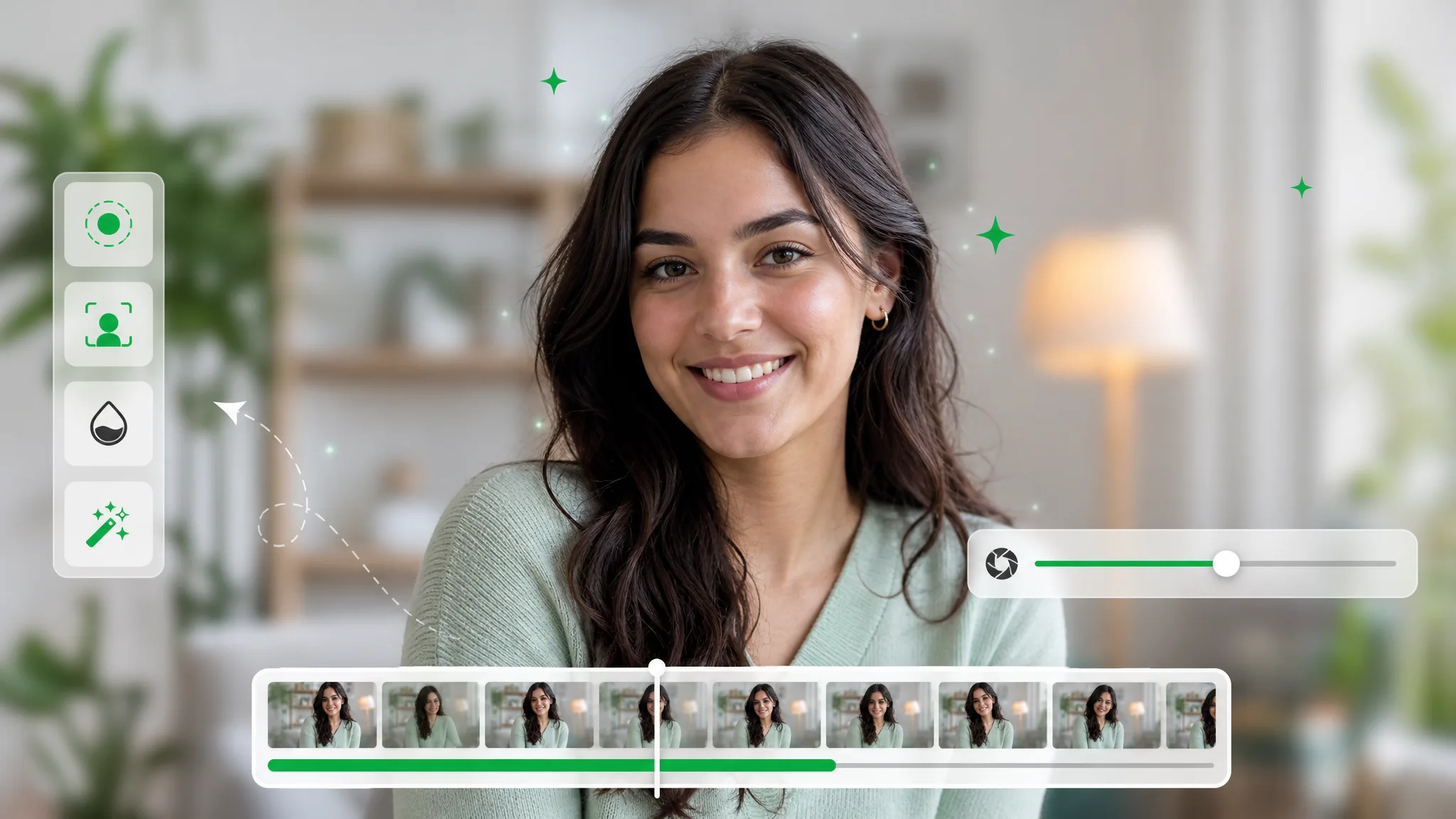
Blur video background automatically while your subject stays sharp. One pass softens everything behind them for a clean, cinematic depth-of-field look.
Try now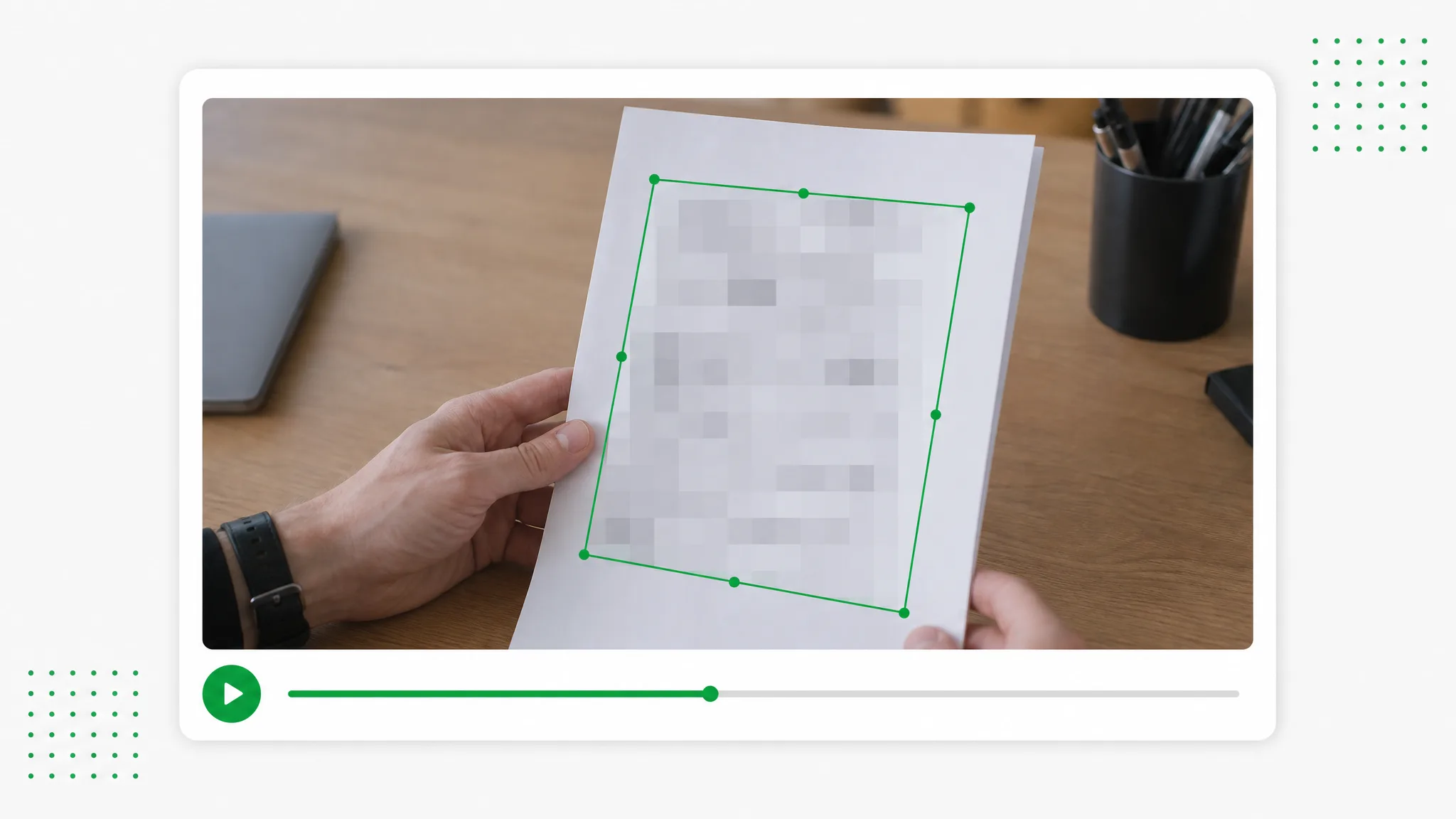
Auto censor video right in your browser: box each sensitive area, choose blur or pixelate, and export a masked clip. No upload, no signup, no watermark — it never leaves your device.
Try nowUpload a clip and swap the backdrop automatically — the fastest video background changer online, free and no watermark, with edges that hold up on the new scene.
Change Video Background Online Free — Free