E-commerce & product
Put products on clean or custom backgrounds for listings and ads.

Switch from Unscreen and cut any video background for free — no upload cap, no watermark. The same one-click cutout for an unscreen video export or a looping unscreen gif, nothing to install.

Reviewed by RemoveVideoBG TeamUpdated
Side by side
Slide between the raw clip and the isolated subject to judge the edges on the sample right here — the same one-click cutout Unscreen popularized, with the watermark removed.
Keep skin, hair, and soft edges clean on talking-to-camera clips.
Fast motion and water spray stay sharp through the cutout.
Cut animated characters out of any rendered scene.
Isolate stylized characters for compositing and overlays.
Talking-head unboxing and product clips with clean edges.
Drop AI-made clips onto any background in seconds.
Keep skin, hair, and soft edges clean on talking-to-camera clips.
Fast motion and water spray stay sharp through the cutout.
Cut animated characters out of any rendered scene.
Isolate stylized characters for compositing and overlays.
Talking-head unboxing and product clips with clean edges.
Drop AI-made clips onto any background in seconds.
Why people switch
No watermark, no upload caps, and a true alpha export — the parts of Unscreen that usually sit behind a plan, opened up here for every clip you run, right down to a single-loop GIF.
Download a transparent clip with nothing stamped over it, so you can ship straight to a client edit instead of paying to lift a watermark off the result. Where Unscreen drops a watermark on free renders until you upgrade, this Unscreen alternative hands you a clean cutout from the very first export — free to start, and no logo to crop out before you deliver.
Remove BackgroundProcess short clips back to back without a per-month upload allowance burning out, so quick experiments only use credits for the seconds you actually process. Unscreen meters how many seconds you can run before the paywall; here you keep removing backgrounds clip after clip, which makes it a practical Unscreen free video background remover for everyday cutouts. Building a whole pack of looping stickers for a chat thread works the same way, and you pay only for the seconds each short clip runs.
Try it freeYour subject lands on a transparent layer ready to composite, rather than a flattened MP4 with a colored rectangle baked behind it. That real alpha is the part of Unscreen people actually want — drop the WebM over any scene in your editor and the edges hold, with no box to key out and no halo where the background used to be. The same clean matte carries straight into a GIF, so a looping sticker keeps soft edges instead of the jagged 1-bit fringe most exporters leave behind.
Change BackgroundEverything happens on the web, so there is no desktop app or plugin to set up before you can pull a subject out of footage. Open the page, upload, and this Unscreen alternative does the rest — the same one-click feel Unscreen made popular, with no extension or download standing between you and a transparent export.
Start NowThe flow
Drop in your footage, let the model separate the subject, and download a transparent WebM with full alpha — the same flow you knew at Unscreen, minus the upload meter and the watermark. Need a looping sticker instead? Run the same three steps on a short clip and convert the transparent WebM to GIF at the end.
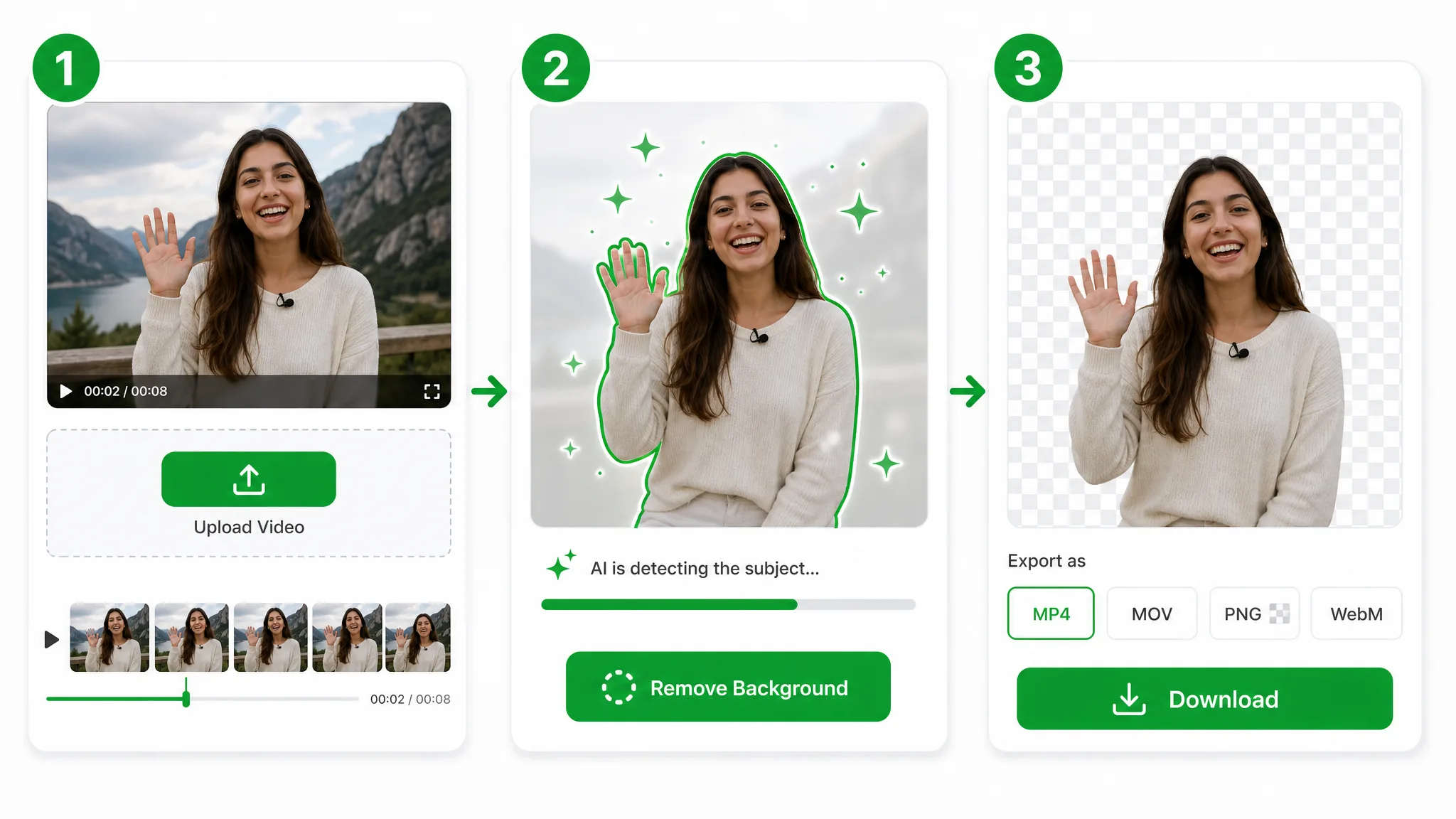
Bring over the same MP4, MOV, or WebM you would have fed to Unscreen — it uploads straight to secure storage, with nothing to install first.
The model isolates your subject the way Unscreen did — no green screen, no rotoscoping, and no per-frame masking on your part.
Export a transparent WebM with full alpha — watermark-free, so the cutout is ready to ship straight away. Keep it as a video clip for editing, or convert it to a GIF when you need a looping sticker.
Put it to work
Talking-head intros, product loops, and reaction overlays — lift the subject out the way an Unscreen alternative should, then drop the transparent clip onto any scene. Keep the full-length video for your edit, or trim a few seconds into a GIF for a sticker, reaction, or chat reply.
Put products on clean or custom backgrounds for listings and ads.
Cut yourself out for Reels, Shorts, and TikTok overlays.
Create facecam overlays without a studio setup.
Place yourself over slides and screen recordings.
FAQ
Common questions on pricing, watermarks, formats, and how the cutout holds up.
You get watermark-free transparent exports, and it is free to start. Unscreen stamps a watermark on free renders until you upgrade; here the cutout is clean from the first export, and it all runs online with nothing to download or install.
It is free to start, with no watermark — no Unscreen Pro tier required. It works as an Unscreen free video background remover stand-in, with free credits to start and then credits charged only for the seconds you actually process.
Yes — upload any clip and the AI removes the background automatically. It matches the flow you knew at Unscreen, just without the upload limits, so you can run one cutout after another and export each on a clean transparent layer.
It exports a transparent WebM, which looks far cleaner than a 1-bit GIF with jagged edges. Convert that WebM to GIF afterward if a looping sticker is what you need, and keep the sharp version for any video edit.
No. The subject is separated from any real-world background automatically, so no studio, cloth, or chroma setup is required. A handheld phone clip works as well as a lit shoot — the model reads your subject straight from ordinary footage.
MP4, MOV, and WebM all work. Upload any of them and export a transparent WebM with full alpha — the same formats you would have handed to Unscreen, with a watermark-free alpha export waiting at the other end.
| Feature | This tool | Unscreen |
|---|---|---|
| Transparent export | Real WebM (VP9) alpha export straight from the browser | Unscreen often returns a flatter or more gated export path |
| Quick test without watermark | Free to start and watermark-free | Unscreen is more likely to gate clean exports behind plan limits |
| Workflow setup | Upload, remove, and download without a timeline rebuild | Unscreen usually asks for more app-side steps or editor cleanup |
Related tools
Other tools for removing, replacing, and keying video backgrounds.
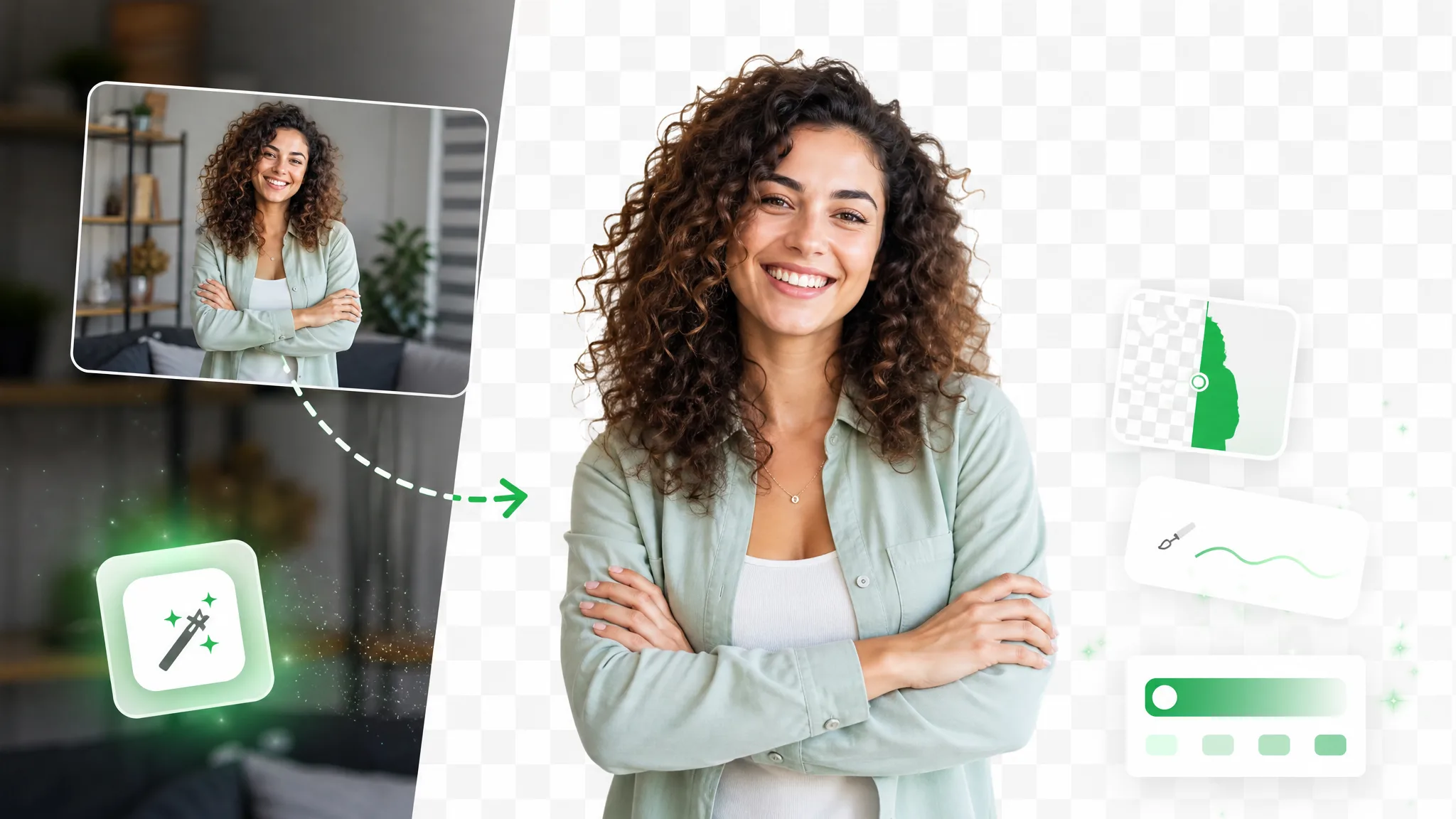
Run a faster CapCut remove background flow online — one click, no Pro plan, no watermark, no chroma key CapCut setup, just a true transparent export.
Try now
The same clean cutout Runway gives you — a runway remove background pass without the subscription. Free to start, and you pay only for the seconds you process. No watermark, clean transparent export.
Try now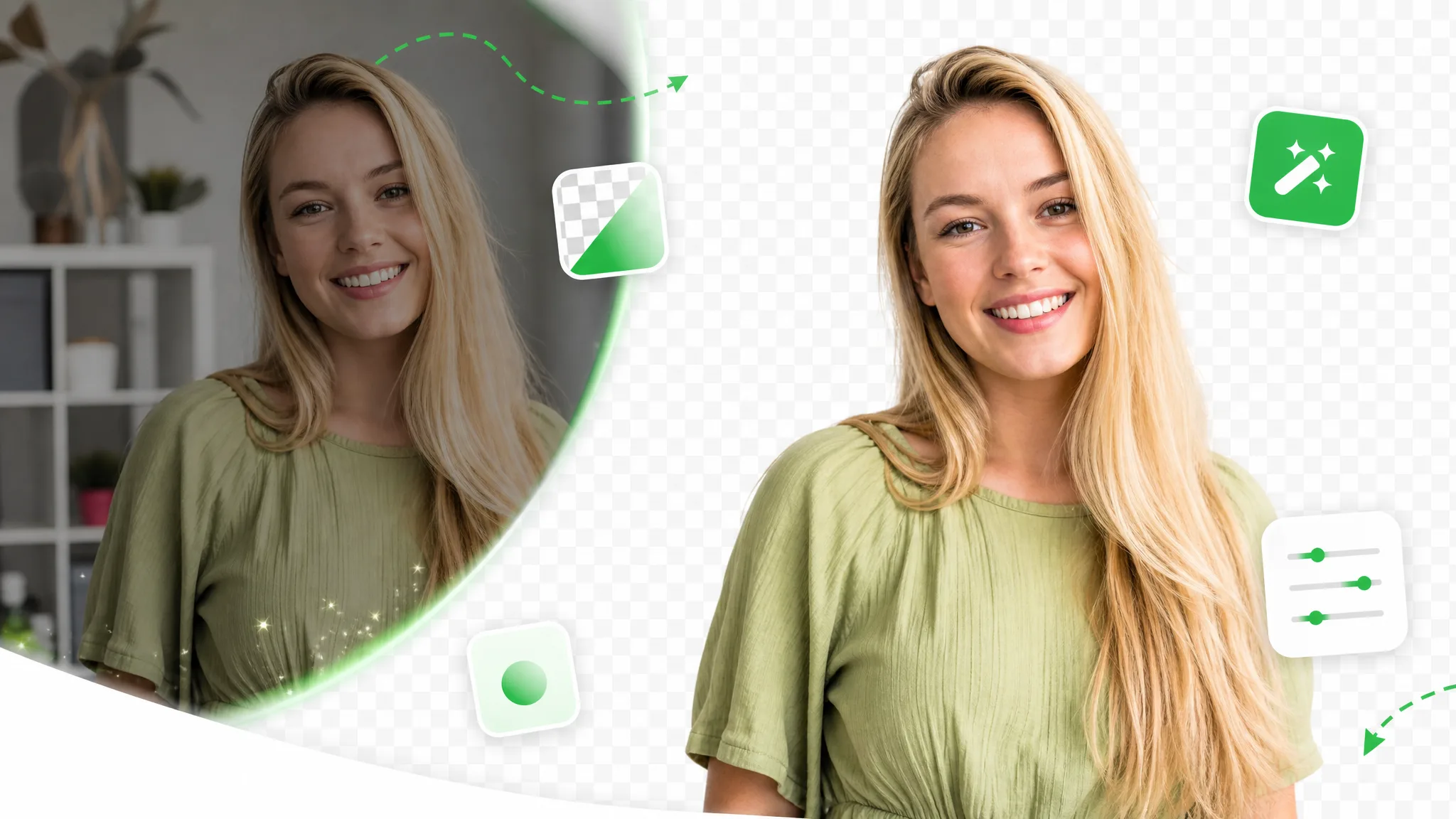
Skip the full editor and cut any clip for free — this VEED AI background remover alternative runs online with no watermark and no timeline to set up, then hands back a transparent WebM with alpha.
Try nowUpload a clip and pull a clean transparent subject in seconds — free, no watermark, and no upload cap to fight. Whether it ends up a full edit or a quick looping sticker, the export comes out clean.
Try the Unscreen Alternative — Free