Webinars
Place a clean presenter over slides for a polished long webinar.

Upload one recording and remove background video 30 minutes long with automatic Basic segmentation and rejoining. Get one video-only WebM or MP4 in the format for your selected background.
Reviewed by RemoveVideoBG TeamUpdated
Before / after
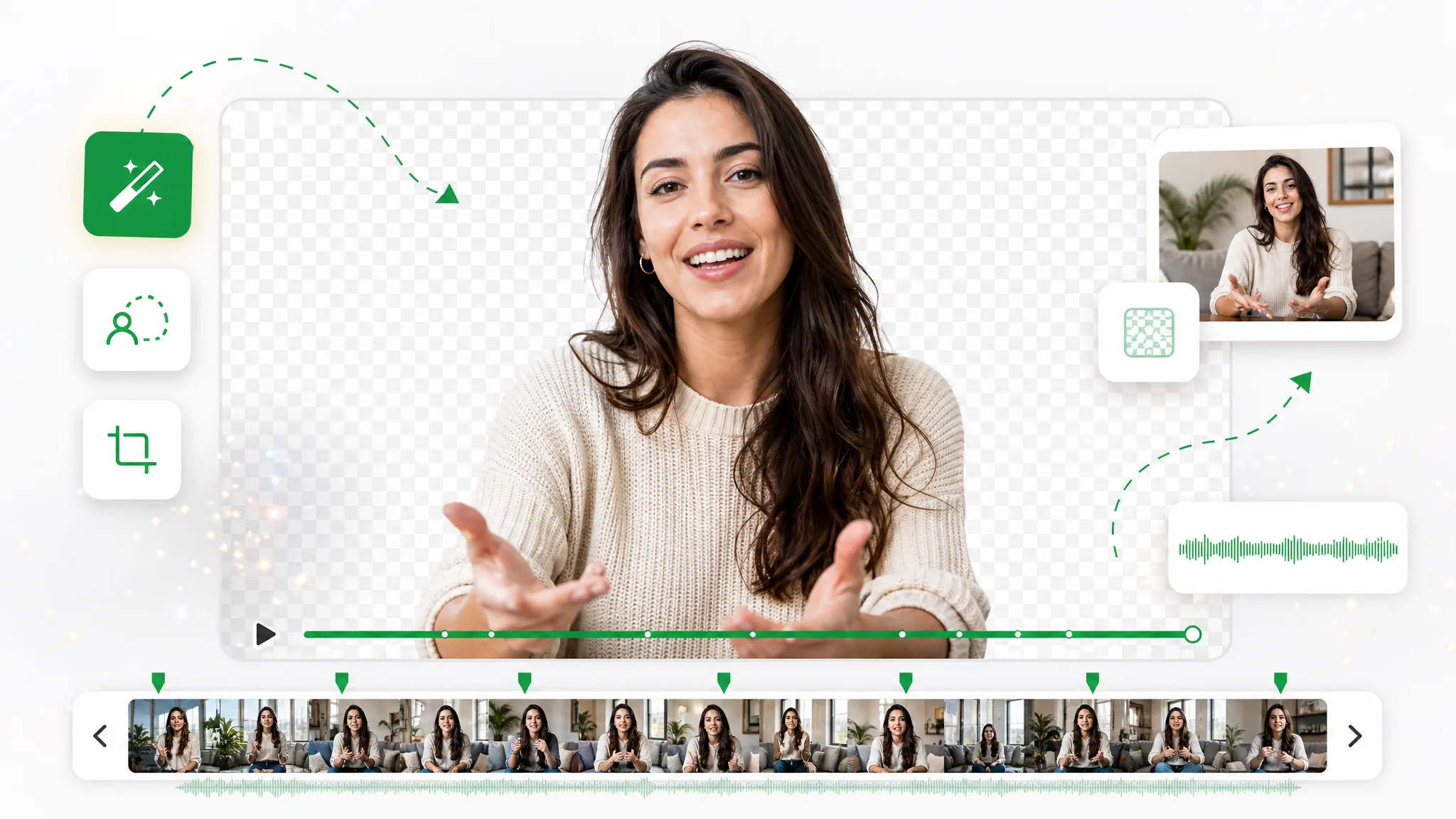
Drag a sample to inspect the cutout before using your own footage. Long recordings are processed as independent segments, so preview the full result and review segment boundaries before final delivery.
Keep skin, hair, and soft edges clean on talking-to-camera clips.
Fast motion and water spray stay sharp through the cutout.
Cut animated characters out of any rendered scene.
Isolate stylized characters for compositing and overlays.
Talking-head unboxing and product clips with clean edges.
Drop AI-made clips onto any background in seconds.
Keep skin, hair, and soft edges clean on talking-to-camera clips.
Fast motion and water spray stay sharp through the cutout.
Cut animated characters out of any rendered scene.
Isolate stylized characters for compositing and overlays.
Talking-head unboxing and product clips with clean edges.
Drop AI-made clips onto any background in seconds.
Why it works
Automatic Basic segmentation, one rejoined output, and no watermark — process a long recording without preparing chunks yourself.
Within the normal upload-size and browser-processing limits, upload one recording and let Basic create the supported segments automatically. You do not have to cut and submit each piece yourself. A half-hour webinar, a full lecture, or an uninterrupted interview all enter the same queue as a single job, and the segmenting happens in the background while you wait. Nothing about the source has to be prepared in advance: no trimming into chunks, no naming convention, no spreadsheet tracking which piece is which.
Remove BackgroundEach segment is removed independently and then rejoined. Because results can vary at a boundary, preview the full output and inspect every join before compositing or delivery. Boundaries are where a long clip is most likely to show a seam — a hand that shifts, a strand of hair that changes edge, a shadow that resolves differently on either side. Scrubbing the joins takes a minute and is the single highest-value check you can make before the file leaves your machine.
Try it freeSkip exporting segments and stitching them by hand. The selected background determines one rejoined output: WebM with alpha for transparency, or MP4 for solid or green. The file has no audio, so reattach the original track in your editor if needed. Because the pieces are rejoined for you, what lands in your downloads folder is a single continuous clip at the original length and frame rate — ready to drop straight onto a timeline rather than reassembled from parts.
Change BackgroundNeed a whole series done? Run each source through the same workflow to remove backgrounds from multiple videos fast. This page accepts one source file per job rather than a multi-file queue. For a course or an interview series, that means working through the recordings one at a time, with each pass behaving identically to the last — the same segmenting, the same background choice, the same rejoined result — so a batch stays visually consistent even though it is processed as separate jobs.
Start NowStep by step
Upload the full recording, let the Basic workflow segment and process it automatically, then download the rejoined clip — three steps with no manual chunking. Repeat the flow for each source file.
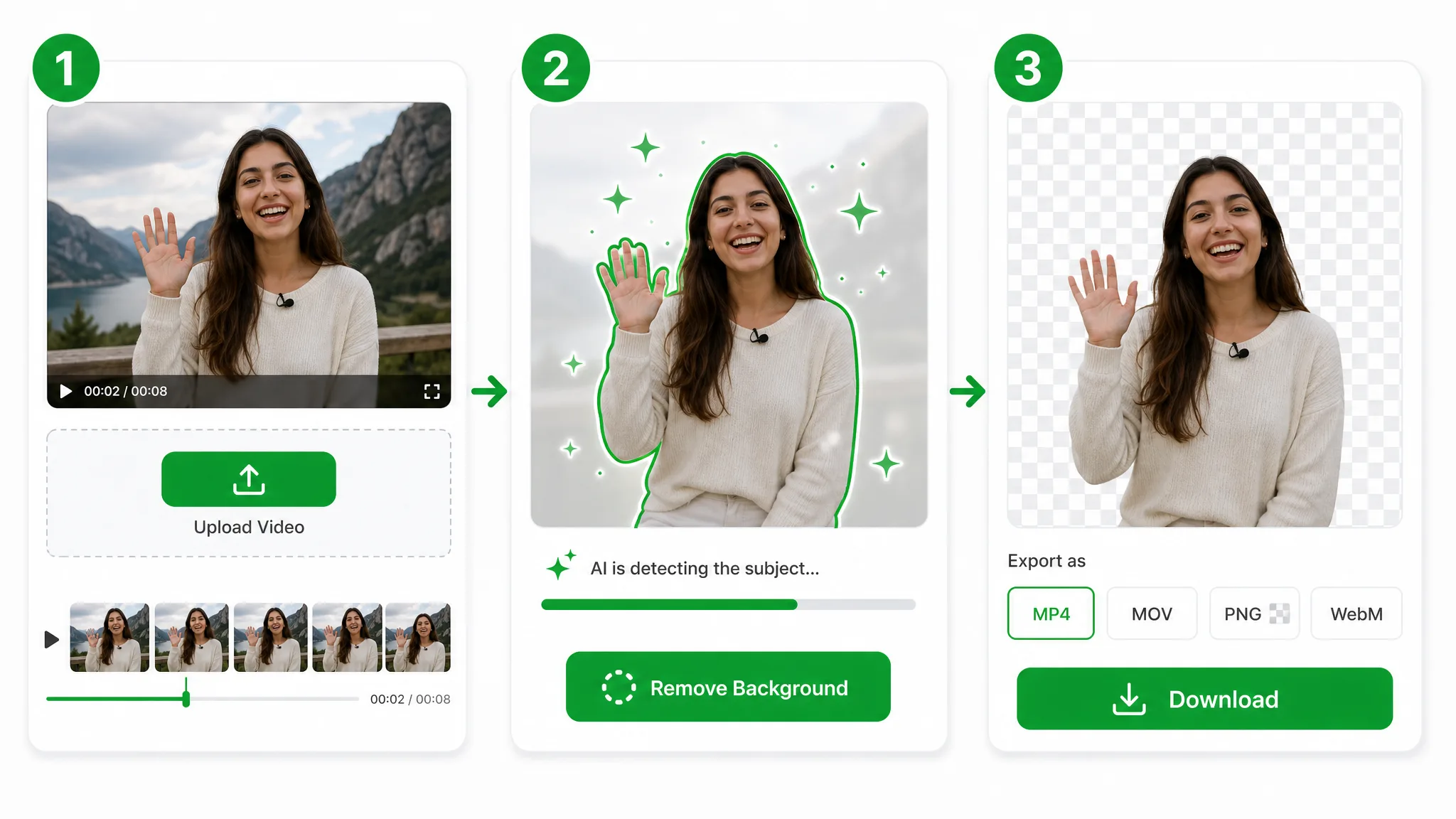
Drop in an MP4, MOV, or WebM that runs half an hour or longer. Hand it the whole file — there is no need to trim or split it into pieces first.
The Basic workflow splits long footage into supported segments, removes each background at the standard 24-credit-per-second rate, and joins the results for you. You do not need to create keyframes, use a green screen, or mask each segment by hand.
Download one rejoined output: transparent WebM for an alpha background, or MP4 for a solid or green background. Browser-side stitching is video-only, so the export has no audio; reattach the original audio in your editor if needed. Review every segment boundary before delivery.
Where it helps
Webinars, lectures, and full interviews — to remove backgrounds from multiple videos fast, process one long recording at a time and repeat the same workflow for the rest of the series.
Place a clean presenter over slides for a polished long webinar.
Cut out speakers across a full-length interview, no green screen.
Overlay yourself on a screen recording for the whole tutorial.
Drop a long vlog onto a new scene without re-shooting.
FAQ
Common questions on length limits, automatic Basic segmentation, the standard 24-credit-per-second rate, supported formats, and long-clip output.
Yes. Upload the full recording and the Basic workflow automatically segments, processes, and rejoins it. You do not need to split or upload the shorter pieces yourself.
The normal upload size and browser-processing limits still apply. Within those limits, the Basic workflow automatically segments long recordings, so you do not need to prepare the shorter pieces yourself.
Process each recording through the same Basic workflow in turn. You do not need to prepare or upload every segment yourself, but this page accepts one source file per job and does not provide a multi-file queue.
Each segment is processed independently and then rejoined. Results can vary at segment boundaries, so preview the full output and review those joins before final delivery.
MP4, MOV, and WebM can be uploaded. The rejoined output is WebM with alpha for a transparent background, or MP4 for a solid or green background. The stitched export is video-only and has no audio, so reattach the original audio in your editor if needed.
No. This page is locked to the Basic removal route. Long footage is segmented automatically and still uses the standard 24-credit-per-second rate; only the total processed duration increases the credits used.
Related tools
Other tools for removing, replacing, and keying video backgrounds.

Queue a folder of clips and get a batch transparent background on every one — no opening files one at a time, just a transparent background bulk export with full alpha.
Try now
Delete video background online — upload a clip, run the same workflow as the general video background remover, and export transparent WebM. This URL covers delete wording, not a separate engine.
Try now
Switch from Unscreen and cut any video background for free — no upload cap, no watermark. The same one-click cutout for an unscreen video export or a looping unscreen gif, nothing to install.
Try nowUpload a long video and let Basic segment, process, and rejoin it at the standard 24-credit-per-second rate — free to start, no watermark. The video-only export has no audio; reattach the original track in your editor if needed.
Remove Background Video 30 Minutes — Free