Covers and thumbnails
Capture the expression or composition you want for a video thumbnail.

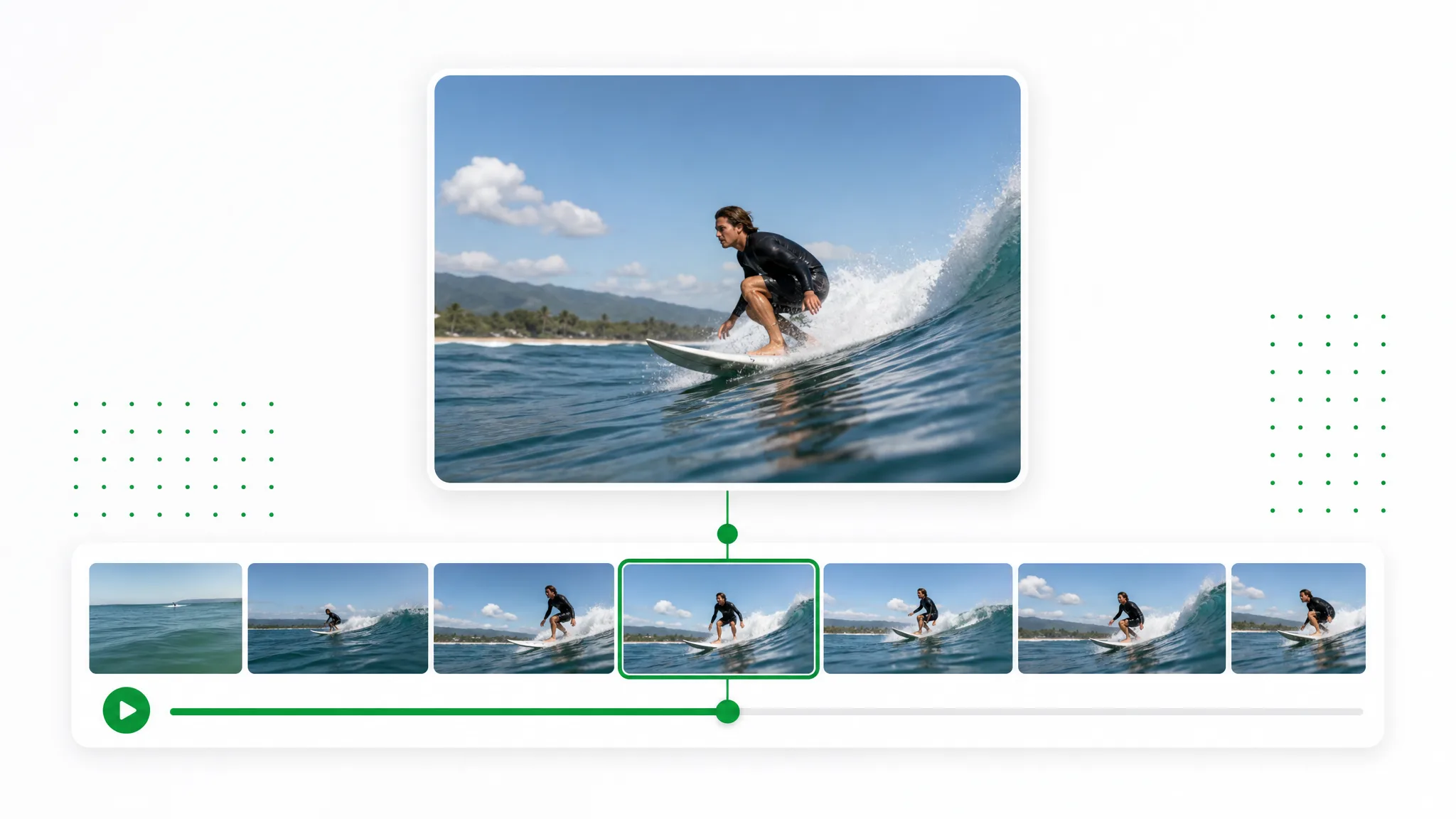
Move to the moment you want, capture the current frame and download a PNG or JPG. Use the chosen still for a thumbnail, slide or reference image.
Before and after
Move to the moment you want, capture the current frame and download a PNG or JPG. Use the chosen still for a thumbnail, slide or reference image.
A presenter prepared as a separate subject for another scene.
An action example showing the subject against a changed background.
An animated character shown separately from its original setting.
A stylized creature prepared for a layered composition.
A creator and product example with the background removed.
An animated scene element prepared for a new background.
A presenter prepared as a separate subject for another scene.
An action example showing the subject against a changed background.
An animated character shown separately from its original setting.
A stylized creature prepared for a layered composition.
A creator and product example with the background removed.
An animated scene element prepared for a new background.
Creative possibilities
Move to the moment you want, capture the current frame and download a PNG or JPG. Use the chosen still for a thumbnail, slide or reference image.
Move the timeline to the moment worth keeping. Capture the current frame as a still rather than exporting a whole sequence.
Create a Transparent ClipCompare nearby moments before choosing your image. Find the expression, gesture or composition that suits the thumbnail or reference.
Use Your Own FootageDownload the selected still in a familiar image format. Bring it into your design and add a heading, crop or other finishing touches.
Choose a New SettingOpen the source on your own device and capture the frame in the browser. Use the still independently while retaining the original recording.
Prepare Your Next ClipThree steps
Start with your own recording, make the choices in the tool and download the result.
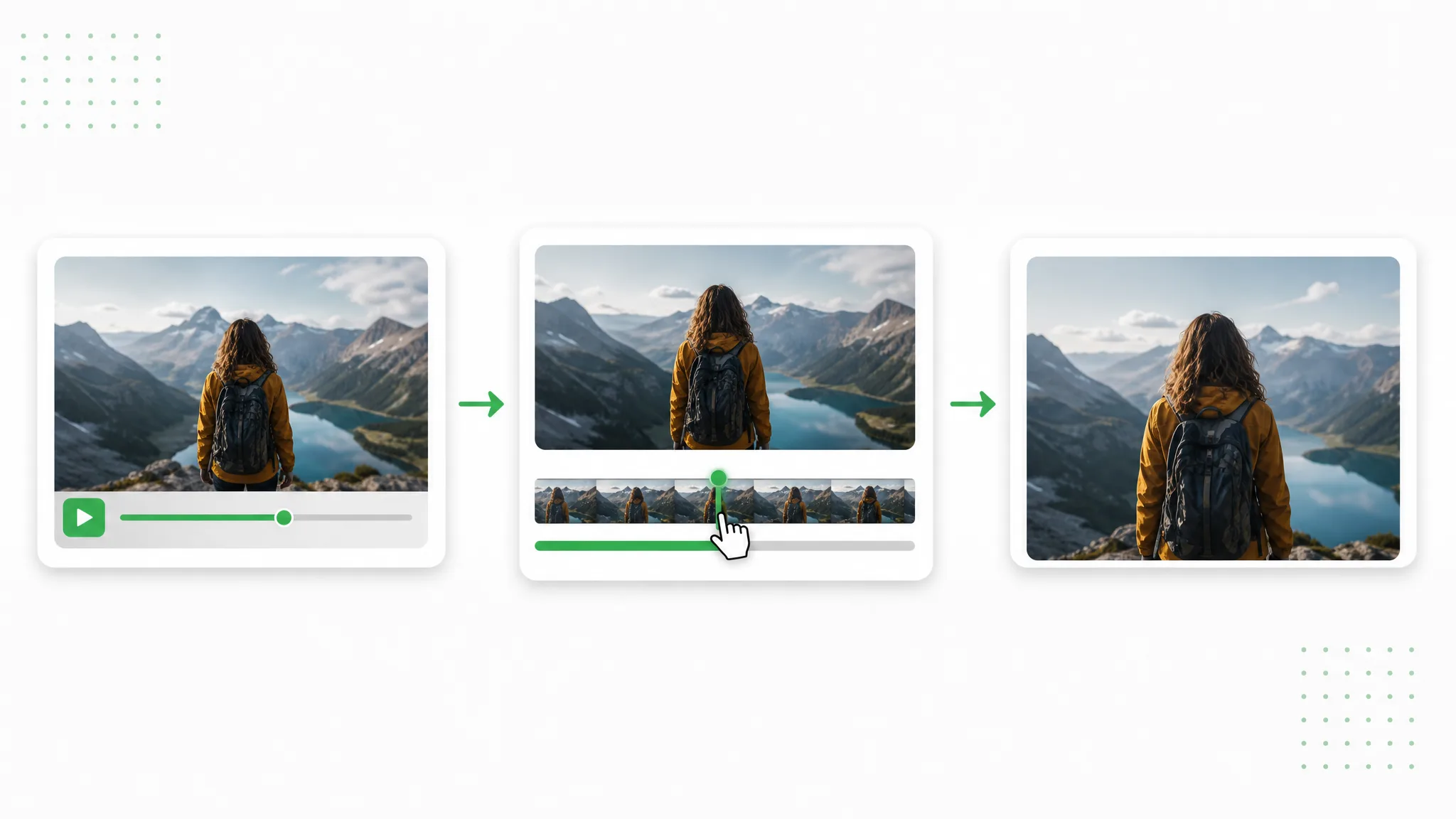
Choose a recording whose subject and movement fit the project you are preparing. Open the source in the tool.
Move the video timeline to the moment you want, then capture the current frame.
Preview the result, download a selected video still and bring it into your compatible project.
Project ideas
Use the result in a specific project: a launch, lesson, visual explanation or new edit.
Capture the expression or composition you want for a video thumbnail.
Save one moment to use in the image design of a social post.
Choose one reference image from the source recording; use the grid as a guide to the moment you want.
Compare adjacent moments and save the single still that illustrates the action.
Creator stories & examples
“The ferry arrived just as the evening light reached the harbour wall in my travel recording. I opened the frame grabber and moved to the moment the bow cleared the lighthouse. That captured still became the opening image of my trip journal, with the harbour sign still visible beside the water.”
 Ava WinslowPhotographer
Questions
Find direct answers about the output and the next steps in your workflow.
Move the timeline to the moment worth keeping. Capture the current frame as a still rather than exporting a whole sequence.
Compare nearby moments before choosing your image. Find the expression, gesture or composition that suits the thumbnail or reference.
Download the selected still in a familiar image format. Bring it into your design and add a heading, crop or other finishing touches.
Open the source on your own device and capture the frame in the browser. Use the still independently while retaining the original recording.
Open a local MP4 recording your browser can play and preview the moment you want. On an iPhone, use the browser file picker to choose the source. For a one-second clip, capture the current frame in the same way, then download the still for a thumbnail or reference.
Choose one reference image from the source recording; use the grid as a guide to the moment you want.
Reviewed by RemoveVideoBG TeamUpdated
Related tools
Other tools for removing, replacing, and keying video backgrounds.
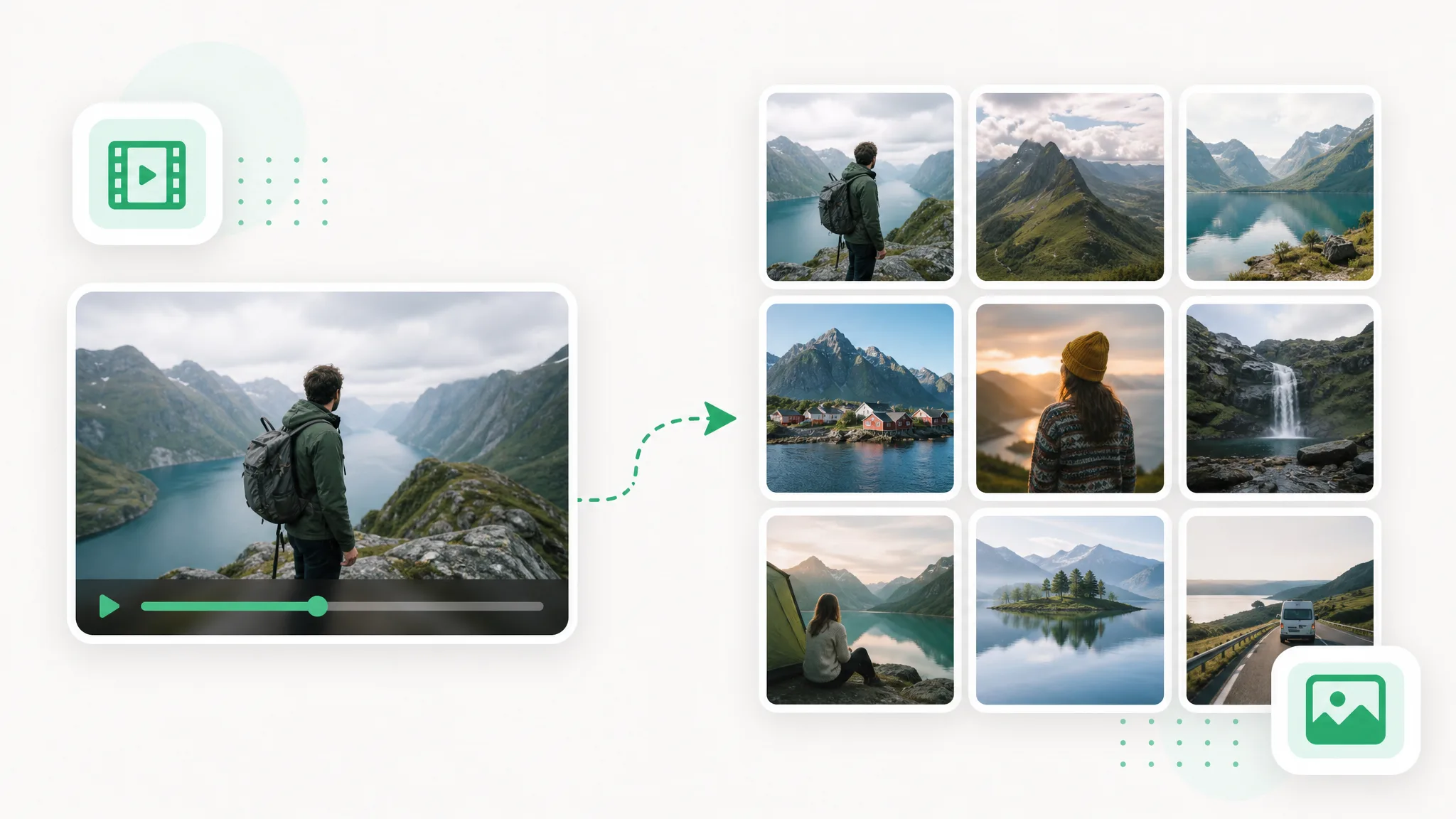
Use video to frames to create images for a storyboard, tutorial or reference set. Choose the sampling and format, extract in your browser and download the pictures.
Try now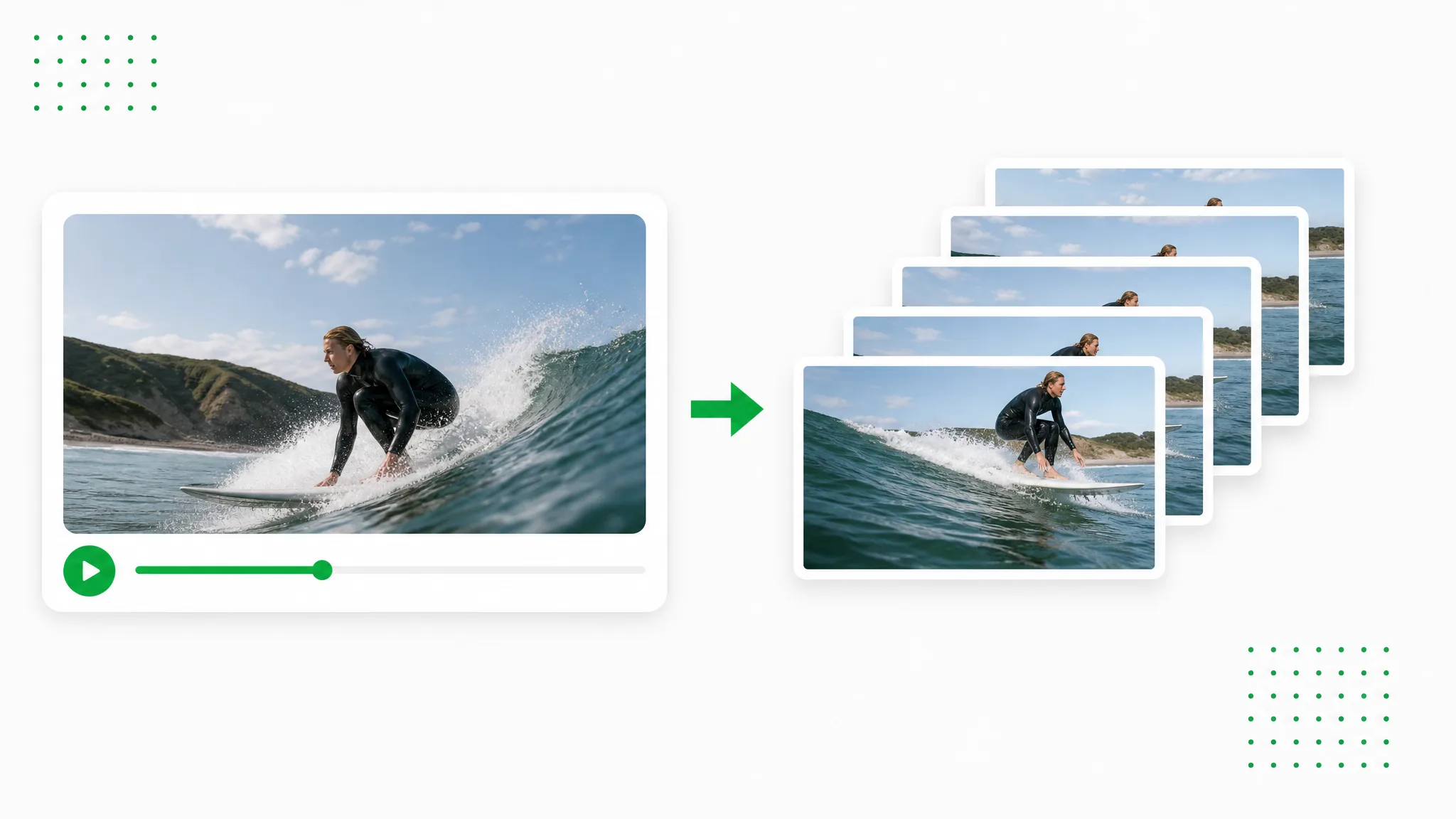
Extract the video as PNG images and download a ZIP for your design workflow.
Try now
Looking for an Unscreen alternative? Upload an existing recording, separate the subject and prepare a transparent layer or a new-background video for your next creative project.
Try nowMove to the moment you want, capture the current frame and download a PNG or JPG. Use the chosen still for a thumbnail, slide or reference image.
Prepare your clip