E-commerce & product
Put products on clean or custom backgrounds for listings and ads.

Turn any clip into a transparent video in seconds — upload, let AI make background transparent on every frame, and export a clean alpha file. No green screen, no manual masking, no watermark.

Reviewed by RemoveVideoBG TeamUpdated
Before / after
Drag any sample to compare the original footage with a subject-only cutout pulled straight onto transparency. See exactly how the AI can make background transparent on real shots before you try it.
Keep skin, hair, and soft edges clean on talking-to-camera clips.
Fast motion and water spray stay sharp through the cutout.
Cut animated characters out of any rendered scene.
Isolate stylized characters for compositing and overlays.
Talking-head unboxing and product clips with clean edges.
Drop AI-made clips onto any background in seconds.
Keep skin, hair, and soft edges clean on talking-to-camera clips.
Fast motion and water spray stay sharp through the cutout.
Cut animated characters out of any rendered scene.
Isolate stylized characters for compositing and overlays.
Talking-head unboxing and product clips with clean edges.
Drop AI-made clips onto any background in seconds.
Why it works
True see-through pixels, hair-fine edges, and no watermark — a transparent background maker that keeps the detail flatteners throw away, so every transparent video composites the way you expect.
Your export carries real per-pixel transparency, so the subject sits over any scene rather than arriving as a flattened rectangle with a baked-in colored backdrop. That genuine alpha is what makes a transparent video actually composite — drop the clip over a new plate, a brand color, or live footage and the edges stay clean, with nothing left to key out by hand.
Remove BackgroundSoft hair, motion blur, and semi-transparent edges are preserved, so the transparent video still blends cleanly when you stack it on a new background. A transparent background maker that flattens those soft pixels leaves a hard, cut-out look; here the gradient at the edge is kept, which is exactly what holds up when the subject sits over a busy scene.
Try it freeThe subject is tracked through the whole clip, so there is no flicker, no halo, and no jitter when you make video background transparent on moving footage. Hair, fingers, and quick gestures hold together the way they should, even on handheld or busy real-world shots — the kind of motion that makes cheaper cutout tools wobble or smear. What you preview is what you export.
Change BackgroundDrop the alpha export into After Effects, Premiere, or Final Cut and the transparency reads correctly, ready to layer over products, scenes, or text. Because the file already carries alpha, there is nothing to key on your side — the moment you download your transparent video it behaves like a normal layer, ready to stack, scale, and composite into the edit you already have open.
Start NowStep by step
Upload your clip, let the AI make background transparent automatically, and download a file with a real transparent background — three steps to a finished transparent video, no timeline editing in between.
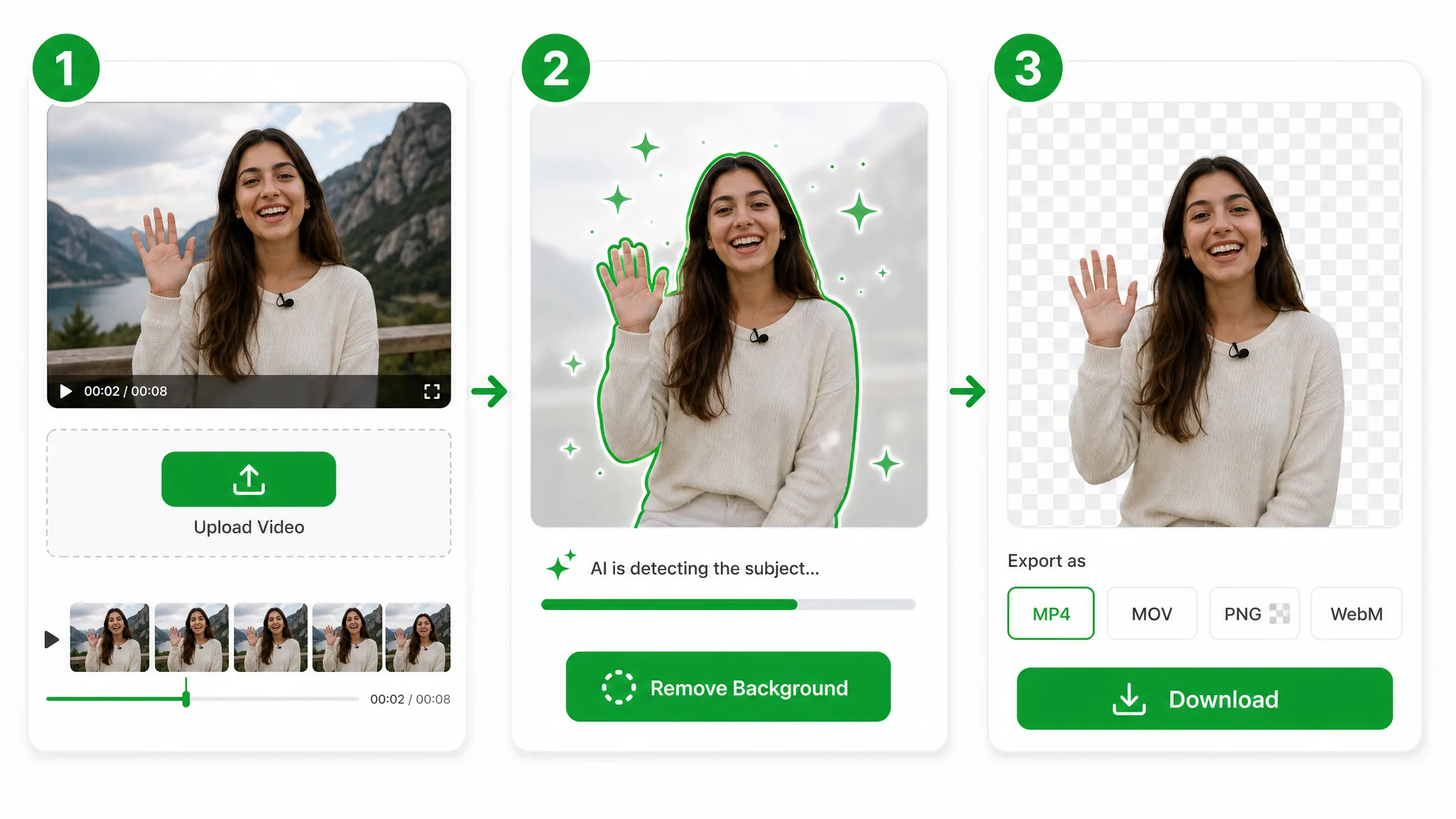
Drop in an MP4, MOV, or WebM and our transparent background maker takes it from there — files go straight to secure storage, with no editing skills or plugins needed on your side.
The AI traces your subject frame by frame and lifts the backdrop on its own — no keyframing, no rotoscoping, and no studio lighting to set up.
Download a transparent video with a real alpha channel, ready to layer over any scene in Premiere, After Effects, or any editor that reads transparent footage.
Where it helps
Product overlays, talking-head intros, and motion graphics — make video background transparent and float the subject over whatever scene the project needs.
Put products on clean or custom backgrounds for listings and ads.
Cut yourself out for Reels, Shorts, and TikTok overlays.
Create facecam overlays without a studio setup.
Place yourself over slides and screen recordings.
FAQ
Common questions on alpha formats, MP4 limits, and how long a clip can run before you export a transparent video.
Upload a clip and the AI removes the backdrop, then download a transparent video with no watermark. The transparent background maker is free to start, charges only for the seconds you process, and exports real alpha rather than a flattened preview.
No — you can make background transparent automatically, with no green screen, studio, or manual masking. The model isolates your subject from real-world footage, so a handheld phone clip works as well as a lit, chroma-keyed shoot.
No — the MP4 container has no alpha channel, so an mp4 transparent background is not truly possible. Export a transparent WebM instead to keep real see-through pixels; an MP4 will only ever bake a solid color behind your subject.
WebM (VP9) — it carries a real alpha channel. That is what this transparent background maker exports, and most editors read it natively. If your delivery spec needs ProRes 4444 alpha, re-export that WebM from your editor.
Render to a format with alpha such as ProRes 4444. If your source is an ordinary clip, run it here first to make video background transparent and get a clean transparent video, then re-import that alpha file into your composition.
Clips up to 60 seconds use the Basic tier; longer footage uses the Pro or Ultra tier. Either way you get a full-quality transparent video back, with the same real alpha channel regardless of the length you upload.
Related tools
Other tools for removing, replacing, and keying video backgrounds.
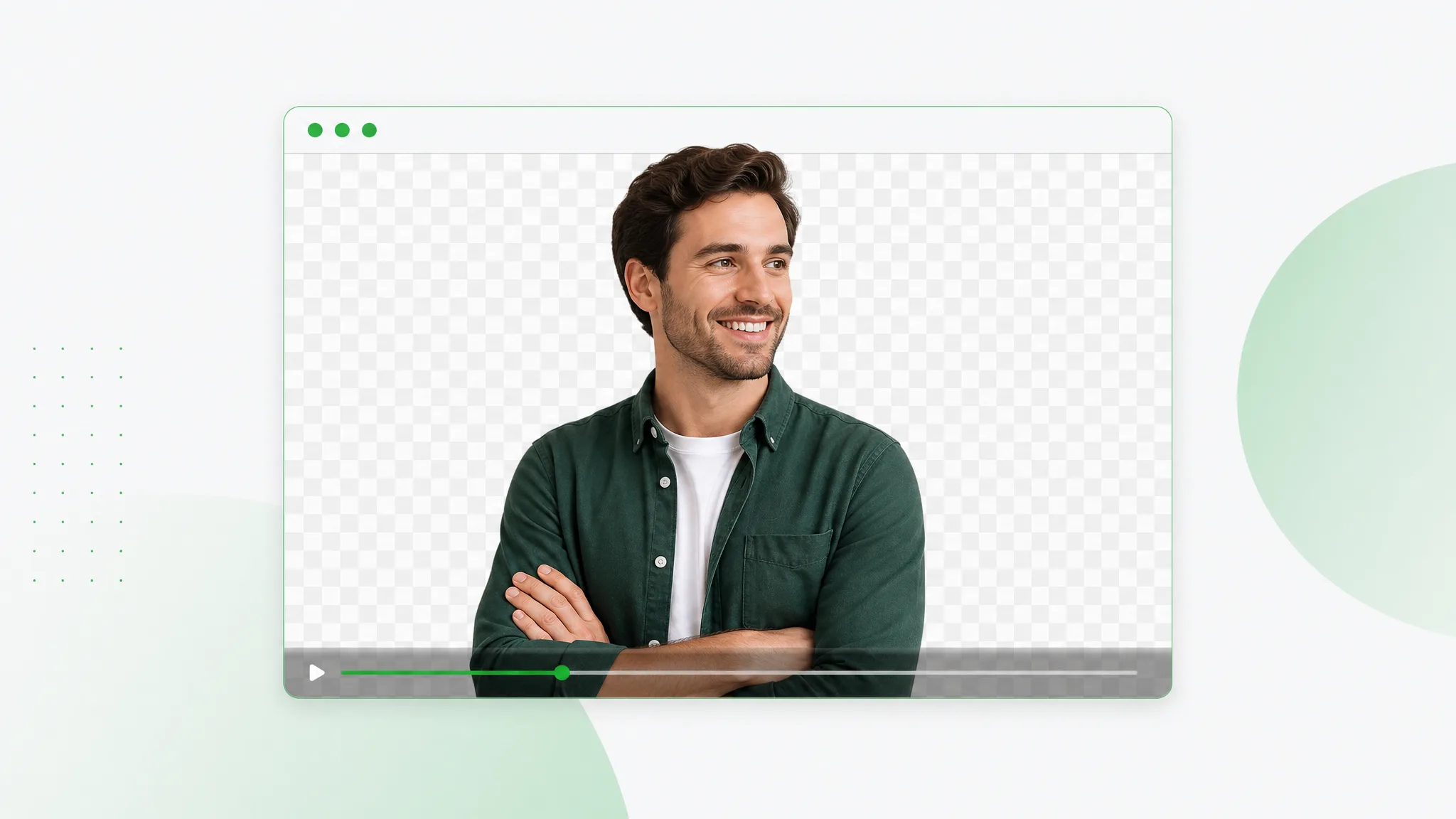
Cut out your subject and export a transparent WebM with a real alpha channel — upload any clip, let the AI run a clean webm remove background pass, and download VP9 alpha ready for the web.
Try now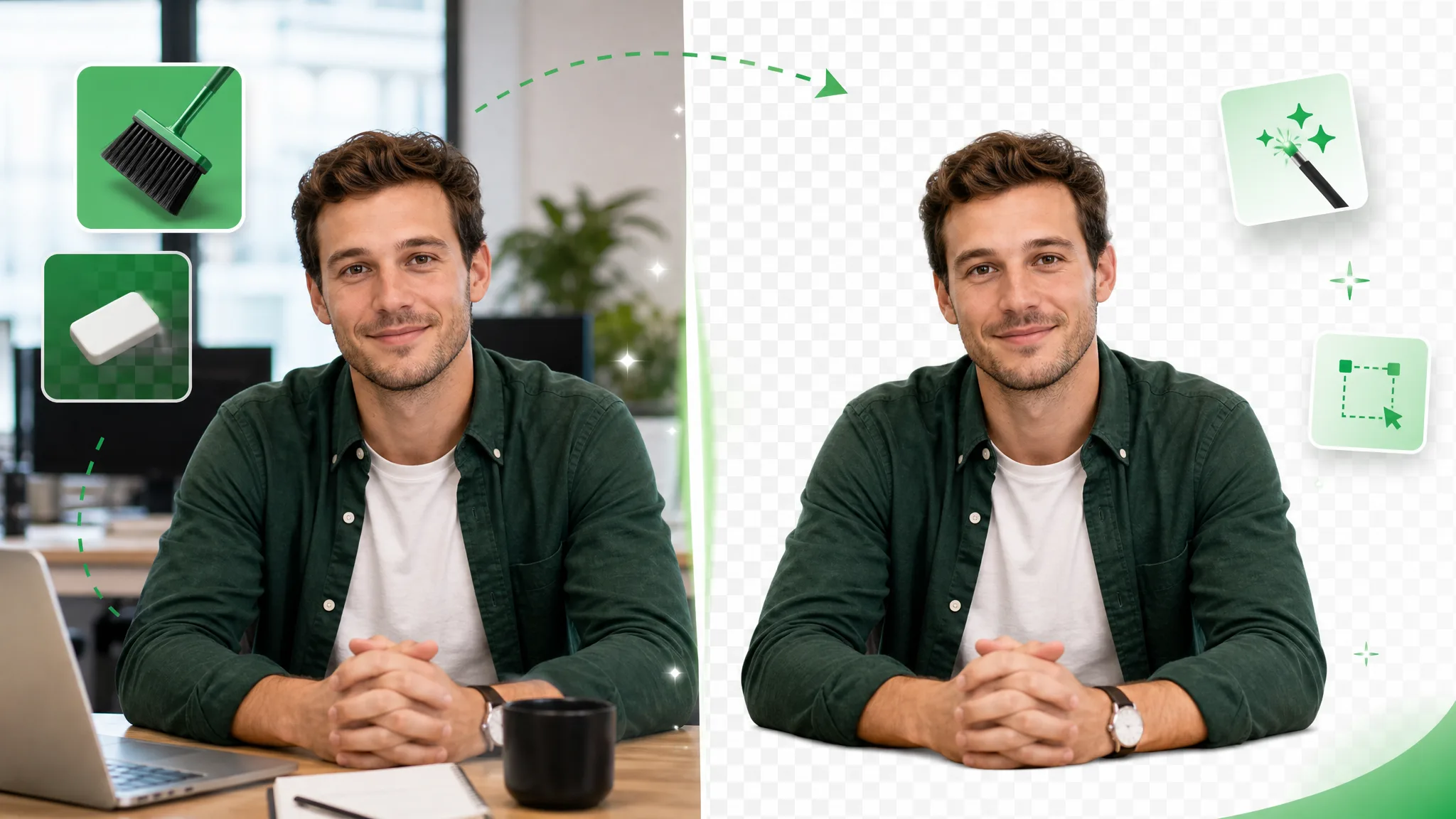
Erase background video online — upload footage, use the same workflow as the general remover, and export transparent WebM with alpha. This URL covers eraser wording, not a separate engine.
Try now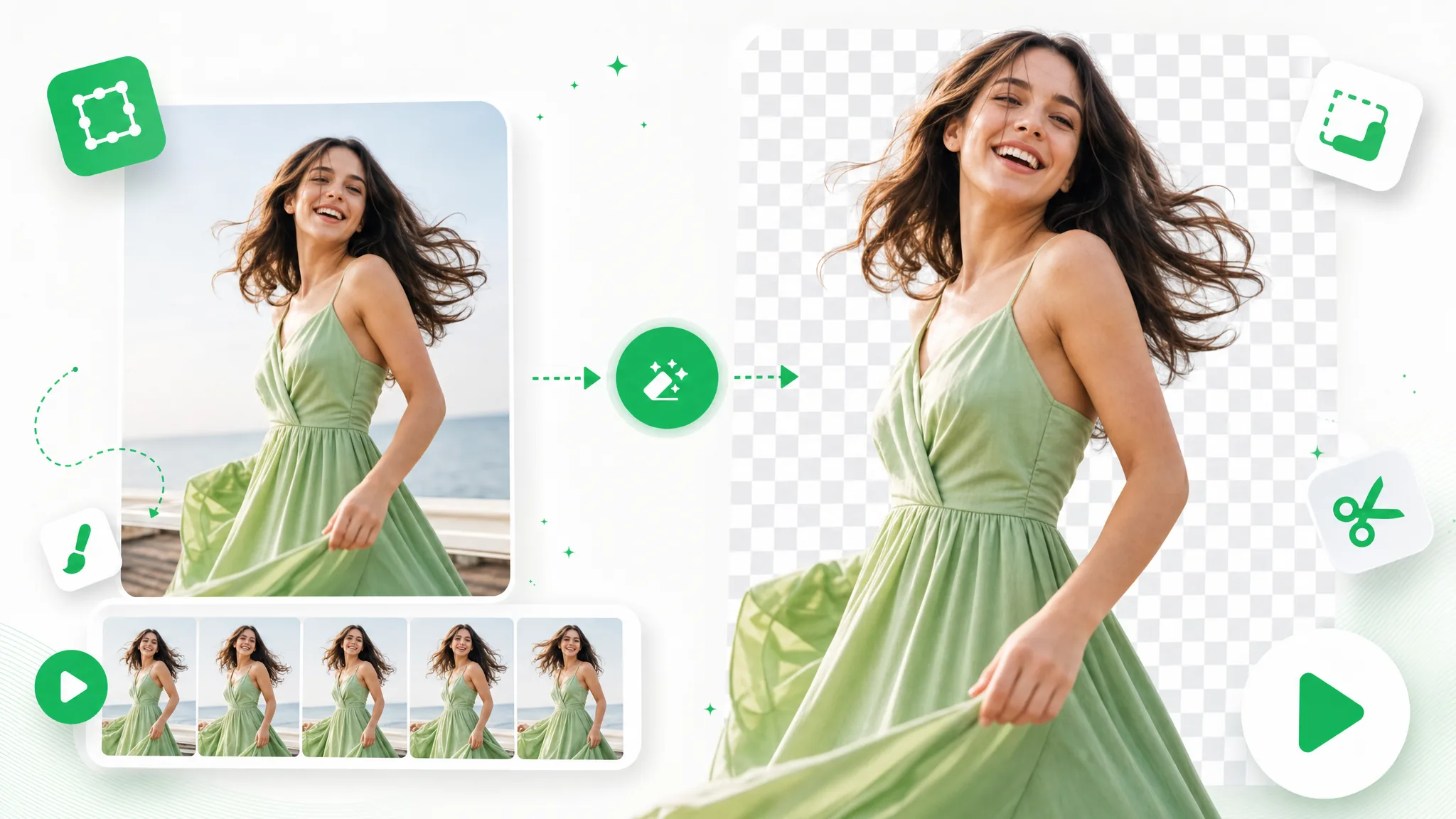
Upload a GIF and remove background from GIF automatically with this GIF background remover — export a clean transparent loop, no green screen or manual masking.
Try nowUpload a clip and let the AI make background transparent in seconds — the fastest transparent background maker online, free and no watermark, with a real transparent video waiting at the other end.
Make a Transparent Video — Free