Live streaming & gaming
Drop a clean facecam over your gameplay or stream — no green spill, no extra setup.

Upload a clip to this chroma key remover. It is the same Bria v3 removal workflow as Green Screen Remover, with chroma key online and chroma key background remover terminology covered.
Reviewed by RemoveVideoBG TeamUpdated
Before / after
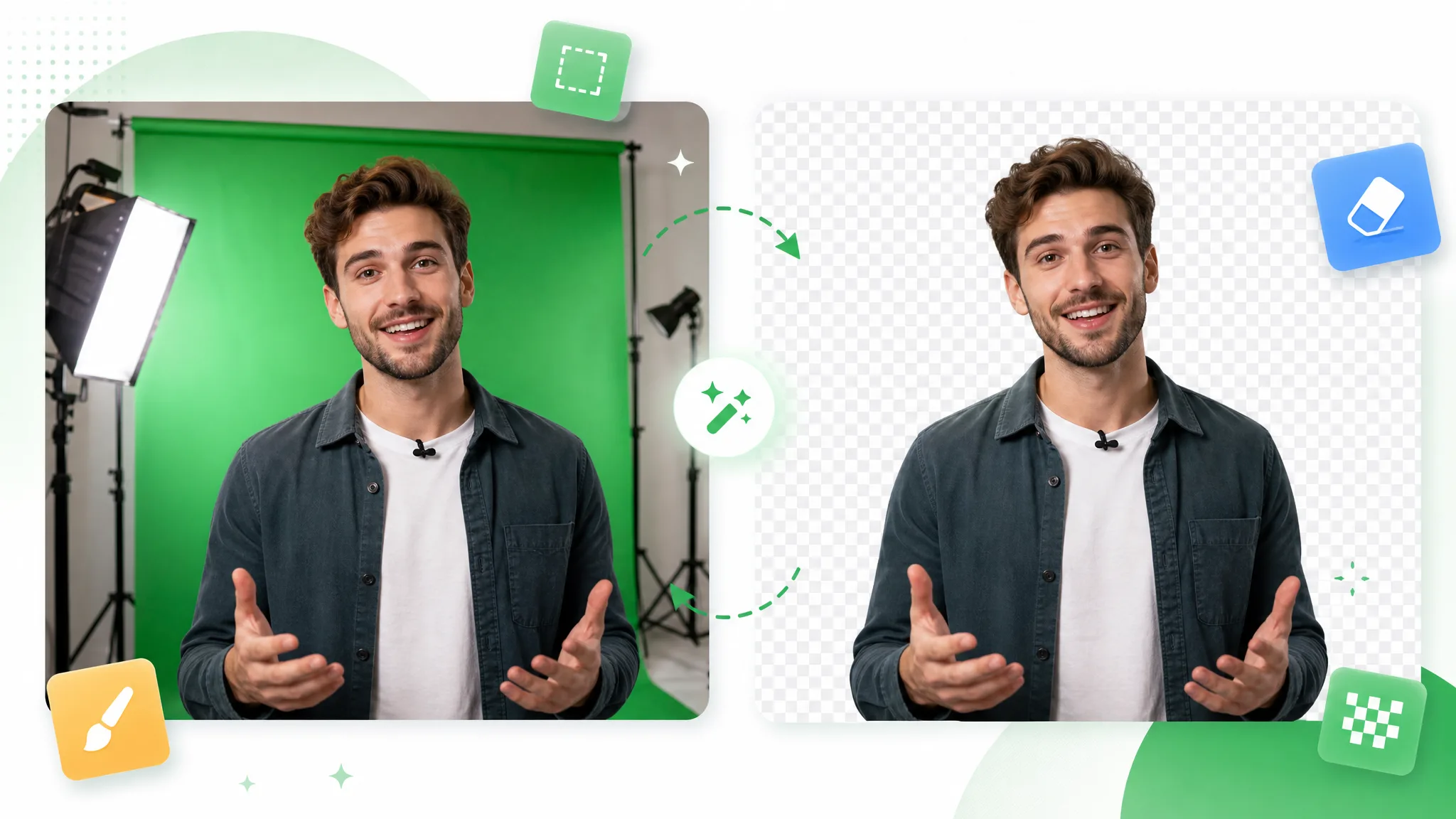
Drag any sample to compare the keyed source with a clean matte the chroma key remover pulled automatically, and judge the edges before you run a chroma key online on your own footage.
Drop a clean facecam over gameplay or slides — no green spill.
Send your host to any backdrop straight from a green-screen shoot.
Composite stylized characters with crisp, spill-free edges.
Pull a fast-moving subject off a green screen cleanly.
Key a stylized animated character from a green plate.
Lift a CGI element off green, ready for compositing.
Drop a clean facecam over gameplay or slides — no green spill.
Send your host to any backdrop straight from a green-screen shoot.
Composite stylized characters with crisp, spill-free edges.
Pull a fast-moving subject off a green screen cleanly.
Key a stylized animated character from a green plate.
Lift a CGI element off green, ready for compositing.
Why it works
A terminology-specific entry point, automatic subject separation, and no watermark — this chroma key remover uses the same Bria v3 removal workflow as Green Screen Remover instead of pretending to be a separate manual keyer.
Searchers use chroma key, color key, and green screen for overlapping video-background tasks. This chroma key remover gives that terminology its own entry point, then sends the same automated subject-separation workflow through the clip instead of inventing a second capability.
Remove BackgroundThere are no eyedropper, tolerance, or dedicated despill controls in this page. For a chroma key green screen with difficult spill or edges, preview the result and use a dedicated editor for any manual color correction the shot still needs.
Try it freeThe removal runs across the uploaded clip rather than stopping at a still frame. That makes the page useful for chroma-key terminology searches while keeping the product claim tied to the actual video workflow and its real-world source-footage limits.
Change BackgroundPulling the matte is only half the job. Keep the subject transparent and download a WebM with a real alpha channel, sit it on a flat color, or upload a background image and let this chroma key background remover composite the subject straight onto it as an MP4. That means a chroma key online run ends on the shot you actually wanted — not on a transparent file you still have to carry into a desktop timeline before anything can be composited.
Start NowStep by step
Upload the clip, let the automated removal separate the subject, and choose an export — a full chroma key remover run with no node graph in between.
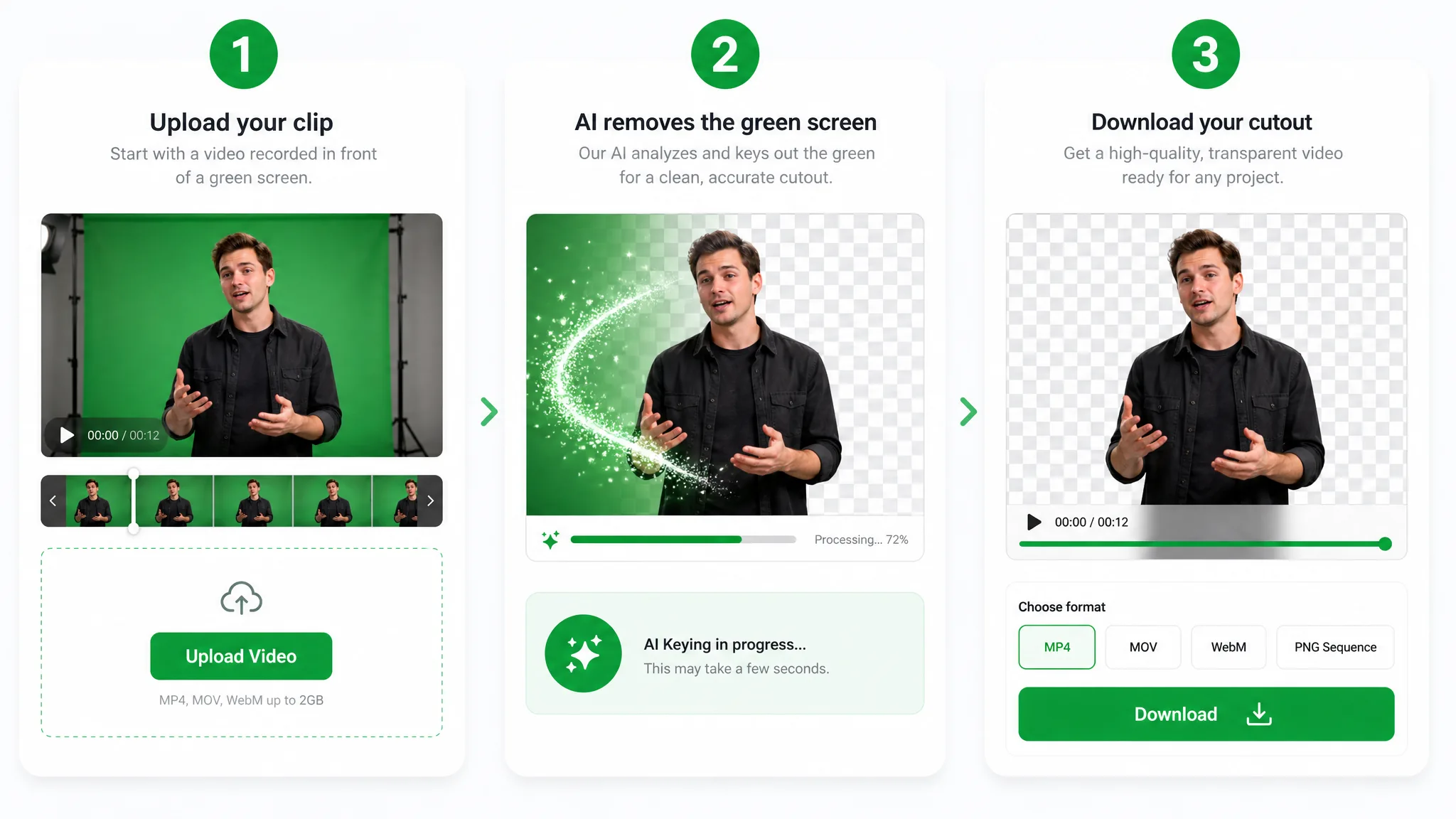
Drop in an MP4, MOV, or WebM. This chroma key remover is the terminology entry for the same Bria v3 video background-removal route, so you do not need to build a desktop keying setup first.
The AI separates the subject from the scene across the uploaded clip. It does not expose manual color sampling, tolerance, or despill controls; difficult footage should be checked in the preview before export.
Download a transparent WebM, choose a solid color, or upload a new background image for an MP4 result. The Basic route also keeps the original audio track.
Where it helps
Reaction clips, virtual sets, and product reels — run a chroma key online and composite the subject onto anything, whether you shot on a chroma key green screen or no backdrop at all.
Drop a clean facecam over your gameplay or stream — no green spill, no extra setup.
React over any clip with a crisp keyed cutout that keeps hair and headphones intact.
Swap your green screen for a polished virtual studio without booking a stage.
Present products against any branded background straight from a green screen shoot.
FAQ
Common questions on chroma-key terminology, the shared video-removal workflow, source footage, and transparent exports.
Upload your keyed clip and this chroma key background remover pulls the matte automatically. It is free to start with no watermark, so you can test the chroma key remover on a real shot and pay only for the seconds you process.
The search entry is different, but the product capability is shared. Chroma Key Remover is for users who search for chroma key online free; Green Screen Remover is the direct green-screen scenario owner. Both use the same Bria v3 video background-removal workflow.
It can process footage described as a chroma key green screen because the underlying task is video background removal. Output quality still depends on the source footage, lighting, motion, and subject edges; this page does not promise a dedicated spill-suppression pass.
No. This is an automated video background-removal workflow rather than a desktop color keyer with eyedroppers and tolerance sliders. If a shot needs precise manual color selection or a separate despill pass, finish it in a dedicated editor after checking the exported cutout.
Yes. Export the keyed clip and convert it to chroma key png frames in any editor. The transparent cutout drops cleanly into stickers, overlays, and thumbnails, with the same edges the chroma key remover pulled from your video.
Yes. Upload a background image at export and the keyed subject is composited onto it, saved as an MP4. Prefer to stay transparent? Download a WebM with a real alpha channel instead, or sit the subject on a flat color — all three exports come out of the same run.
Related tools
Other tools for removing, replacing, and keying video backgrounds.
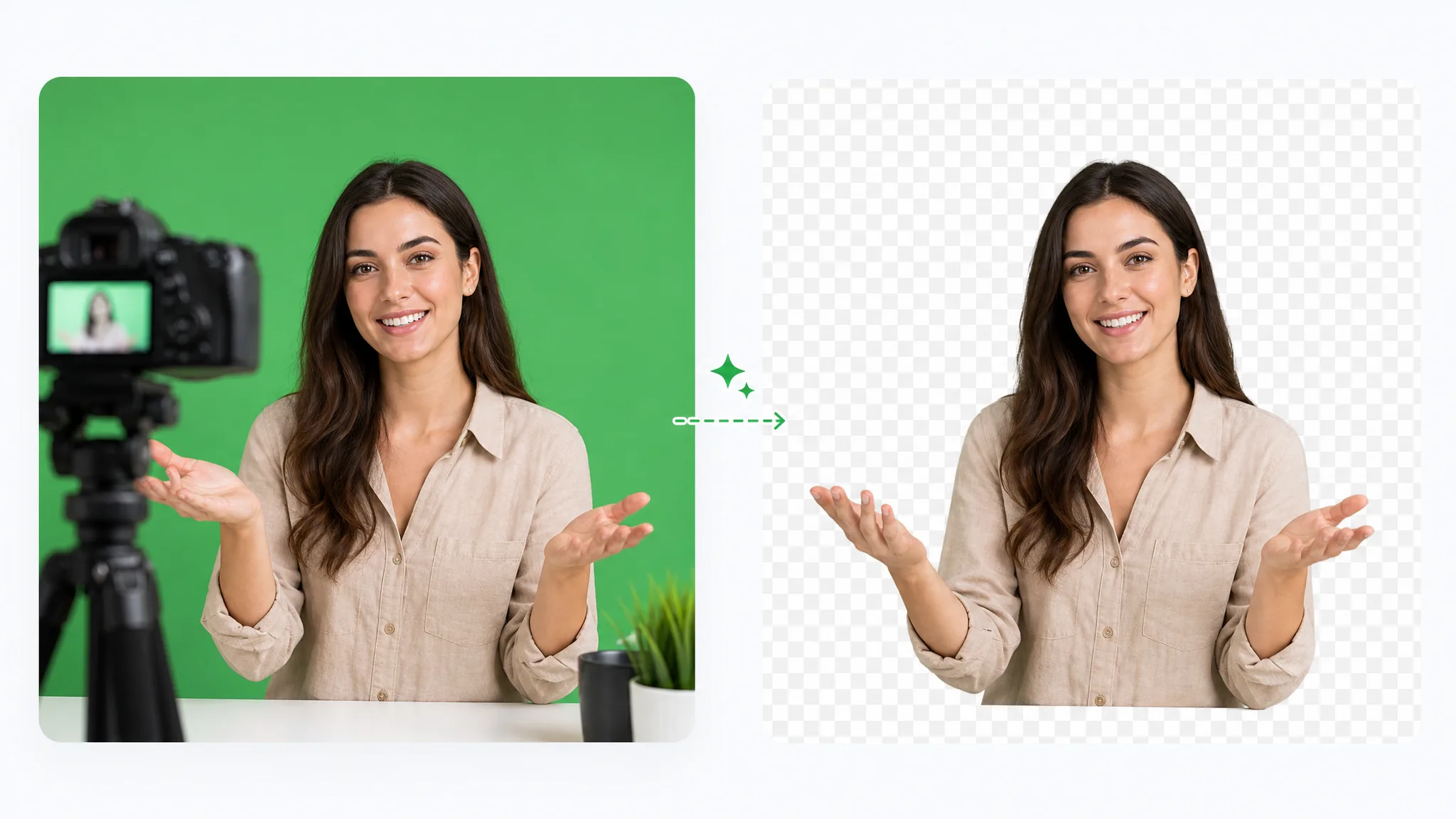
Green screen remover: remove green screen from video online free by dropping in green-screen footage. Keep the subject transparent, choose a solid color, or add a new background image.
Try now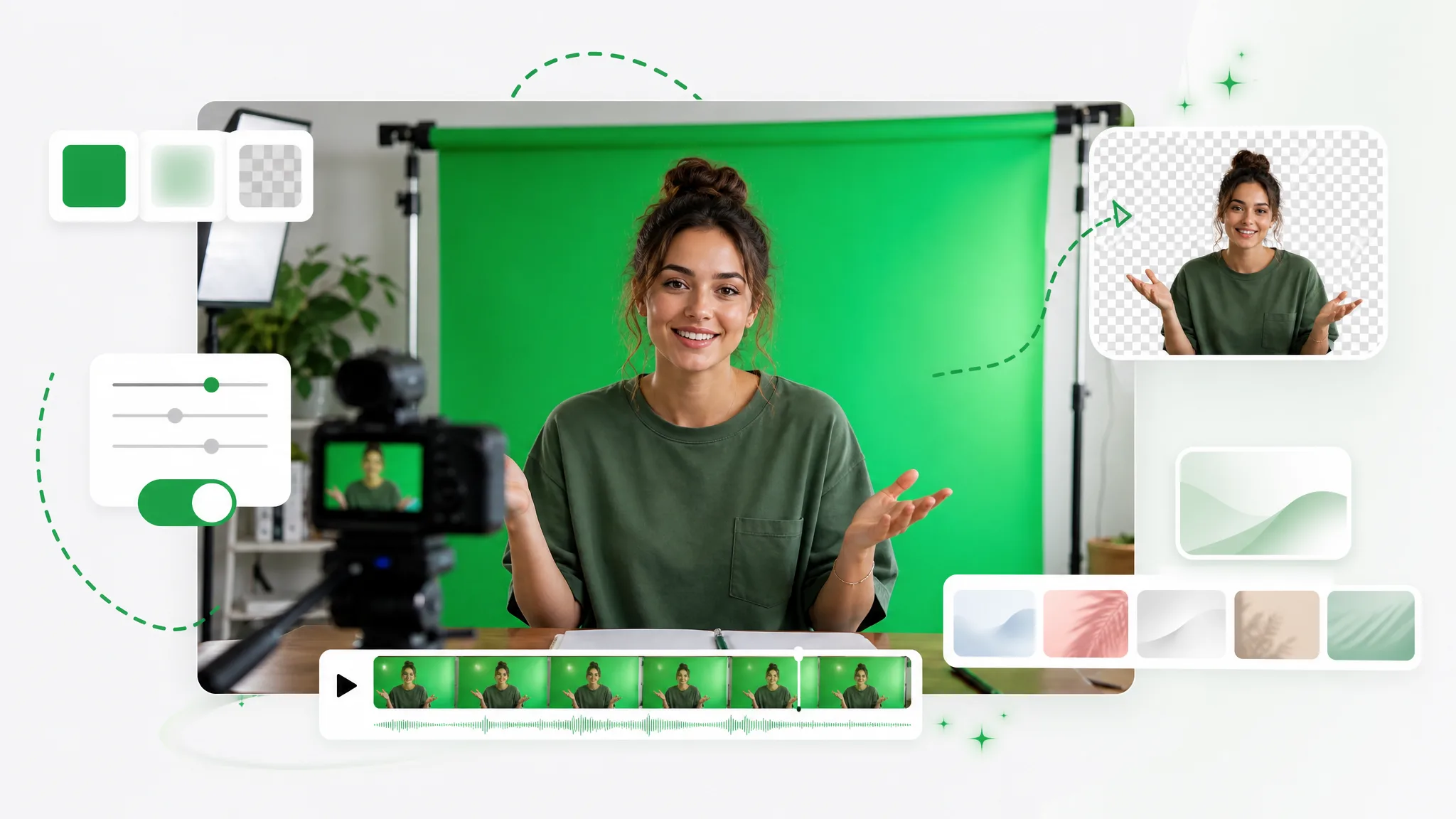
Turn any clip into a green screen video in seconds — add a green screen background automatically, no studio or manual keying, ready to composite in any editor.
Try now
Switch from Unscreen and cut any video background for free — no upload cap, no watermark. The same one-click cutout for an unscreen video export or a looping unscreen gif, nothing to install.
Try nowUpload a clip and let the chroma key remover remove its video background — free to try, no watermark, and no manual nodes to wire up.
Use the Chroma Key Remover — Free