Faces of bystanders
Cover nearby bystanders as well when preparing a vehicle walkaround for an advert.

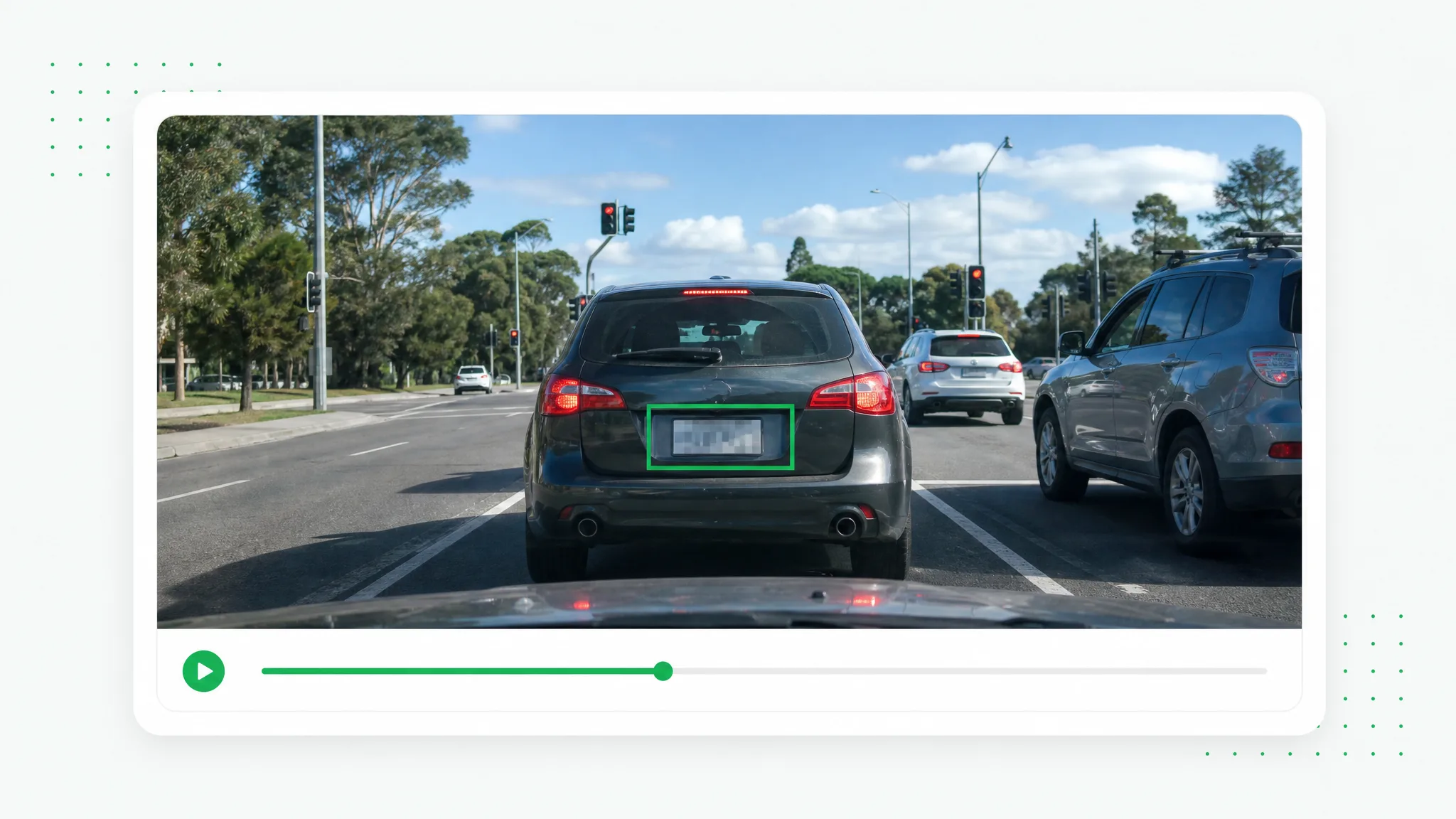
Prepare a vehicle walkaround, dashcam segment or street recording for publication. Mark the plates you choose to cover and adjust each region for the relevant part of the shot.
Before and after
Prepare vehicle footage for a listing or travel story with the selected registration plates covered.
A presenter prepared as a separate subject for another scene.
An action example showing the subject against a changed background.
An animated character shown separately from its original setting.
A stylized creature prepared for a layered composition.
A creator and product example with the background removed.
An animated scene element prepared for a new background.
A presenter prepared as a separate subject for another scene.
An action example showing the subject against a changed background.
An animated character shown separately from its original setting.
A stylized creature prepared for a layered composition.
A creator and product example with the background removed.
An animated scene element prepared for a new background.
Features
Prepare a vehicle walkaround, dashcam segment or street recording for publication. Mark the plates you choose to cover and adjust each region for the relevant part of the shot.
Mark the number plate in a vehicle walkaround before preparing its listing video.
Create a Transparent ClipUse separate time ranges as the plate changes position during a driving shot.
Use Your Own FootageAdd a box for each vehicle that needs a covered plate in a street scene.
Choose a New SettingReview the plate areas in the saved clip before using it in the car presentation.
Prepare Your Next ClipHow it works
Use separate time ranges as the plate changes position during a driving shot.
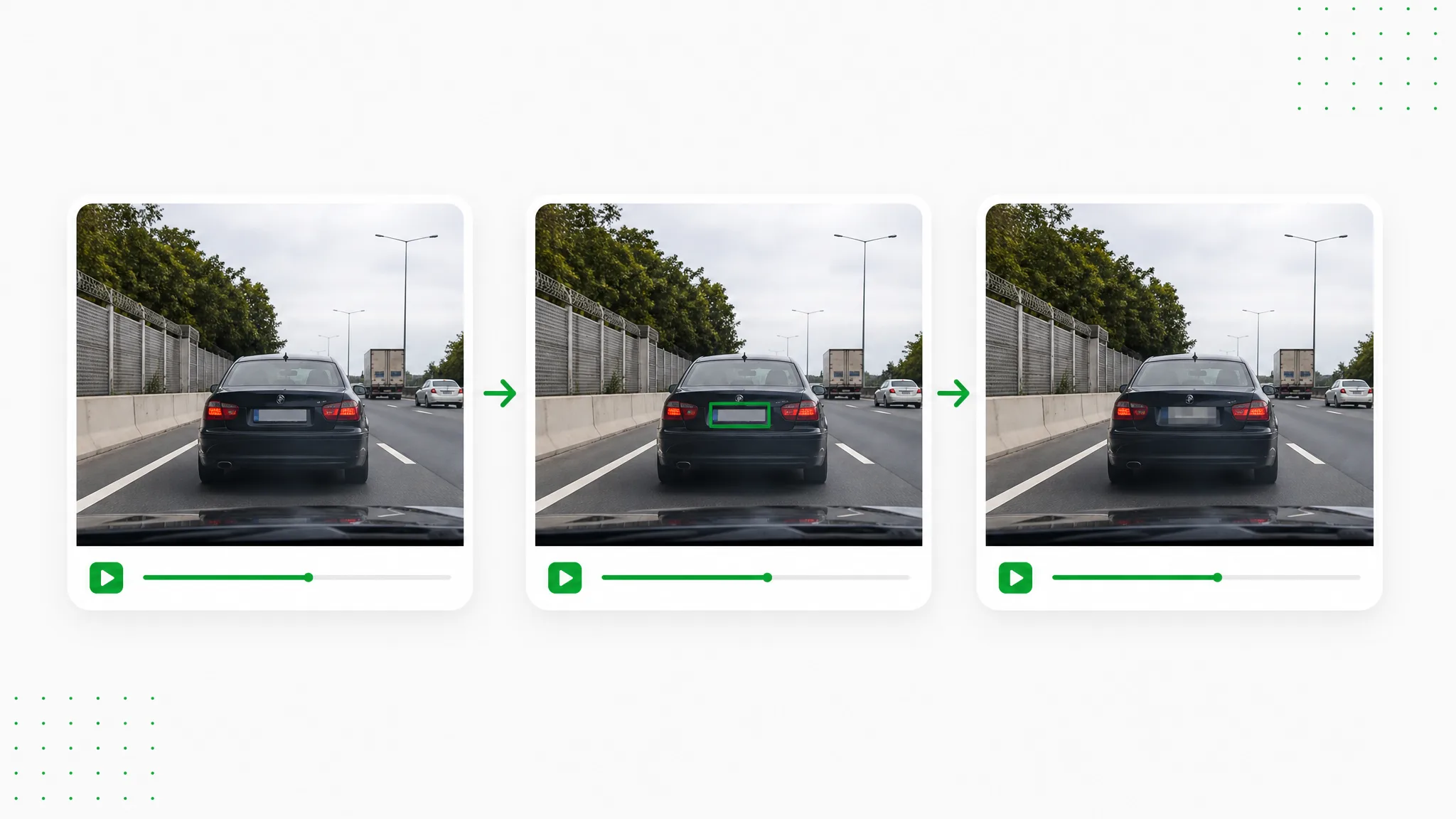
Open your recorded video in the browser. Mark the number plate in a vehicle walkaround before preparing its listing video.
Draw the selected regions, set their time ranges and apply blur or pixelation. Use separate time ranges as the plate changes position during a driving shot.
Preview the result and download the prepared clip. Review the plate areas in the saved clip before using it in the car presentation.
Project ideas
Add a box for each vehicle that needs a covered plate in a street scene.
Cover nearby bystanders as well when preparing a vehicle walkaround for an advert.
Set boxes on the plates visible in a parking-lot or street recording.
Cover identifying text on a registration document shown during the car presentation.
Use time ranges for the close-up where a passing car’s plate enters the shot.
Creator stories & examples
“The walkaround for a used estate car ended with a long rear view. I needed to blur number plate details while leaving the bodywork visible, so I drew a box around the registration and adjusted the interval. The exported clip still showed the paint and tailgate clearly for the sales listing.”
 Adrian VossVehicle Photographer
Questions and answers
Plan your edit
Open the recording, draw a box over the plate and choose blur or pixelation. Set its time range, preview and download the edited clip from the browser. This browser workflow uses no credits.
Use separate time ranges as the plate changes position during a driving shot.
Add a box for each vehicle that needs a covered plate in a street scene.
Yes. Mark the plate in the local recording, choose the effect and check the time ranges. Download the edited file and publish that prepared version.
Choose blur or pixelation and adjust its strength. Preview how the covered area looks alongside the rest of your footage before you save the result.
Place additional boxes with suitable time ranges as the detail changes position. Scrub through the relevant sections to check coverage.
Reviewed by RemoveVideoBG TeamUpdated
Related tools
Other tools for removing, replacing, and keying video backgrounds.
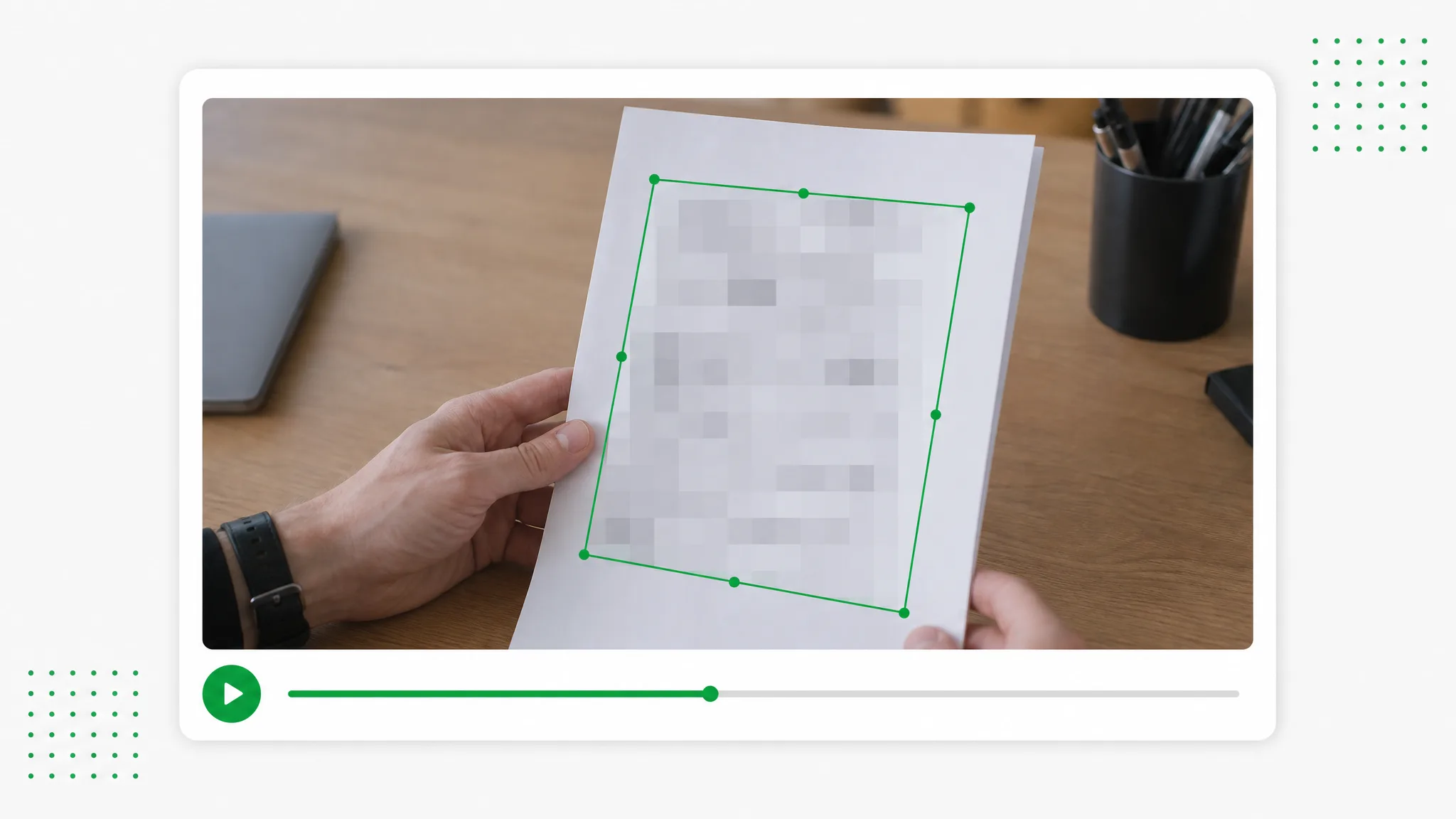
Prepare screen recordings and everyday footage for sharing. Draw boxes over chosen details, select blur or pixelation and set the time ranges for each region.
Try now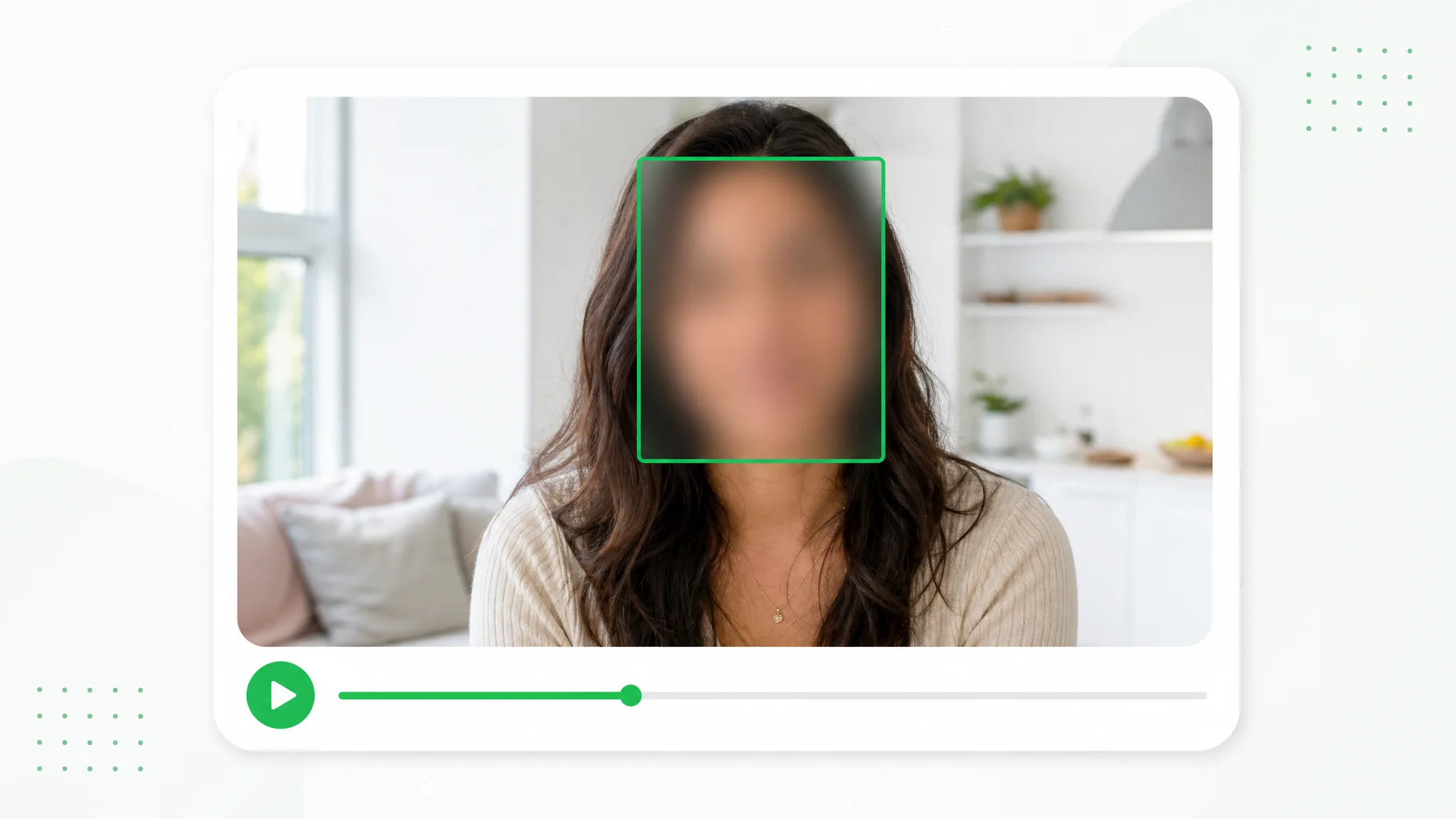
Choose which people remain visible in an interview, event recording or vlog. Draw a box for each face you want to cover, adjust the appearance and preview the edited video before sharing.
Try now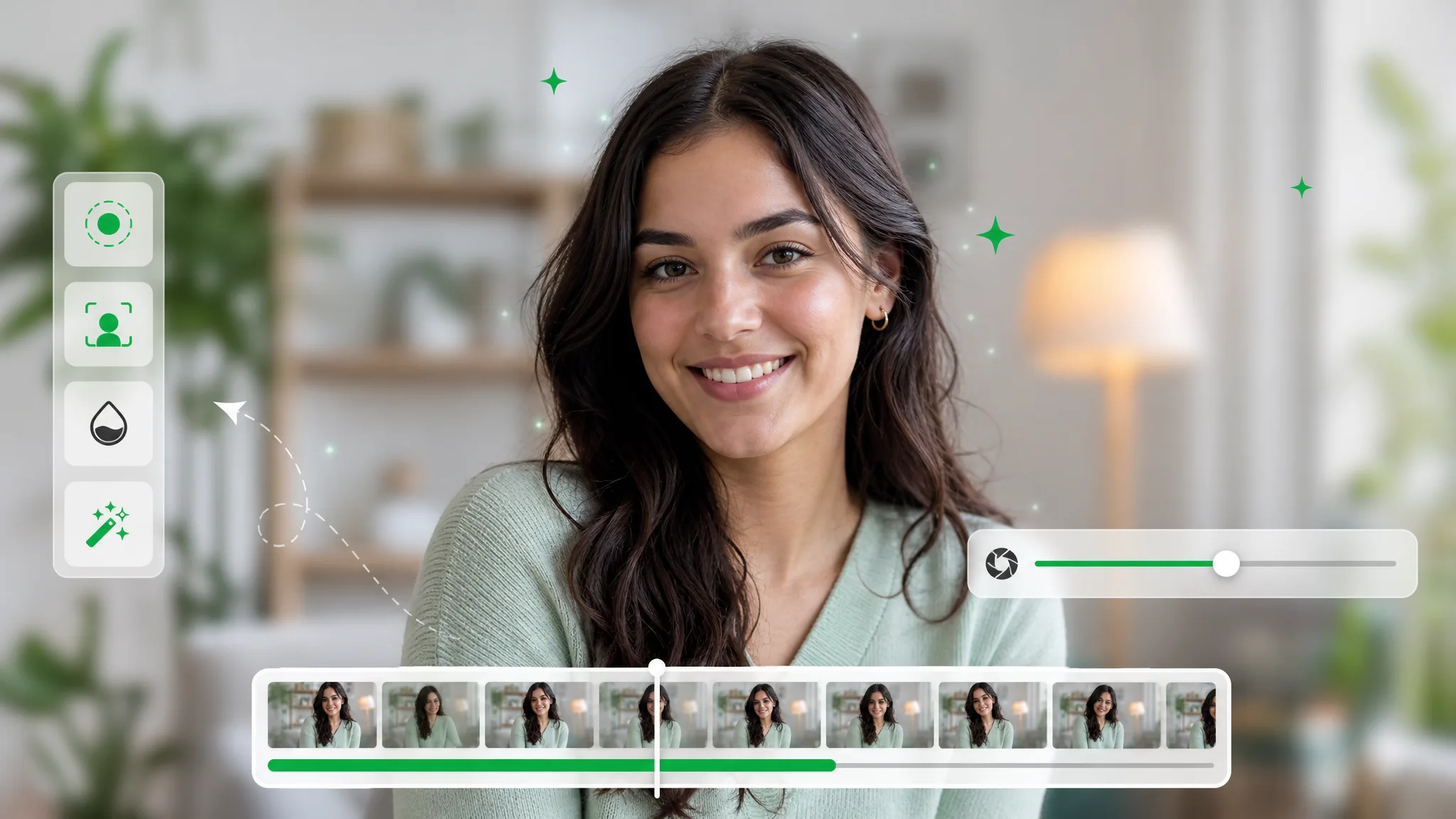
Soften the background of a recorded explanation, interview or introduction. Adjust the strength, start processing and preview a composition that brings attention to the subject.
Try nowReview the plate areas in the saved clip before using it in the car presentation.
Choose a fileYour video never leaves your browser — every frame is processed on your device.