Live streaming & gaming
Drop a clean facecam over your gameplay or stream — no green spill, no extra setup.

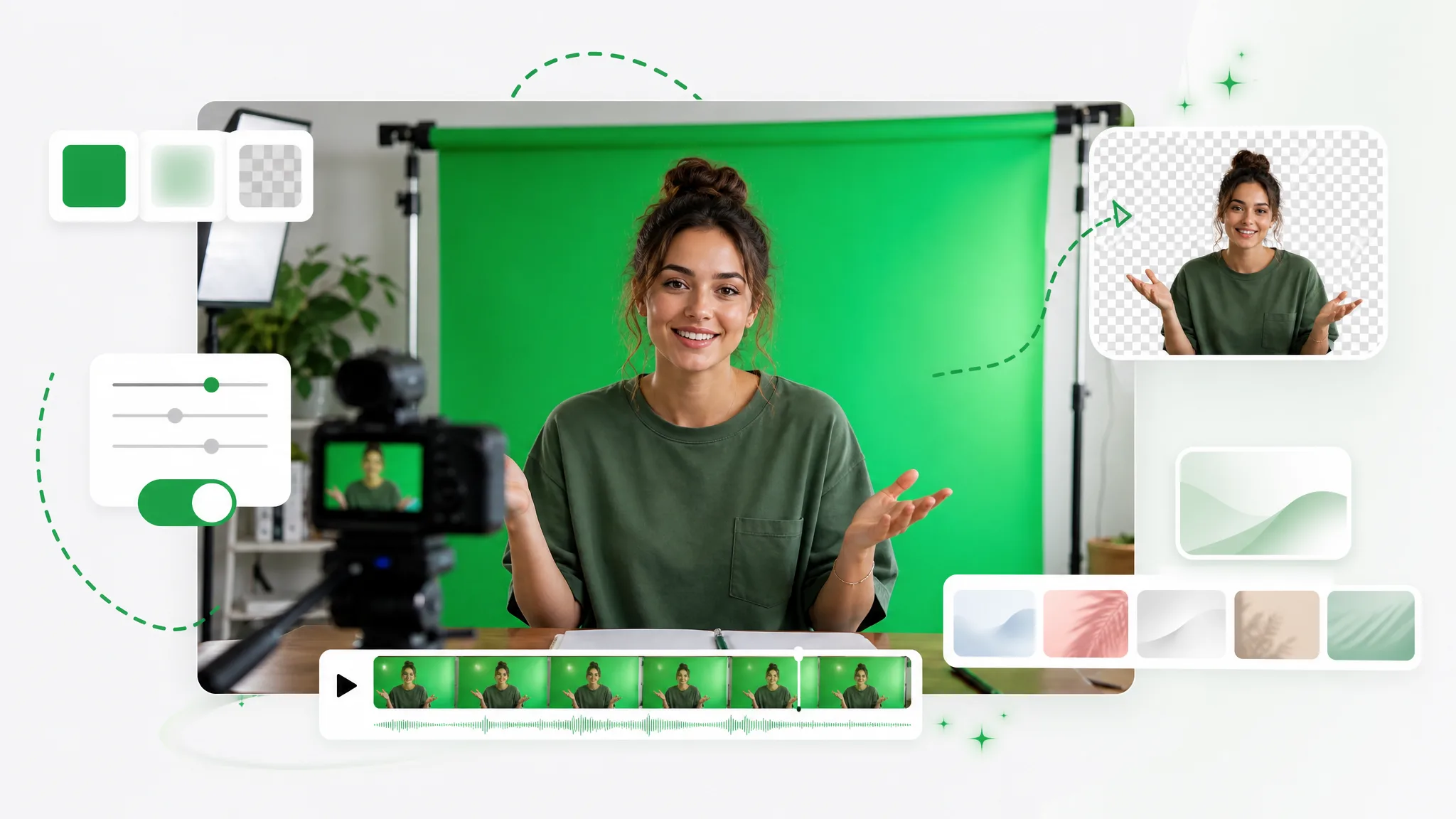
Turn any clip into a green screen video in seconds — add a green screen background automatically, no studio or manual keying, ready to composite in any editor.
Reviewed by RemoveVideoBG TeamUpdated
Before / after
Drag any sample to compare the original footage with a clean green screen background, and see how the green screen video looks and where the edges land before you run it on your own footage.
Turn any webcam clip into a clean green-screen plate to key later.
Generate a studio-perfect green backdrop with no physical stage.
Drop a character onto an even green screen, ready for compositing.
Turn outdoor action into a clean green-screen plate to key later.
Place an animated character on an even, studio-perfect green.
Generate a clean green plate for a CGI or VFX shot.
Turn any webcam clip into a clean green-screen plate to key later.
Generate a studio-perfect green backdrop with no physical stage.
Drop a character onto an even green screen, ready for compositing.
Turn outdoor action into a clean green-screen plate to key later.
Place an animated character on an even, studio-perfect green.
Generate a clean green plate for a CGI or VFX shot.
Why it works
Spill-free edges, instant preview, and no watermark — create a green screen video you can key in any editor, with no real green screen background, lights, or studio to set up.
Get a solid, evenly lit green screen background that keys out cleanly — no uneven cloth, wrinkles, or shadows to fight in post. A real studio almost never lights a backdrop this evenly, which is why hand-keyed footage so often shows hot spots and creases. Because the plate is generated, it stays the same perfect color edge to edge, so every clip you export keys the same dependable way.
Remove BackgroundAutomatic spill suppression keeps green off hair and edges, so your subject still looks natural once you key it out. On a real set, bounced light wraps a green tint around fine detail that you then have to despill by hand. Here the subject is isolated first and dropped onto the backdrop cleanly, so flyaway hair and soft edges never pick up the color and the green screen video stays easy to key.
Try it freeThe subject tracks frame to frame, so the cutout holds up on fast motion with no flicker or tearing along the edge. A green screen video is only as good as its most unstable frame; if the edge wobbles, the shot gives itself away the moment your subject moves. The AI follows the whole clip, so pans, gestures, and quick movement stay locked and the plate reads as a real, keyable surface.
Change BackgroundDrop the cutout into OBS, Premiere, or any streaming and editing tool and place your subject over any scene in seconds. It exports as a standard green screen video, so every chroma-key editor already knows what to do with it — no special format, no plugin, no conversion. Swap in a virtual set, a brand color, or live footage behind the subject and the key drops straight out, ready the moment it lands.
Start NowStep by step
Upload your clip, let the AI add a green screen background, and download a ready-to-key file — a full green screen video in three steps, no studio, lighting rig, or manual keying required between upload and export.
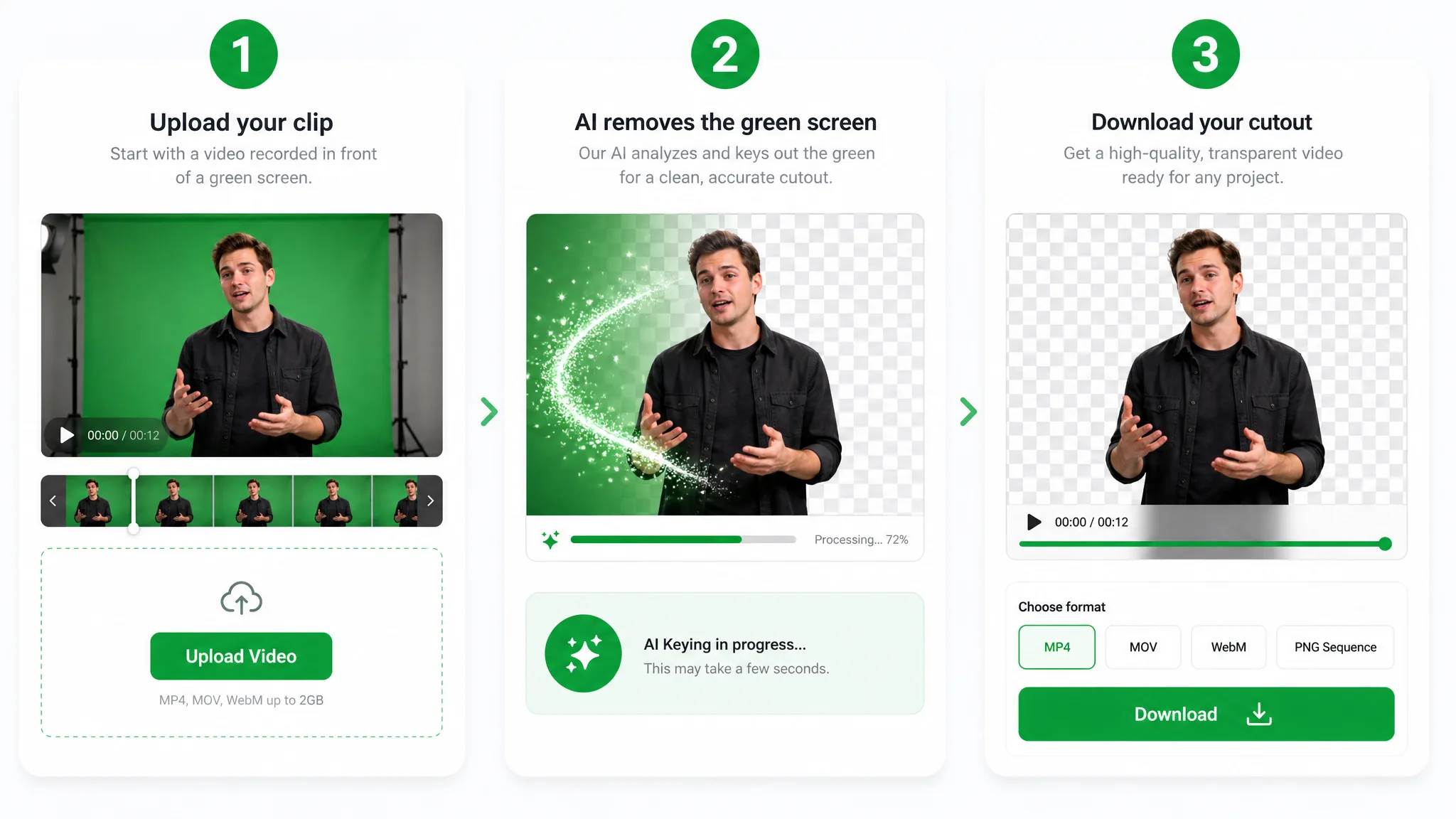
Drop in an MP4, MOV, or WebM clip to add a green screen without any gear or setup.
The subject is keyed onto a solid green screen background automatically — a clean green screen video in one click.
Export your green screen video as an MP4, ready to drop into any editor for chroma-keying.
Where it helps
Streams, reactions, and product shoots — add a green screen background for any composite, and make your green screen video without booking a studio or buying a backdrop.
Drop a clean facecam over your gameplay or stream — no green spill, no extra setup.
React over any clip with a crisp keyed cutout that keeps hair and headphones intact.
Swap your green screen for a polished virtual studio without booking a stage.
Present products against any branded background straight from a green screen shoot.
FAQ
Common questions on green spill, export formats, and clip length, plus how to make a green screen video without a real green screen background.
No — the backdrop is generated automatically from any clip. The AI keys your subject and drops it onto a clean green plate, so you get a studio-style green screen video without a cloth, lights, or any real setup at all.
Upload your clip and the AI will add a green screen background in seconds, no manual keying needed. It separates your subject from the original scene and places it on an even green screen background, so the file comes back ready to composite straight away in any editor.
A solid green backdrop is the standard key color for compositing your subject onto a new scene. Once the green screen video is keyed in an editor, you can swap in any background — a virtual set, brand color, or live footage — behind the subject.
It exports as an MP4 by default, ready for chroma-keying in any editor. You can also choose ProRes for the cleanest keying quality or WebM for the web, so the green screen video drops into whatever pipeline you already use.
Yes — add a green screen and export a version ready to post to TikTok, Reels, and Shorts. The keyed subject holds clean edges at vertical 9:16, so the green screen background sits behind you without a visible outline and keys just as cleanly on a phone as on a desktop edit.
Yes, you can make a green screen video online with no watermark, and it is free to start. Credits are used per second of video, and the clean, even backdrop and the watermark-free export stay the same at any length.
Related tools
Other tools for removing, replacing, and keying video backgrounds.
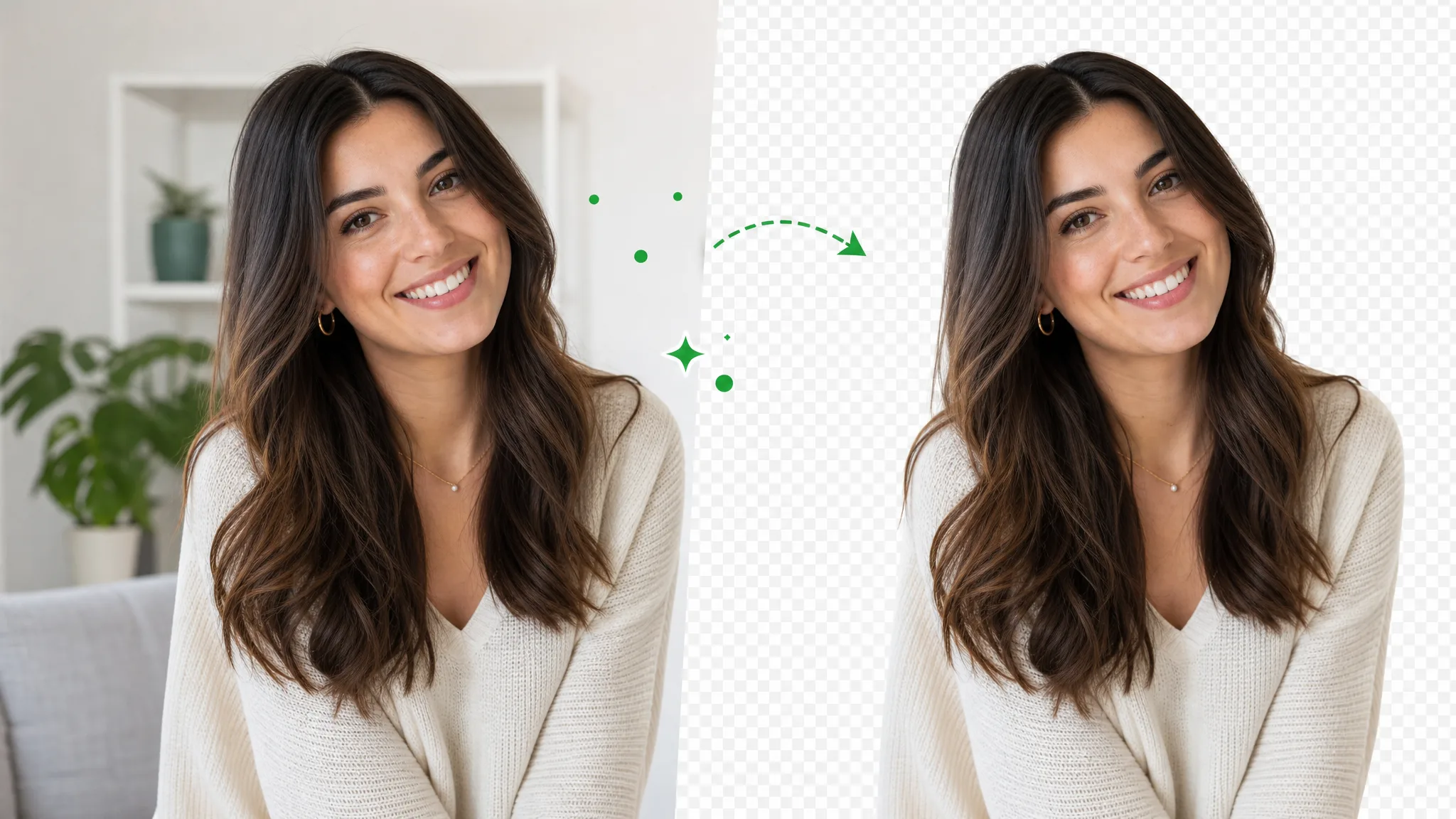
Delete video background online — upload a clip, run the same workflow as the general video background remover, and export transparent WebM. This URL covers delete wording, not a separate engine.
Try now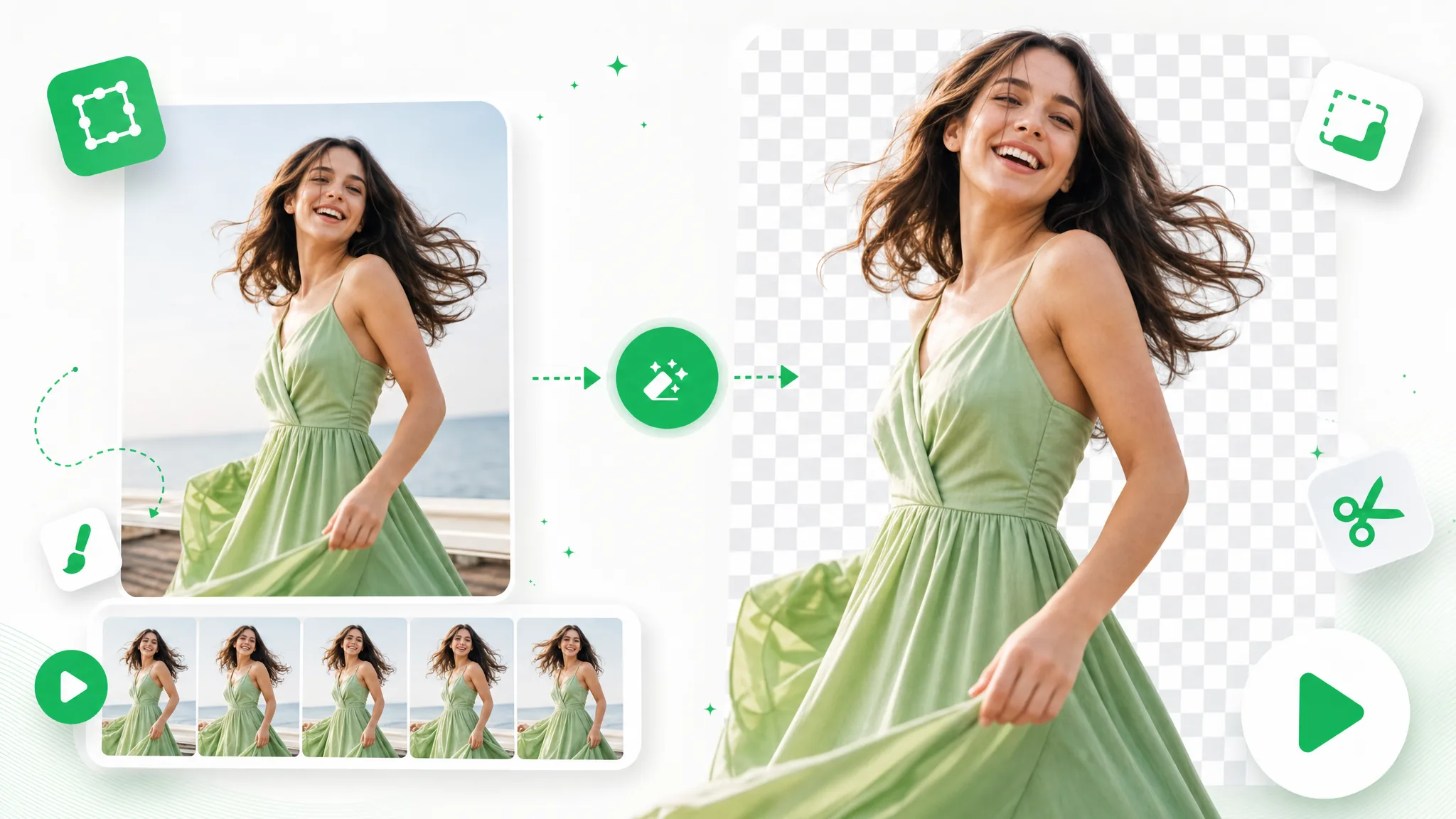
Upload a GIF and remove background from GIF automatically with this GIF background remover — export a clean transparent loop, no green screen or manual masking.
Try now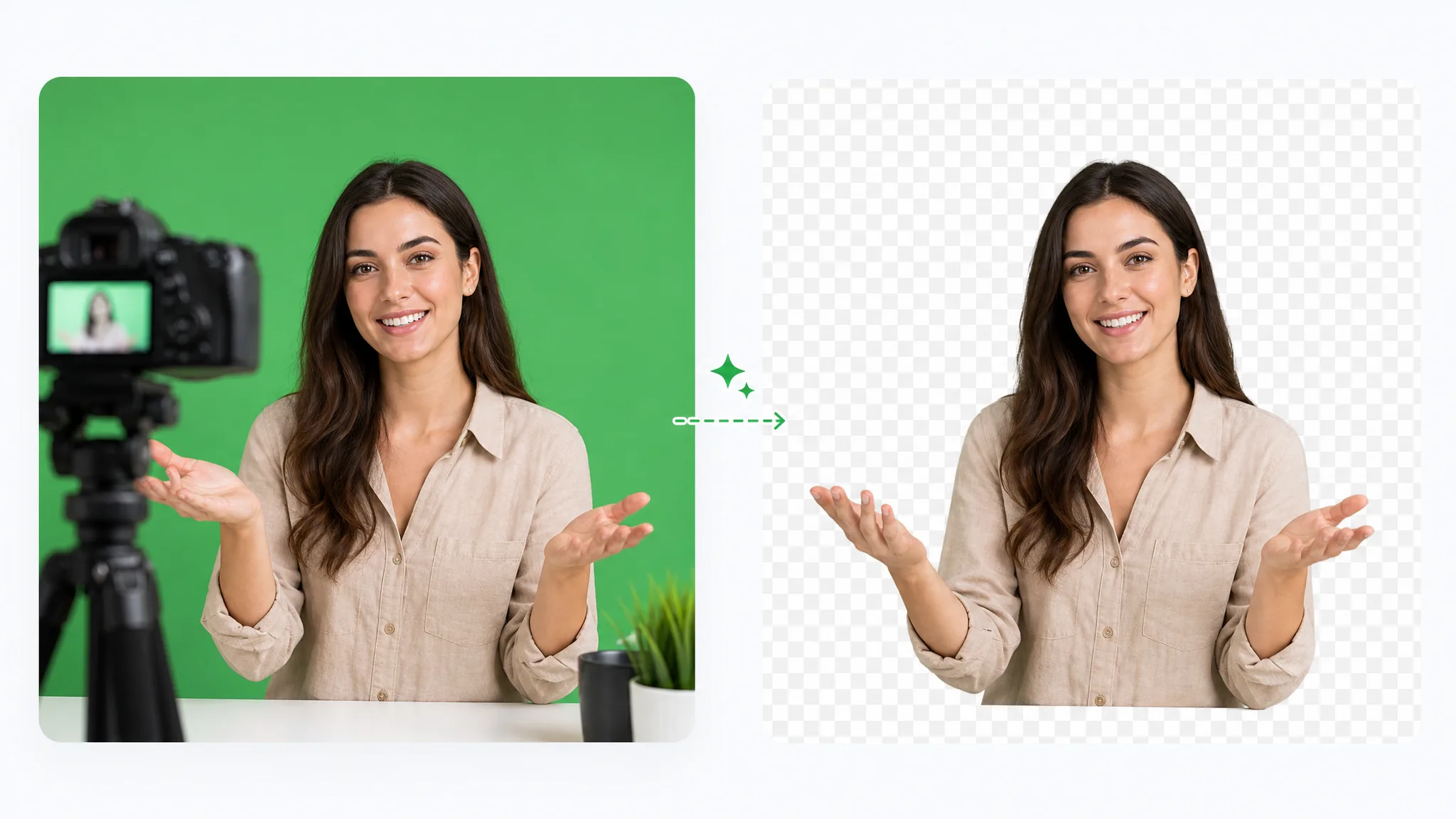
Green screen remover: remove green screen from video online free by dropping in green-screen footage. Keep the subject transparent, choose a solid color, or add a new background image.
Try nowUpload a clip and add a green screen background automatically — make your green screen video free, with no watermark and no studio to book.
Make Green Screen Video — Free