E-commerce & product
Put products on clean or custom backgrounds for listings and ads.

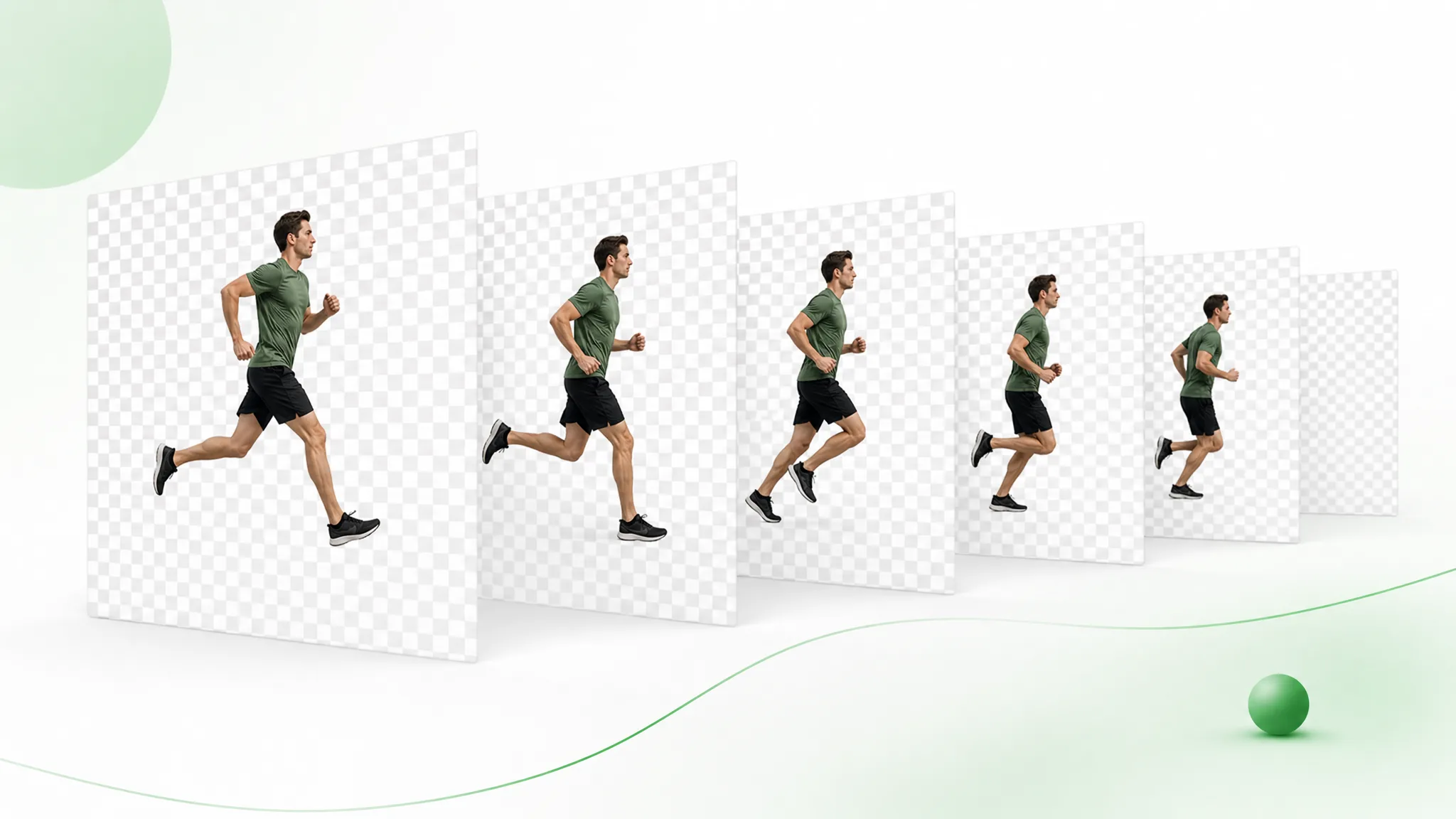
Export a video to PNG sequence with the background already gone — upload a clip, let the AI cut out the subject, and download numbered frames you can drop straight into any compositor.
Reviewed by RemoveVideoBG TeamUpdated
Before / after
Drag any sample to compare the original clip with a transparent, subject-only result — like a png transparent background remover applied to every frame, ready to export as numbered frames.
Keep skin, hair, and soft edges clean on talking-to-camera clips.
Fast motion and water spray stay sharp through the cutout.
Cut animated characters out of any rendered scene.
Isolate stylized characters for compositing and overlays.
Talking-head unboxing and product clips with clean edges.
Drop AI-made clips onto any background in seconds.
Keep skin, hair, and soft edges clean on talking-to-camera clips.
Fast motion and water spray stay sharp through the cutout.
Cut animated characters out of any rendered scene.
Isolate stylized characters for compositing and overlays.
Talking-head unboxing and product clips with clean edges.
Drop AI-made clips onto any background in seconds.
Why it works
True alpha, numbered frames, and no watermark — a clean video to PNG sequence your compositor reads exactly, not a flattened MP4 with a baked-in backdrop you would have to mask all over again.
Each image carries a true alpha channel, so your subject drops onto any scene with no black box or matte line behind it. Import the numbered set and every frame already cuts cleanly — there is nothing left to key out by hand on your side.
Remove BackgroundA still-image png transparent background remover has no idea what the next frame looks like. This one tracks your subject across the whole clip instead, so edges and hair stay consistent and the matte does not flicker or wobble in motion.
Try it freeYou get a tidy, numbered set of video to PNG frames that After Effects, Blender, Nuke, or Framer can import in one step, and you can convert the png sequence to MOV anytime. The filenames count up in order, so the editor reads them as a single clip automatically — no manual sorting, no renaming, no guesswork about playback order.
Change BackgroundBecause the frames are independent, you can make a video from a series of png, retime them, or hand them to another artist without re-rendering. They sit on disk as plain images, so you stay free to drop one, swap one out, or rebuild the clip at a different frame rate long after the export is done.
Start NowStep by step
Upload your clip, let the AI cut the subject out, and download a transparent, numbered set of frames — no manual masking in between.
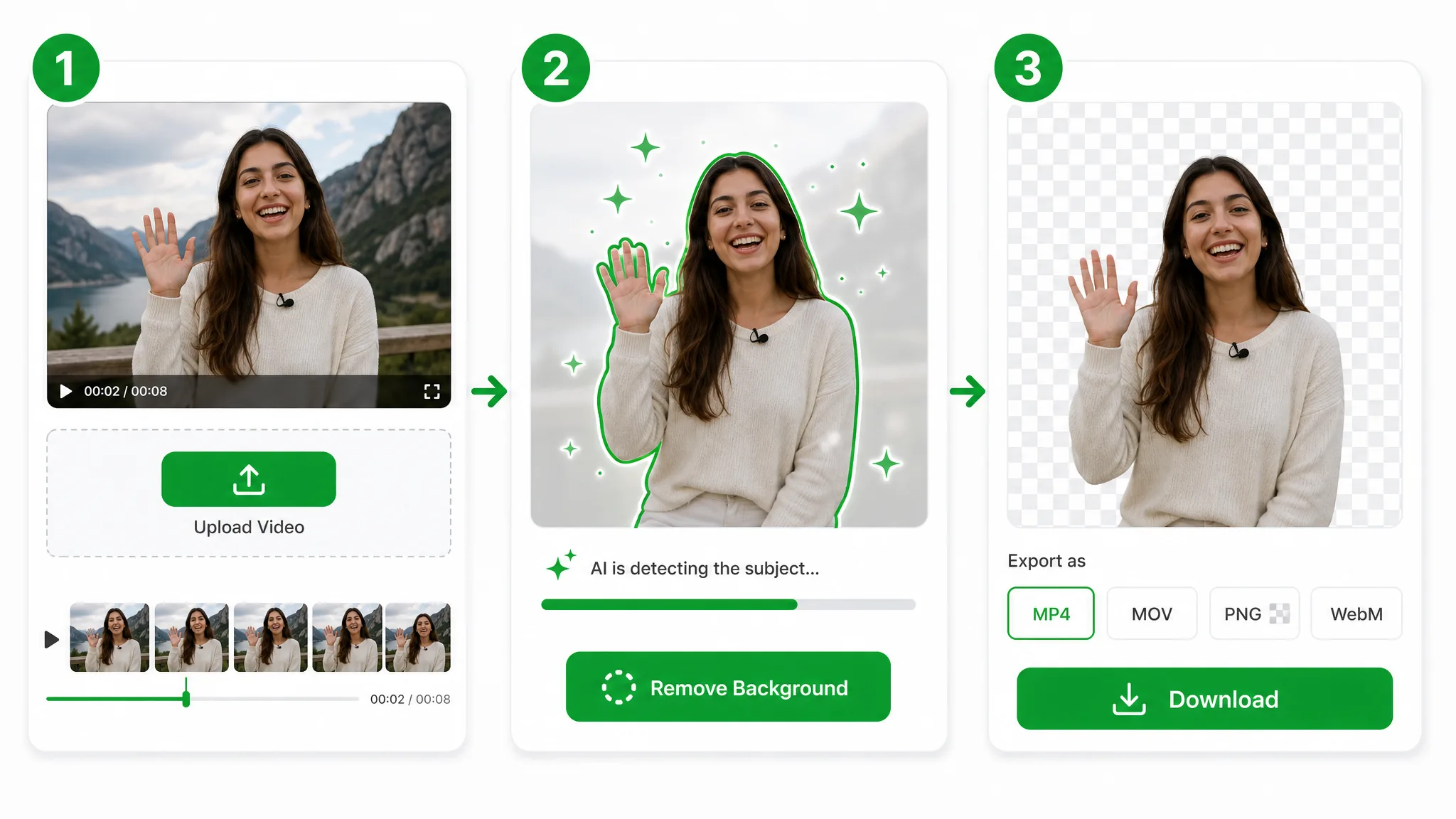
Drop in an MP4, MOV, or WebM. The AI strips the background so every frame comes out with clean alpha — no green screen needed.
The model separates your subject across the whole clip, frame by frame, the way a png transparent background remover treats a single still — only here it tracks motion instead of one image.
Download the transparent result as a numbered video to PNG sequence — a clean set of frames ready for After Effects, Blender, or any compositor.
Where it helps
Motion graphics, game sprites, and VFX plates all need a clean cutout on every frame, and that is exactly what video to PNG frames give you — each one drops into any compositor with the alpha intact and stays editable on its own.
Put products on clean or custom backgrounds for listings and ads.
Cut yourself out for Reels, Shorts, and TikTok overlays.
Create facecam overlays without a studio setup.
Place yourself over slides and screen recordings.
FAQ
Common questions on alpha, frames, MOV export, and how long a clip can run before you export it.
You get free credits to start, and there is no watermark. Upload your footage, let it work like a png transparent background remover across every frame, and download the transparent frames right away — after that you pay only for the seconds you process.
It is one numbered transparent image per frame instead of a single movie file. Any editor reads the set with the alpha intact, and because the frames are loose, you can retime, reorder, or hand them off without re-rendering.
Yes. Think of it as a png transparent background remover that runs across the whole clip rather than on one still — it tracks your subject frame by frame, so every image in the sequence keeps a clean transparent background.
Of course. Any compositor can make video from a series of png, or convert the png sequence to MOV with alpha. The frames are independent, so you can drop, retime, or re-render them freely.
MP4, MOV, and WebM all work. Upload any of them and the alpha on each frame stays intact, no matter which source container you started from.
Short clips up to 60 seconds run on the Basic tier; longer ones use Pro or Ultra. Either way the export stays full quality, with one numbered transparent frame written for every frame of your footage.
Related tools
Other tools for removing, replacing, and keying video backgrounds.

Replace video background online free — this free video background replacer uses the owner workflow. Choose a new image or color; this URL covers replace wording, not a separate capability.
Try now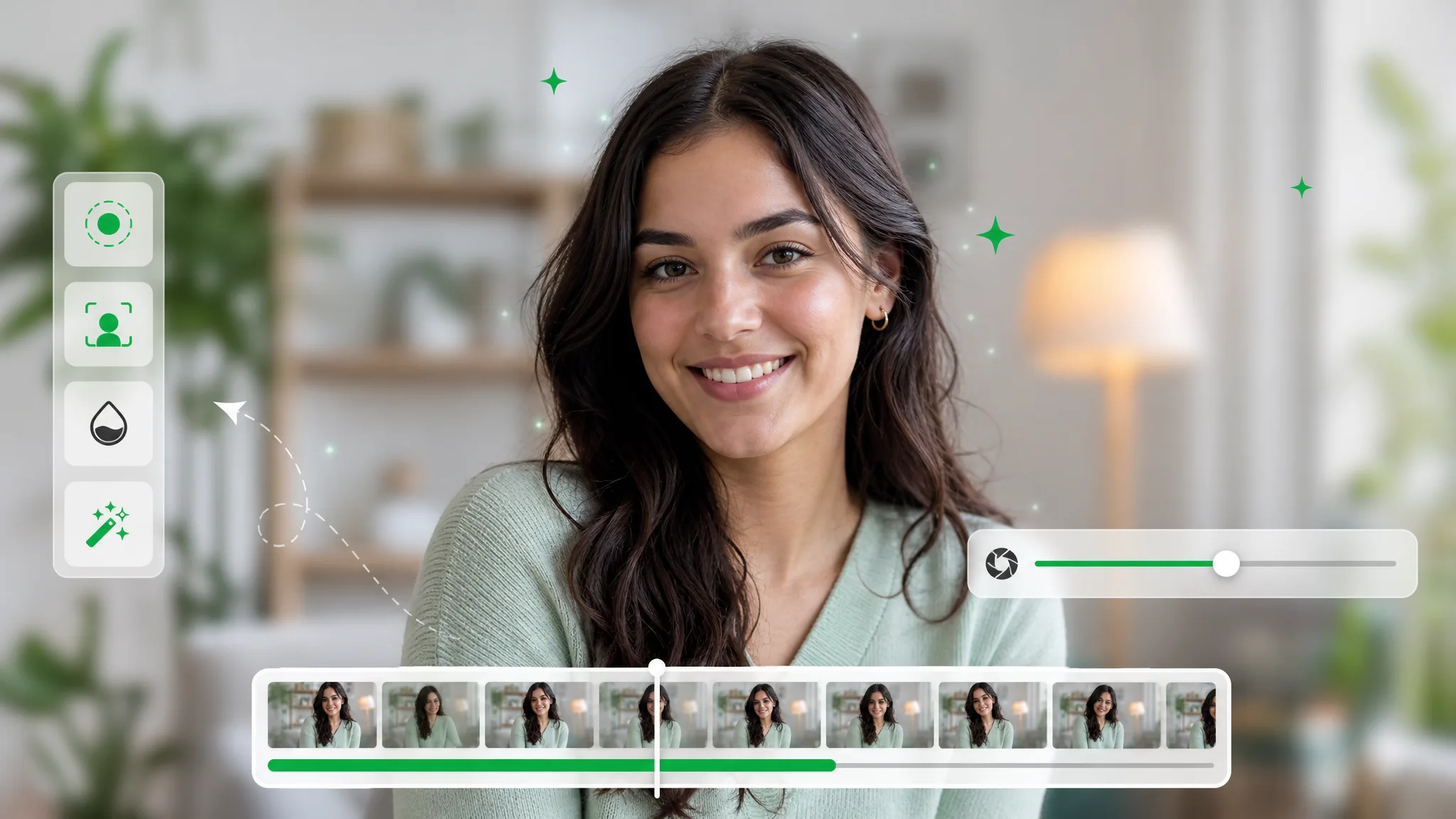
Blur video background automatically while your subject stays sharp. One pass softens everything behind them for a clean, cinematic depth-of-field look.
Try now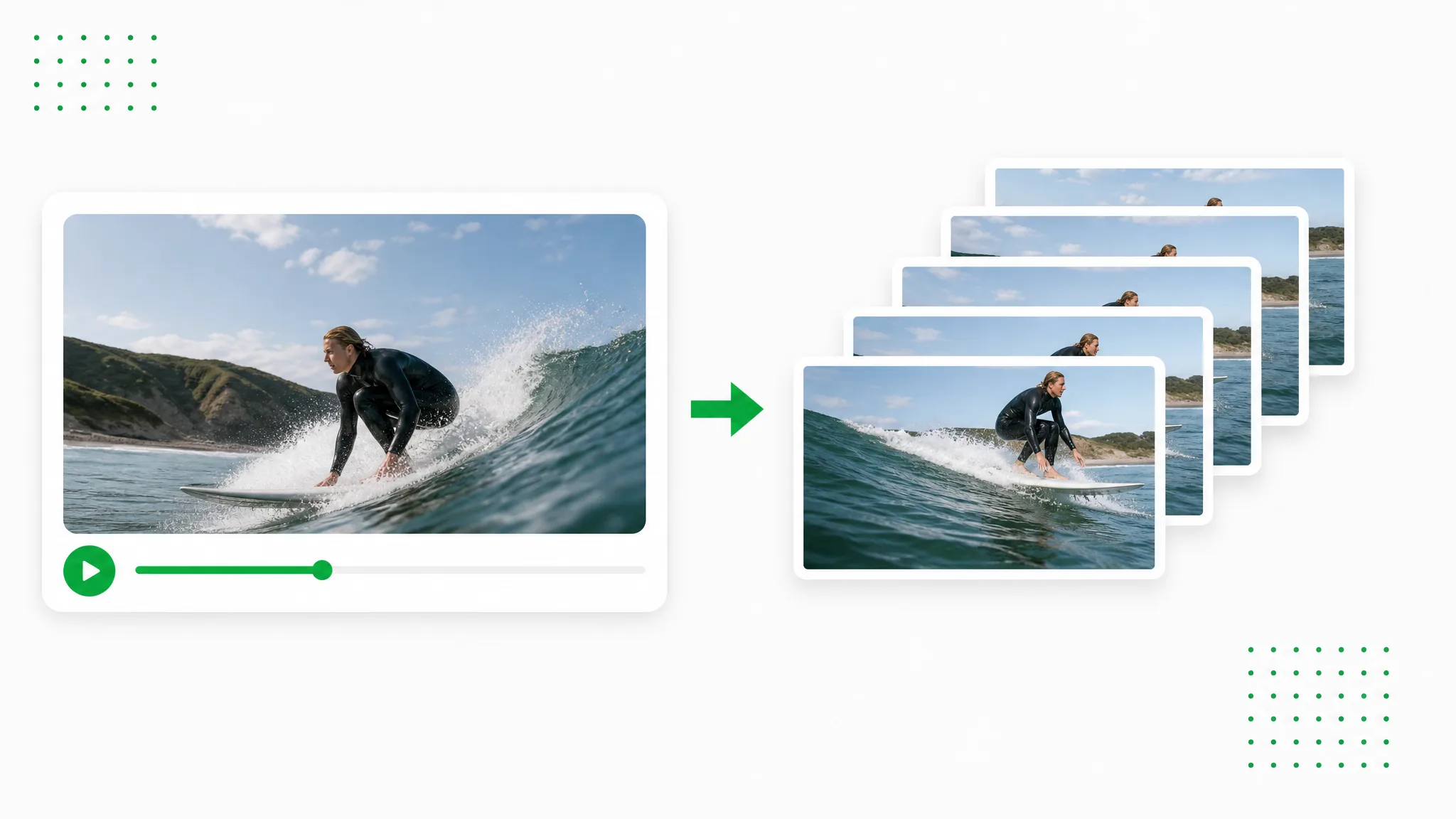
Video to PNG in your browser — convert MP4 to PNG frames or turn a MOV into a PNG image sequence. No signup, no watermark, and your file never leaves your device.
Try nowUpload a video and let the AI work across every frame — export a transparent video to PNG sequence in seconds, free, no watermark, full alpha, and ready for any compositor.
Export PNG Sequence — Free