Choosing a thumbnail
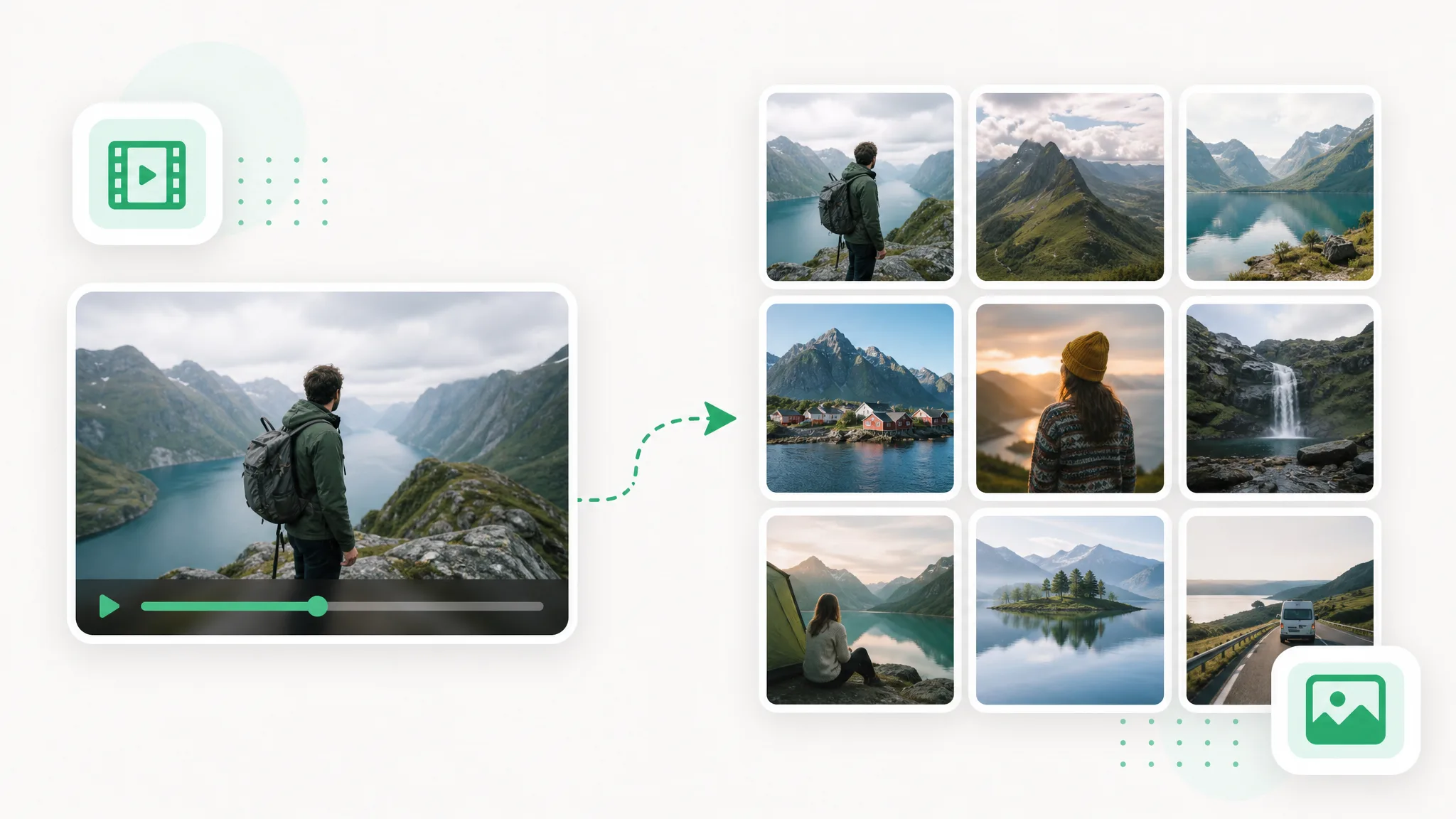
Browse representative frames to find the moment that introduces the clip. Use a selected image as the starting point for a cover design in your image editor.

Use video to frames to create images for a storyboard, tutorial or reference set. Choose the sampling and format, extract in your browser and download the pictures.
What you get
A video to frames workflow gives you stills from the source clip. Use the examples to picture a sequence you can review as images rather than replaying the same moment.
A presenter prepared as a separate subject for another scene.
An action example showing the subject against a changed background.
An animated character shown separately from its original setting.
A stylized creature prepared for a layered composition.
A creator and product example with the background removed.
An animated scene element prepared for a new background.
A presenter prepared as a separate subject for another scene.
An action example showing the subject against a changed background.
An animated character shown separately from its original setting.
A stylized creature prepared for a layered composition.
A creator and product example with the background removed.
An animated scene element prepared for a new background.
Working with stills
Extract a full sequence or sample selected moments. Video to frames makes the source footage easier to browse, document and bring into another creative task.
Use video to frames to see how a shot develops without reviewing every moment in real time. Choose every frame, every Nth frame or a timed interval from the controls. A denser sequence supports close review; a lighter sample gives you a set that is easier to browse when you are selecting a few useful moments.
Create a Transparent ClipPNG, JPG and WebP each give you a familiar image format for the next step. Choose PNG for an image-editing workflow, or JPG and WebP when a smaller set suits a document or reference board. Video to frames lets you make that choice while preparing the export rather than converting each image separately later.
Use Your Own FootageFrame extraction runs in your browser. You can prepare stills from a recording without uploading the source to a processing server. This makes the workflow useful when the clip belongs to an internal demonstration, an early product concept or another project you want to handle locally.
Choose a New SettingUse the extracted images as a sequence, a selection board or a collection of references. Keep the exported order when discussing a shot with collaborators, or choose individual images for a tutorial. Video to frames turns one source clip into assets that can travel into the document, board or edit you are working on.
Prepare Your Next ClipThree steps
Convert video to frames by choosing the source clip, setting the sampling and running extraction. Preview the images and download the set.
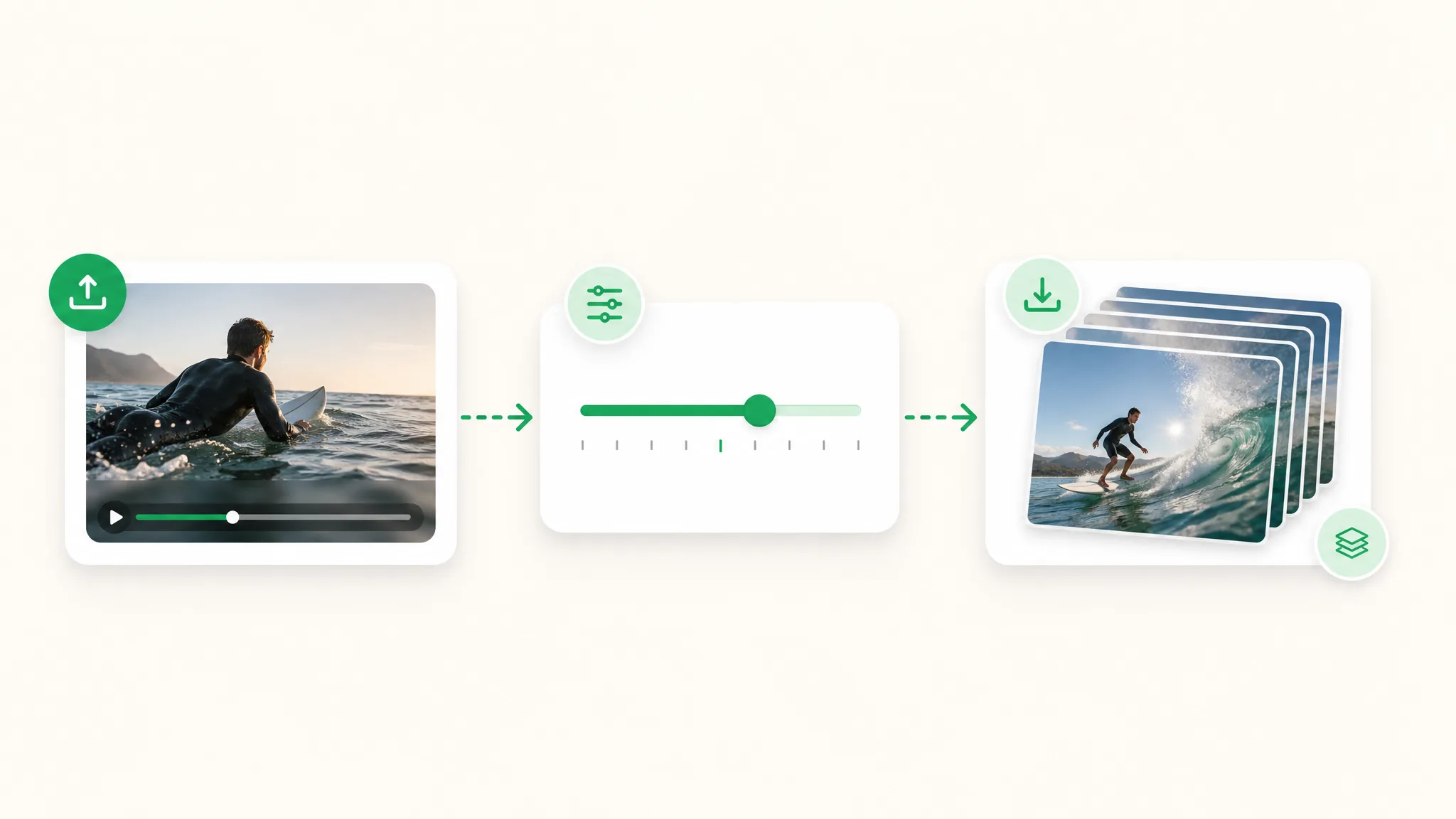
Open a video from your device. Start with the shot or recording that contains the action you want to document, compare or turn into still images.
Choose the image format and how frequently to capture a frame. Start extraction in the browser to create a full sequence or a lighter sample of the video.
Browse the extracted frames, then download the images for your next task. Use the set in a storyboard, tutorial or reference folder, or select the moment that best explains the action.
Project ideas
Turn video into pictures for a storyboard, product guide or edit review. A lighter sample makes video into pictures you can browse with collaborators before choosing the frames for your project.
Browse representative frames to find the moment that introduces the clip. Use a selected image as the starting point for a cover design in your image editor.
Extract a demonstration or recorded story into stills. Choose the useful images and arrange them with captions or a campaign design for your post.
Sample movement, lighting or composition from your own footage at a chosen interval. Keep the resulting set for a storyboard or visual reference.
Capture the moments where a diagram, screen or gesture changes. Use the images in review notes so each comment points to a visible part of the clip.
Creator stories & examples
“My walk-cycle study began with a friend stepping over a puddle. I used video to frames to extract a sequence of stills from that recording, then laid them out in my drawing file. The changing foot positions gave me a concrete reference for the hesitation before the character takes a larger step.”
 Owen RedfernAnimation Director
Questions
Find the right sampling and image output for the next step of your project.
Video to frames extracts still images from a moving clip. You choose how often to capture an image and download the resulting set. The images can support storyboards, tutorials, reference boards and other work where a still view is more useful than a playable recording.
Use the video to image converter to convert video to frames: open the recording, choose sampling and an image format, then start extraction. Download the numbered stills for a storyboard, presentation or shot review.
Choose the every-frame option when you need a dense sequence. For a lighter set, select every Nth frame or a timed interval from the controls. Match the sampling to the detail you need in the storyboard, review or image-editing task.
Choose PNG, JPG or WebP for the extracted images. PNG fits many editing workflows, while JPG and WebP can make a reference set easier to share. Pick the format according to where you intend to use the images after extraction.
The video to frames tool processes the source locally in your browser. It reads the file you choose and prepares still images on your device, making it a useful workflow for internal demonstrations and other recordings you want to keep local.
This browser-based frame extraction tool is free and uses no processing credits. Choose the clip and sampling options, run extraction and download the images. Other tools on the site can have different processing workflows and show their own quotes.
Use the stills in a storyboard, tutorial, design reference or review note. The sequence lets you discuss a specific moment without asking someone to replay the whole clip. You can also open individual images in your usual image editor.
Use the frame grabber when you want to select a specific moment as an image. Video to frames is the workflow for extracting a sequence or interval-based set. The related tools offer both paths, so you can match the export to the task.
Reviewed by RemoveVideoBG TeamUpdated
Related tools
Other tools for removing, replacing, and keying video backgrounds.
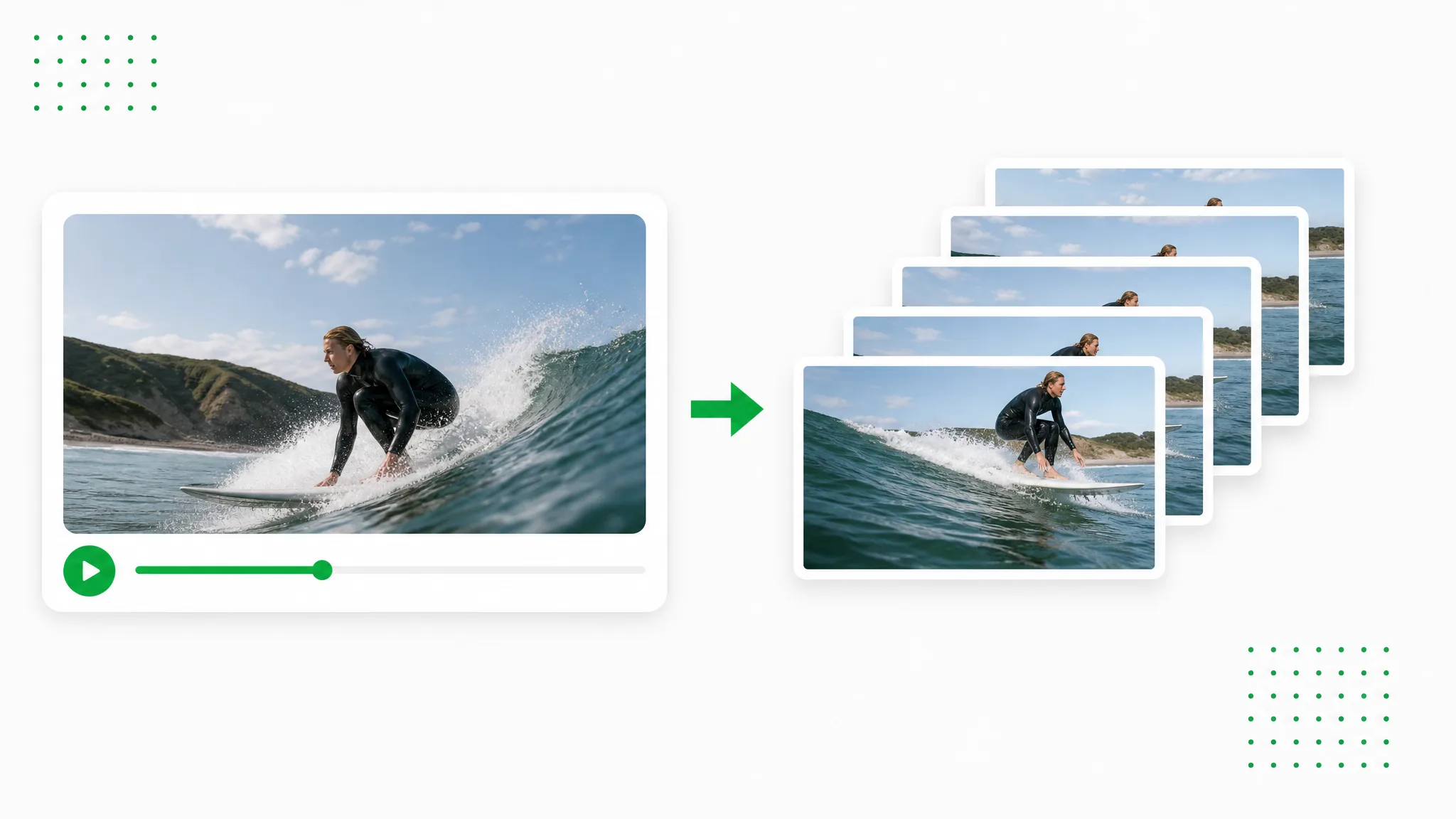
Extract the video as PNG images and download a ZIP for your design workflow.
Try now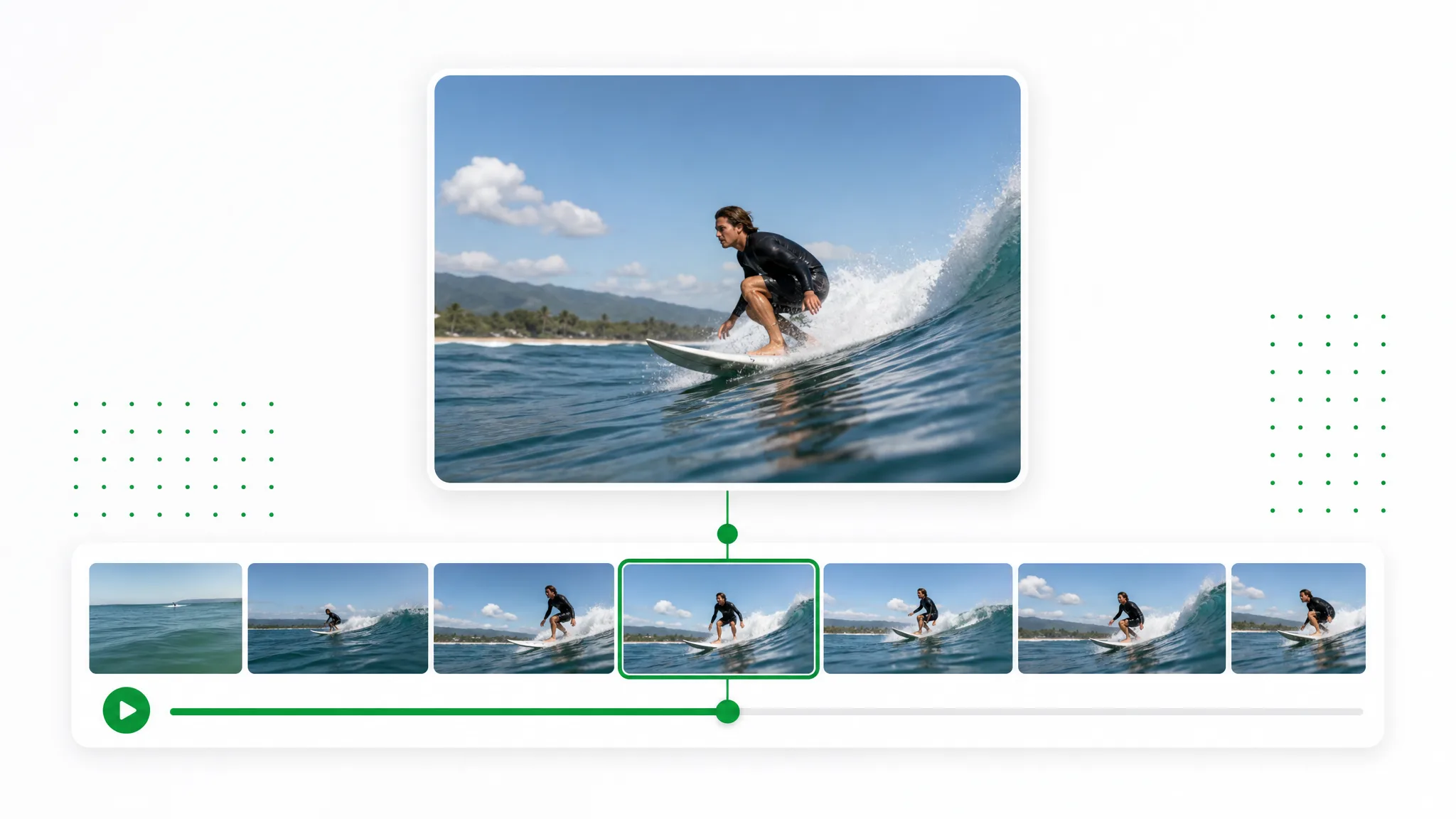
Move to the moment you want, capture the current frame and download a PNG or JPG. Use the chosen still for a thumbnail, slide or reference image.
Try now
Looking for an Unscreen alternative? Upload an existing recording, separate the subject and prepare a transparent layer or a new-background video for your next creative project.
Try nowUse video to frames to prepare a storyboard, tutorial or reference set. Choose the sampling, extract in your browser and take the images into the project you are working on.
Extract Video Frames