E-commerce & product
Put products on clean or custom backgrounds for listings and ads.

Upload a MOV and make MOV transparent in the browser — this mov background remover accepts .mov files only, cuts the backdrop automatically, and exports a transparent WebM with alpha.
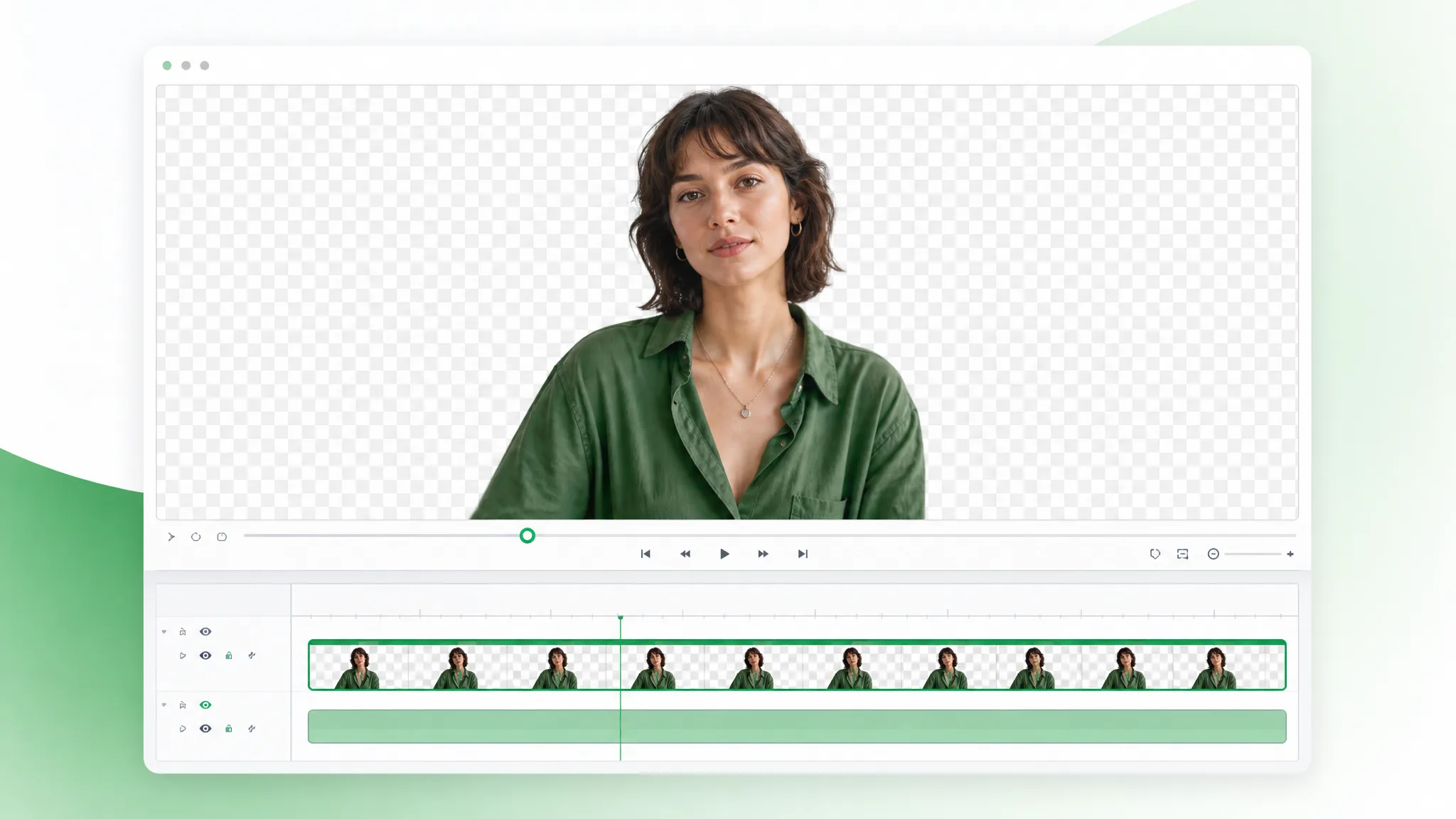
Reviewed by RemoveVideoBG TeamUpdated
Before / after
Drag any sample to compare the solid original with a subject-only cutout, and judge the edges and fine hair detail before you run the mov background remover on your own footage to make MOV transparent.
Keep skin, hair, and soft edges clean on talking-to-camera clips.
Fast motion and water spray stay sharp through the cutout.
Cut animated characters out of any rendered scene.
Isolate stylized characters for compositing and overlays.
Talking-head unboxing and product clips with clean edges.
Drop AI-made clips onto any background in seconds.
Keep skin, hair, and soft edges clean on talking-to-camera clips.
Fast motion and water spray stay sharp through the cutout.
Cut animated characters out of any rendered scene.
Isolate stylized characters for compositing and overlays.
Talking-head unboxing and product clips with clean edges.
Drop AI-made clips onto any background in seconds.
Why transparent WebM
A real alpha channel, clean color, and no watermark — a mov background remover built for serious timelines, so the transparent cutout holds up under grading and re-export.
The export stores genuine per-pixel transparency, so your subject composites onto any plate without a baked-in backdrop or a hard matte line. That real alpha is the whole reason to reach for a mov background remover over a quick MP4 export — the cutout arrives ready to layer, with nothing left to key out before you build the shot, and it converts to ProRes 4444 alpha later without loss.
Remove BackgroundThe transparent WebM keeps clean color and fine edge detail, so skin tones, hair, and gradients survive the mov background remover pass and hold up under grading. Where a compressed, flattened format would crush those tones, the alpha export preserves them, which matters when the transparent MOV cutout has to match graded plates in a finished, broadcast-quality edit.
Try it freeA transparent WebM previews right in the browser and imports into Final Cut, Premiere, and After Effects without conversion, so you drop the cutout onto a track and keep working. There is no codec pack and no separate alpha pass to manage — and when a delivery spec demands ProRes 4444 alpha, your editor re-wraps the same file in one export step.
Change BackgroundThe subject is tracked across every frame, so the alpha holds with no flicker or halo even when the action moves quickly across the shot. Fast gestures, hair, and motion blur stay locked into the matte, which keeps the cutout believable on energetic footage rather than smearing or shimmering at the edges under motion when you make MOV transparent.
Start NowStep by step
Upload a .mov file, let the mov background remover cut the backdrop, and download a transparent cutout — three steps to make MOV transparent, no keying in between.
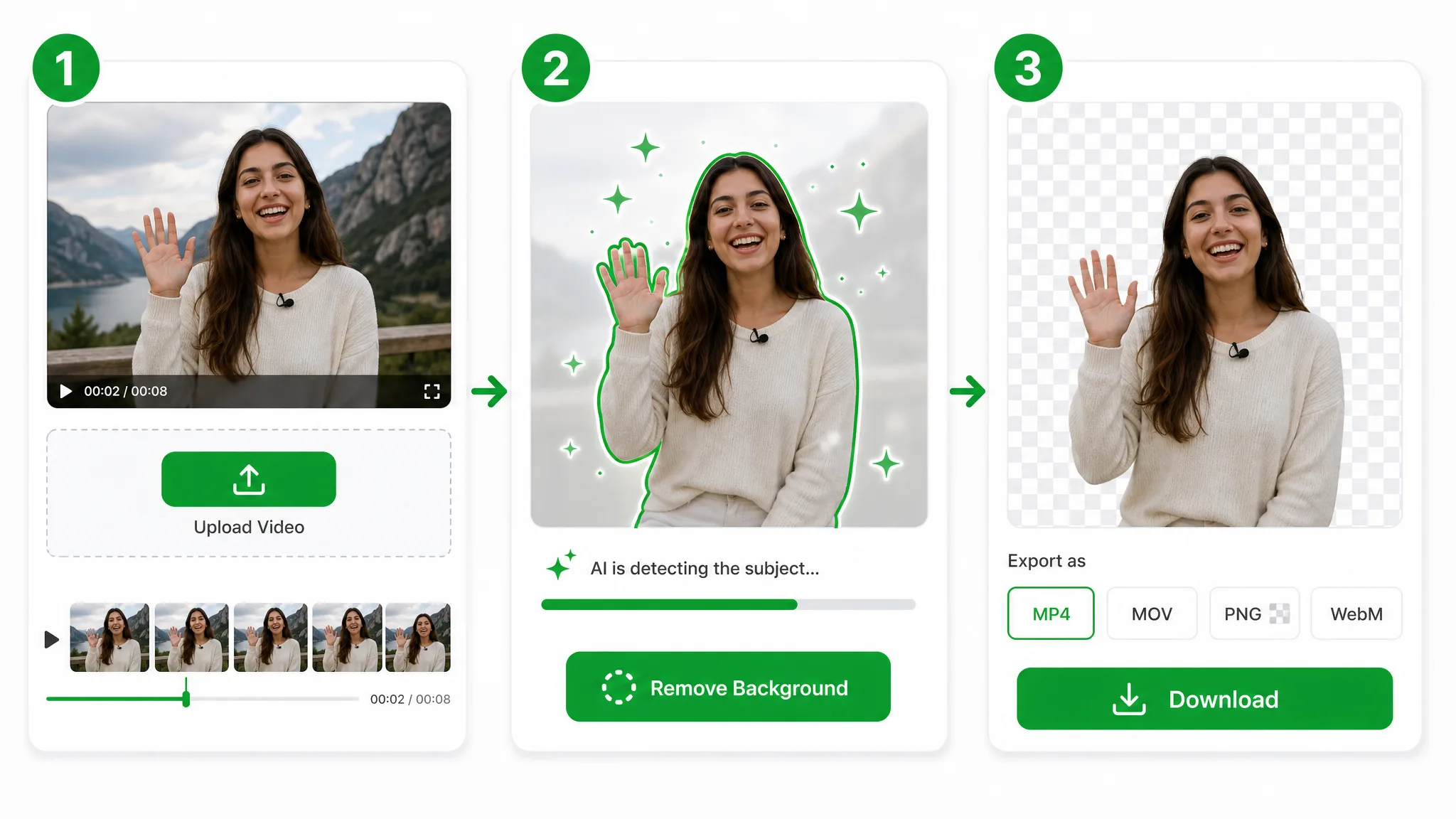
Drop in a .mov file — this page accepts MOV only — and the mov background remover takes over: your file goes to secure storage, with no codec packs or pro NLE setup needed to make MOV transparent. For an MP4 or WebM source, use the video background remover instead.
The AI separates your subject frame by frame and writes the cutout into a transparent WebM — no chroma stage, no rotoscoping, and no flattened black box left behind the subject.
Export a transparent WebM with a full alpha channel — an edit-ready cutout you can drop straight onto a timeline, or re-export to ProRes 4444 from your editor when a project needs that wrapper.
Where it helps
Broadcast lower-thirds, film VFX plates, and high-end product shots — make MOV transparent and grade the result, then re-export to ProRes 4444 alpha if the timeline needs it.
Put products on clean or custom backgrounds for listings and ads.
Cut yourself out for Reels, Shorts, and TikTok overlays.
Create facecam overlays without a studio setup.
Place yourself over slides and screen recordings.
FAQ
Common questions on alpha output, ProRes 4444 alpha conversion, and editor compatibility with the mov background remover.
Upload your clip and the mov background remover isolates the subject, then exports a transparent WebM with alpha. It runs automatically and is free to start with no watermark, so a phone recording works as well as a lit studio shoot.
You download a transparent WebM with an alpha channel. It plays directly in browsers and drops into every major editor — the format this mov background remover uses to make MOV transparent reliably, instead of a flattened MP4 with a baked-in backdrop.
Yes, with one extra step. This mov background remover delivers a transparent WebM online; to get ProRes 4444 alpha, import that WebM into Final Cut, Premiere, or After Effects and export ProRes 4444 — the alpha channel carries straight over, so the transparency is preserved end to end.
To make MOV transparent, run the mov background remover and download the transparent WebM. Upload the clip, let it cut the backdrop, and the alpha channel makes the MOV transparent wherever you place it on the timeline — no manual masking step.
No — this page only accepts MOV files. The mov background remover is tuned for a .mov upload, and it writes the cutout to a transparent WebM with alpha. If your source is an MP4 or a WebM clip, use the video background remover instead, then come back to this transparent MOV workflow whenever you shoot .mov again.
Transparent export needs the Basic tier, so keep clips to 60 seconds. At that length this mov background remover writes a transparent WebM; longer footage runs on the Pro or Ultra tier and also exports a transparent WebM with alpha.
Related tools
Other tools for removing, replacing, and keying video backgrounds.
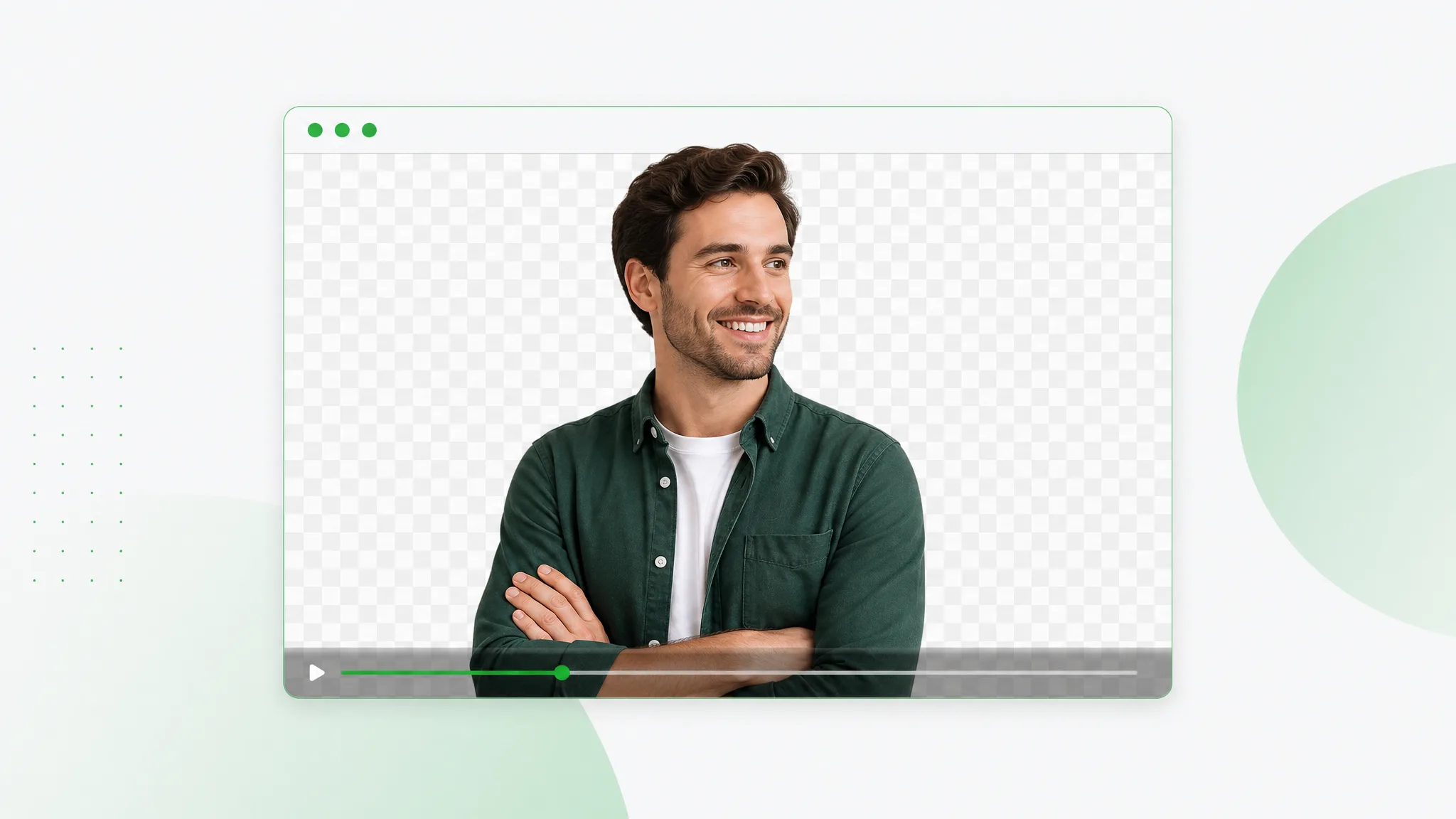
Cut out your subject and export a transparent WebM with a real alpha channel — upload any clip, let the AI run a clean webm remove background pass, and download VP9 alpha ready for the web.
Try now
Erase background video online — upload footage, use the same workflow as the general remover, and export transparent WebM with alpha. This URL covers eraser wording, not a separate engine.
Try now
Video to WebP the transparent way — upload a clip, remove the background, and export an animated WebP that carries a real transparent background into any page, with full 8-bit alpha, not a flat GIF.
Try nowUpload a .mov file and download a transparent cutout in seconds — the fastest mov background remover online, free and no watermark, with a real alpha channel — re-export it to ProRes 4444 from your NLE if your delivery spec needs it.
Make MOV Transparent — Free