Stickers & memes
Turn a clip into a transparent GIF sticker for chats and posts.

Upload a GIF and remove background from GIF automatically with this GIF background remover — export a clean transparent loop, no green screen or manual masking.
Reviewed by RemoveVideoBG TeamUpdated
Before / after
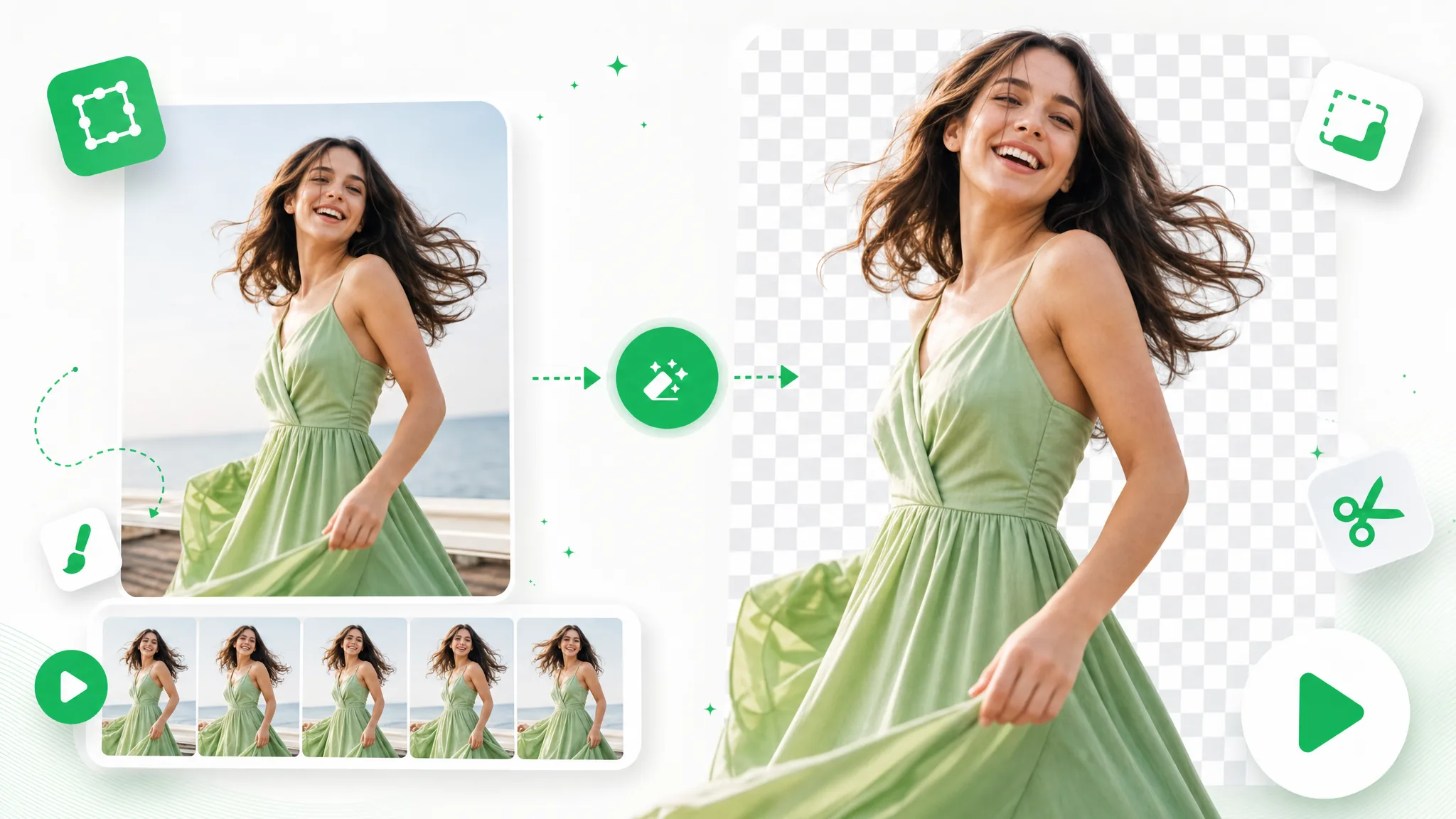
Drag any sample to see a clean cutout pulled straight from a busy GIF, frame by frame, so you can judge the edges before you remove GIF background on your own loop.
Keep skin, hair, and soft edges clean on talking-to-camera clips.
Fast motion and water spray stay sharp through the cutout.
Cut animated characters out of any rendered scene.
Isolate stylized characters for compositing and overlays.
Talking-head unboxing and product clips with clean edges.
Drop AI-made clips onto any background in seconds.
Keep skin, hair, and soft edges clean on talking-to-camera clips.
Fast motion and water spray stay sharp through the cutout.
Cut animated characters out of any rendered scene.
Isolate stylized characters for compositing and overlays.
Talking-head unboxing and product clips with clean edges.
Drop AI-made clips onto any background in seconds.
Why it works
Hair-fine edges, real alpha exports, and zero watermark — this GIF background remover keeps the detail that free tools flatten away.
Export a transparent WebM with a genuine alpha channel, so your subject drops onto any scene instead of arriving as a flattened MP4 with a dark rectangle baked behind it. That real transparency is what makes this GIF background remover useful for sticker packs and overlays — the loop sits on whatever backdrop you choose, with nothing left to mask out by hand.
Remove BackgroundThe model tracks the subject across all frames, so fast motion and fine hair stay crisp with no flicker and no halo around the cutout. Looping animation is exactly where cheaper tools wobble, since one bad frame breaks the whole cycle — here every frame holds, which matters more for a GIF than for a clip you only watch once.
Try it freeShort loops stay perfectly seamless after you remove GIF background, with the first and last frame still matching so the cycle never jumps. That seamlessness is the whole point of an animated loop, so a result that breaks the timing is worthless — this keeps the motion intact and ready to drop into stickers, reactions, and overlays.
Change BackgroundBring the transparent result into Premiere, After Effects, or any motion-graphics tool and composite it over products, scenes, or text in seconds. Because the export already carries alpha, there is nothing to key on your side after you remove background from GIF frames — the loop behaves like a normal layer you can stack, scale, and reposition freely.
Start NowStep by step
Upload your GIF, let the AI cut the subject out, and download a clean transparent file — three steps to remove GIF background, with no frame-by-frame editing in between.
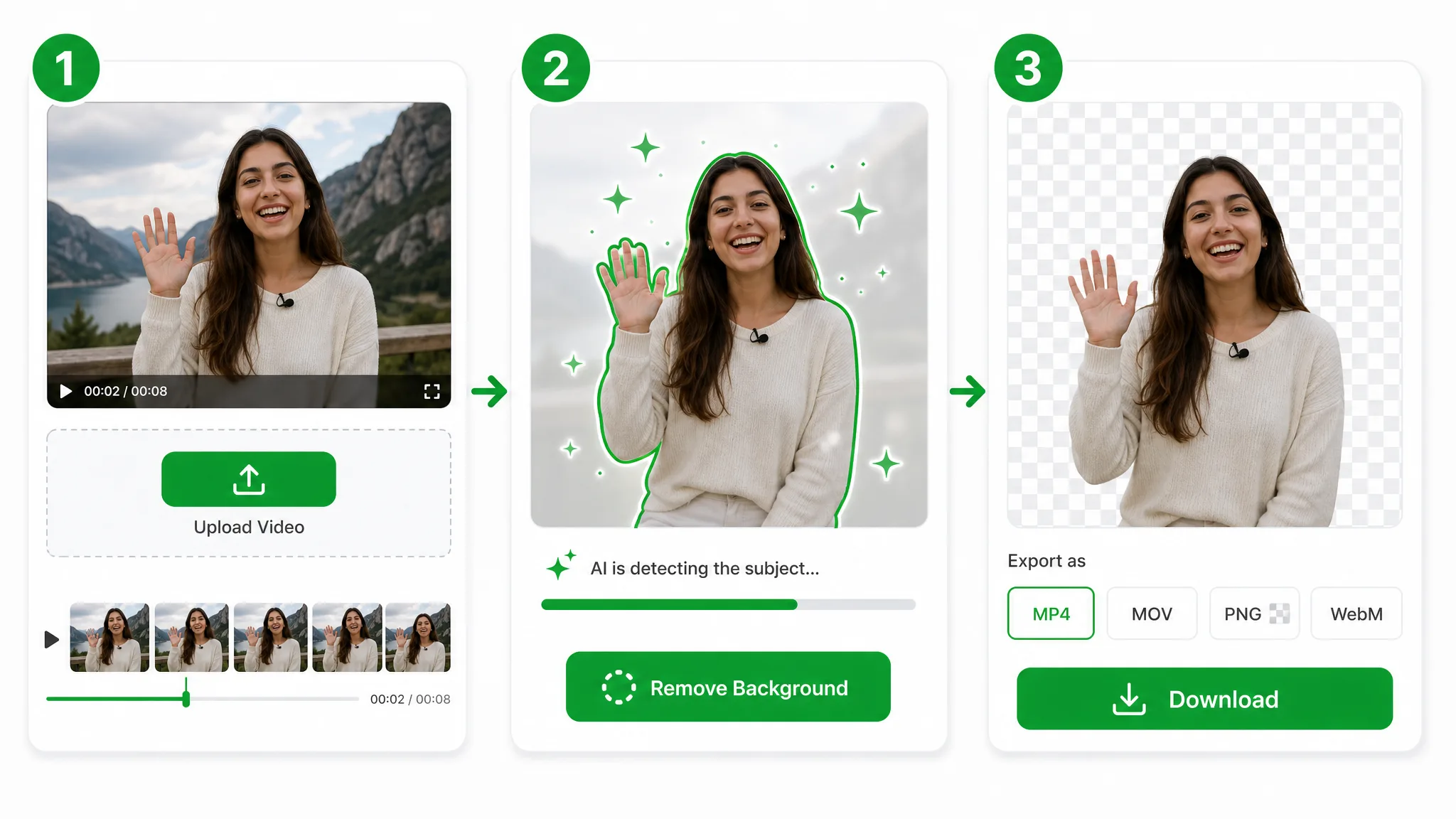
Drop in a GIF file and the GIF background remover handles the rest — your upload goes straight to secure storage, with no editing skills needed.
The AI separates the subject so you can remove background from GIF frames automatically — no keyframing, rotoscoping, or green screen required.
Export a transparent WebM with full alpha — a clean way to remove GIF background for overlays, stickers, and motion graphics in any editor.
Where it helps
Stickers, reaction loops, and product GIFs — remove background from GIF and drop the looping subject onto anything, from a chat thread to a product page. Creators remove GIF background to turn raw screen captures into branded overlays, while marketers reuse the same cutout across email, ads, and landing pages.
Turn a clip into a transparent GIF sticker for chats and posts.
Share crisp transparent reaction GIFs that drop onto any chat.
Place a lightweight transparent loop anywhere on your site.
Make short transparent loops that pop on any social feed.
FAQ
The common questions on formats, edge quality, transparency limits, and how long a loop can be.
Upload your GIF and this GIF background remover lifts the subject automatically. You then download a clean transparent file, free to start and with no watermark, so the cutout is ready to post on social or use as a sticker right away.
Yes — you can remove background from GIF automatically, with no green screen, studio, or manual masking needed. The AI reads your subject straight from the frames, so a screen-recorded loop works as well as a clean, evenly lit clip.
Remove the background, then export a transparent video instead of a flattened loop. A true transparent GIF is limited to 1-bit edges that look jagged, so this GIF background remover hands you a transparent WebM that stays crisp over any backdrop.
GIF supports only 1-bit transparency, so edges look jagged and haloed. For a clean GIF transparent background, export a transparent WebM with full alpha after you remove GIF background — it carries soft, anti-aliased edges the old format simply cannot.
This GIF background remover accepts GIF files. Upload a GIF to remove GIF background, then export a transparent WebM ready for stickers, overlays, or a fresh scene. Use the video background remover for MP4, MOV, or WebM clips.
GIF uploads on this page are for short loops up to 60 seconds. If your source is longer, trim it first or use the long-video background remover after converting it to a supported video format.
Related tools
Other tools for removing, replacing, and keying video backgrounds.
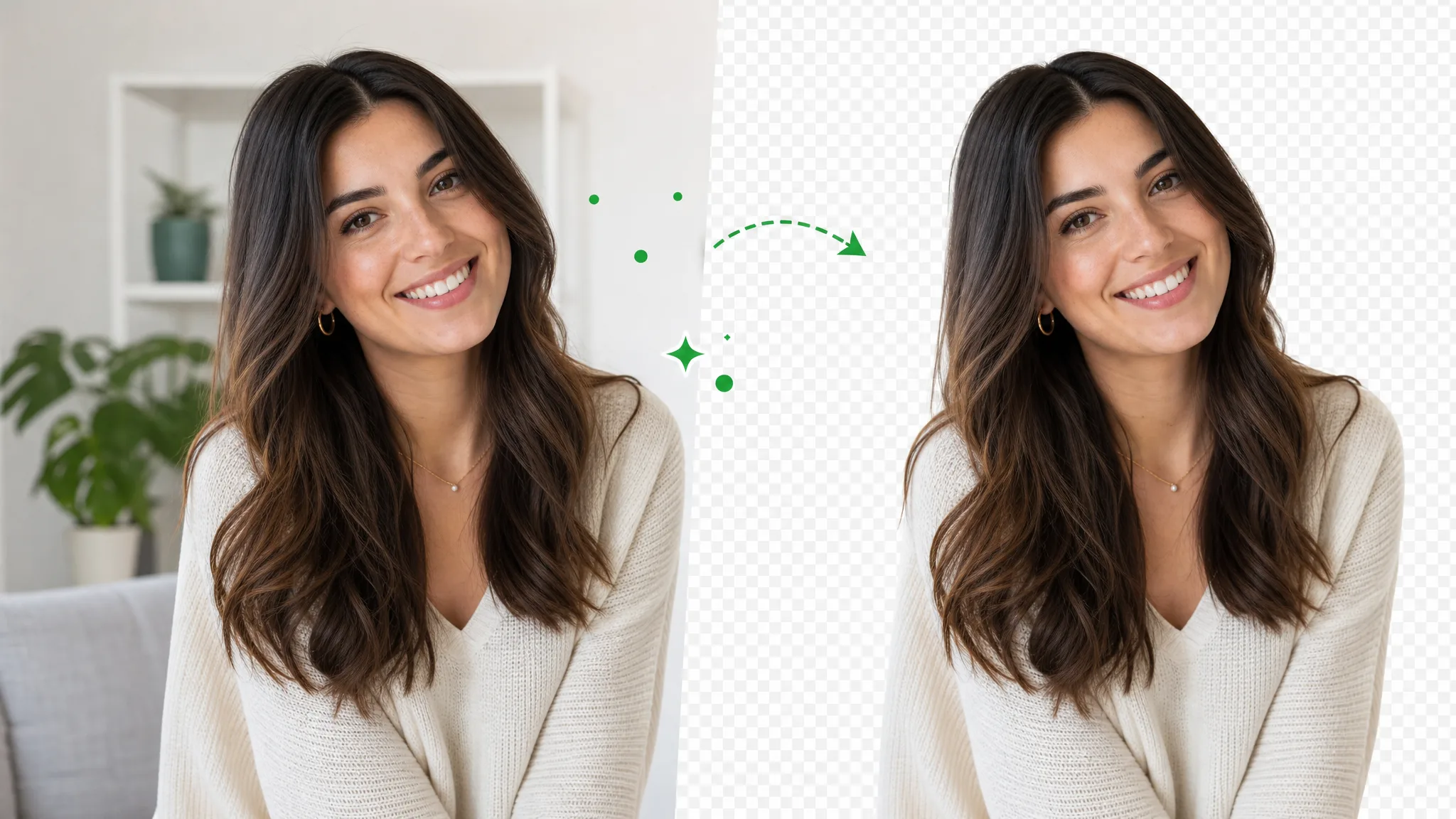
Delete video background online — upload a clip, run the same workflow as the general video background remover, and export transparent WebM. This URL covers delete wording, not a separate engine.
Try now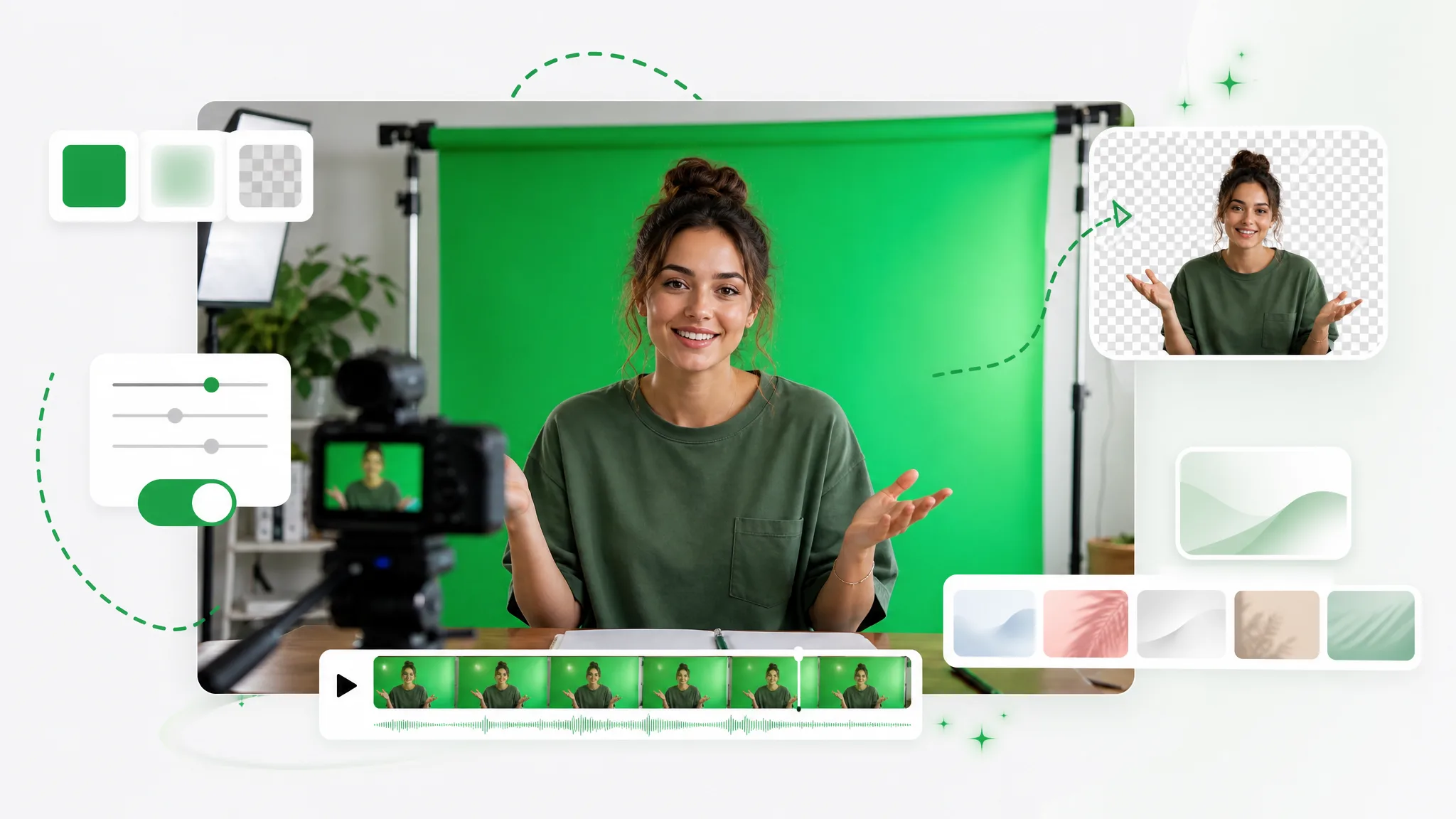
Turn any clip into a green screen video in seconds — add a green screen background automatically, no studio or manual keying, ready to composite in any editor.
Try now
Video to WebP the transparent way — upload a clip, remove the background, and export an animated WebP that carries a real transparent background into any page, with full 8-bit alpha, not a flat GIF.
Try nowUpload a GIF and get a clean transparent file in seconds — the fastest GIF background remover online, free and no watermark.
Remove GIF Background — Free