E-commerce & product
Put products on clean or custom backgrounds for listings and ads.

Delete video background online — upload a clip, run the same workflow as the general video background remover, and export transparent WebM. This URL covers delete wording, not a separate engine.

Reviewed by RemoveVideoBG TeamUpdated
Before / after
Drag any sample to compare the original clip with a clean, subject-only cutout, and see where the edges land before you delete the video background on your own footage. Preview the cutout first to know the result will hold up on a real project.
Keep skin, hair, and soft edges clean on talking-to-camera clips.
Fast motion and water spray stay sharp through the cutout.
Cut animated characters out of any rendered scene.
Isolate stylized characters for compositing and overlays.
Talking-head unboxing and product clips with clean edges.
Drop AI-made clips onto any background in seconds.
Keep skin, hair, and soft edges clean on talking-to-camera clips.
Fast motion and water spray stay sharp through the cutout.
Cut animated characters out of any rendered scene.
Isolate stylized characters for compositing and overlays.
Talking-head unboxing and product clips with clean edges.
Drop AI-made clips onto any background in seconds.
Why it works
The delete wording points to the same Bria v3 automated removal workflow: real alpha exports, practical background choices, and no separate manual-key promise. Preview difficult footage before relying on the result.
Export transparent WebM with a genuine alpha channel, so your subject composites onto any scene instead of arriving as a flattened MP4 with a dark box behind it. The transparency is baked into the file itself — drop the clip over a new backdrop, a brand color, or live footage and the edges stay clean with nothing left to mask out.
Remove BackgroundThe workflow is automatic, but hair, fast motion, and busy lighting still deserve a preview. Check the cutout before you delete a video background for a finished project instead of assuming every frame will look identical.
Try it freeSkip the chroma setup and manual masking — the AI separates the subject automatically, so you delete background from video without a studio, green cloth, or hours of keyframing. Ordinary footage can go through the same workflow as a prepared shoot.
Change BackgroundThis delete entry and the general video background remover use the same capability. Export transparent WebM when you need an alpha layer, or choose an opaque background output where that fits the edit.
Start NowStep by step
Upload your clip, let the AI separate the subject, and download a transparent WebM with full alpha — three steps, with no timeline editing in between. You can delete a video background the same way whether the footage is a quick phone clip or a finished studio render.
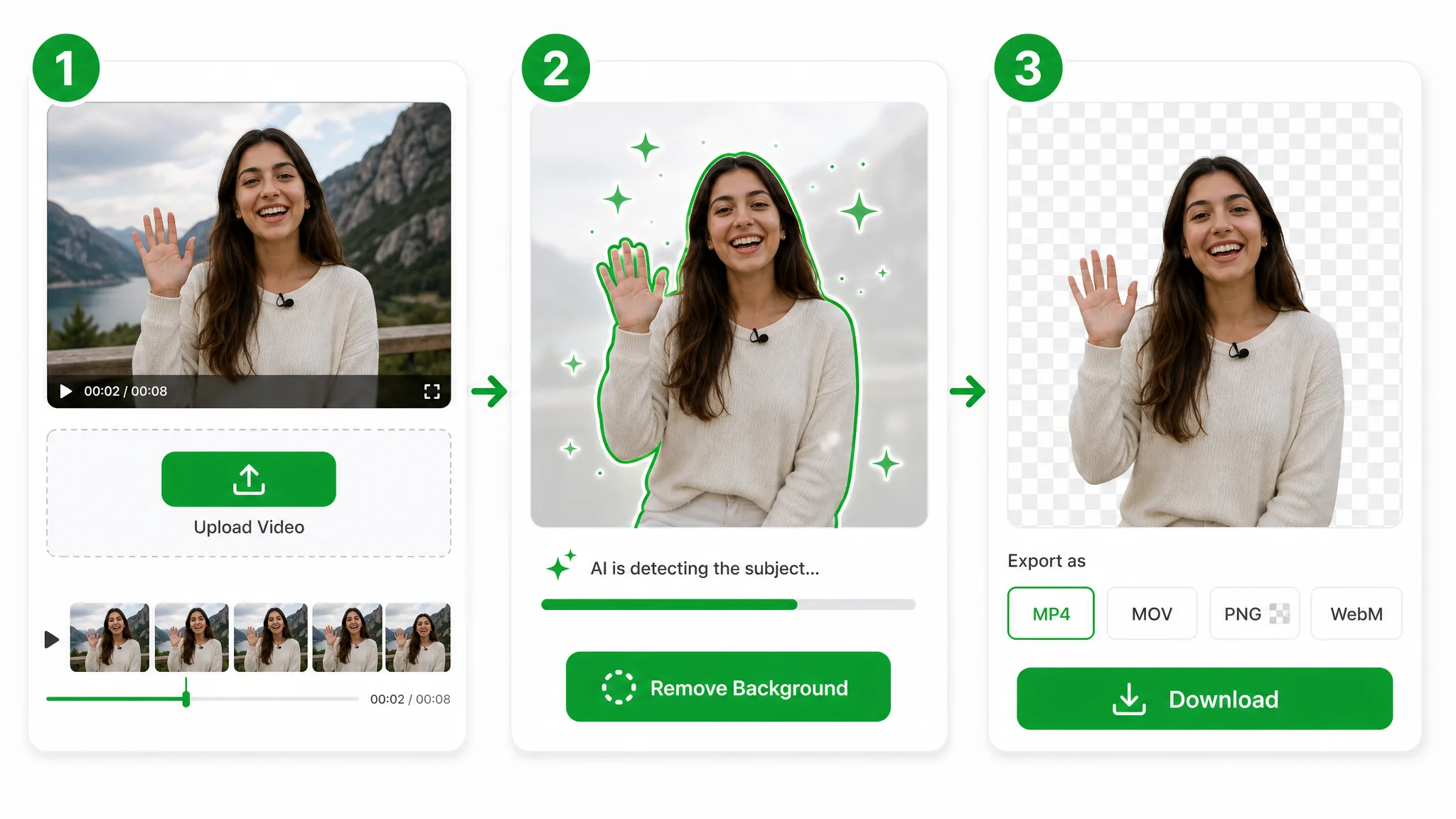
Drop in an MP4, MOV, or WebM file — no editing skills needed. Your upload goes straight to secure storage.
The same Bria v3 automated removal workflow separates the subject to delete the video background — no keyframing, rotoscoping, or green screen.
Export a transparent WebM ready for any editor that supports alpha video. Basic can preserve the original audio track.
Where it helps
Product clips, talking heads, and social cutouts — delete background from video for any edit, then drop the transparent subject onto whatever scene the project needs. Marketers and editors lean on it every day to repurpose one clip across launches, ads, and social channels.
Put products on clean or custom backgrounds for listings and ads.
Cut yourself out for Reels, Shorts, and TikTok overlays.
Create facecam overlays without a studio setup.
Place yourself over slides and screen recordings.
FAQ
Common questions on formats, green screen, and how long a clip can be before you delete video background.
Upload your clip and the AI will delete a video background automatically, then let you download a transparent WebM. It is free to start and the export carries no watermark, so you can post the result right away.
Yes — the AI does it automatically, with no green screen, studio, or manual masking required. It reads your subject straight from ordinary footage, so a handheld phone clip works as well as a lit, chroma-keyed shoot.
Upload the rendered clip and the AI lifts your subject onto a real transparent background, not a black box. You get a transparent WebM you can re-composite anywhere — no need to key out the dark area by hand after exporting from After Effects.
Yes. Export a transparent or solid-color version ready to post to TikTok, Reels, and Shorts. The cutout keeps clean edges at vertical 9:16, so your subject sits naturally over a trend template or plain color with no visible outline.
MP4, MOV, and WebM are all supported. Upload any of them and export a transparent WebM with full alpha, or a flat MP4 on a solid color when you only need a quick social cut rather than a composite-ready layer.
Short clips up to 60 seconds use the Basic tier. To delete a video background over 60 seconds, switch to the Pro or Ultra tier (up to about 3 minutes) — the length changes, but the clean, watermark-free transparent WebM export does not.
No. This delete-word page uses the same Bria v3 automated video background removal workflow and output choices as the general owner. The URL keeps delete wording discoverable while the general remover owns the broad capability.
Related tools
Other tools for removing, replacing, and keying video backgrounds.
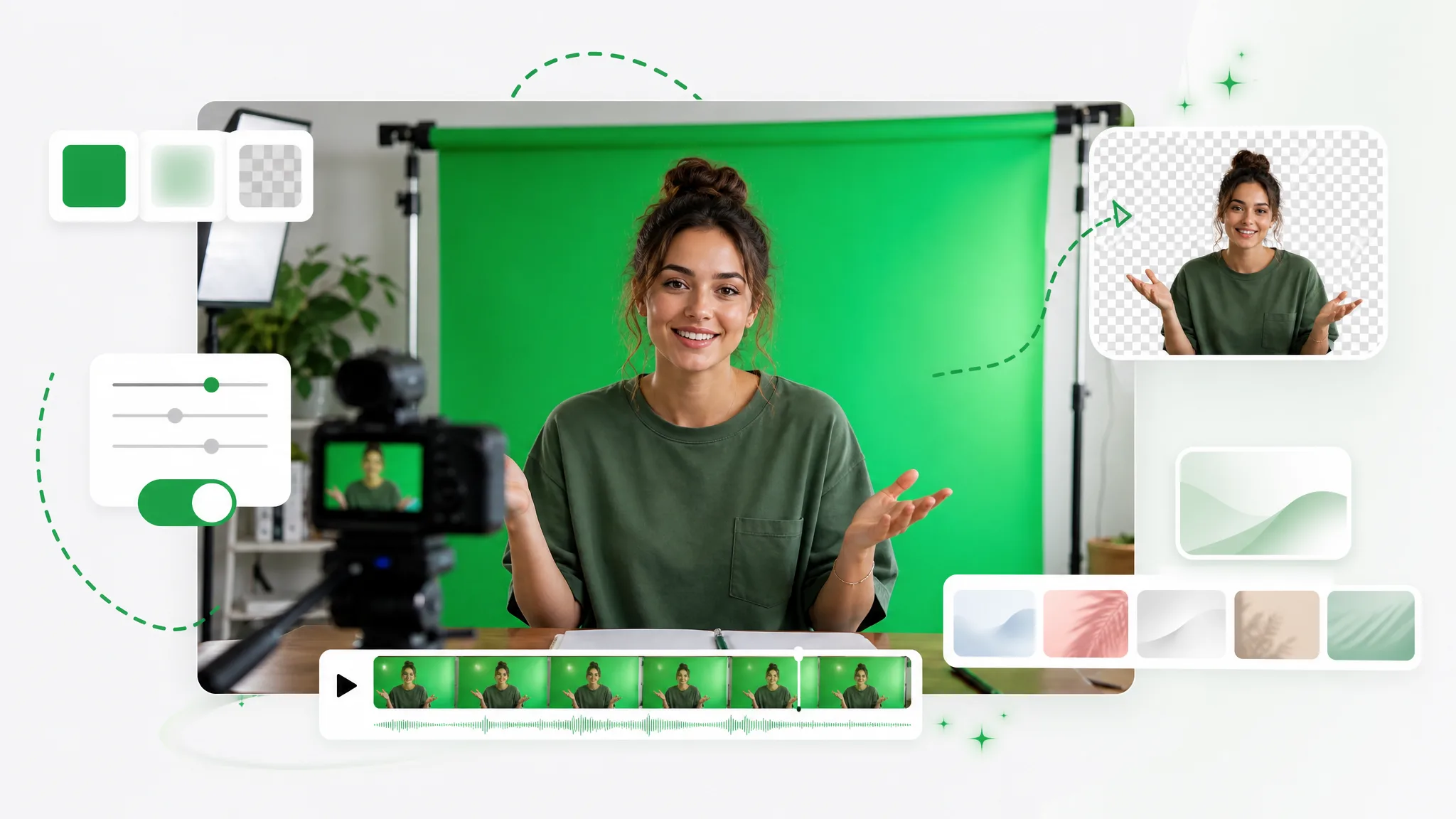
Turn any clip into a green screen video in seconds — add a green screen background automatically, no studio or manual keying, ready to composite in any editor.
Try now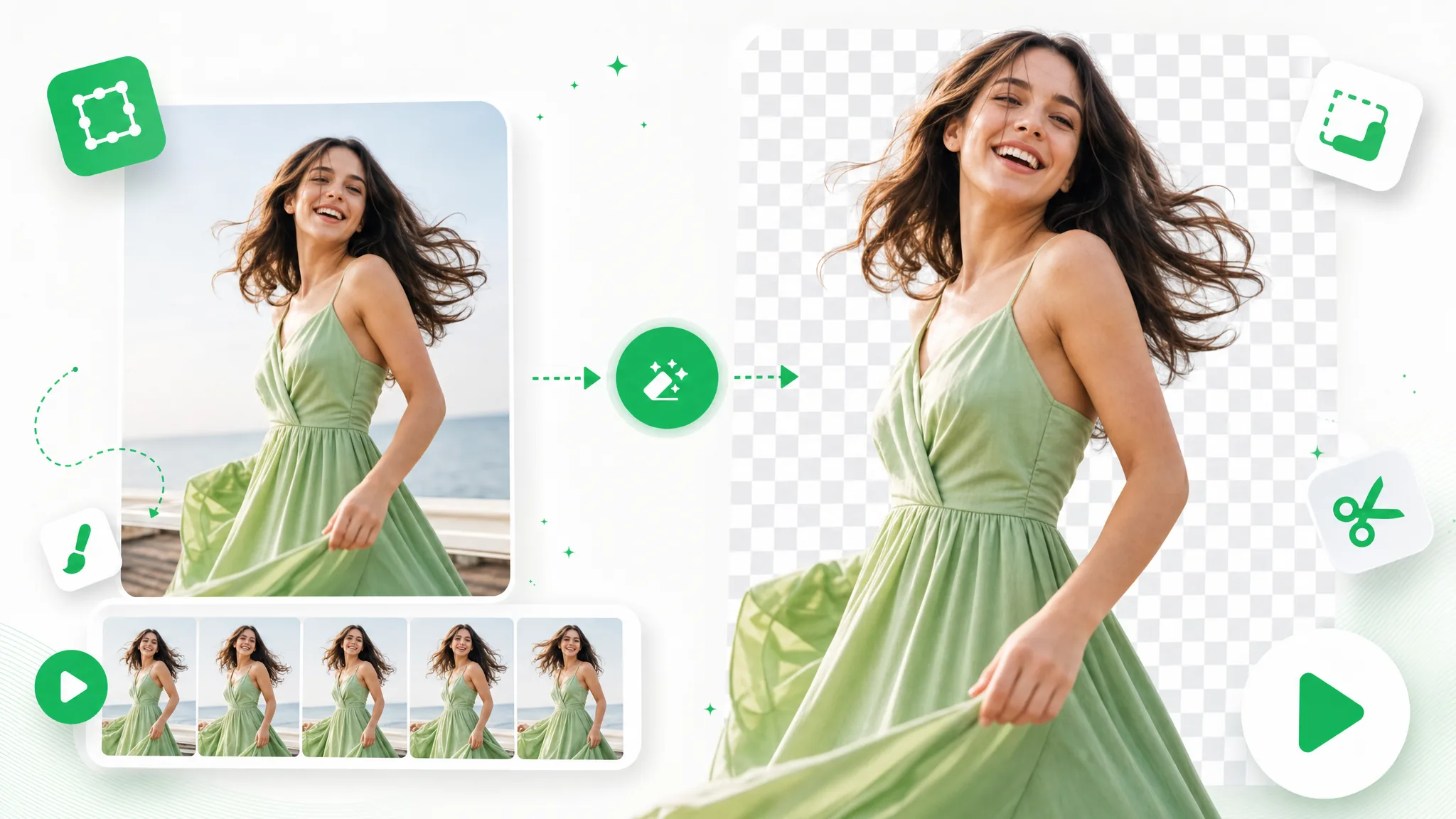
Upload a GIF and remove background from GIF automatically with this GIF background remover — export a clean transparent loop, no green screen or manual masking.
Try now
Queue a folder of clips and get a batch transparent background on every one — no opening files one at a time, just a transparent background bulk export with full alpha.
Try nowUpload a video and export a clean transparent result — a fast way to delete the video background, free and with no watermark.
Delete Video Background — Free