Live streaming & gaming
Drop a clean facecam over your gameplay or stream — no green spill, no extra setup.

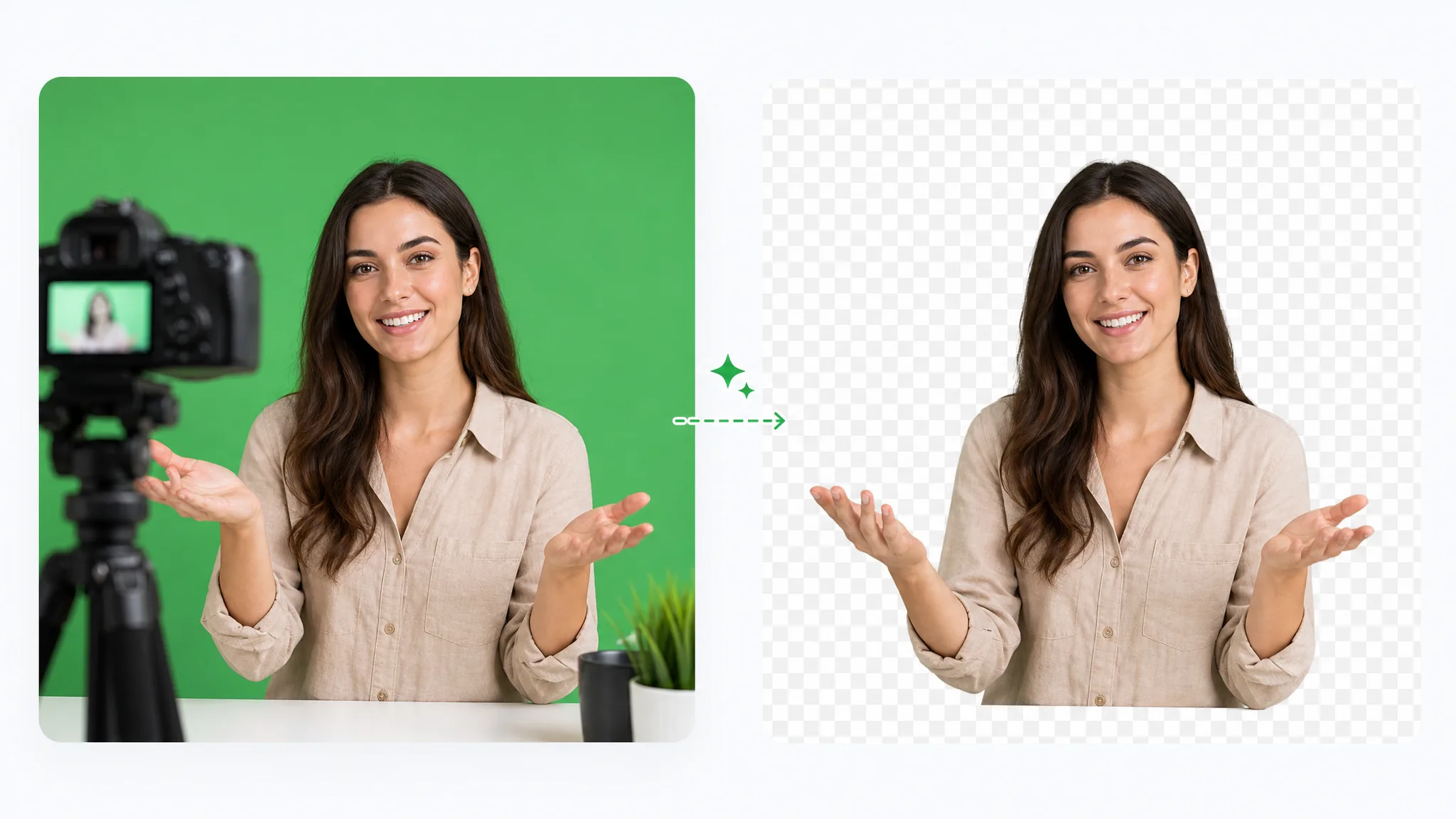
Green screen remover: remove green screen from video online free by dropping in green-screen footage. Keep the subject transparent, choose a solid color, or add a new background image.
Reviewed by RemoveVideoBG TeamUpdated
Before / after
Drag the slider to compare the source footage with the processed cutout, then inspect hair, movement, lighting, and visible spill before running the workflow on your own clip.
Drop a clean facecam over gameplay or slides — no green spill.
Send your host to any backdrop straight from a green-screen shoot.
Composite stylized characters with crisp, spill-free edges.
Pull a fast-moving subject off a green screen cleanly.
Key a stylized animated character from a green plate.
Lift a CGI element off green, ready for compositing.
Drop a clean facecam over gameplay or slides — no green spill.
Send your host to any backdrop straight from a green-screen shoot.
Composite stylized characters with crisp, spill-free edges.
Pull a fast-moving subject off a green screen cleanly.
Key a stylized animated character from a green plate.
Lift a CGI element off green, ready for compositing.
How it works
Subject separation and practical exports — this green screen remover is focused on green-screen footage and shares the site-wide Bria v3 segmentation workflow without becoming a manual chroma-key editor.
There is no eyedropper, tolerance panel, or frame-by-frame mask to set up. Bria v3 processes the subject and backdrop together, so the workflow does not require a local compositing graph.
Remove BackgroundThere is no manual color-key editor to learn: the green screen remover separates the subject for you. If the footage has difficult lighting, hair, motion, or visible color spill, inspect the preview before publishing.
Try it freeThe removal job runs across the uploaded clip rather than producing a single still image. Results can vary with the footage and model, so review the processed motion instead of judging only one frame.
Change BackgroundChoose a transparent VP9 WebM, place the subject on a flat color (MP4 or ProRes MOV), or upload a background image for an opaque MP4. Only the WebM keeps transparency.
Start NowStep by step
Upload the clip, run the cloud removal workflow, inspect the preview, and choose an export. The same automated segmentation flow can also process recorded footage that was not shot against a green wall.
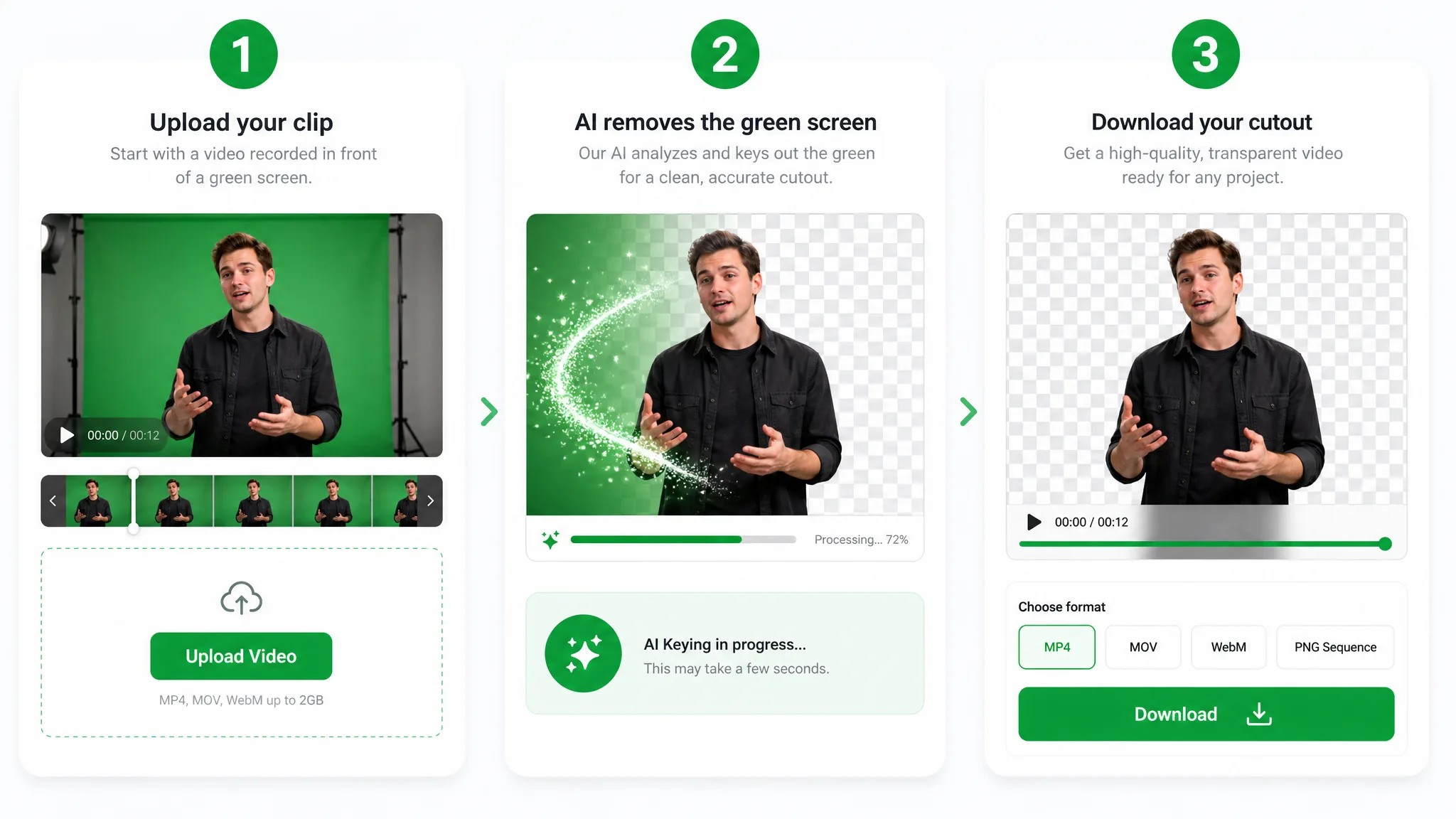
Drop in an MP4, MOV, or WebM filmed on a green backdrop. You start the workflow in the browser, and the Bria v3 removal job runs in the cloud, so there is no local node graph or plugin to install.
The model separates the subject from the green backdrop automatically, so there is no color picker or tolerance slider to set. Check hair, motion and any green spill in the preview before you export.
Export a transparent VP9 WebM, or put the subject on a solid color (MP4 or ProRes MOV) or on an uploaded background image (MP4). The original audio track is kept for transparent and solid-color exports; image-background exports are video-only.
Where it helps
Prepare streamer overlays, product demos, and reaction clips recorded against green, then composite the subject elsewhere. Review hair, motion, lighting, and spill before publishing.
Drop a clean facecam over your gameplay or stream — no green spill, no extra setup.
React over any clip with a crisp keyed cutout that keeps hair and headphones intact.
Swap your green screen for a polished virtual studio without booking a stage.
Present products against any branded background straight from a green screen shoot.
FAQ
Common questions about the green-screen scenario, the shared removal workflow, pricing, and transparent or opaque exports.
Yes, it is free to start and exports carry no watermark. You can keep the result transparent, put it on a solid color, or place it over a new background image — check the preview before you export.
No. You start the cloud workflow from the browser, so there is no local chroma-key node or plugin to configure. Preview the processed result and inspect hair, motion, lighting, and visible spill before using it in a final composition.
Yes, you can remove green screen from video online free — it is free to start and exports carry no watermark. Upload the clip, let the workflow separate the subject from the green backdrop, and check hair, motion and spill in the preview before exporting.
No. Green Screen Remover and Chroma Key Remover run the same AI video background-removal workflow; the two pages simply match the words people search with. Either way you get a green screen cutout you can export as a transparent WebM or an opaque result.
Yes. Upload a background image and the subject is composited onto it as an opaque MP4. You can instead export a transparent VP9 WebM or place the subject on a solid color; review the preview before choosing the final output.
Export a transparent WebM, then convert that file to a PNG sequence in an editor or frame tool. For a green screen to PNG workflow, inspect the exported edges before using the frames in stickers, overlays, or thumbnails.
Related tools
Other tools for removing, replacing, and keying video backgrounds.
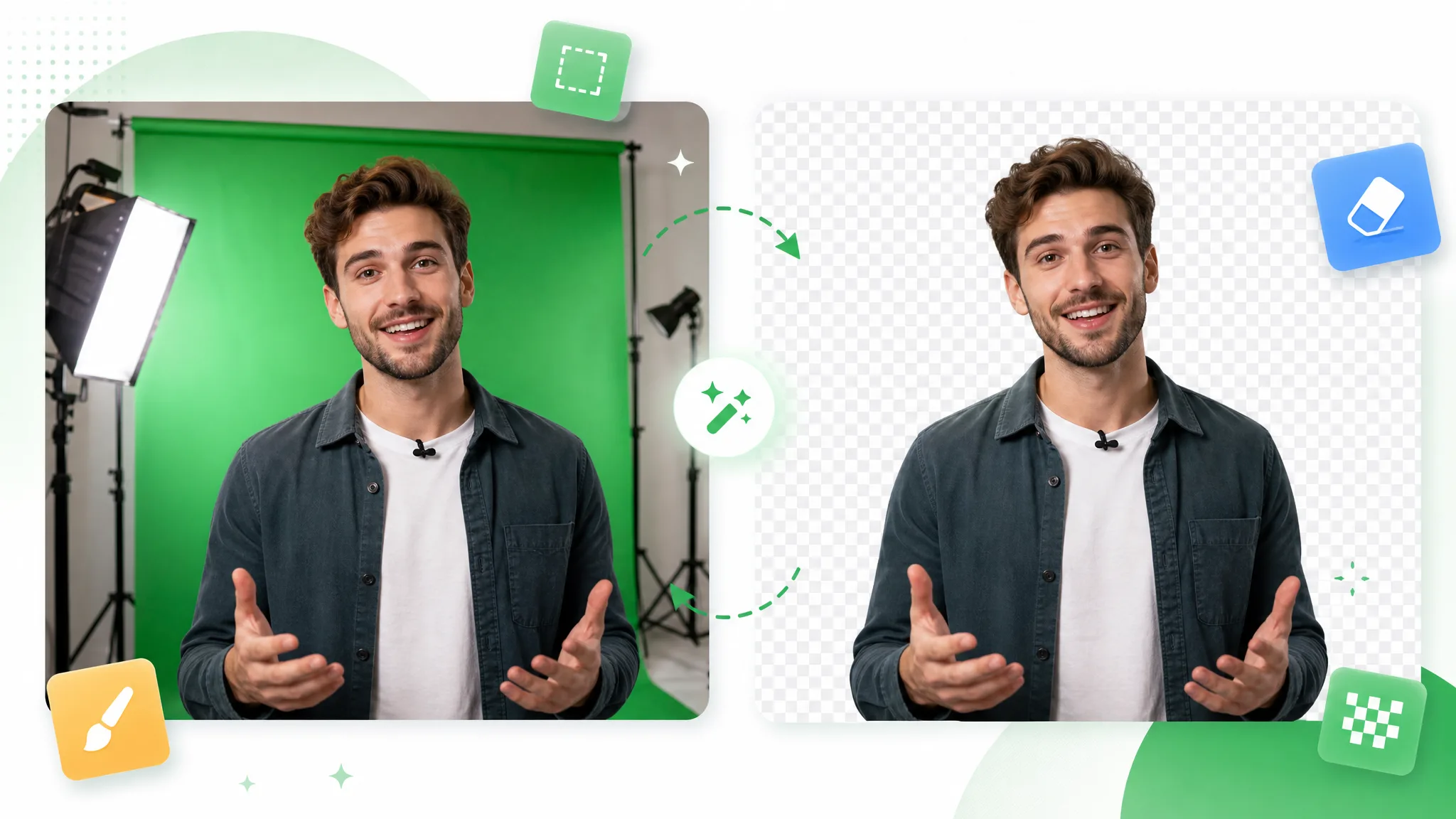
Upload a clip to this chroma key remover. It is the same Bria v3 removal workflow as Green Screen Remover, with chroma key online and chroma key background remover terminology covered.
Try now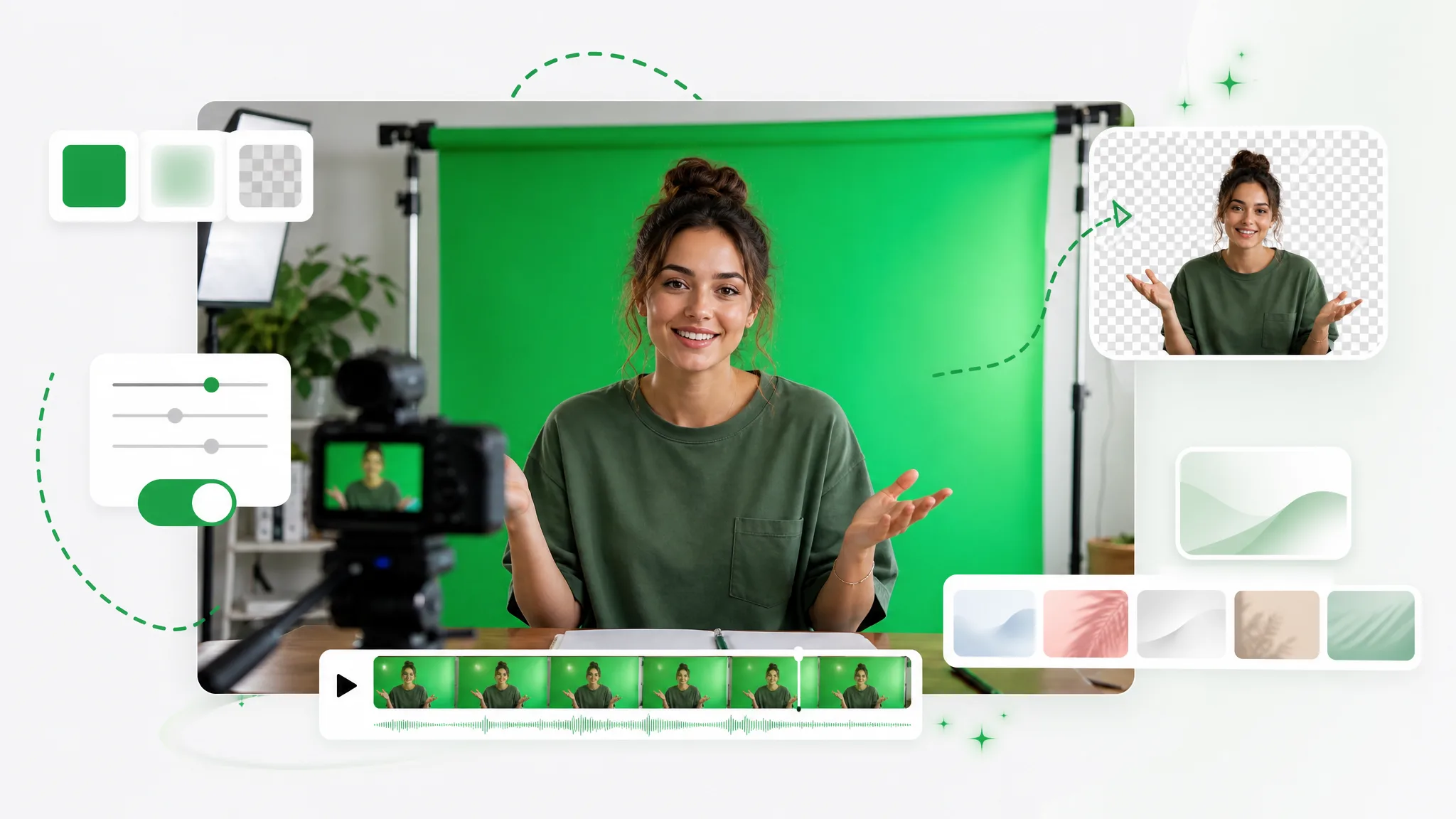
Turn any clip into a green screen video in seconds — add a green screen background automatically, no studio or manual keying, ready to composite in any editor.
Try now
Switch from Unscreen and cut any video background for free — no upload cap, no watermark. The same one-click cutout for an unscreen video export or a looping unscreen gif, nothing to install.
Try nowUpload a green-screen clip to the Green Screen Remover and export it without a watermark. It is free to start: the job starts in your browser and the processing runs in the cloud.
Open the Green Screen Remover