Covers and thumbnails
Choose a PNG still from the video for a cover layout containing a title.

Extract the video as PNG images and download a ZIP for your design workflow.
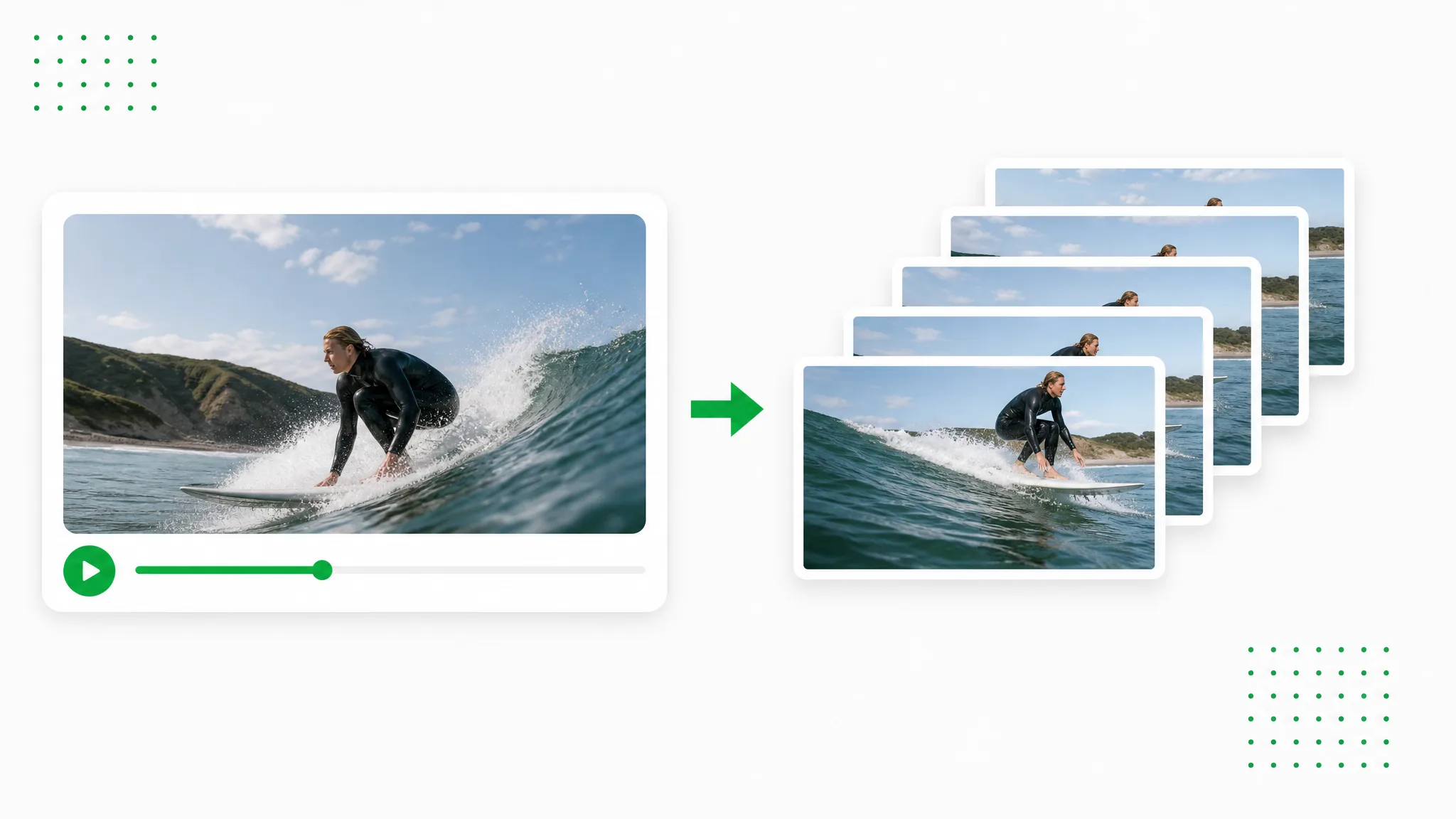
Before and after
Extract the video as PNG images and download a ZIP for your design workflow.
A presenter prepared as a separate subject for another scene.
An action example showing the subject against a changed background.
An animated character shown separately from its original setting.
A stylized creature prepared for a layered composition.
A creator and product example with the background removed.
An animated scene element prepared for a new background.
A presenter prepared as a separate subject for another scene.
An action example showing the subject against a changed background.
An animated character shown separately from its original setting.
A stylized creature prepared for a layered composition.
A creator and product example with the background removed.
An animated scene element prepared for a new background.
Creative possibilities
Extract the video as PNG images and download a ZIP for your design workflow.
Extract PNG stills that preserve the scene in your recording. Use the images for clear diagrams, editing references or layouts containing text.
Create a Transparent ClipChoose every frame, every nth frame or a timed interval. Prepare the amount of PNG material your storyboard or review needs.
Use Your Own FootageKeep the numbered files together in a ZIP. Import the set as an image sequence or select individual stills for your design.
Choose a New SettingRead the video on your own device and extract its PNG images in the browser. Your next step can begin with the downloaded frame set.
Prepare Your Next ClipThree steps
Start with your own recording, make the choices in the tool and download the result.
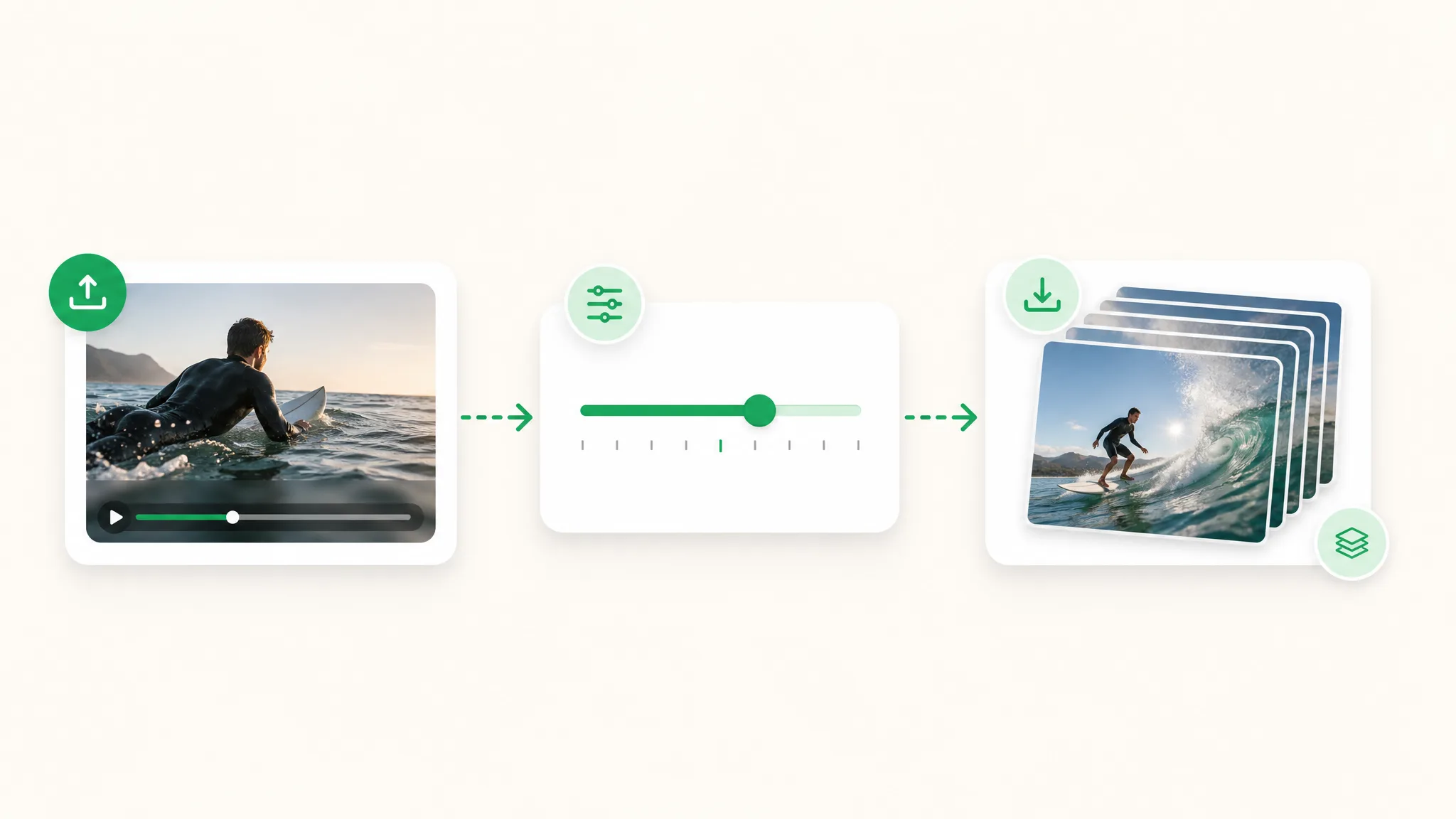
Choose a recording whose subject and movement fit the project you are preparing. Open the source in the tool.
Select the sampling option you need and start extracting. Review the resulting images before downloading.
Preview the result, download PNG video frames and bring it into your compatible project.
Project ideas
Use the result in a specific project: a launch, lesson, visual explanation or new edit.
Choose a PNG still from the video for a cover layout containing a title.
Prepare PNG images from the recorded scene for a social graphic.
Use a fixed interval to collect a numbered group of PNG reference images.
Inspect the PNG sequence to compare the details of neighboring moments.
Creator stories & examples
“I recorded a brush painting a loose spiral for our illustrated title sequence. The video to PNG converter gave me still images to bring into my graphics project. I selected the stages where the line opened out, then used those original brush shapes as references while drawing the final lettering.”
 Milo AshfordIllustrator
Questions
Find direct answers about the output and the next steps in your workflow.
Extract PNG stills that preserve the scene in your recording. Use the images for clear diagrams, editing references or layouts containing text.
Convert MP4 or MOV to a PNG image sequence with a timed interval or every nth frame. Start extraction, download the numbered PNG set and select the stills for your design or review.
Keep the numbered files together in a ZIP. Import the set as an image sequence or select individual stills for your design.
Read the video on your own device and extract its PNG images in the browser. Your next step can begin with the downloaded frame set.
Open a supported MP4 or MOV recording in the tool, choose the sampling and start extraction. The PNG frames preserve the recorded scene for your next design.
Use a fixed interval to collect a numbered group of PNG reference images.
Reviewed by RemoveVideoBG TeamUpdated
Related tools
Other tools for removing, replacing, and keying video backgrounds.
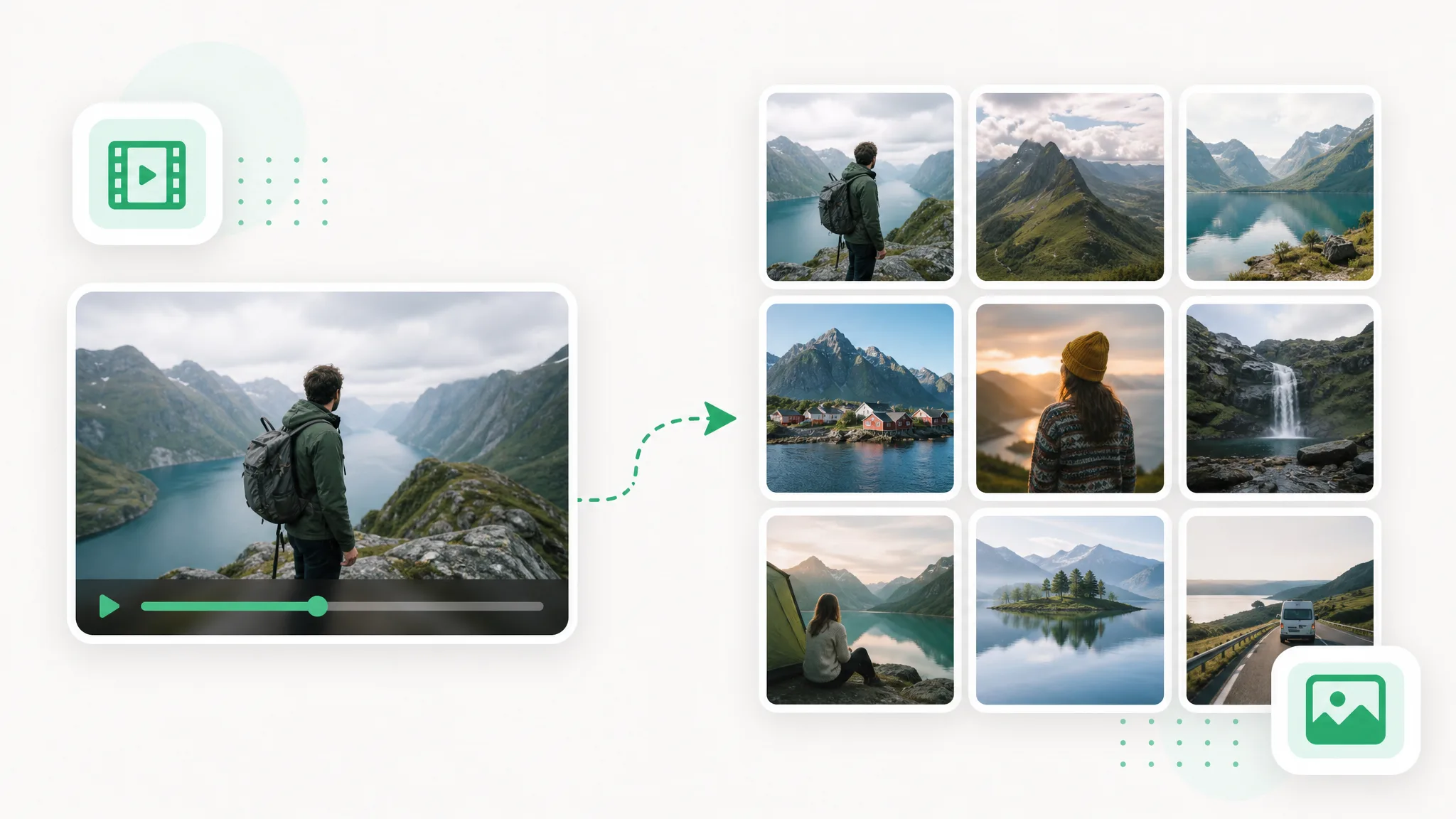
Use video to frames to create images for a storyboard, tutorial or reference set. Choose the sampling and format, extract in your browser and download the pictures.
Try now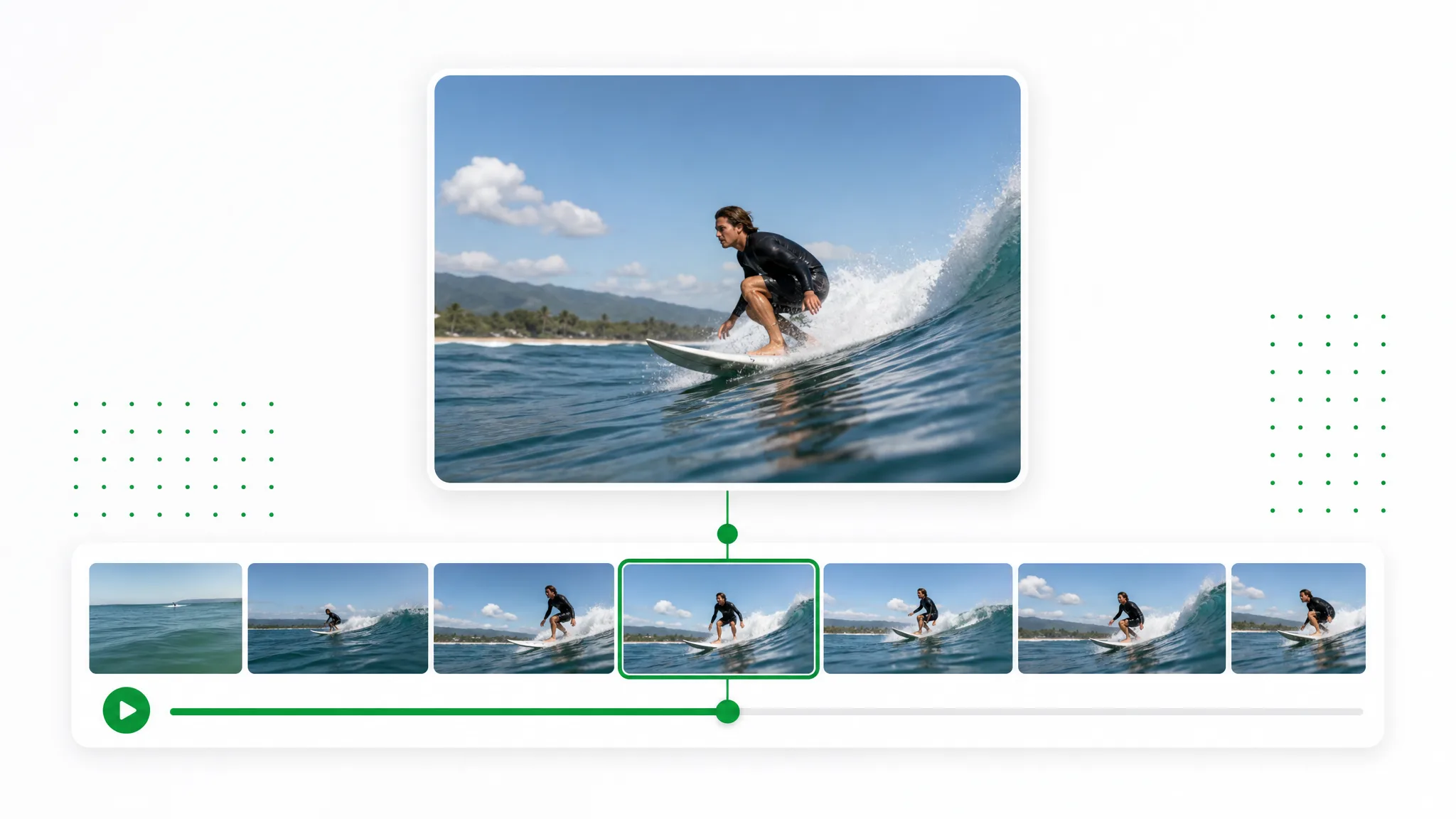
Move to the moment you want, capture the current frame and download a PNG or JPG. Use the chosen still for a thumbnail, slide or reference image.
Try now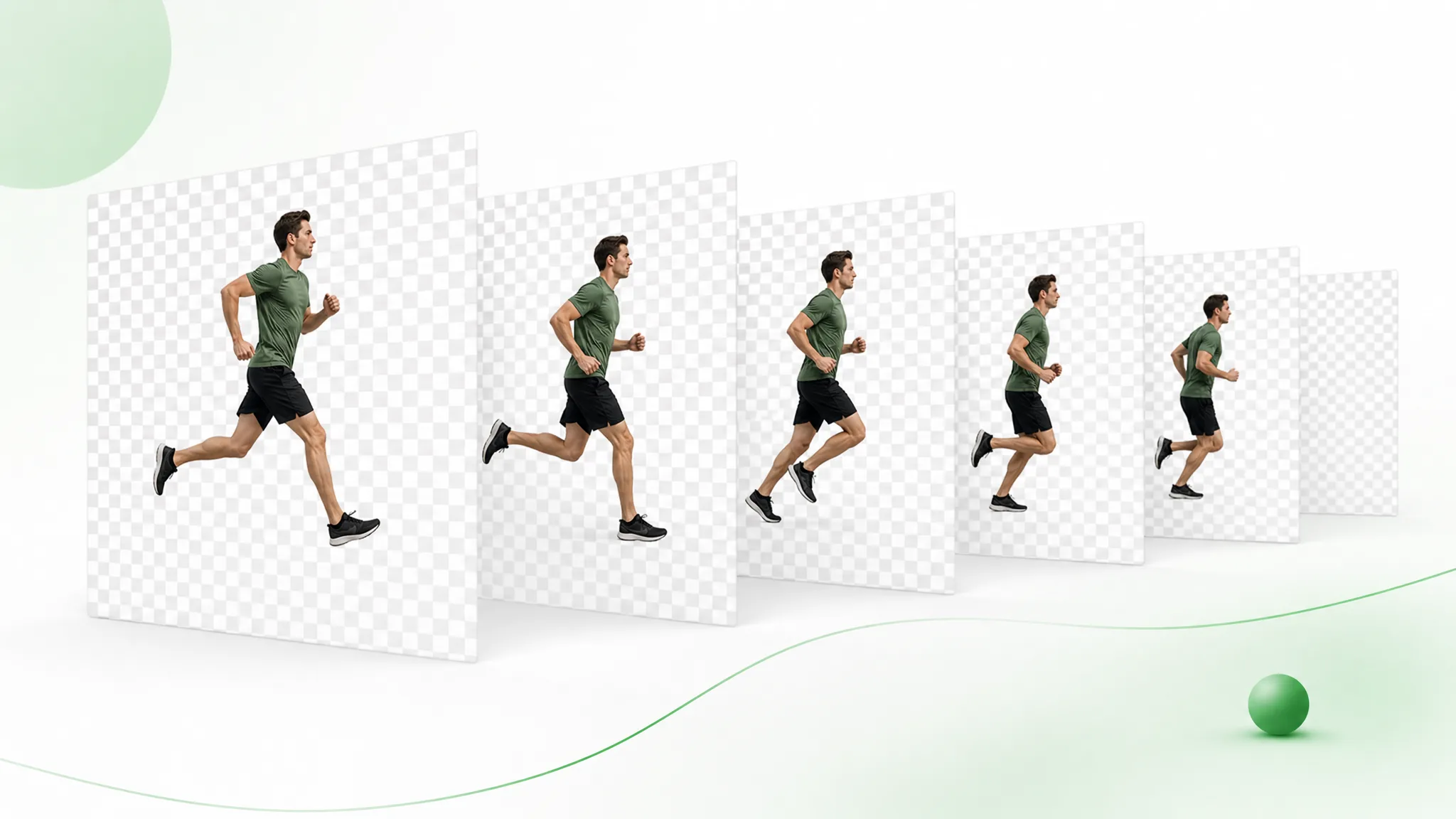
Remove the background, then export the transparent result as numbered PNG images in a ZIP. Import the sequence into your composition in frame order.
Try nowExtract the video as PNG images and download a ZIP for your design workflow.
Prepare your clip