Product presentation
Add a short transparent product action to a compatible product card.

Remove the background and export the result as animated WebP. Place the transparent animation in a compatible website, product card or presentation.

Before and after
Remove the background and export the result as animated WebP. Place the transparent animation in a compatible website, product card or presentation.
A presenter prepared as a separate subject for another scene.
An action example showing the subject against a changed background.
An animated character shown separately from its original setting.
A stylized creature prepared for a layered composition.
A creator and product example with the background removed.
An animated scene element prepared for a new background.
A presenter prepared as a separate subject for another scene.
An action example showing the subject against a changed background.
An animated character shown separately from its original setting.
A stylized creature prepared for a layered composition.
A creator and product example with the background removed.
An animated scene element prepared for a new background.
Creative possibilities
Remove the background and export the result as animated WebP. Place the transparent animation in a compatible website, product card or presentation.
Prepare a transparent animated WebP from the processed clip. The subject can sit within a compatible page design while the surrounding artwork stays visible.
Create a Transparent ClipUse a brief recorded action as a moving detail. A product gesture or character movement can give a card or project section a distinct visual focus.
Use Your Own FootageChoose a place for the animation in the layout. Preview it against the background and dimensions of the destination design.
Choose a New SettingReview the exported animation where it will be displayed. Use a compatible browser or presentation tool to check the motion within the finished composition.
Prepare Your Next ClipThree steps
Start with your own recording, make the choices in the tool and download the result.
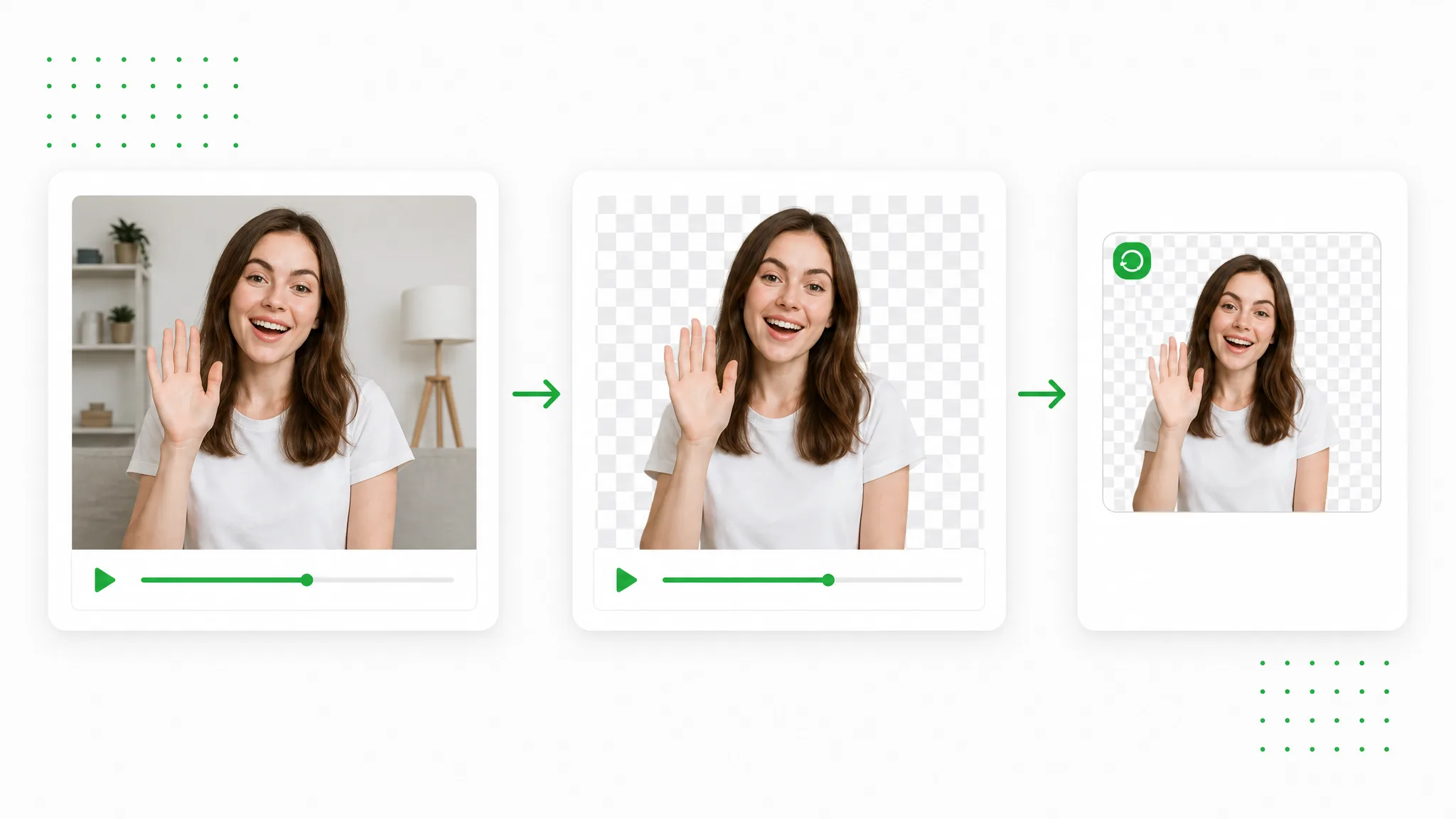
Choose a recording whose subject and movement fit the project you are preparing. Open the source in the tool.
Choose the background and output shown in the tool, then start processing. Wait for the result before preparing the download.
Preview the result, download a transparent animated WebP file and bring it into your compatible project.
Project ideas
Use the result in a specific project: a launch, lesson, visual explanation or new edit.
Add a short transparent product action to a compatible product card.
Use a creator animation in a compatible portfolio page design.
Place a character movement beside game artwork on a compatible project page.
Use a brief teacher animation in the lesson introduction of a compatible site.
Creator stories & examples
“The bag clasp was the detail I wanted customers to notice on our product card. I converted video to WebP after removing the background from a short hand demonstration. Against the card’s cream design, the opening motion looked like part of the layout, and I checked that animation in the page before sharing the draft.”
 Sophie ValeProduct Page Designer
Questions
Find direct answers about the output and the next steps in your workflow.
Prepare a transparent animated WebP from the processed clip. The subject can sit within a compatible page design while the surrounding artwork stays visible.
Use a brief recorded action as a moving detail. A product gesture or character movement can give a card or project section a distinct visual focus.
Choose a place for the animation in the layout. Preview it against the background and dimensions of the destination design.
Review the exported animation where it will be displayed. Use a compatible browser or presentation tool to check the motion within the finished composition.
Upload the MP4 clip, process its background and export animated WebP. Place the subject within a compatible page design, then review the motion against the destination artwork.
Animated WebP and GIF are formats for moving images. This workflow prepares transparent animated WebP from your video source. Choose it for a compatible page design and preview the animation where it will appear.
Reviewed by RemoveVideoBG TeamUpdated
Related tools
Other tools for removing, replacing, and keying video backgrounds.
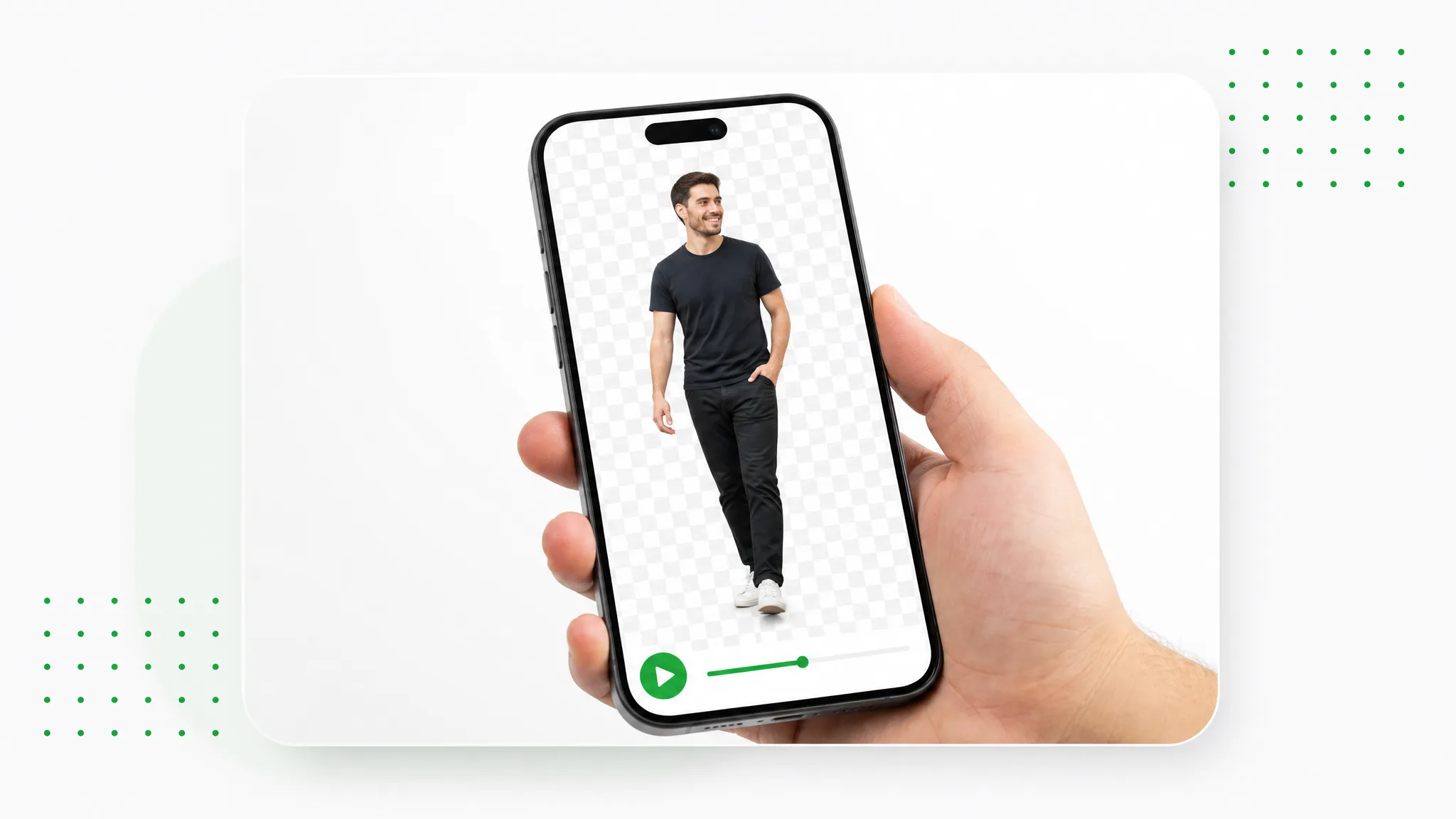
Turn your recorded subject into animation for a web page or interface prototype, then preview it with your design in a compatible player.
Try now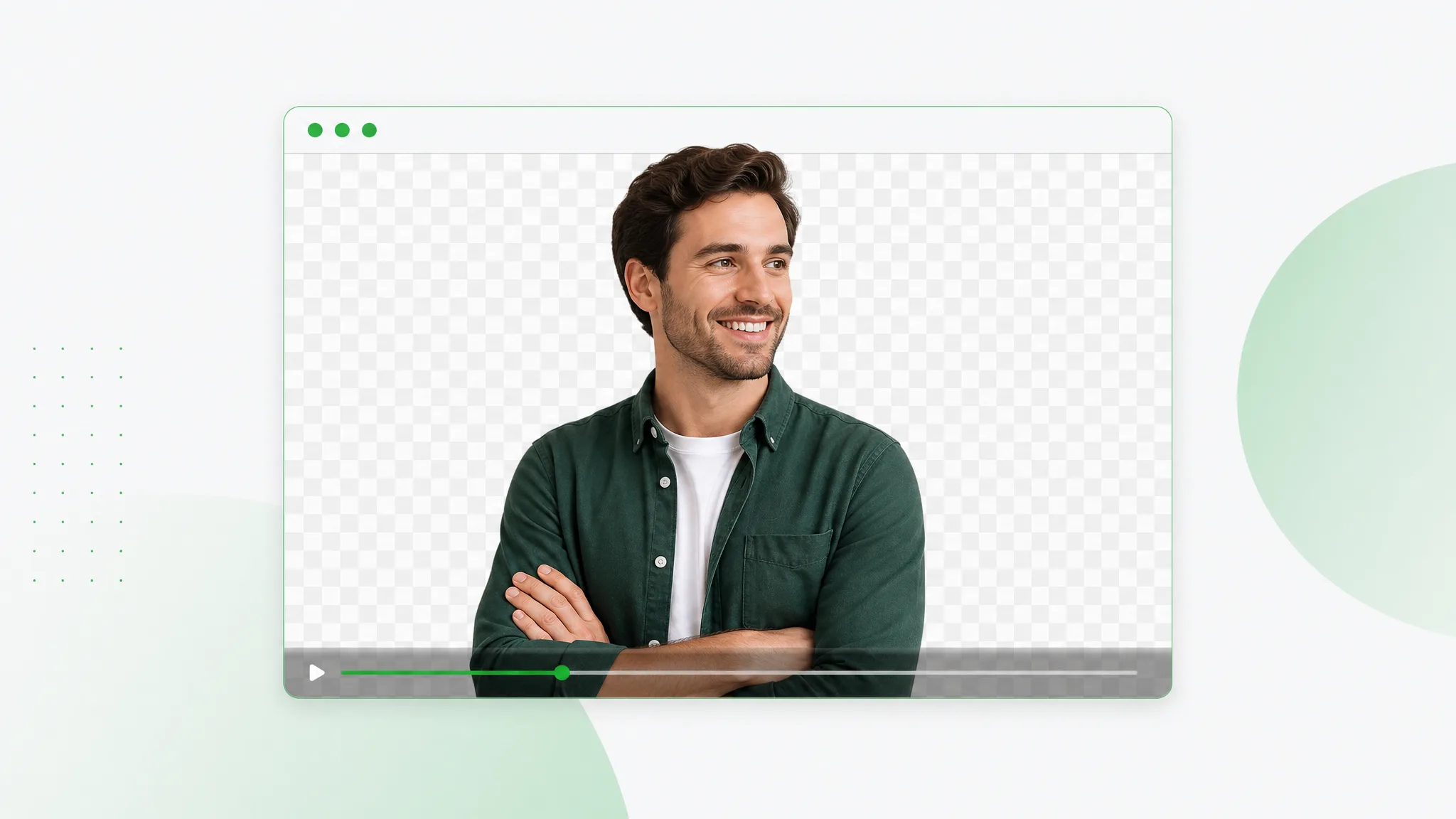
Use a WebM background remover to create a transparent video layer for your website or next edit. Separate the subject and place the exported clip over your own design, scene or page background.
Try now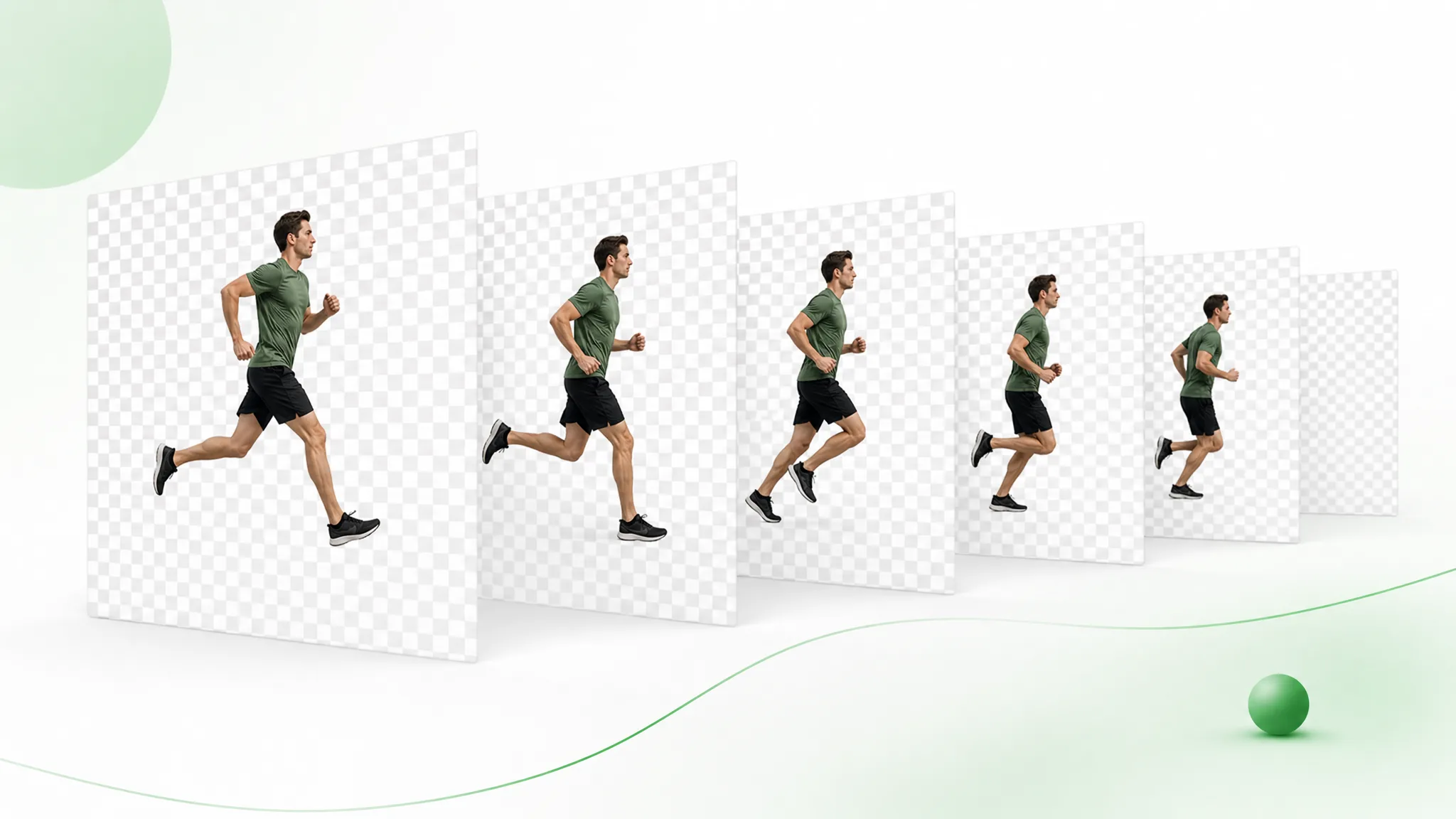
Remove the background, then export the transparent result as numbered PNG images in a ZIP. Import the sequence into your composition in frame order.
Try nowRemove the background and export the result as animated WebP. Place the transparent animation in a compatible website, product card or presentation.
Prepare your clip