Group photos
Hide every face except the people who agreed to appear, one box per person.

Prepare a group photo, family moment or screenshot for a post. Draw a box around each face you choose, adjust blur or pixelation and download an edited image from your browser.
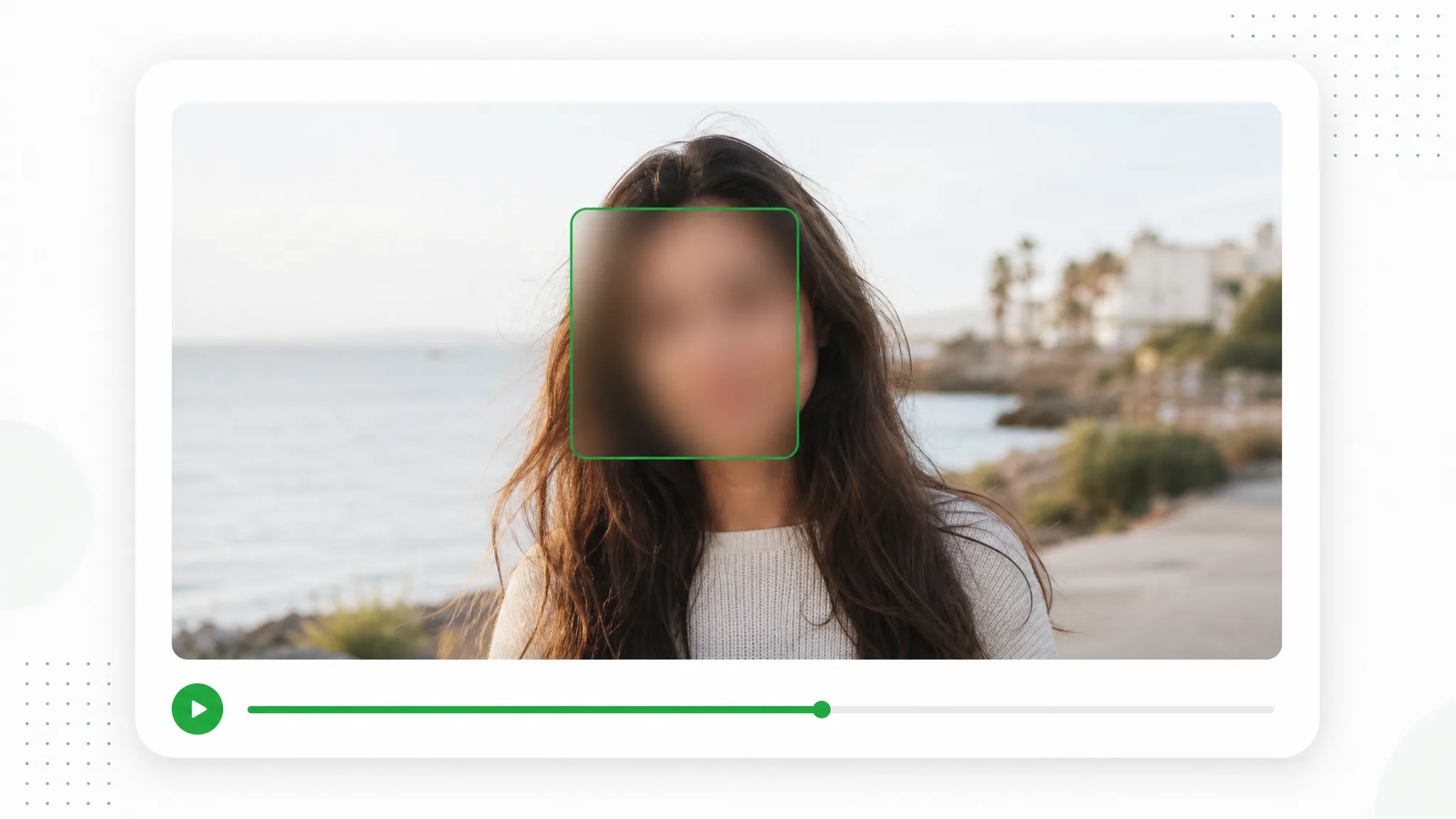
Your photo never leaves your browser — it is processed entirely on your device.
Before and after
Prepare a group photograph for a public post while choosing each face separately.
A presenter prepared as a separate subject for another scene.
An action example showing the subject against a changed background.
An animated character shown separately from its original setting.
A stylized creature prepared for a layered composition.
A creator and product example with the background removed.
An animated scene element prepared for a new background.
A presenter prepared as a separate subject for another scene.
An action example showing the subject against a changed background.
An animated character shown separately from its original setting.
A stylized creature prepared for a layered composition.
A creator and product example with the background removed.
An animated scene element prepared for a new background.
Features
Prepare a group photo, family moment or screenshot for a post. Draw a box around each face you choose, adjust blur or pixelation and download an edited image from your browser.
Choose which faces remain visible in a group photo, one box per person.
Create a Transparent ClipPrepare a family picture for a public post by marking the selected faces.
Use Your Own FootageKeep the photo on your device while adjusting blur or pixelation in the browser.
Choose a New SettingSave a PNG or JPG for the event post, screenshot or document you are preparing.
Prepare Your Next ClipHow it works
Prepare a family picture for a public post by marking the selected faces.
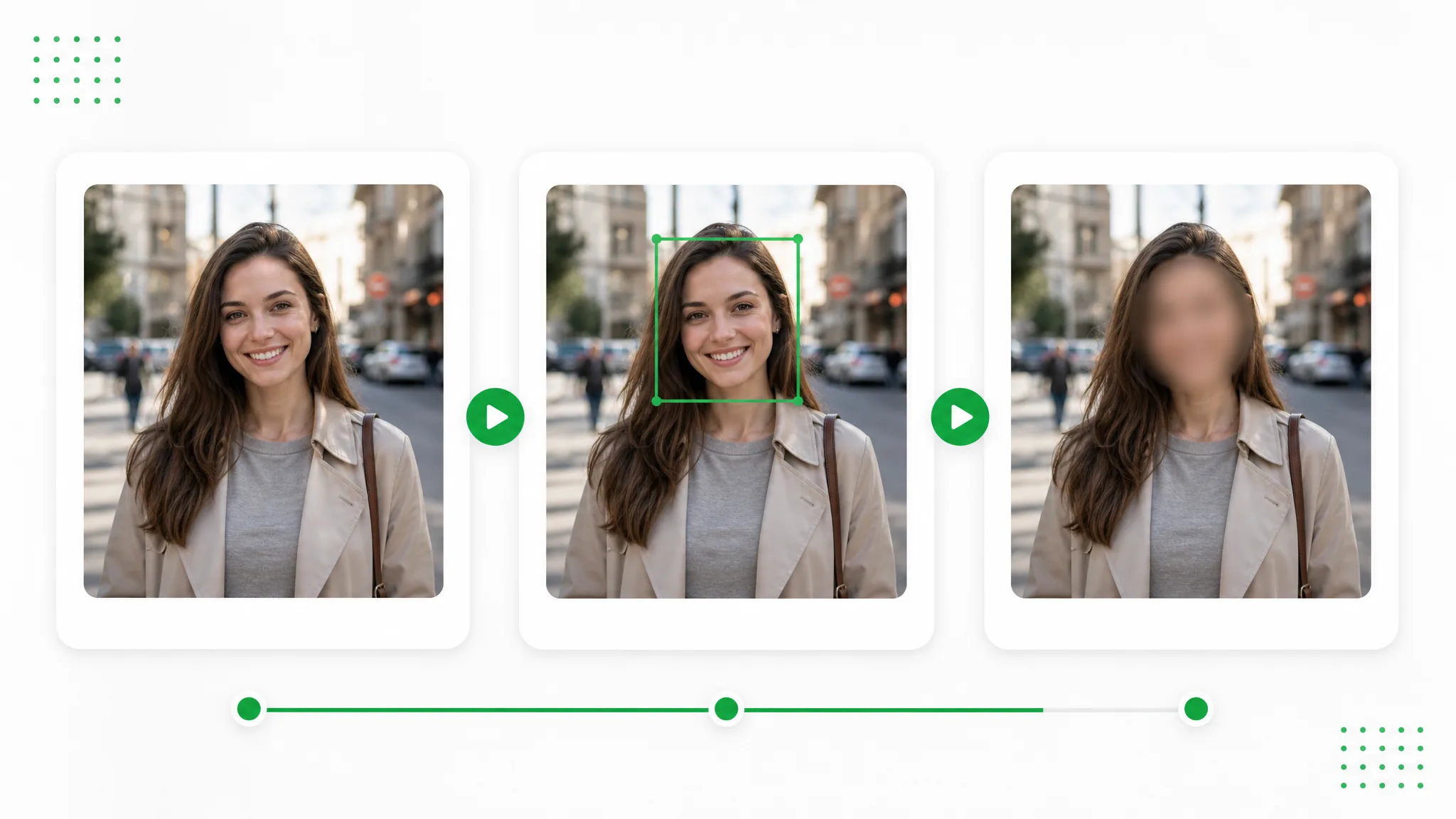
Open the photo you want to share. Choose which faces remain visible in a group photo, one box per person.
Draw a box around each chosen face and adjust blur or pixelation. Prepare a family picture for a public post by marking the selected faces.
Preview the selected faces and save a PNG or JPG. Save a PNG or JPG for the event post, screenshot or document you are preparing.
Project ideas
Keep the photo on your device while adjusting blur or pixelation in the browser.
Hide every face except the people who agreed to appear, one box per person.
Cover children before a family picture goes anywhere public.
Blur the strangers who walked into frame at a conference, a street, or a party.
Hide the faces in a screenshot before you paste it into a ticket or a post.
Creator stories & examples
“The school garden photograph had everyone gathered around the first pumpkin. I needed to blur faces in a photo intended for the newsletter, so I marked the children outside our publication list individually. The gardening gloves and proud pose stayed visible, giving readers the whole activity rather than a cropped corner of the garden.”
 Irene SalcedoSchool Newsletter Editor
Questions and answers
Plan your edit
Open the photo and draw a box around each face to cover. Choose blur or pixelation, adjust the appearance and download the edited image as PNG or JPG.
Prepare a family picture for a public post by marking the selected faces.
Keep the photo on your device while adjusting blur or pixelation in the browser.
Save a PNG or JPG for the event post, screenshot or document you are preparing.
Choose blur or pixelation and adjust its strength. Preview how the covered area looks alongside the rest of your photo before you save the result.
Yes. It runs on your device in the browser and uses no credits. Mark the faces, preview the result and download the edited file.
Reviewed by RemoveVideoBG TeamUpdated
Related tools
Other tools for removing, replacing, and keying video backgrounds.
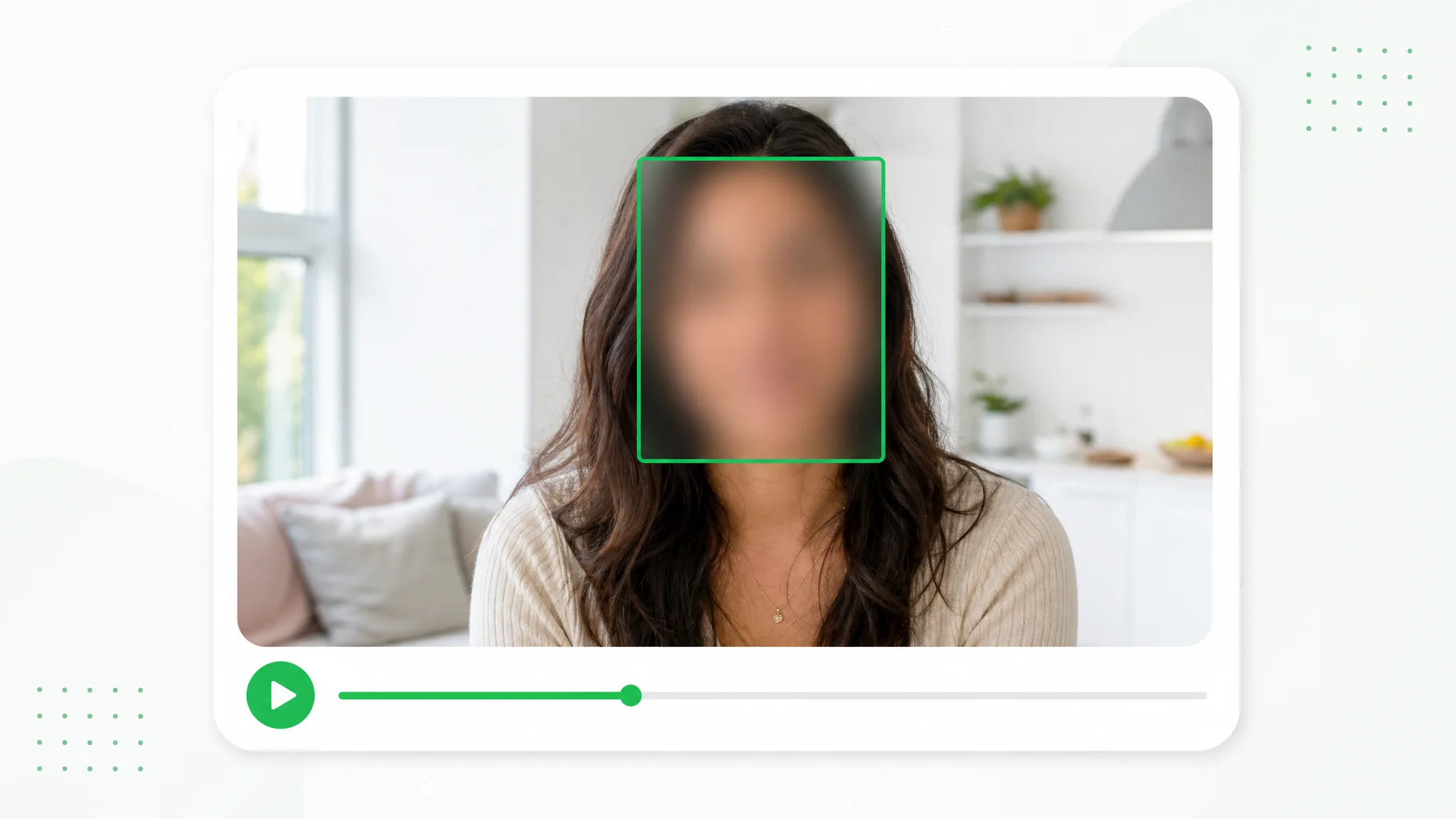
Choose which people remain visible in an interview, event recording or vlog. Draw a box for each face you want to cover, adjust the appearance and preview the edited video before sharing.
Try now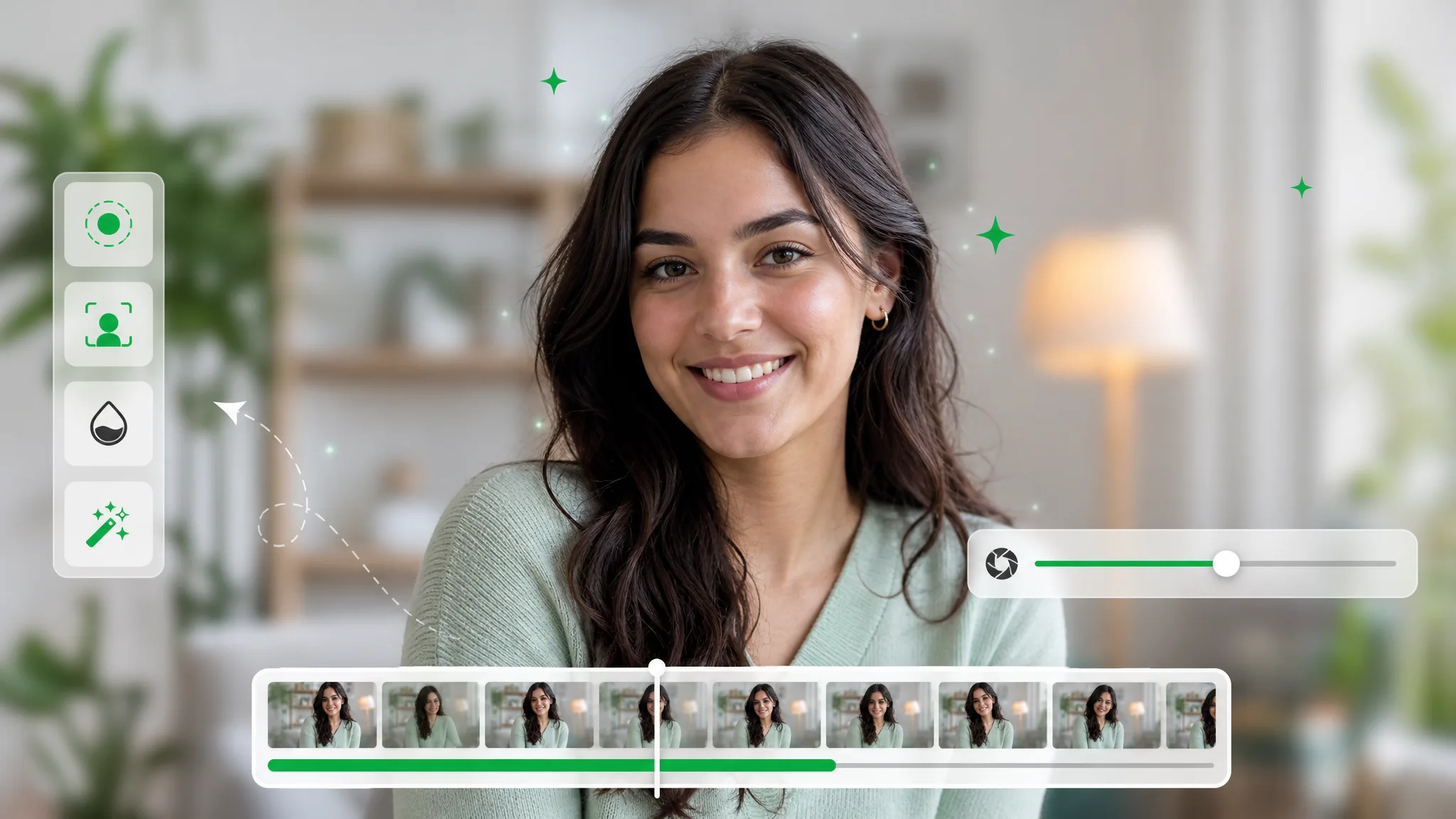
Soften the background of a recorded explanation, interview or introduction. Adjust the strength, start processing and preview a composition that brings attention to the subject.
Try now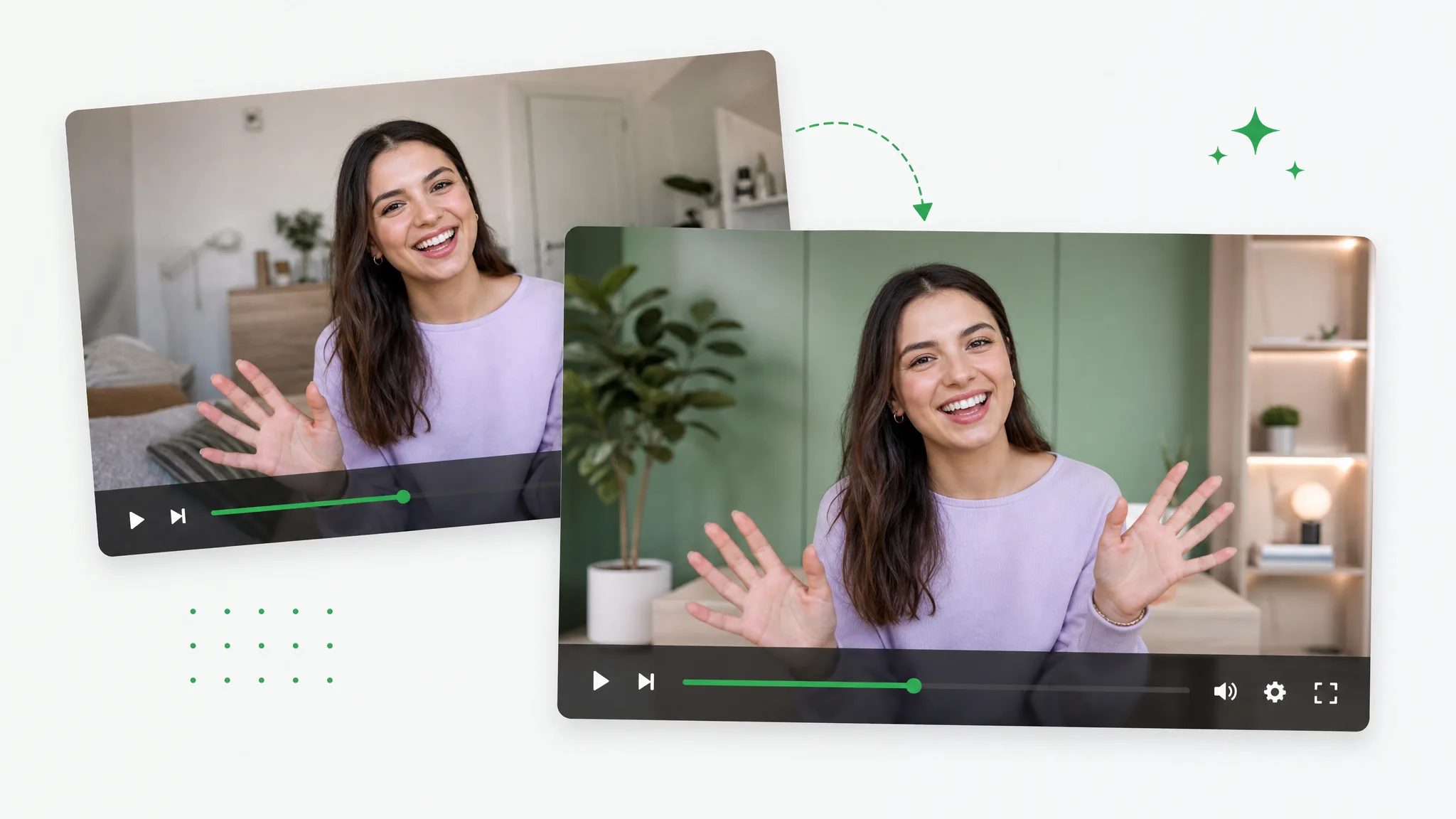
Upload a recorded clip and the image you want to use as its new setting. Export an MP4 with the chosen image included in the scene.
Try nowSave a PNG or JPG for the event post, screenshot or document you are preparing.
Choose a file