E-commerce & product
Put products on clean or custom backgrounds for listings and ads.

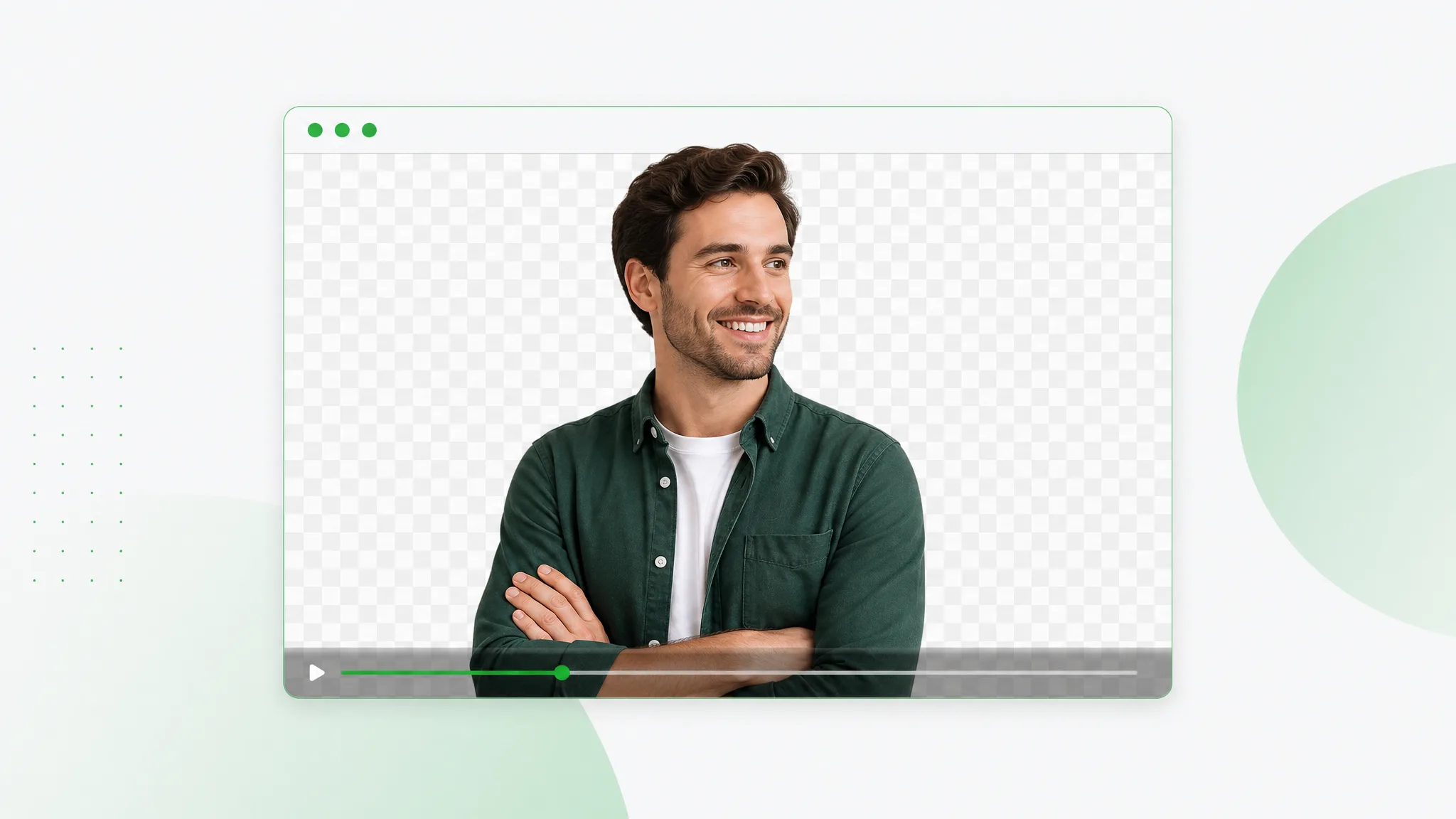
Cut out your subject and export a transparent WebM with a real alpha channel — upload any clip, let the AI run a clean webm remove background pass, and download VP9 alpha ready for the web.
Reviewed by RemoveVideoBG TeamUpdated
Before / after
Drag any sample to compare the solid original with a subject-only cutout baked into a true WebM alpha channel, and judge the edges before you run your own webm remove background pass.
Keep skin, hair, and soft edges clean on talking-to-camera clips.
Fast motion and water spray stay sharp through the cutout.
Cut animated characters out of any rendered scene.
Isolate stylized characters for compositing and overlays.
Talking-head unboxing and product clips with clean edges.
Drop AI-made clips onto any background in seconds.
Keep skin, hair, and soft edges clean on talking-to-camera clips.
Fast motion and water spray stay sharp through the cutout.
Cut animated characters out of any rendered scene.
Isolate stylized characters for compositing and overlays.
Talking-head unboxing and product clips with clean edges.
Drop AI-made clips onto any background in seconds.
Why WebM
Real alpha, browser-native playback, and no watermark — a webm remove background pass that keeps every see-through pixel intact, so the webm alpha channel reads correctly wherever you place it.
VP9 alpha stores genuine per-pixel transparency, so your subject floats over any layer rather than arriving as a flattened MP4 with a colored block you cannot key out later. That real webm alpha channel is the whole point of a webm remove background pass — the cutout is baked into the file itself, so it composites the moment you drop it onto a new background.
Remove BackgroundA transparent WebM drops straight into HTML video and web overlays with transparency intact and no extra plugin, so it is ideal for sites, hero loops, and product banners. Because the webm alpha channel is browser-native, your subject sits over any page background live — there is no fallback image to swap in and nothing extra for the visitor to load.
Try it freeBring in almost any source and the engine converts your video to transparent webm, encoding clean VP9 alpha without you touching ffmpeg or a separate converter. As a video to transparent webm converter it folds the background removal and the encode into one webm remove background pass, so a MOV or MP4 comes out the far side as a finished, see-through clip.
Change BackgroundHair, blur, and soft edges stay crisp across every frame, so the webm alpha channel composites cleanly even when the subject moves fast. Quick gestures and flyaway strands stay locked into the matte rather than smearing or shimmering, which keeps a transparent WebM believable on energetic footage instead of betraying the cutout under motion.
Start NowStep by step
Upload your clip, let the AI run a webm remove background pass, and download VP9 alpha — three steps to a transparent WebM, no keying or command-line tools in between.
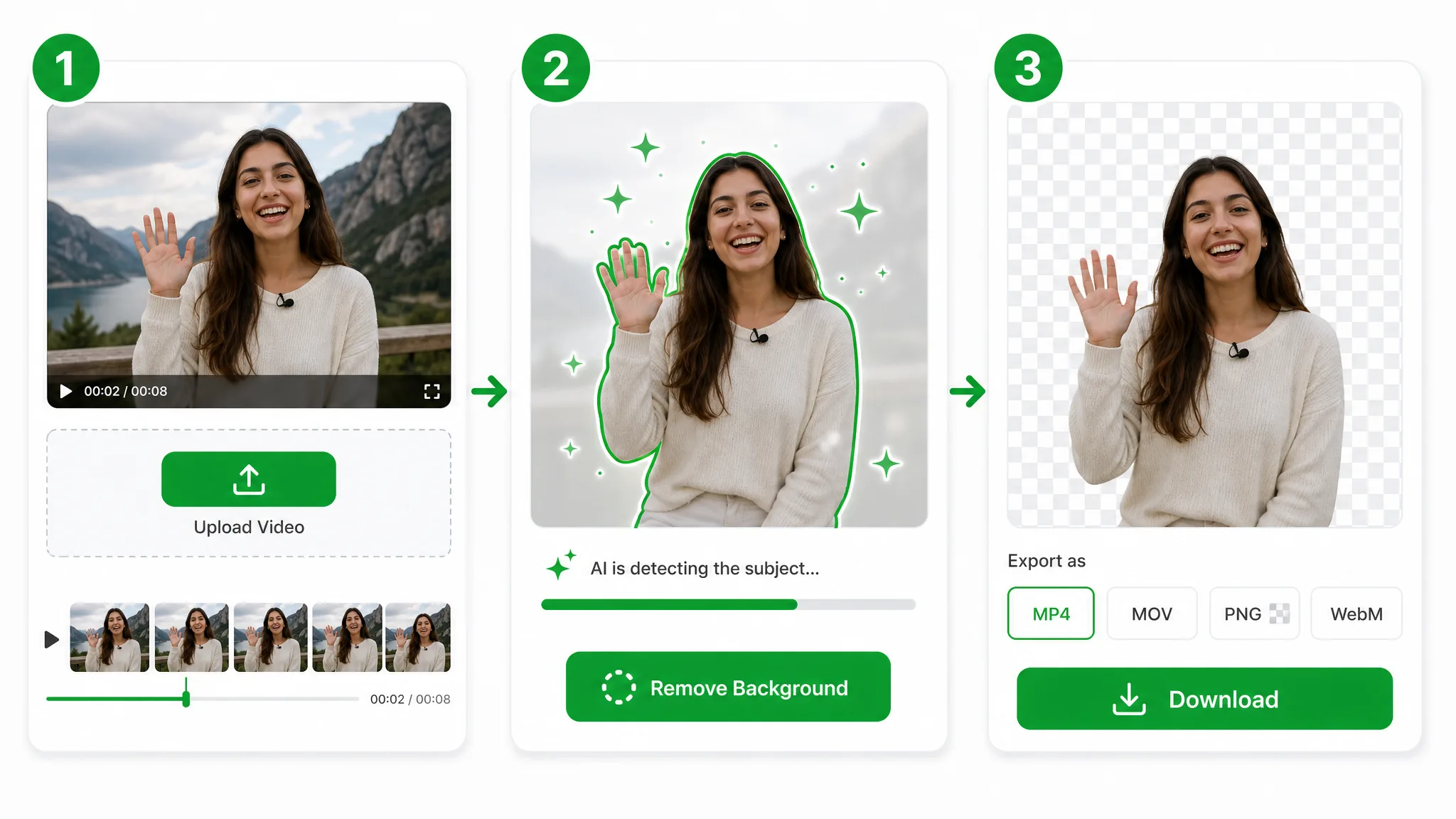
Drop in an MP4, MOV, or existing WebM and the engine prepares it for a webm remove background pass — your file goes to secure storage, with no codec wrangling or command-line tools needed.
The AI isolates your subject frame by frame, then bakes the cutout into a true webm alpha channel — no green screen, no manual keying, and no flattened backdrop left behind.
Export VP9 alpha and you have a transparent WebM that plays see-through in browsers and any editor that reads the format — a finished video to transparent webm converter result in one click.
Where it helps
Web overlays, animated stickers, and hero loops — run a webm remove background pass and play the transparent WebM see-through anywhere a browser reads it.
Put products on clean or custom backgrounds for listings and ads.
Cut yourself out for Reels, Shorts, and TikTok overlays.
Create facecam overlays without a studio setup.
Place yourself over slides and screen recordings.
FAQ
Common questions on the webm alpha channel, supported editors, and running a webm remove background pass on a MOV.
Upload your clip and the AI removes the background, then encodes a transparent WebM. The webm remove background step is automatic and free to start, with no watermark on the file you download.
Yes — VP9 (and VP8) WebM carries a webm alpha channel, so it holds true transparency. That is why we export VP9 alpha instead of an MP4, which has no see-through pixels and can only bake a solid color behind your subject.
Yes — it works as a video to transparent webm converter. It cuts the subject out and encodes VP9 alpha automatically, so you skip any separate converter or command-line tool and get a finished transparent WebM in one pass.
Yes. Upload the MOV and the engine runs a mov to webm vp9 alpha conversion — a webm remove background pass that removes the backdrop and encodes VP9 alpha, generating the webm alpha channel for you without any manual keying.
After Effects and most web players read a webm alpha channel natively. Final Cut needs a plugin to read it directly — if your pipeline needs a MOV container, re-wrap the exported WebM to ProRes 4444 alpha in your editor and the transparency carries through. For the browser, VP9 alpha plays see-through with no extra setup.
After the webm transparent download, place the file over a colored layer in your editor or browser. If the backdrop shows through, the webm alpha channel exported correctly and your video to transparent webm converter pass succeeded.
Related tools
Other tools for removing, replacing, and keying video backgrounds.

Turn any clip into a transparent video in seconds — upload, let AI make background transparent on every frame, and export a clean alpha file. No green screen, no manual masking, no watermark.
Try now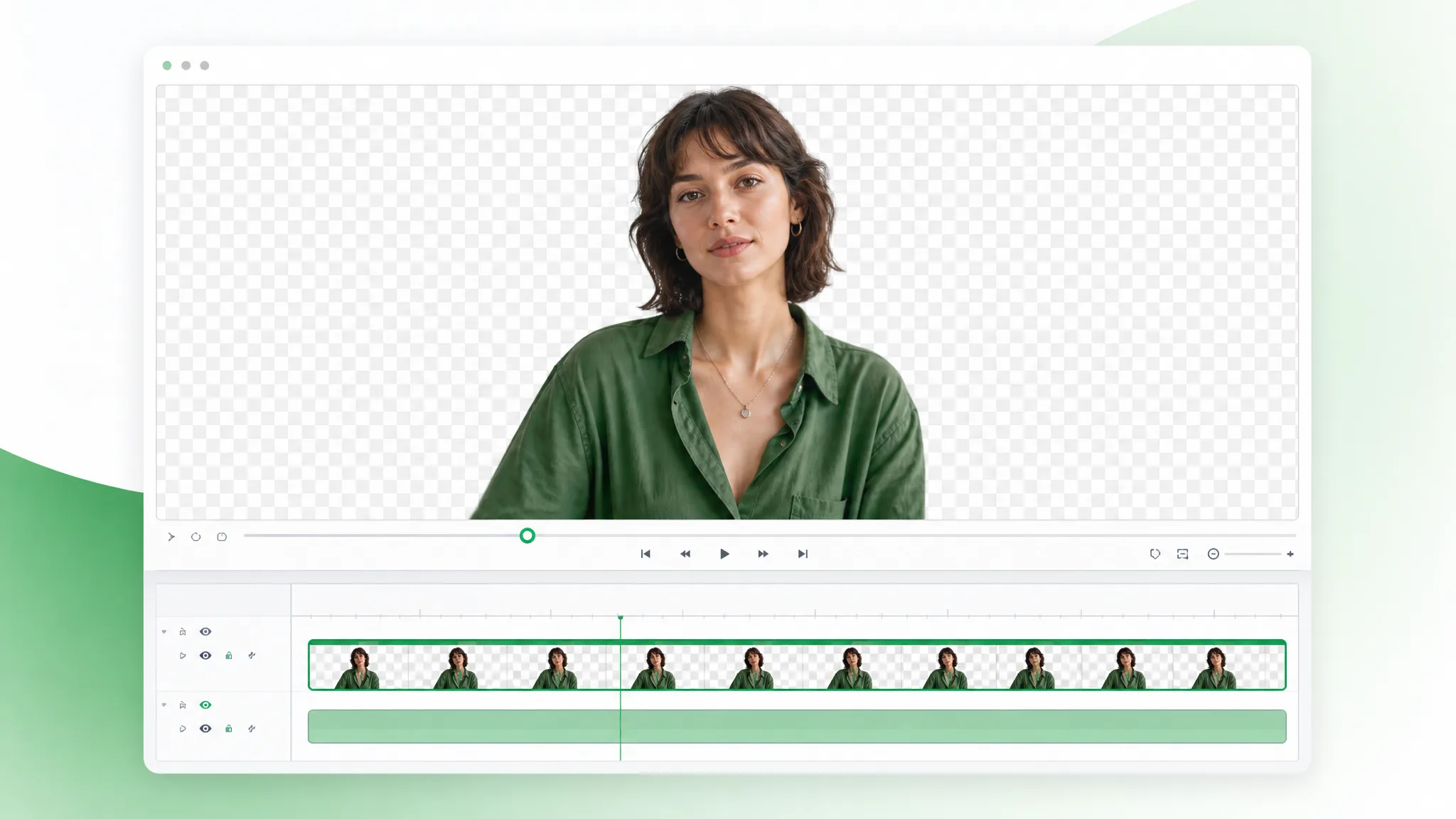
Upload a MOV and make MOV transparent in the browser — this mov background remover accepts .mov files only, cuts the backdrop automatically, and exports a transparent WebM with alpha.
Try now
Video to WebP the transparent way — upload a clip, remove the background, and export an animated WebP that carries a real transparent background into any page, with full 8-bit alpha, not a flat GIF.
Try nowUpload a video and export a transparent WebM in seconds — the fastest webm remove background tool online, free and no watermark, with a real webm alpha channel baked in.
Export Transparent WebM — Free