E-Commerce & Produkt
Produkte auf saubere oder eigene Hintergründe für Listings und Werbung setzen.

Lade ein MOV hoch und MOV transparent machen im Browser: Diese Seite akzeptiert nur .mov-Dateien, und der MOV Hintergrund Entferner exportiert ein transparentes WebM mit Alpha, ohne Wasserzeichen.
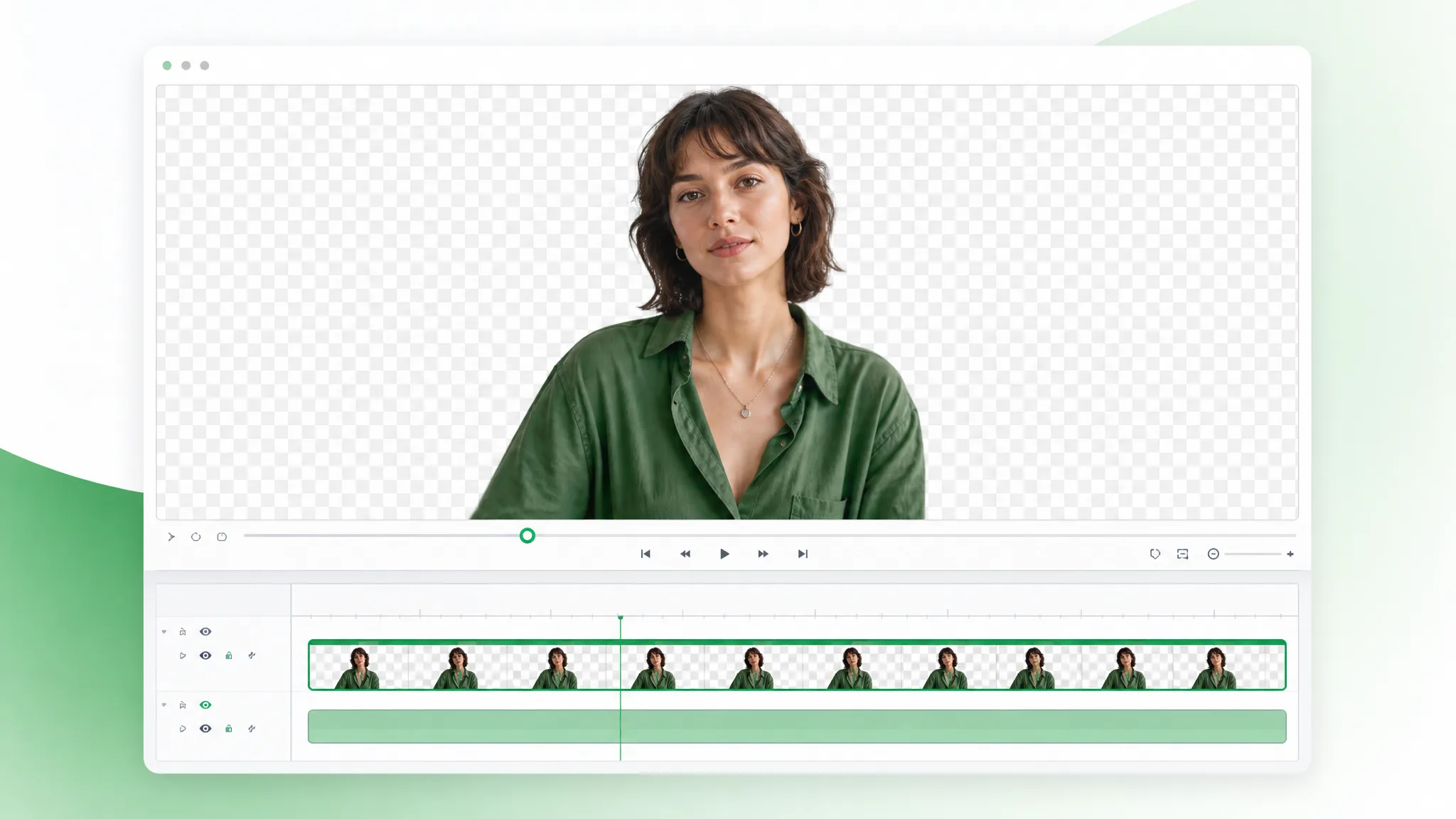
Geprüft von RemoveVideoBG TeamAktualisiert
Vor / nach
Wipe über eine Probe, um das solide Original mit einem motiv-nur-Ausschnitt zu vergleichen, und beurteile Kanten und feine Haar-Details, bevor der MOV Hintergrund Entferner dein MOV transparent machen soll.
Haut, Haare und weiche Kanten bei Talking-Head-Clips sauber halten.
Schnelle Bewegung und Wasserspritzer bleiben durch den Ausschnitt scharf.
Animierte Charaktere aus jeder gerenderten Szene schneiden.
Stilisierte Charaktere für Compositing und Overlays freistellen.
Talking-Head-Unboxing- und Produkt-Clips mit sauberen Kanten.
KI-erzeugte Clips in Sekunden auf jeden Hintergrund setzen.
Haut, Haare und weiche Kanten bei Talking-Head-Clips sauber halten.
Schnelle Bewegung und Wasserspritzer bleiben durch den Ausschnitt scharf.
Animierte Charaktere aus jeder gerenderten Szene schneiden.
Stilisierte Charaktere für Compositing und Overlays freistellen.
Talking-Head-Unboxing- und Produkt-Clips mit sauberen Kanten.
KI-erzeugte Clips in Sekunden auf jeden Hintergrund setzen.
Warum transparentes WebM
Ein echter Alpha-Kanal, saubere Farbe und kein Wasserzeichen — ein MOV Hintergrund Entferner gebaut für ernste Timelines, also hält der transparente Ausschnitt unter Grading und Re-Export.
Der Export speichert echte Per-Pixel-Transparenz, also compositet dein Motiv auf jedes Plate ohne eingebauten Hintergrund oder harte Matte-Linie. Dieses echte Alpha ist der ganze Grund, zu einem MOV Hintergrund Entferner statt eines schnellen MP4-Exports zu greifen — der Ausschnitt kommt schichtfertig an, nichts mehr freizustellen, bevor du die Aufnahme baust, und er konvertiert später ohne Verlust zu ProRes 4444 alpha.
Hintergrund entfernenDas transparente WebM behält saubere Farbe und feine Kanten-Details, also überleben Hauttöne, Haare und Gradienten den MOV Hintergrund Entferner Durchlauf und halten unter Grading. Wo ein komprimiertes, flaches Format diese Töne zerdrücken würde, bewahrt der Alpha-Export sie, was zählt, wenn der transparente MOV-Ausschnitt zu gradeten Plates in einem fertigen Broadcast-Qualität-Schnitt passen muss.
Kostenlos ausprobierenEin transparentes WebM previewt direkt im Browser und importiert in Final Cut, Premiere und After Effects ohne Konvertierung, also legst du den Ausschnitt auf eine Spur und arbeitest weiter. Kein Codec-Pack und kein separater Alpha-Durchlauf zu managen — und wenn eine Liefer-Spezifikation ProRes 4444 alpha verlangt, re-wrapt dein Editor dieselbe Datei in einem Export-Schritt.
Hintergrund ändernDas Motiv wird über jedes Frame getrackt, also hält das Alpha ohne Flackern oder Halo, selbst wenn die Action schnell durch die Aufnahme bewegt. Schnelle Gesten, Haare und Motion Blur bleiben im Matte verriegelt, was den Ausschnitt auf energetischem Material glaubhaft hält statt zu verschmieren oder an den Kanten unter Bewegung zu flimmern, wenn du MOV transparent machst.
Jetzt startenSchritt für Schritt
Lade eine .mov-Datei hoch, lass den MOV Hintergrund Entferner den Hintergrund schneiden und lade einen transparenten Ausschnitt herunter — drei Schritte, um MOV transparent machen, kein Keyen dazwischen.
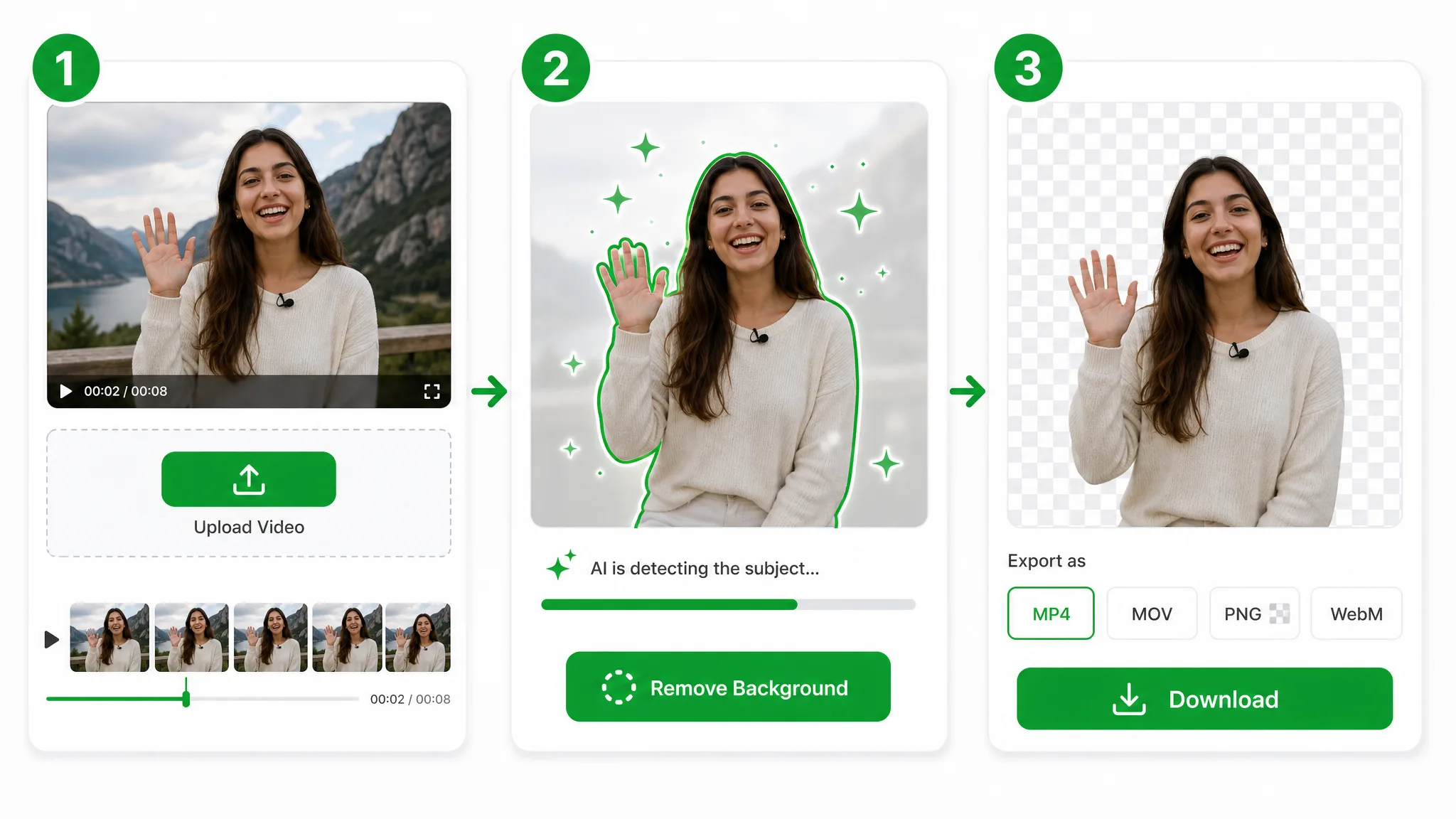
Ziehe eine .mov-Datei herein — diese Seite akzeptiert nur MOV — und der MOV Hintergrund Entferner übernimmt: deine Datei geht in sicheren Speicher, kein Codec-Pack oder Pro-NLE-Setup nötig, um MOV transparent machen. Ist die Quelle eine MP4- oder WebM-Datei, nutze den Video-Hintergrundentferner.
Die KI trennt dein Motiv Bild für Bild und schreibt den Ausschnitt in ein transparentes WebM — keine Chroma-Stage, keine Rotoskopie und keine flache schwarze Box hinter dem Motiv.
Exportiere ein transparentes WebM mit vollem Alpha-Kanal — ein schnittfertiger Ausschnitt, den du direkt auf eine Timeline ablegst oder aus deinem Editor als ProRes 4444 re-exportierst, wenn ein Projekt diesen Wrapper braucht.
Wo es hilft
Broadcast-Lower-Thirds, Film-VFX-Plates und hochwertige Produkt-Shoots — mach MOV transparent machen und grade das Ergebnis, dann re-exportiere als ProRes 4444 alpha, wenn die Timeline es braucht.
Produkte auf saubere oder eigene Hintergründe für Listings und Werbung setzen.
Stelle dich selbst für Reels, Shorts und TikTok-Overlays frei.
Facecam-Overlays ohne Studio-Setup erstellen.
Stelle dich über Slides und Bildschirmaufnahmen.
FAQ
Häufige Fragen zu Alpha-Output, ProRes 4444 alpha Konvertierung und Editor-Kompatibilität mit dem MOV Hintergrund Entferner.
Lade deinen Clip hoch, der MOV Hintergrund Entferner isoliert das Motiv und exportiert ein transparentes WebM mit Alpha. Er läuft automatisch und ist gratis für den Einstieg, ohne Wasserzeichen.
Du lädst ein transparentes WebM mit Alpha-Kanal herunter, kein transparentes MOV. Es spielt direkt in Browsern und fällt in jeden großen Editor — das Format, das dieser MOV Hintergrund Entferner nutzt, um MOV transparent machen zuverlässig zu machen, statt eines flachen MP4.
Ja, mit einem extra Schritt. Dieser MOV Hintergrund Entferner liefert ein transparentes WebM online; um ProRes 4444 alpha zu bekommen, importiere dieses WebM in Final Cut, Premiere oder After Effects und exportiere ProRes 4444 — der Alpha-Kanal trägt direkt über, also bleibt die Transparenz Ende-zu-Ende erhalten.
Um MOV transparent machen, starte den MOV Hintergrund Entferner und lade das transparente WebM herunter. Lade den Clip hoch, lass ihn den Hintergrund schneiden und der Alpha-Kanal macht das MOV transparent, wo immer du es auf der Timeline platzierst — ohne manuellen Masken-Schritt.
Nein: Diese Seite akzeptiert nur MOV-Dateien. Der MOV Hintergrund Entferner ist auf eine .mov-Datei ausgelegt und schreibt den Ausschnitt in ein transparentes WebM mit Alpha. Ist deine Quelle eine MP4- oder WebM-Datei, nutze den Video-Hintergrundentferner und komm für dein transparentes MOV danach hierher zurück.
Transparenter Export braucht das Basic-Tier, also halte Clips bei 60 Sekunden. Bei dieser Länge schreibt dieser MOV Hintergrund Entferner ein transparentes WebM; längeres Material läuft auf dem Pro- oder Ultra-Tier und exportiert ebenfalls ein transparentes WebM mit Alpha.
Verwandte Werkzeuge
Andere Werkzeuge zum Entfernen, Ersetzen und Keying von Video-Hintergründen.
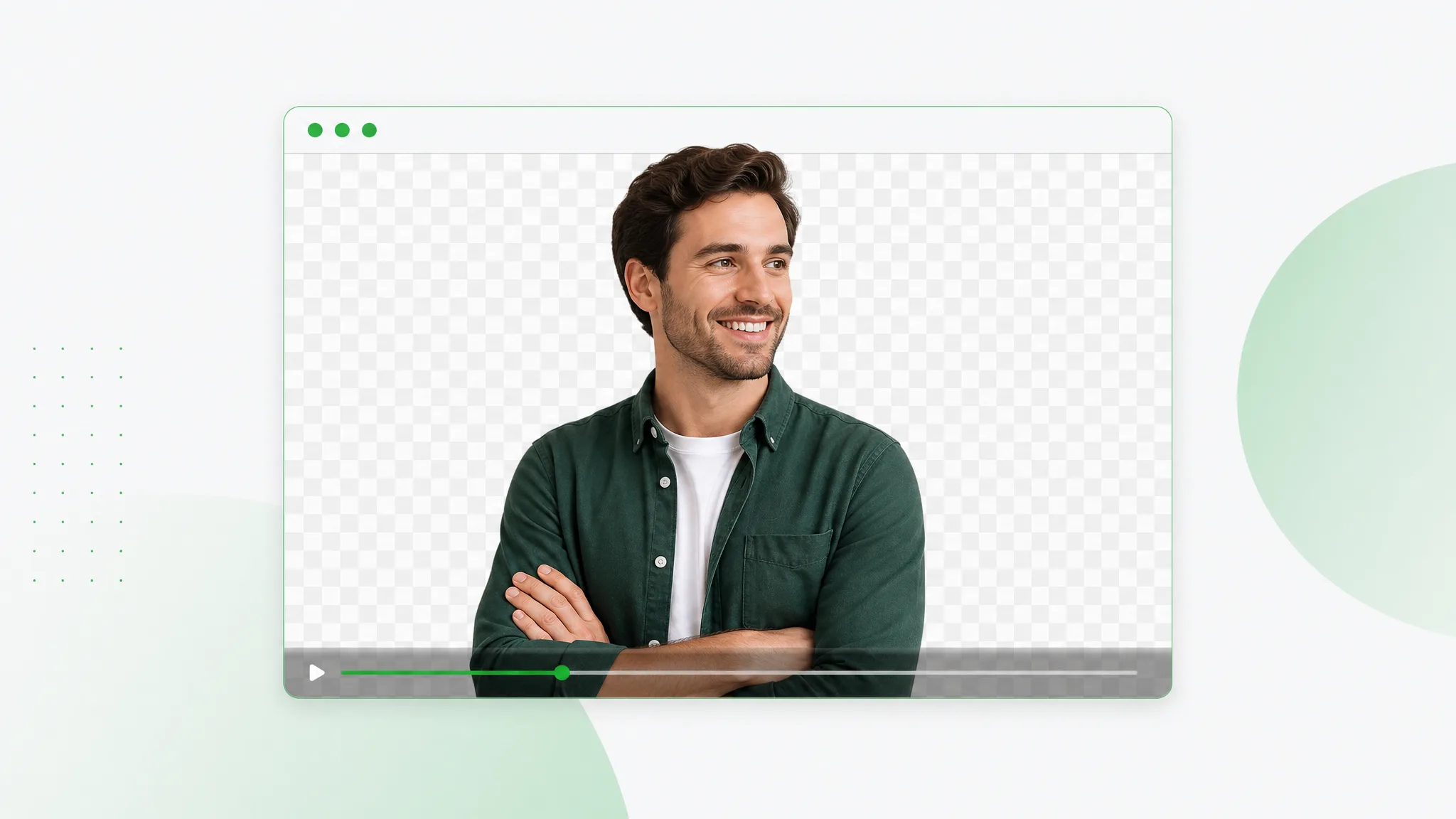
Schneid dein Motiv aus und exportiere ein transparentes WebM mit echtem Alpha-Kanal — lade einen Clip hoch, lass die KI eine WebM Hintergrund entfernen Passe laufen und lade VP9 alpha herunter.
Jetzt ausprobieren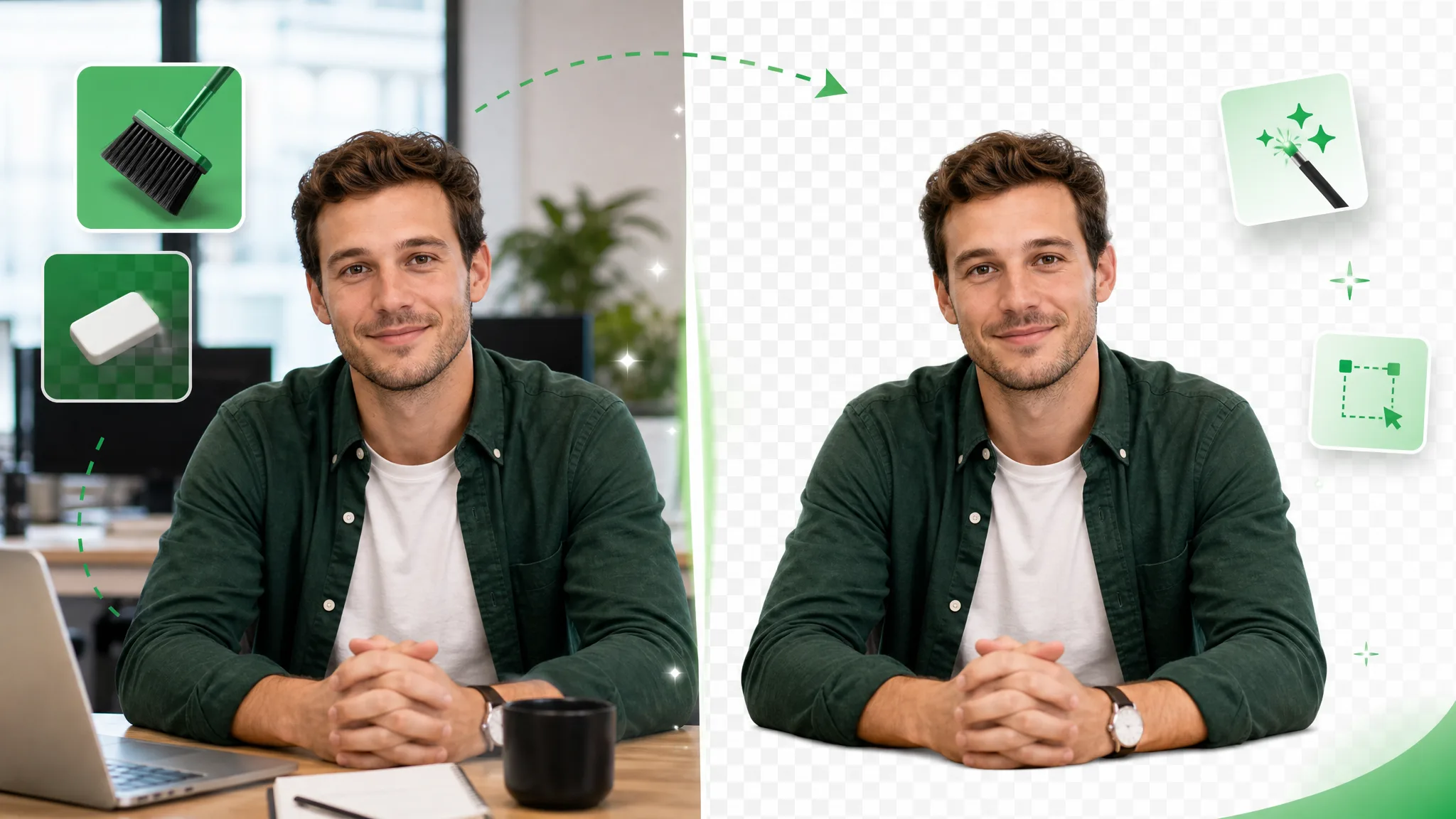
Video Hintergrund radieren in Sekunden mit einem KI-Radierer. Lade Material hoch, lass ihn den Hintergrund wischen und exportiere ein transparentes WebM — kein Wasserzeichen.
Jetzt ausprobieren
Video in WebP, transparent gedacht: Clip hochladen, die KI den Hintergrund entfernen lassen und ein animiertes WebP exportieren, das echte Transparenz in jede Seite trägt.
Jetzt ausprobierenLade eine .mov-Datei hoch und lade in Sekunden einen transparenten Ausschnitt herunter — der schnellste MOV Hintergrund Entferner online, gratis, ohne Wasserzeichen und mit echtem Alpha-Kanal.
MOV transparent machen — Kostenlos