E-commerce et produit
Placez vos produits sur des arrière-plans propres ou personnalisés pour vos fiches et vos pubs.

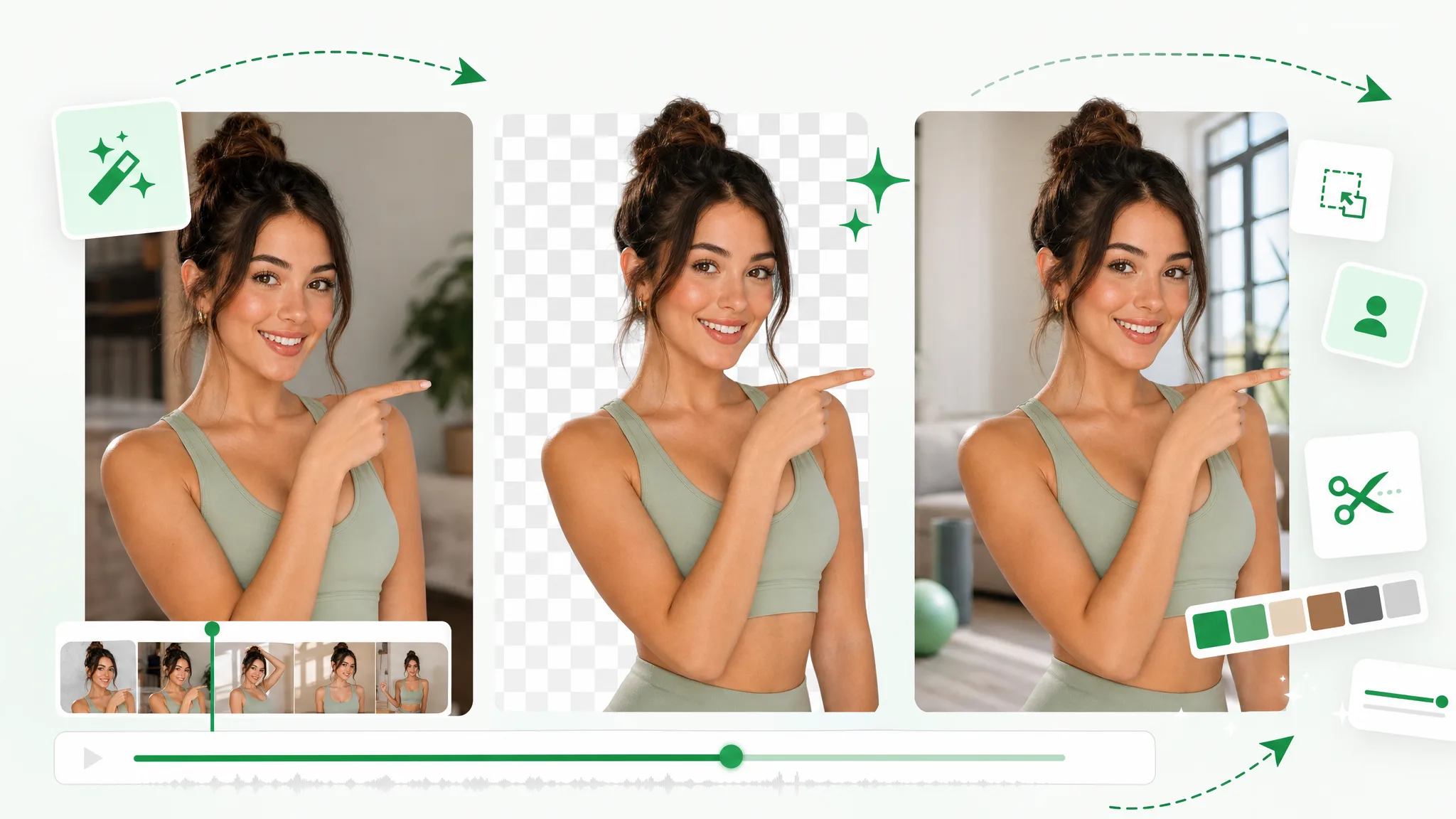
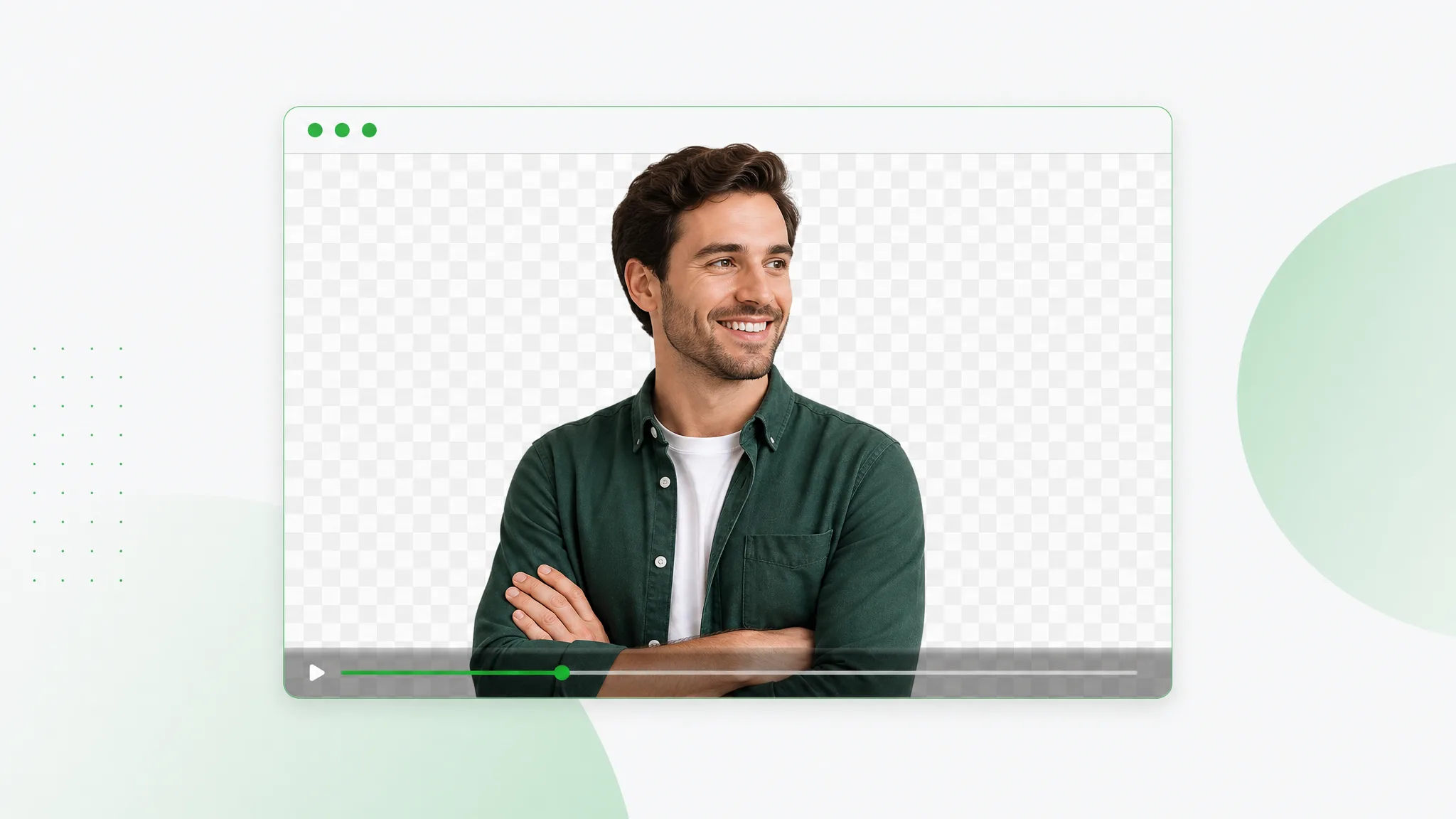
Supprimez le fond d'une vidéo en ligne et exportez un fichier transparent — sans fond vert, sans masquage manuel, sans filigrane.
Voir en action
Faites glisser le curseur sur n'importe quel exemple pour révéler le résultat transparent — cheveux, mouvements et fins détails préservés.
Peau, cheveux et contours souples toujours nets sur les clips face caméra.
Mouvements rapides et embruns restent nets à travers le détourage.
Détourez des personnages animés issus de n'importe quelle scène rendue.
Isolez des personnages stylisés pour le compositing et les incrustations.
Clips face caméra, unboxing et produits avec des contours propres.
Déposez des clips AI sur n'importe quel arrière-plan en quelques secondes.
Peau, cheveux et contours souples toujours nets sur les clips face caméra.
Mouvements rapides et embruns restent nets à travers le détourage.
Détourez des personnages animés issus de n'importe quelle scène rendue.
Isolez des personnages stylisés pour le compositing et les incrustations.
Clips face caméra, unboxing et produits avec des contours propres.
Déposez des clips AI sur n'importe quel arrière-plan en quelques secondes.
Fonctionnalités
Obtenez un vrai canal alpha en WebM ou une séquence PNG — pas un MP4 aplati avec une boîte noire derrière votre sujet. Déposez la vidéo transparente directement dans Premiere, After Effects, Final Cut ou n'importe quel outil de motion design, et composez-la sur n'importe quelle scène, incrustation ou visuel produit sans ré-incrustation. C'est la sortie propre et prête pour l'éditeur que les outils gratuits ne peuvent tout simplement pas vous offrir.
Supprimer l'arrière-planNotre AI détecte votre sujet image par image et suit chaque mèche de cheveux, chaque contour souple et chaque mouvement rapide, pour que le détourage reste propre même sur des images désordonnées du monde réel. Pas de configuration chroma, pas de rotoscopie fastidieuse — importez simplement votre clip et laissez le modèle gérer la partie difficile automatiquement en quelques minutes.
Essayer gratuitementLaissez l'arrière-plan vide pour un export transparent, remplissez-le avec une couleur de marque unie, ou remplacez-le entièrement par votre propre image pour relooker n'importe quel clip en quelques secondes. Remplacez une pièce distrayante par un look studio propre, déposez votre produit sur un décor marketing, ou placez-vous dans une toute nouvelle scène — sans ouvrir d'éditeur complexe.
Changer l'arrière-planQue vous découpiez des incrustations TikTok et Reels, que vous construisiez des calques de facecam pour vos streams, que vous présentiez des produits pour votre boutique, ou que vous traitiez des tutoriels et webinaires complets, l'outil gère aussi bien les clips courts que les images longues. Conservez la pleine résolution jusqu'à 4K sans filigrane, pour que chaque export paraisse professionnel où qu'il soit publié.
Commencer maintenantPourquoi nous choisir
Les exports transparents, la résolution et la durée que les éditeurs gratuits comme CapCut ne peuvent pas offrir.
Détection précise du sujet pour les personnes, les produits, l'animation et les mouvements complexes, pour que vous supprimiez le fond de la vidéo proprement à partir d'images ordinaires.
Vraie sortie alpha en WebM et séquence PNG — pas juste un MP4 aplati.
Conservez la pleine résolution et le taux d'images. Aucun filigrane sur votre résultat, jamais.
Traitez tutoriels, webinaires et clips complets, pas seulement de petites boucles selfie.
Gardez-le transparent, déposez une couleur unie, ou remplacez-le par votre propre image.
Importez et obtenez un résultat en quelques minutes — entièrement en ligne, rien à installer.
Comment ça marche
Supprimez l'arrière-plan d'une vidéo sans compétence de montage et sans configuration de studio — importez, supprimez, téléchargez.
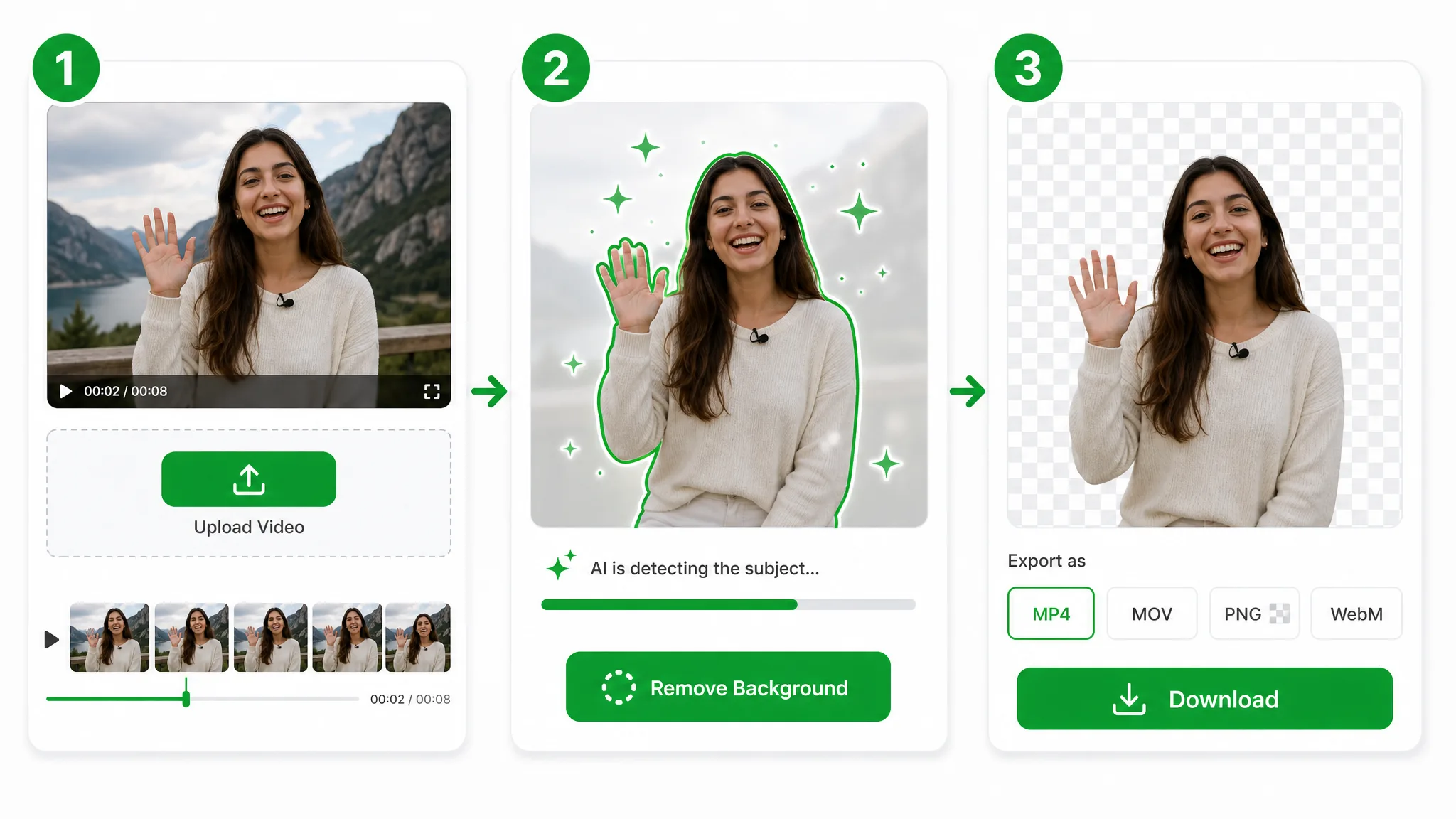
Ouvrez l'outil directement dans votre navigateur — sans installation, et gratuit pour commencer. Déposez un MP4, MOV ou WebM, ou choisissez un fichier depuis votre appareil en quelques secondes.
Une fois votre clip importé, notre AI détecte le sujet image par image pour supprimer le fond de la vidéo automatiquement — en gardant les cheveux, les contours souples et les mouvements rapides nets. Cela prend de quelques secondes à quelques minutes selon la durée.
Prévisualisez le résultat dans le lecteur, puis téléchargez-le comme vous le souhaitez — un fichier transparent, une couleur unie, un tout nouvel arrière-plan, ou le format d'export de votre choix. Sans filigrane, prêt à publier partout.
Formats d'export
De la vidéo transparente prête pour le web aux masters MOV/ProRes prêts pour le montage, en passant par les séquences PNG image par image et le MP4 prêt à publier avec votre nouvel arrière-plan — exportez exactement ce dont votre projet a besoin.
 Transparent
WebM transparent avec un vrai canal alpha — déposez-le directement dans le web ou votre éditeur.
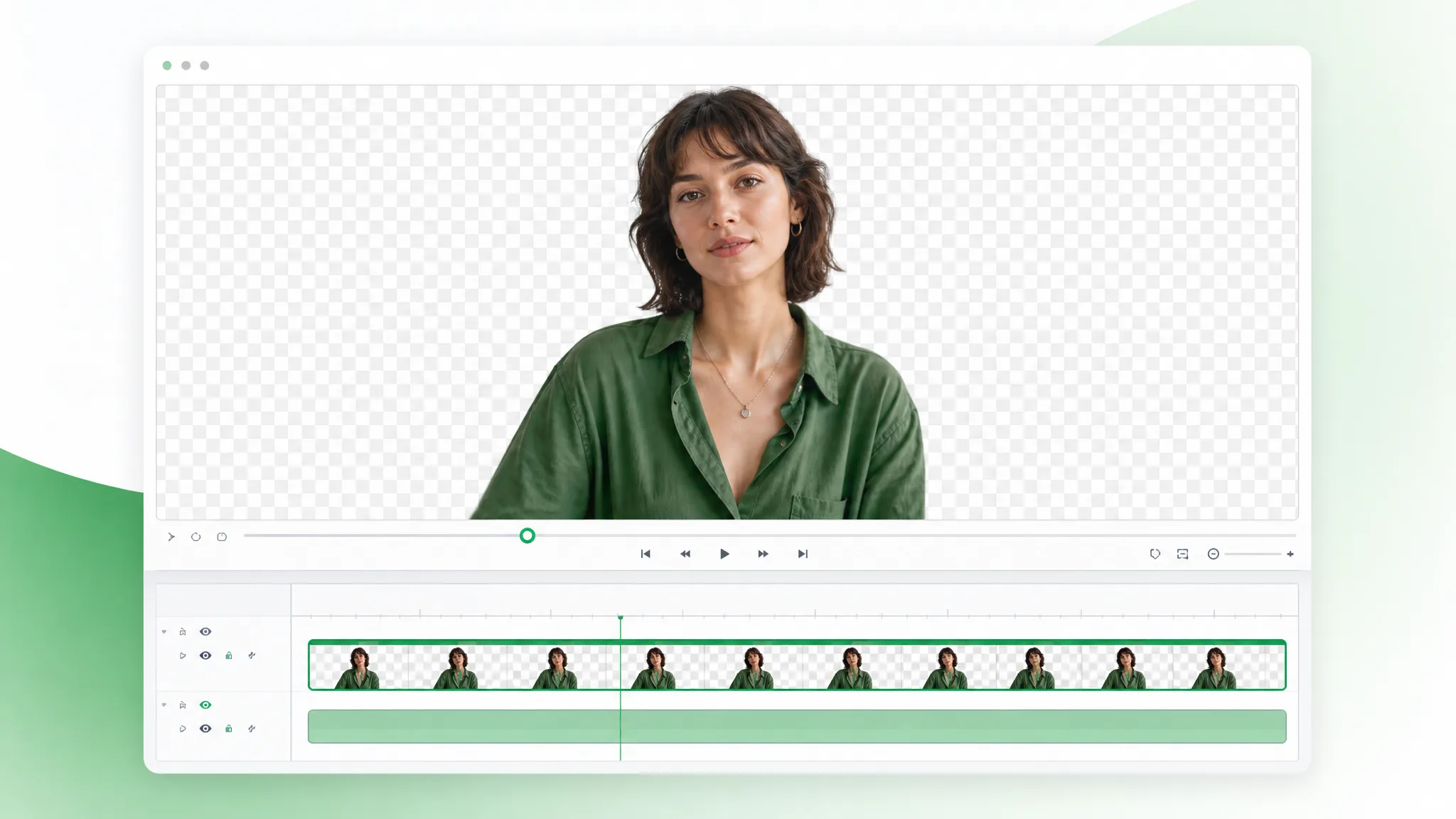 Pro
ProSortie MOV / ProRes professionnelle pour les workflows orientés montage lorsque vous avez besoin d’un master propre et non transparent.
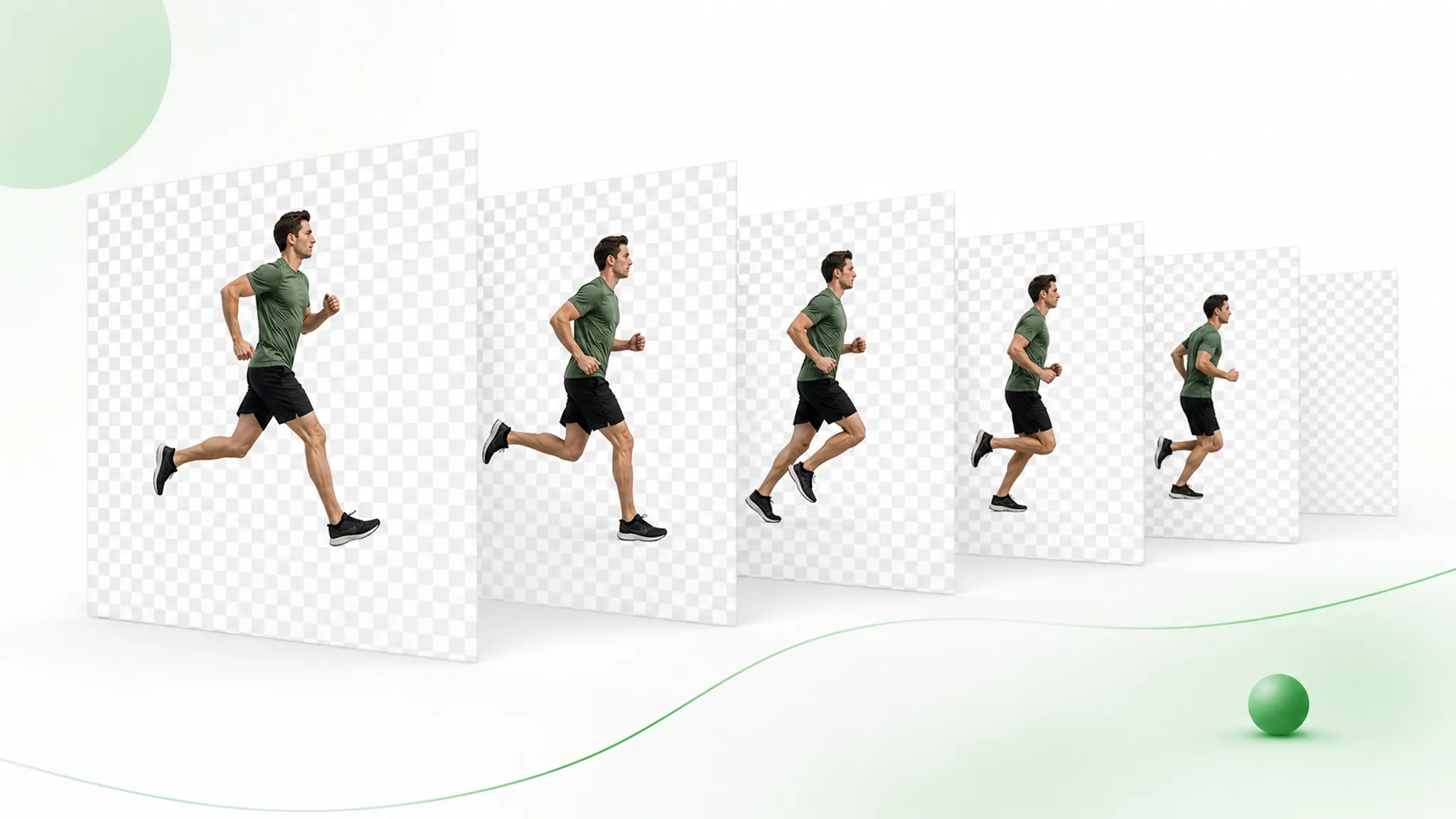 Transparent
Une séquence PNG avec transparence image par image pour le motion design et le compositing.
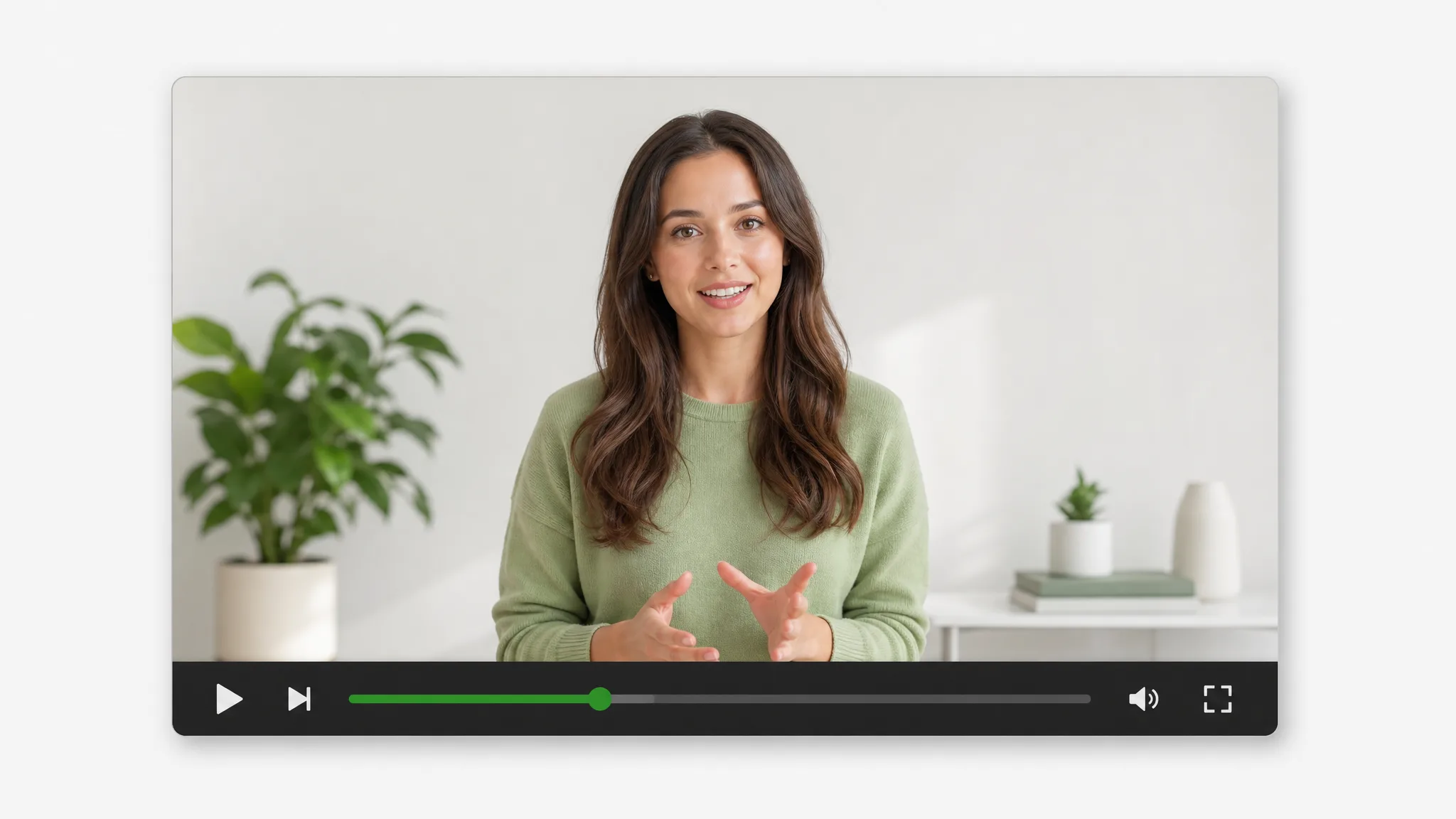 Nouveau fond
Un MP4 standard avec un nouvel arrière-plan intégré — couleur unie, flou ou image personnalisée — prêt à partager partout.
Cas d'usage
Un outil, plein de flux de travail.
Placez vos produits sur des arrière-plans propres ou personnalisés pour vos fiches et vos pubs.
Détourez-vous pour les incrustations Reels, Shorts et TikTok.
Créez des incrustations facecam sans configuration de studio.
Placez-vous au-dessus de slides et d'enregistrements d'écran.
Adopté par les créateurs
“Le WebM transparent s'est déposé directement dans mon éditeur sans le moindre souci d'incrustation. Je passais des heures à rotoscoper chaque clip — maintenant j'importe et je télécharge, et les contours autour de mes cheveux sont déjà propres. Ça fait partie de mon flux quotidien.”
 Sofia R.Créatrice UGC
FAQ
Aucun fond vert nécessaire. L'outil de suppression de fond vidéo par AI détecte votre sujet — personnes, animaux, produits ou mouvements — pour que vous puissiez supprimer l'arrière-plan d'une vidéo tournée n'importe où, sans clé chroma, sans masquage manuel et sans rotoscopie.
Vous pouvez importer des fichiers MP4, MOV et WebM. Exportez un WebM transparent (alpha VP9) ou une séquence PNG pour les éditeurs, ou un MP4 une fois que vous avez ajouté un nouvel arrière-plan. Votre résolution est conservée jusqu'à 4K.
Aucun filigrane, jamais. Votre export conserve la netteté et le taux d'images d'origine jusqu'à 4K, avec des contours alpha propres autour des cheveux et des fins détails, pour que le résultat se dépose directement dans un travail client sans rien à re-rendre.
Importez votre clip, laissez l'AI supprimer l'arrière-plan, et exportez un WebM transparent avec un vrai canal alpha. Une séquence PNG est également disponible, et le fichier se compose directement dans n'importe quel éditeur qui prend en charge la vidéo alpha — ré-exportez en ProRes 4444 là-bas si votre projet en a besoin.
Oui. Laissez-le entièrement transparent, déposez une couleur unie, floutez l'original, ou remplacez-le par votre propre image ou décor de marque. Vous pouvez changer d'arrière-plan en un clic, puis exporter le clip finalisé en MP4.
Les clips courts comme les images longues sont pris en charge. Vous pouvez traiter des tutoriels, des webinaires et des cours complet — pas seulement de petites boucles — et vous ne payez que pour les secondes que vous traitez réellement.
Oui — c'est gratuit pour commencer : des crédits gratuits vous permettent de l'essayer, sans filigrane sur le résultat. Un court clip de test est un bon moyen de vérifier la suppression de fond vidéo sur vos propres images avant d'acheter d'autres crédits.
La plupart des clips sont prêts en quelques secondes à quelques minutes, selon la durée, la résolution et la complexité de la scène. Il n'y a rien à installer — vous importez dans le navigateur et l'AI fait tout le traitement dans le cloud.
Oui. Les imports sont traités sur une connexion chiffrée et ne sont jamais partagés ni rendus publics. Vos fichiers et exports restent liés à votre compte, et les vidéos traitées sont supprimées automatiquement une fois qu'elles ne sont plus nécessaires.
L'AI segmente votre sujet image par image pour conserver des contours propres autour des cheveux, des doigts et des mouvements rapides. Elle reste nette même avec des ombres ou un faible contraste, offrant un détourage fluide, sans scintillement, en pleine résolution.
Oui. Pour la suppression de fond dans OBS, exportez un WebM transparent et ajoutez-le comme source ou incrustation média — aucun fond vert requis. Vous pouvez aussi composez le détourage sur n'importe quelle scène dans OBS, CapCut ou Premiere pour vos streams.
Les exports transparents fonctionnent dans les outils que vous utilisez déjà. Cela inclut CapCut, Canva, Premiere Pro, Final Cut, After Effects et OBS — les séquences PNG s'ouvrent dans n'importe quel éditeur, et le WebM alpha convient aussi bien au web qu'aux logiciels pro.
Plus d'outils
Des pages dédiées pour chaque type de travail d'arrière-plan vidéo.

Passez à une alternative Unscreen et détourez tout fond vidéo gratuitement — sans plafond, sans filigrane. Détourage en un clic pour Unscreen vidéo ou GIF Unscreen en boucle, rien à installer.
Essayer maintenant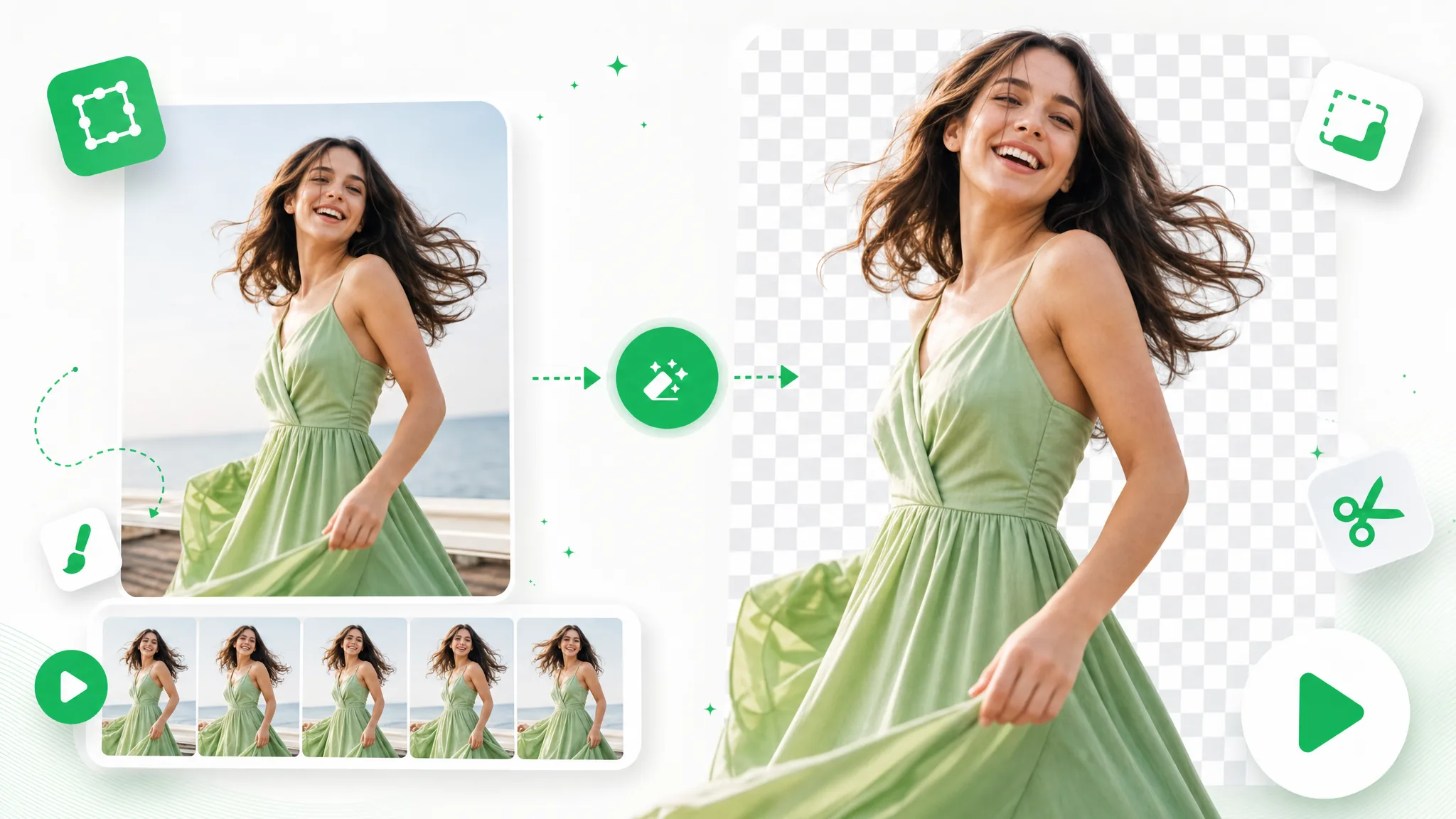
Avec cette suppression de fond GIF, importez un GIF et supprimez le fond automatiquement — exportez une boucle transparente propre, sans écran vert ni masquage manuel.
Essayer maintenant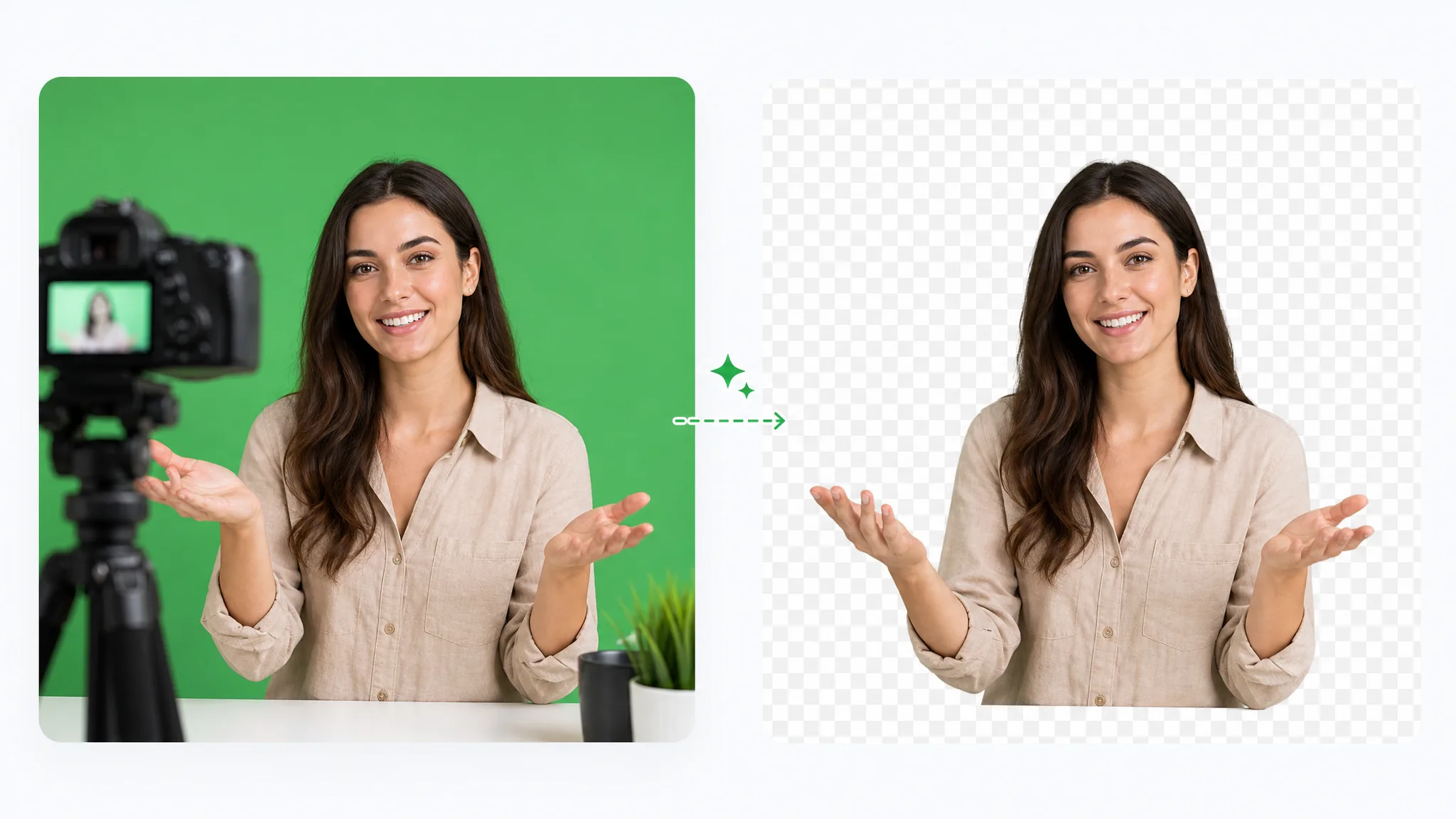
Suppression d'écran vert par IA : supprimer le fond vert d'une vidéo ne demande ni pipette ni réglage de tolérance. Gardez ensuite la transparence, un fond uni ou une nouvelle image.
Essayer maintenantSupprimez l'arrière-plan d'une vidéo et exportez un résultat transparent propre en quelques minutes.
Essayer l'outil gratuit de suppression de fond vidéoPrésent sur :