E-commerce e prodotto
Posiziona i prodotti su sfondi puliti o personalizzati per schede e annunci.

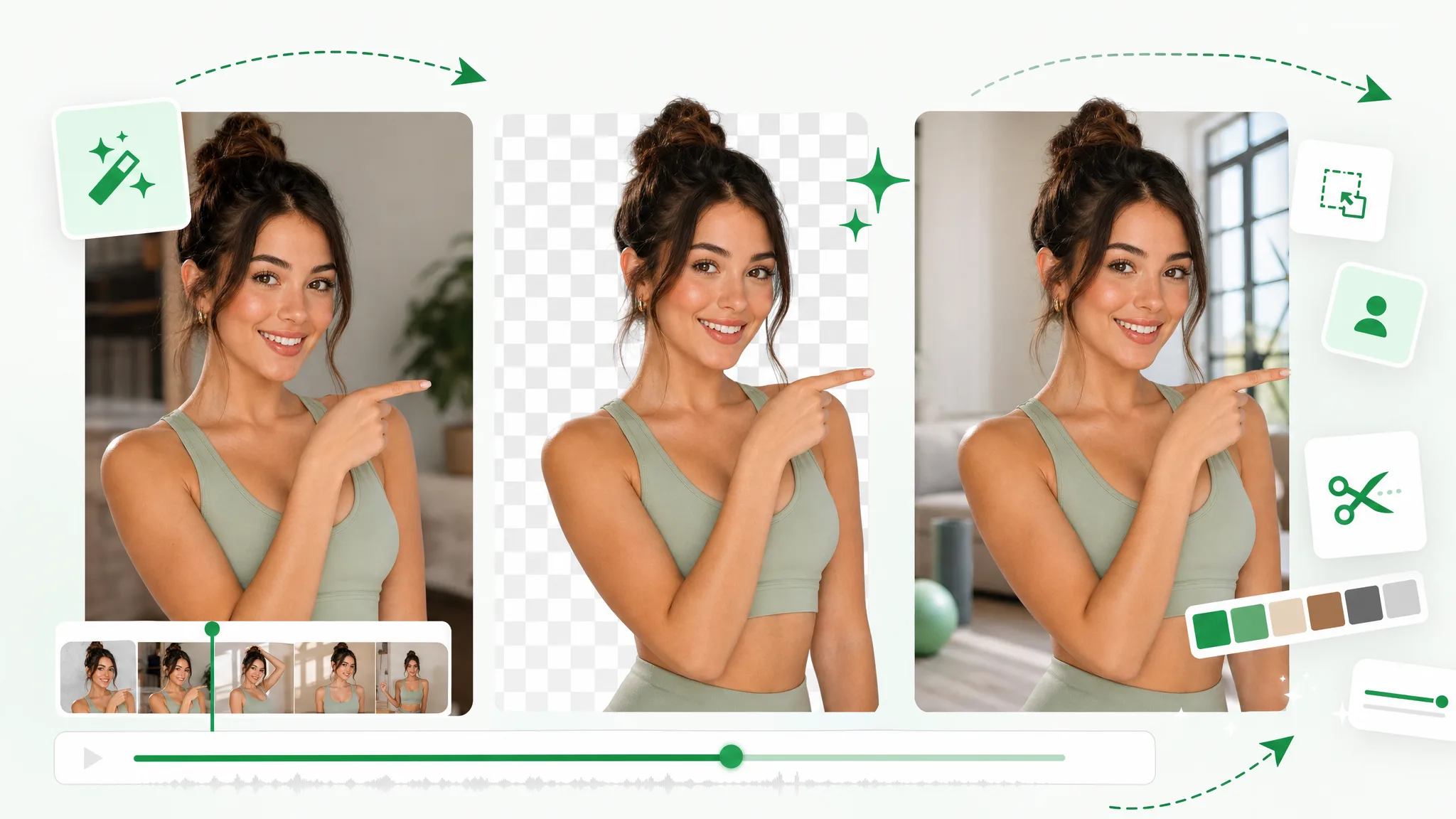
Per togliere lo sfondo a un video online non serve lo schermo verde: esporta un file trasparente o con un nuovo sfondo, senza mascheratura manuale e senza filigrana.
Vedilo in azione
Trascina il cursore su qualsiasi esempio per rivelare il risultato trasparente — capelli, movimento e dettagli fini mantenuti intatti.
Mantieni pelle, capelli e bordi morbidi puliti nei clip parlando alla camera.
Movimento rapido e spruzzi d'acqua restano nitidi nel ritaglio.
Ritaglia personaggi animati da qualsiasi scena renderizzata.
Isola personaggi stilizzati per compositing e sovrapposizioni.
Clip con unboxing e prodotti parlando alla camera con bordi puliti.
Posiziona clip generate con AI su qualsiasi sfondo in pochi secondi.
Mantieni pelle, capelli e bordi morbidi puliti nei clip parlando alla camera.
Movimento rapido e spruzzi d'acqua restano nitidi nel ritaglio.
Ritaglia personaggi animati da qualsiasi scena renderizzata.
Isola personaggi stilizzati per compositing e sovrapposizioni.
Clip con unboxing e prodotti parlando alla camera con bordi puliti.
Posiziona clip generate con AI su qualsiasi sfondo in pochi secondi.
Funzioni
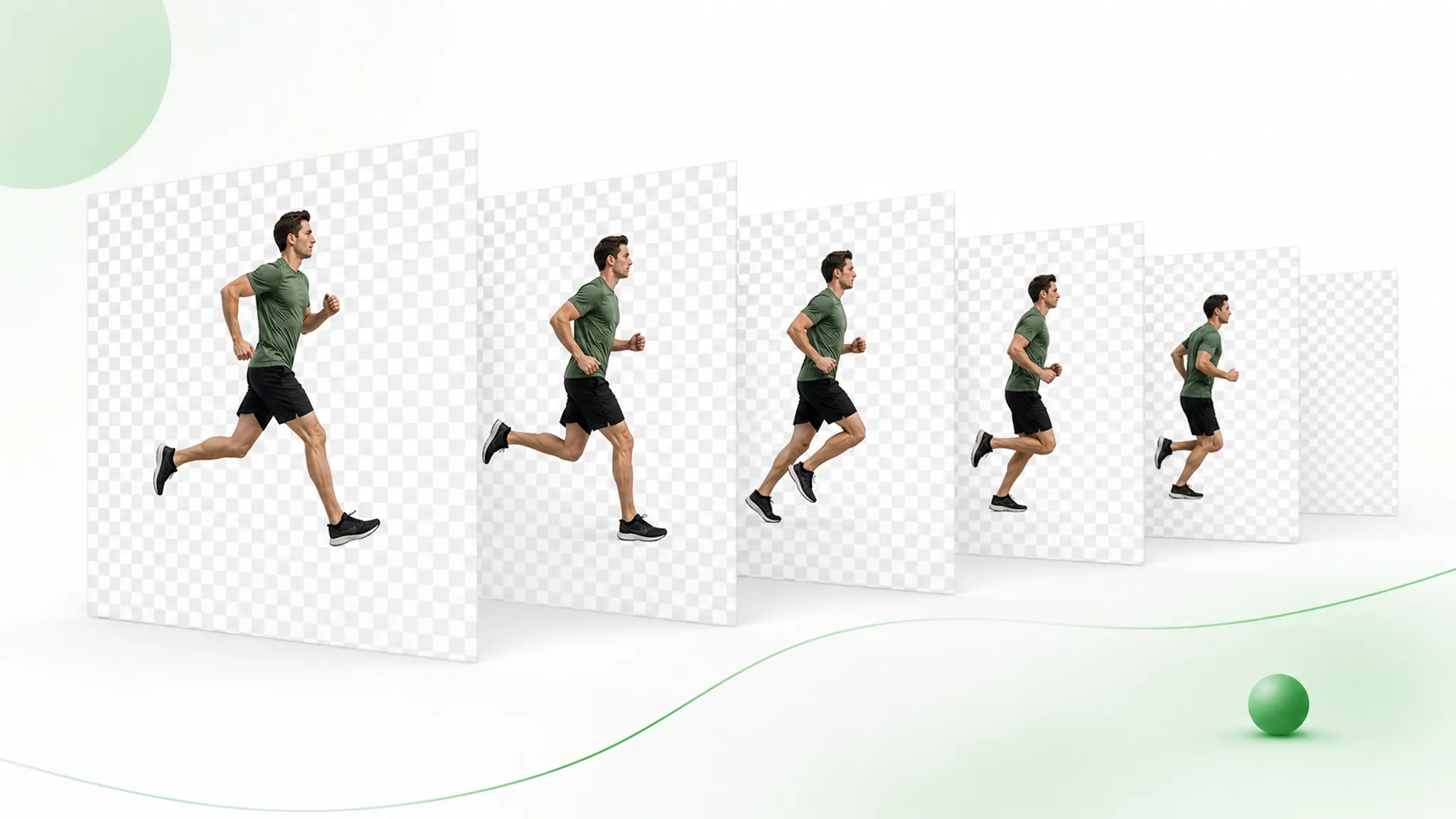
Ottieni un vero canale alpha in WebM o in una sequenza PNG — non un MP4 appiattito con un box nero dietro il soggetto. Inserisci il video trasparente direttamente in Premiere, After Effects, Final Cut o qualsiasi strumento di motion, e composita su qualsiasi scena, sovrapposizione o prodotto senza dover rifare il keying. È l'output pulito e pronto per il montaggio che gli strumenti gratuiti semplicemente non possono offrirti.
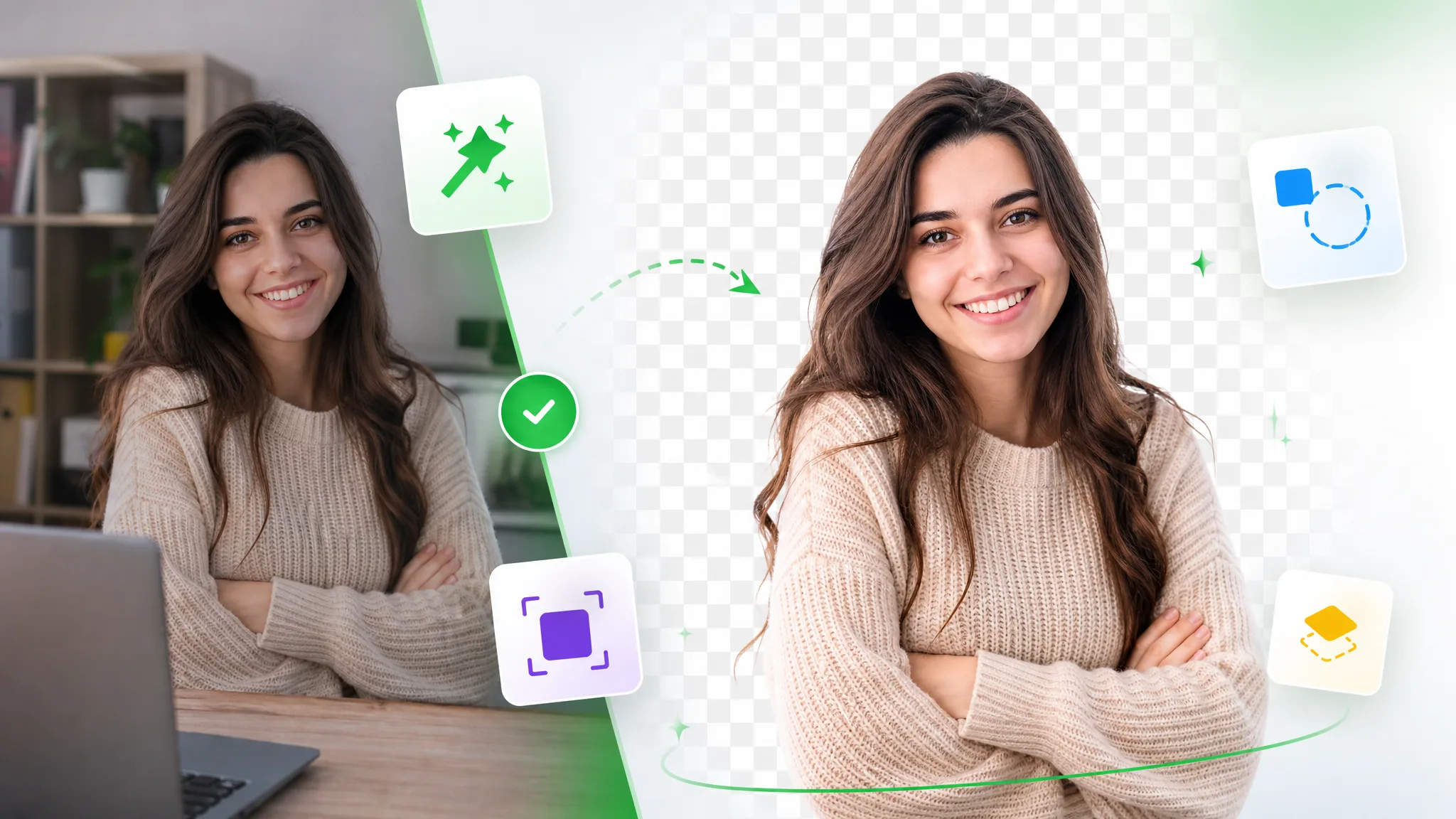
Rimuovi sfondoLa nostra AI rileva il soggetto fotogramma per fotogramma e segue ogni ciocca di capelli, bordo morbido e movimento rapido, così il ritaglio resta pulito anche su riprese reali e disordinate. Non c'è alcuna configurazione chroma e noioso rotoscoping — basta caricare il clip e lasciare che il modello faccia il lavoro difficile automaticamente in pochi minuti.
Provalo gratisLascia lo sfondo vuoto per un'esportazione trasparente, riempilo con un colore solido del brand, oppure sostituiscilo completamente con una tua immagine per restilizzare qualsiasi clip in pochi secondi. Cambia una stanza disordinata con un look da studio pulito, posiziona il tuo prodotto su uno sfondo marketing, o mettiti in una scena tutta nuova — tutto senza aprire un editor complesso.
Cambia sfondoChe tu stia tagliando sovrapposizioni per TikTok e Reels, creando layer facecam per live streaming, mostrando prodotti per il tuo negozio, o elaborando tutorial e webinar integrali, lo strumento gestisce clip brevi e riprese lunghe. Mantieni la risoluzione completa fino a 4K senza filigrana, così ogni esportazione appare professionale ovunque venga pubblicata.
Inizia oraPerché sceglierci
Esportazioni transparenti, risoluzione e durata che editor gratuiti come CapCut non riescono a offrire.
Rilevamento preciso del soggetto per persone, prodotti, animazione e movimento complesso, così puoi rimuovere lo sfondo del video in modo pulito direttamente da riprese ordinarie.
Vero output alpha in WebM e sequenza PNG — non solo un flat MP4.
Mantieni risoluzione e frame rate completi. Nessuna filigrana sul risultato, mai.
Elabora tutorial, webinar e clip integrali, non solo brevi loop di selfie.
Mantienilo trasparente, inserisci un colore solido o sostituiscilo con una tua immagine.
Carica e ottieni un risultato in pochi minuti — interamente online, nulla da installare.
Come funziona
Rimuovi lo sfondo dal video senza competenze di montaggio e senza installare uno studio — carica, rimuovi e scarica.
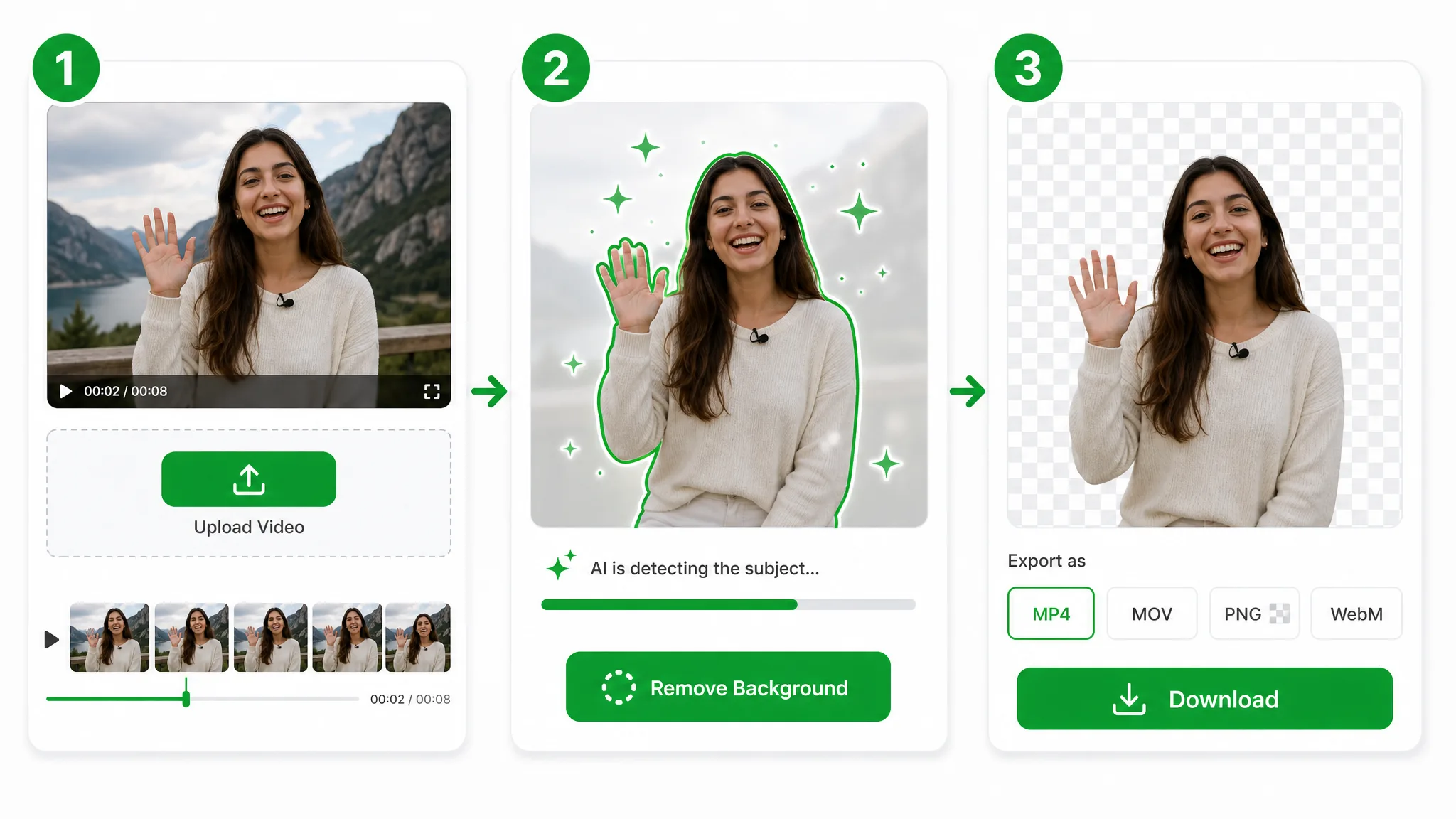
Apri lo strumento direttamente nel browser — nulla da installare e gratis per iniziare. Trascina un MP4, MOV o WebM, oppure scegli un file dal tuo dispositivo in pochi secondi.
Una volta caricato il clip, la nostra AI rileva il soggetto fotogramma per fotogramma per rimuovere lo sfondo del video automaticamente — mantenendo capelli, bordi morbidi e movimento rapido puliti. Richiede da pochi secondi a qualche minuto a seconda della durata.
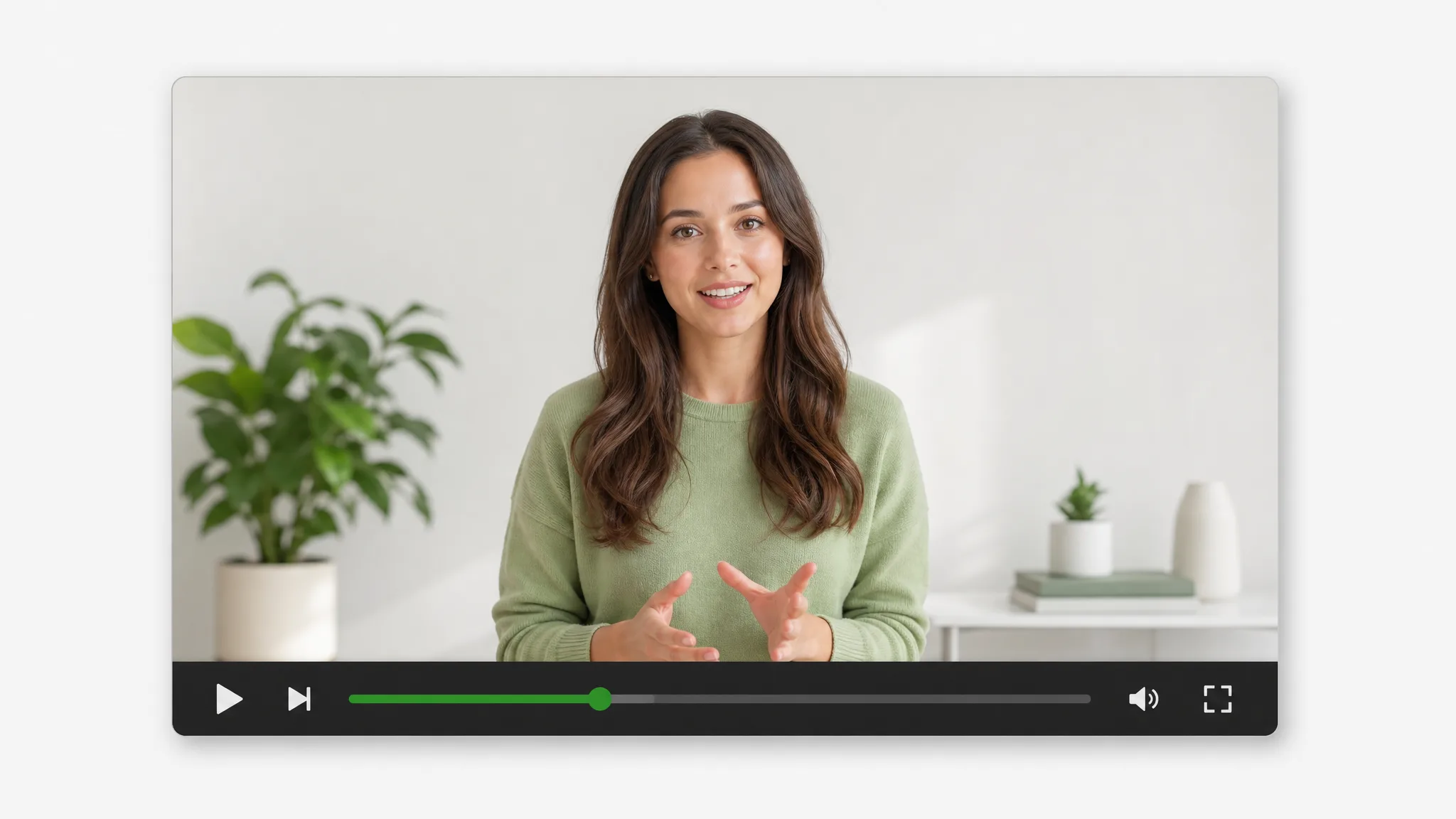
Visualizza l'anteprima nel lettore, poi scaricalo come preferisci — un file trasparente, un colore solido, uno sfondo tutto nuovo o il formato di esportazione scelto. Nessuna filigrana, pronto da pubblicare ovunque.
Formati di esportazione
Dal video trasparente pronto per il web ai master MOV/ProRes pronti per il montaggio, fino alle sequenze PNG fotogramma per fotogramma e a un MP4 pronto da pubblicare con il tuo nuovo sfondo — esporta esattamente ciò di cui il tuo progetto ha bisogno.
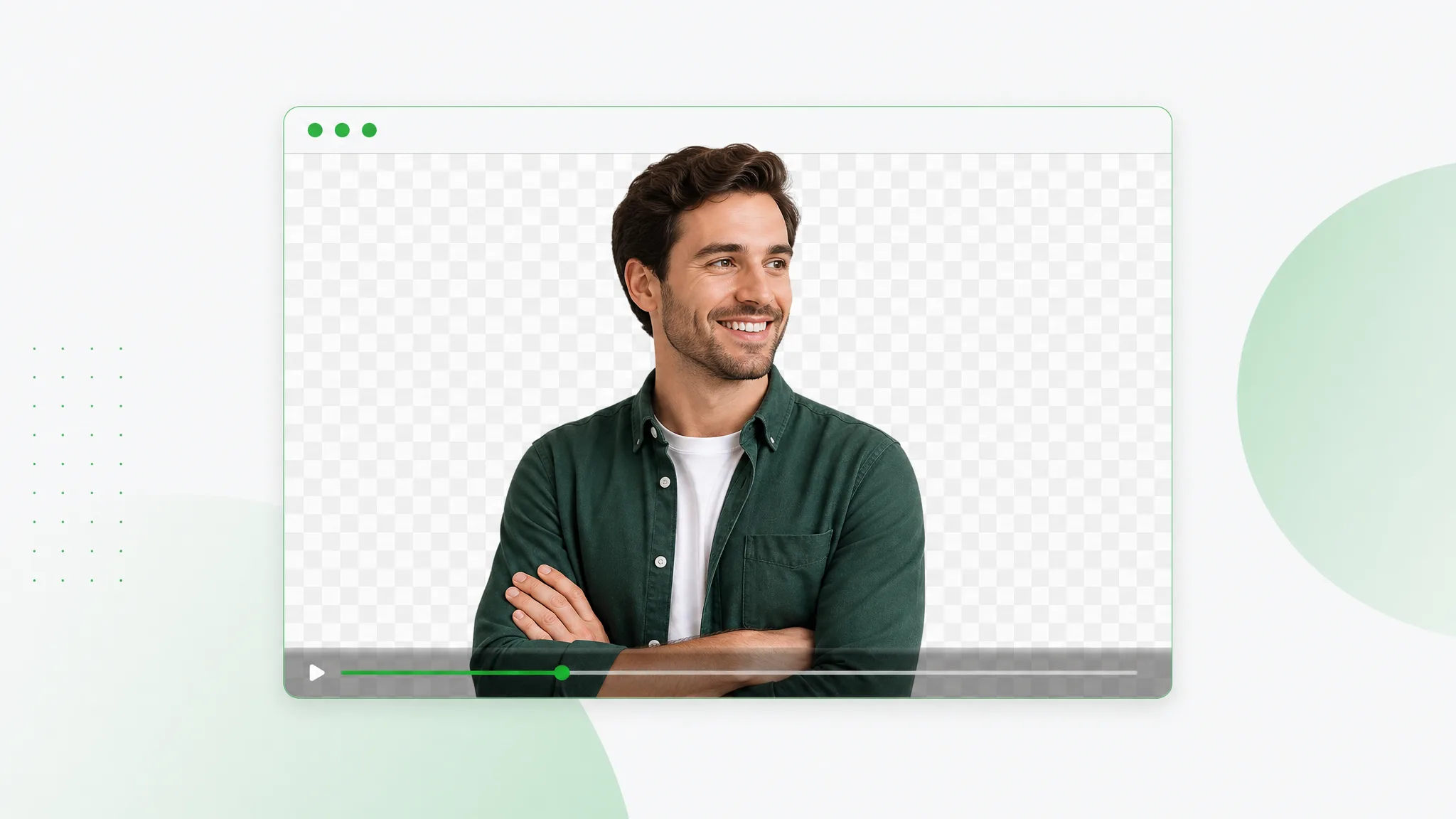 Transparente
WebM trasparente con un vero canale alpha — inseriscilo direttamente nel web o nel tuo editor.
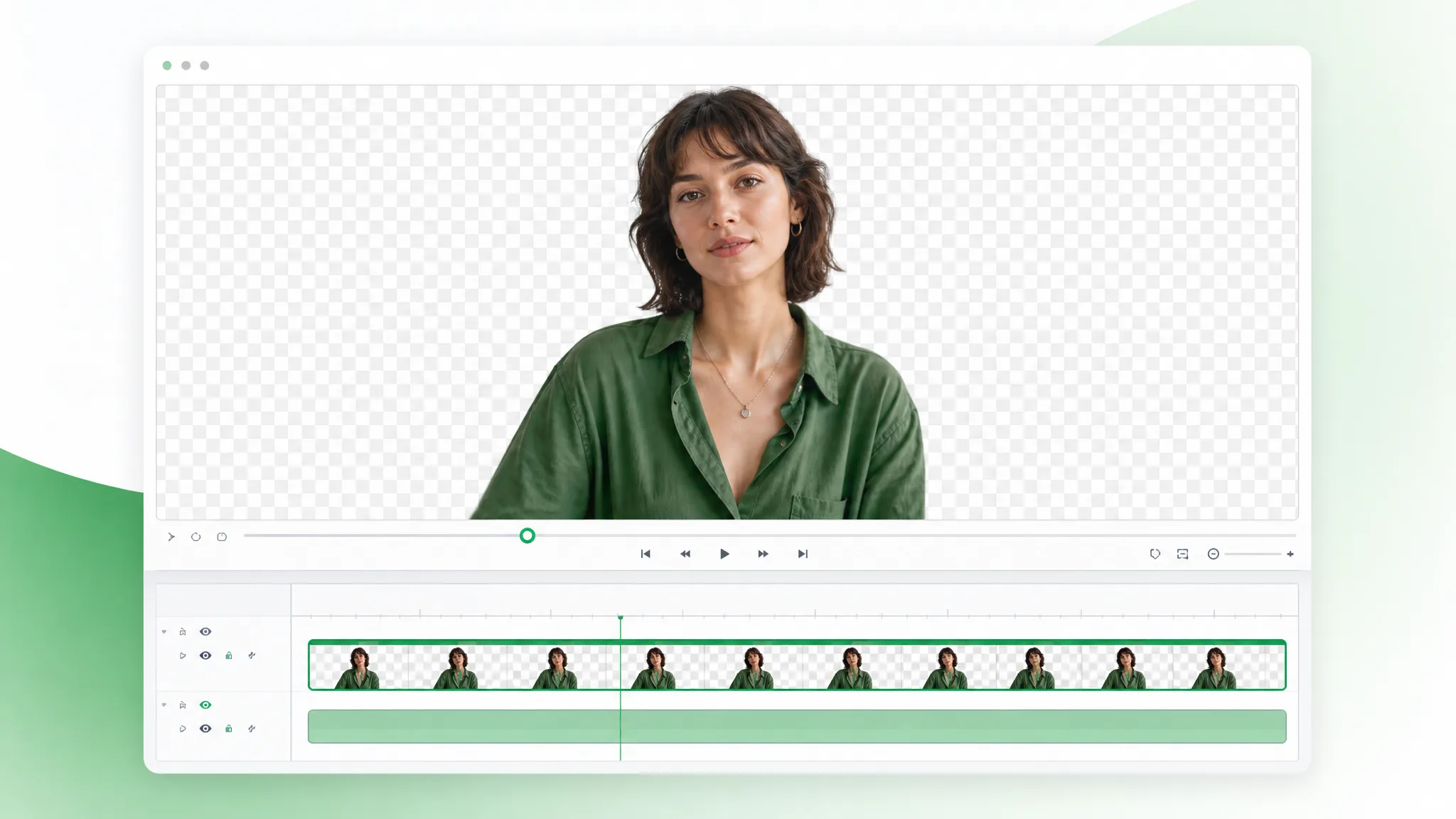 Pro
ProOutput professionale MOV / ProRes per workflow editor-first quando ti serve un master rifinito e non trasparente.
 Transparente
Una sequenza PNG con trasparenza per fotogramma per motion design e compositing.
 Nuovo sfondo
Un MP4 standard con un nuovo sfondo incorporato — colore solido, sfocatura o immagine personalizzata — pronto da condividere ovunque.
Casi d'uso
Un solo strumento, molti flussi.
Posiziona i prodotti su sfondi puliti o personalizzati per schede e annunci.
Ritaglia te stesso per sovrapposizioni Reels, Shorts e TikTok.
Crea overlay facecam senza una configurazione da studio.
Posizionati sopra slide e registrazioni schermo.
Amato dai creatori
“Il WebM trasparente è entrato direttamente nel mio editor senza alcun problema di keying. Prima passavo ore a fare rotoscoping su ogni clip — ora carico e scarico, e i bordi attorno ai capelli sono già puliti. È diventato parte del mio flusso quotidiano.”
 Sofia R.Creatrice UGC
FAQ
Non serve alcuno schermo verde. Lo strumento di rimozione sfondo video con AI rileva il soggetto — persone, animali, prodotti o movimento — così puoi rimuovere lo sfondo del video ripreso ovunque, senza chroma key, mascheratura manuale o rotoscoping.
Puoi caricare file MP4, MOV e WebM. Esporta un WebM trasparente (VP9 alpha) o una sequenza PNG per gli editor, oppure un MP4 dopo aver aggiunto un nuovo sfondo. La risoluzione viene preservata fino a 4K.
Nessuna filigrana, mai. La tua esportazione mantiene la nitidezza originale e il frame rate fino a 4K, con bordi alpha puliti attorno a capelli e dettagli fini, così il risultato entra direttamente in lavori per clienti senza nulla da re-renderizzare.
Carica il clip, lascia che l'AI rimuova lo sfondo ed esporta un WebM trasparente con un vero canale alpha. È disponibile anche una sequenza PNG, e il file si composita direttamente in qualsiasi editor che supporti video alpha — lì puoi re-esportare in ProRes 4444 se il tuo progetto lo richiede.
Sì. Mantienilo completamente trasparente, inserisci un colore solido, sfoca l'originale o sostituiscilo con una tua immagine o scena di brand. Puoi cambiare sfondo con un clic, poi esportare il clip finito come MP4.
Sono supportati sia clip brevi sia riprese lunghe. Puoi elaborare tutorial, webinar e lezioni integrali — non solo brevi loop — e paghi solo per i secondi che elabori effettivamente.
Sì — iniziare è gratis: hai crediti gratuiti per provarlo e il risultato non ha filigrane. Un breve clip di prova è un buon modo per verificare la rimozione dello sfondo video sul tuo materiale prima di acquistare altri crediti.
La maggior parte dei clip è pronta in pochi secondi o in un paio di minuti, a seconda della durata, della risoluzione e della complessità della scena. Non c'è nulla da installare — carichi nel browser e l'AI fa tutta l'elaborazione nel cloud.
Sì. I caricamenti sono elaborati su connessione crittografata e non vengono mai condivisi né resi pubblici. I tuoi file e le esportazioni restano legati al tuo account, e i video elaborati vengono rimossi automaticamente quando non sono più necessari.
L'AI segmenta il soggetto fotogramma per fotogramma per mantenere bordi puliti attorno a capelli, dita e movimento rapido. Resta nitida anche con ombre o basso contrasto, offrendo un ritaglio fluido e senza flicker a risoluzione piena.
Sì. Per la rimozione sfondo OBS, esporta un WebM trasparente e aggiungilo come sorgente multimediale o overlay — nessuno schermo verde richiesto. Puoi anche compositare il ritaglio su qualsiasi scena in OBS, CapCut o Premiere per le dirette.
Le esportazioni transparenti funzionano negli strumenti che già usi. Includono CapCut, Canva, Premiere Pro, Final Cut, After Effects e OBS — le sequenze PNG si aprono in qualsiasi editor, e il WebM alpha va bene sia per il web sia per i software professionali.
Altri strumenti
Pagine dedicate per ogni tipo di lavoro sul sfondo dei video.
Passa a un'alternativa Unscreen e ritaglia qualsiasi sfondo video gratis — nessun limite, nessuna filigrana. Ritaglio in un clic per Unscreen video o GIF Unscreen in loop.
Prova ora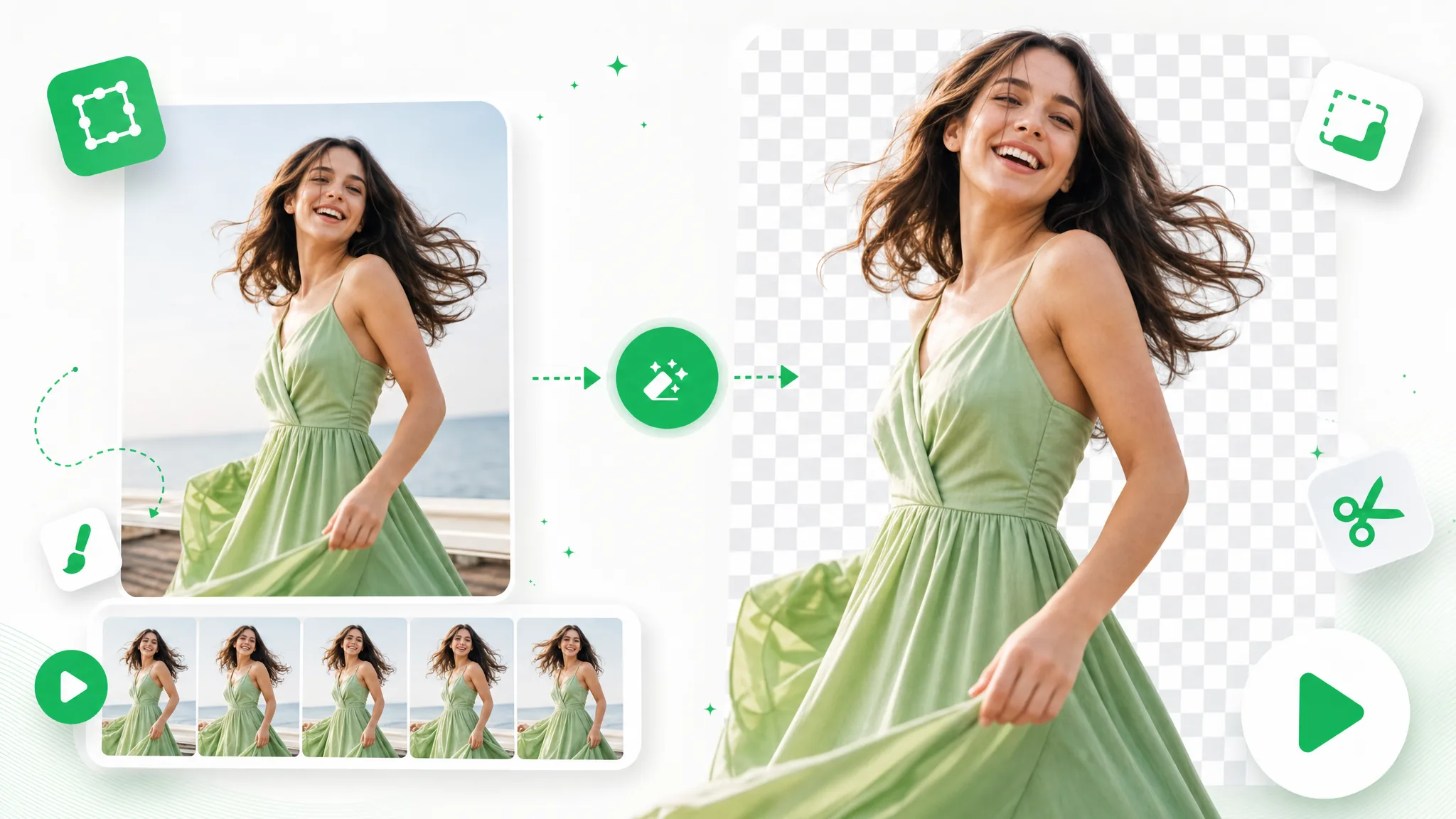
Carica una GIF e rimuovi lo sfondo automaticamente con questa rimozione sfondo GIF — esporta un loop trasparente pulito, niente schermo verde né mascheratura manuale.
Prova ora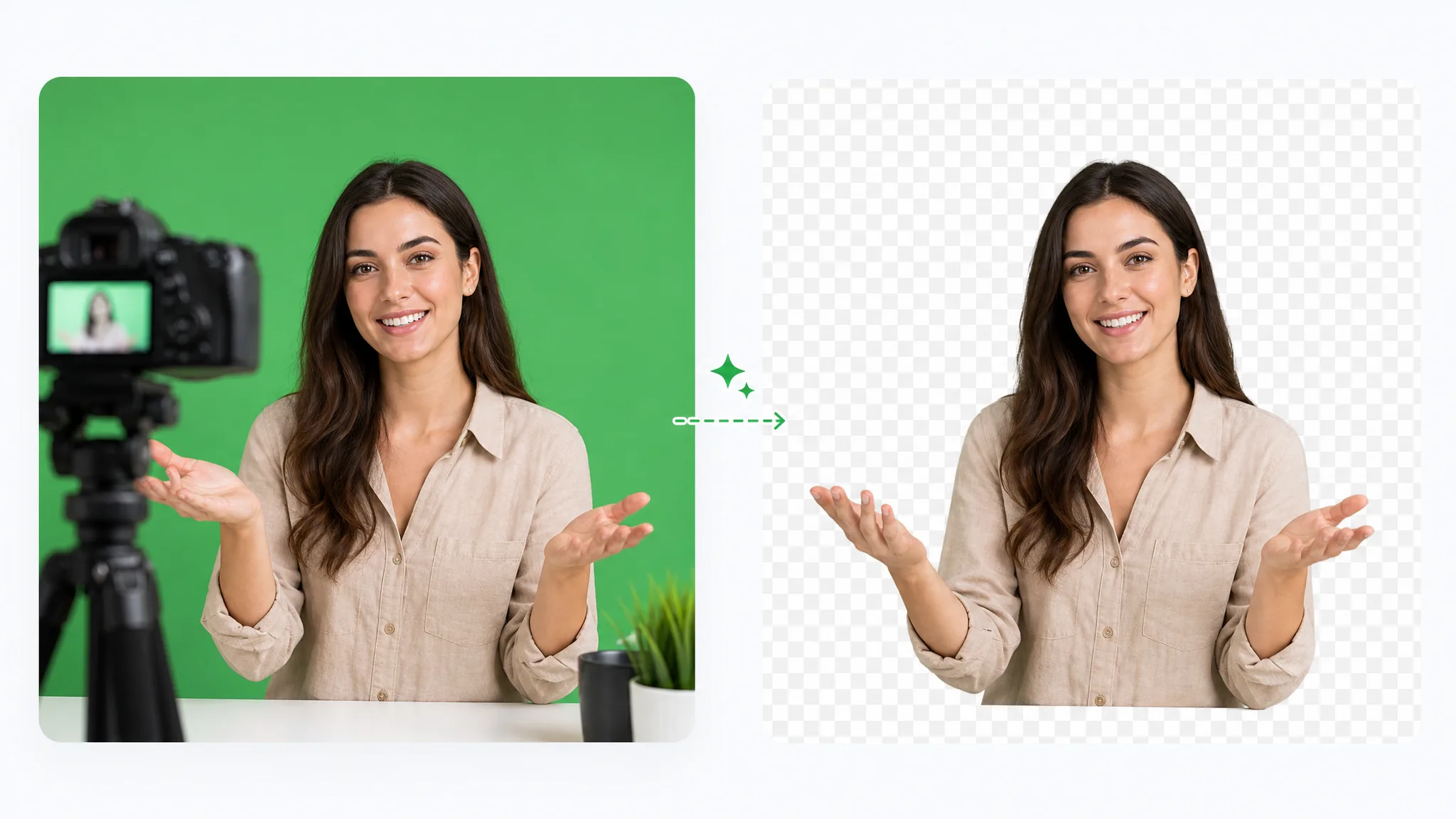
Rimozione schermo verde online: per togliere il green screen carica la ripresa e l'IA separa automaticamente il soggetto. Poi scegli WebM trasparente, colore pieno o nuova immagine.
Prova oraRimuovi lo sfondo dal video ed esporta un risultato trasparente pulito in pochi minuti.
Prova gratis lo strumento di rimozione sfondo videoCome visto su: