E-commerce e prodotto
Posiziona i prodotti su sfondi puliti o personalizzati per schede e annunci.

Carica un MOV e rendi un MOV trasparente nel browser: questa pagina accetta solo file .mov, e la rimozione sfondo MOV esporta un WebM trasparente con alpha, senza filigrana.
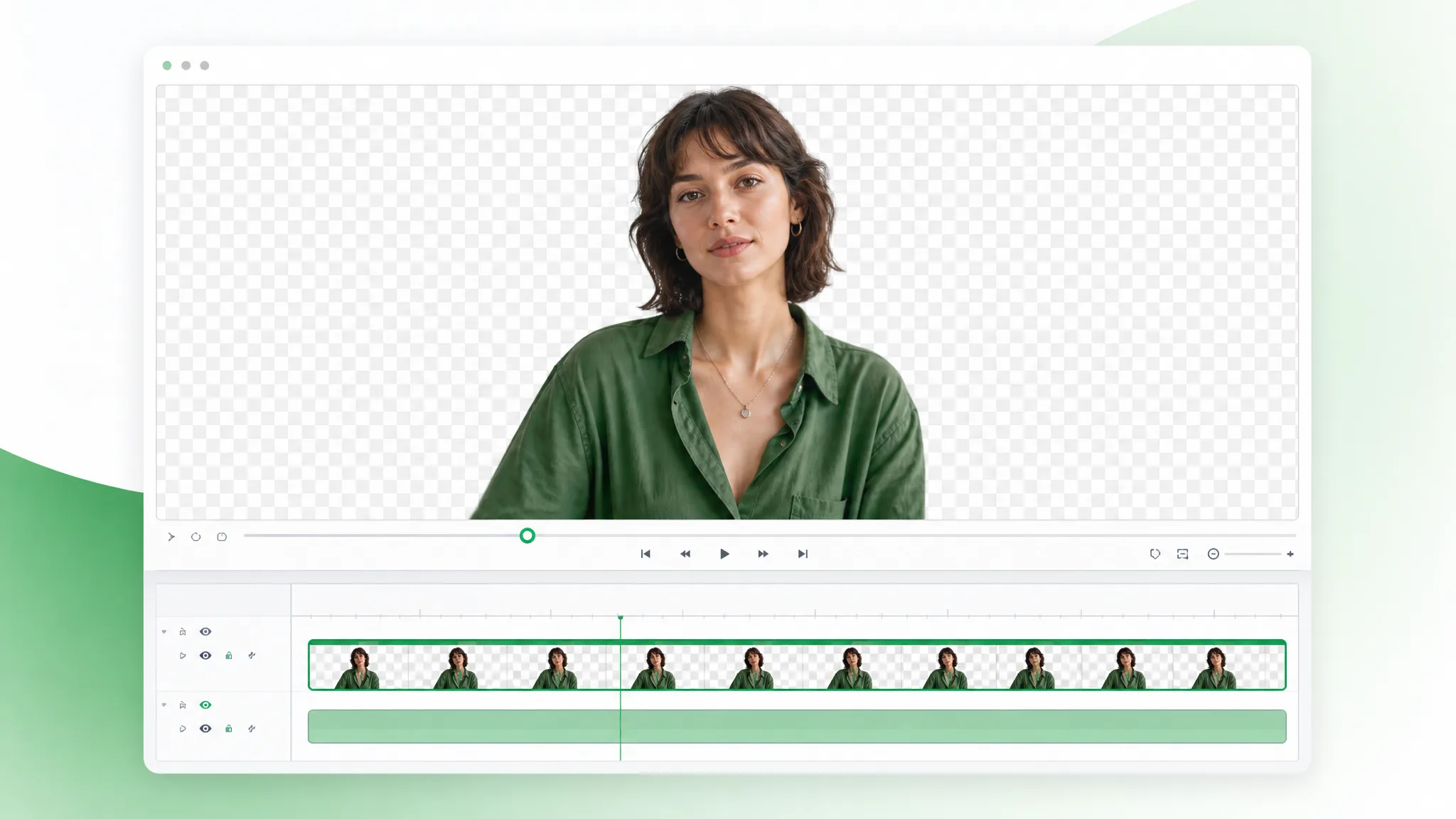
Revisionato da RemoveVideoBG TeamAggiornato
Prima / dopo
Trascina qualsiasi campione per confrontare l'originale solido con un ritaglio solo-soggetto, e giudica i bordi e i dettagli fini dei capelli prima di lanciare la rimozione sfondo MOV sulle tue riprese per rendere un MOV trasparente.
Mantieni pelle, capelli e bordi morbidi puliti nei clip parlando alla camera.
Movimento rapido e spruzzi d'acqua restano nitidi nel ritaglio.
Ritaglia personaggi animati da qualsiasi scena renderizzata.
Isola personaggi stilizzati per compositing e sovrapposizioni.
Clip con unboxing e prodotti parlando alla camera con bordi puliti.
Posiziona clip generate con AI su qualsiasi sfondo in pochi secondi.
Mantieni pelle, capelli e bordi morbidi puliti nei clip parlando alla camera.
Movimento rapido e spruzzi d'acqua restano nitidi nel ritaglio.
Ritaglia personaggi animati da qualsiasi scena renderizzata.
Isola personaggi stilizzati per compositing e sovrapposizioni.
Clip con unboxing e prodotti parlando alla camera con bordi puliti.
Posiziona clip generate con AI su qualsiasi sfondo in pochi secondi.
Perché WebM trasparente
Un vero canale alpha, colore pulito e nessuna filigrana — una rimozione sfondo MOV pensata per timeline serie, così che il ritaglio trasparente reggi sotto grading e ri-esportazione.
L'esportazione immagazzina una vera trasparenza per-pixel, quindi il soggetto si composita su qualsiasi piano senza uno sfondo cotto né una riga di matte dura. Quel vero alpha è tutta la ragione per scegliere una rimozione sfondo MOV rispetto a un rapido export MP4 — il ritaglio arriva pronto da impilare, senza nulla da incidere prima di costruire il piano, e si converte in ProRes 4444 alpha dopo senza perdita.
Rimuovi sfondoIl WebM trasparente conserva colore pulito e dettaglio fine del bordo, quindi i toni della pelle, i capelli e i degradati sopravvivono alla passata di rimozione sfondo MOV e reggono sotto grading. Dove un formato compresso e appiattito schiaccerebbe quei toni, l'export alpha li preserva, il che conta quando il ritaglio MOV trasparente deve corrispondere a piani graded in un montaggio broadcast finito.
Provalo gratisUn WebM trasparente si previsualizza nel browser e si importa in Final Cut, Premiere e After Effects senza conversione, quindi depositi il ritaglio su una traccia e continui a lavorare. Niente pack di codec né passata alpha separata da gestire — e quando una specifica di consegna esige ProRes 4444 alpha, il tuo editor ri-avvolge lo stesso file in un solo passo di esportazione.
Cambia sfondoIl soggetto è seguito su ogni fotogramma, quindi l'alpha regge senza sfarfallio né halo anche quando l'azione si muove veloce attraverso il piano. Gesti rapidi, capelli e motion blur restano bloccati nel matte, il che mantiene il ritaglio credibile su riprese energiche invece di spalmarsi o tremolare ai bordi sotto movimento quando rendi un MOV trasparente.
Inizia oraPasso dopo passo
Carica un file .mov, lascia che la rimozione sfondo MOV tagli lo sfondo e scarica un ritaglio trasparente — tre passaggi per rendere un MOV trasparente, nessuna incisione in mezzo.
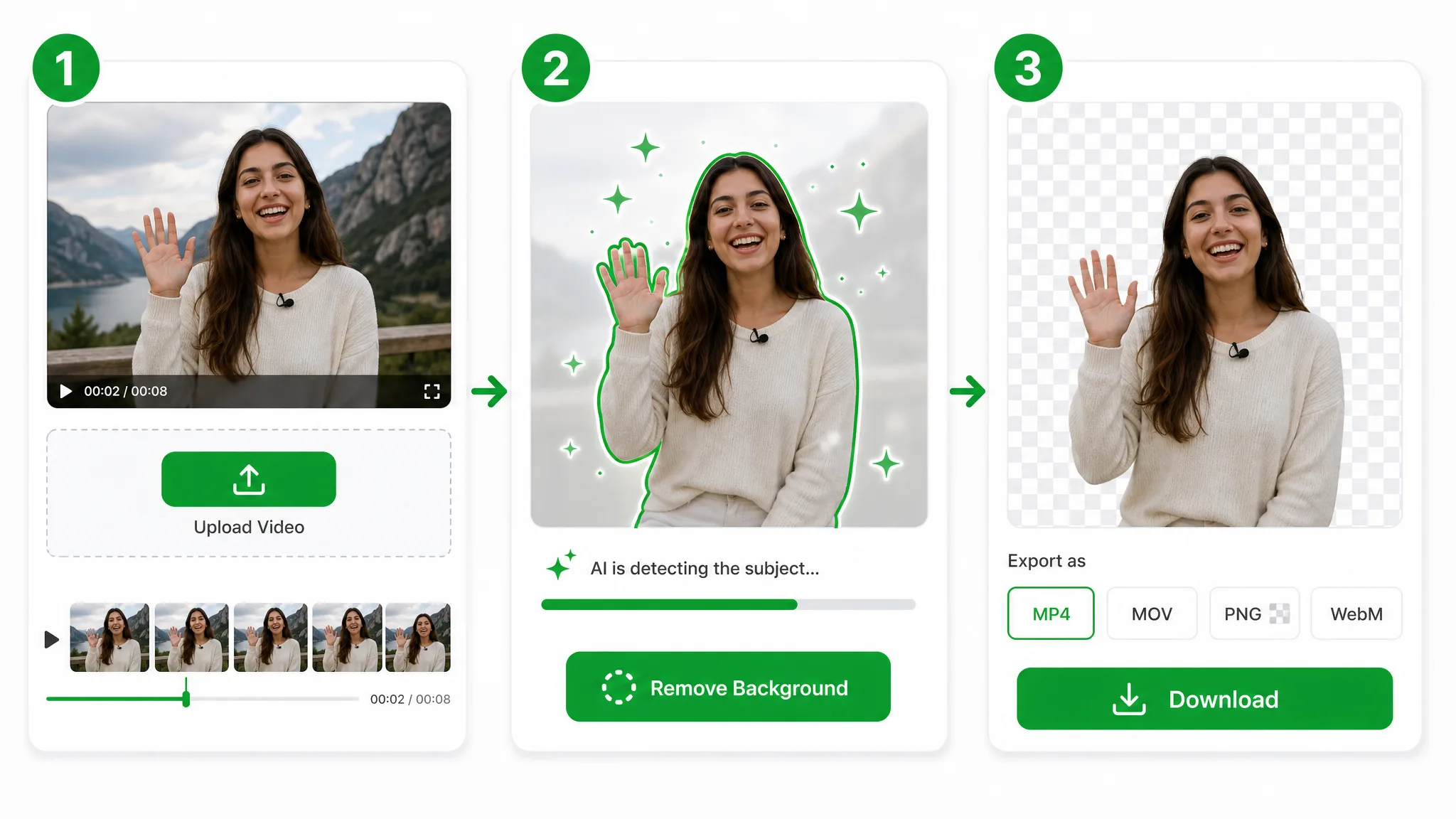
Trascina un file .mov — questa pagina accetta solo MOV — e la rimozione sfondo MOV prende il controllo: il tuo file va su archiviazione sicura, senza pack di codec né configurazione di NLE pro necessaria per rendere un MOV trasparente. Se la sorgente è MP4 o WebM, usa la rimozione sfondo video.
L'IA separa il soggetto fotogramma per fotogramma e scrive il ritaglio in un WebM trasparente — niente palcoscenico chroma, niente rotoscopia e nessuna scatola nera appiattita lasciata dietro il soggetto.
Esporta un WebM trasparente con canale alpha completo — un ritaglio pronto da montare che puoi depositare diretto su una timeline, oppure ri-esportare in ProRes 4444 dal tuo editor quando un progetto richiede quel contenitore.
Dove aiuta
Lower-thirds broadcast, piani VFX di film e piani prodotto di alta gamma — rendi un MOV trasparente e gradua il risultato, poi ri-esporta in ProRes 4444 alpha se la timeline lo richiede.
Posiziona i prodotti su sfondi puliti o personalizzati per schede e annunci.
Ritaglia te stesso per sovrapposizioni Reels, Shorts e TikTok.
Crea overlay facecam senza una configurazione da studio.
Posizionati sopra slide e registrazioni schermo.
FAQ
Domande comuni su uscita alpha, conversione ProRes 4444 alpha e compatibilità degli editor con la rimozione sfondo MOV.
Carica il clip e la rimozione sfondo MOV isola il soggetto, poi esporta un WebM trasparente con alpha. Gira automaticamente ed è gratis per iniziare, senza filigrana, quindi una registrazione telefonica funziona bene quanto una ripresa in studio illuminata.
Scarichi un WebM trasparente con canale alpha. Si riproduce diretto nei browser e si importa in tutti i principali editor — il formato che questa rimozione sfondo MOV usa per rendere un MOV trasparente in modo affidabile, invece di un MP4 appiattito con uno sfondo cotto.
Sì, con un passo in più. Questa rimozione sfondo MOV consegna un WebM trasparente online; per ottenere ProRes 4444 alpha, importa quel WebM in Final Cut, Premiere o After Effects ed esporta ProRes 4444 — il canale alpha passa diretto, quindi la trasparenza è preservata end to end.
Per rendere un MOV trasparente, lancia la rimozione sfondo MOV e scarica il WebM trasparente. Carica il clip, lascia che tagli lo sfondo, e il canale alpha rende il MOV trasparente ovunque lo posiziona sulla timeline — senza un passo di mascheratura manuale.
No: questa pagina accetta solo file MOV. La rimozione sfondo MOV è pensata per un caricamento .mov e scrive il ritaglio in un WebM trasparente con alpha. Se la sorgente è un MP4 o un WebM, usa la rimozione sfondo video, poi torna qui per il tuo flusso di MOV trasparente.
L'esportazione trasparente richiede il livello Basic, quindi mantieni i clip a 60 secondi. A quella durata questa rimozione sfondo MOV scrive un WebM trasparente; le sequenze più lunghe girano sul livello Pro o Ultra ed esportano anch'esse un WebM trasparente con alpha.
Strumenti correlati
Altri strumenti per rimuovere, sostituire e fare il keying dello sfondo dei video.
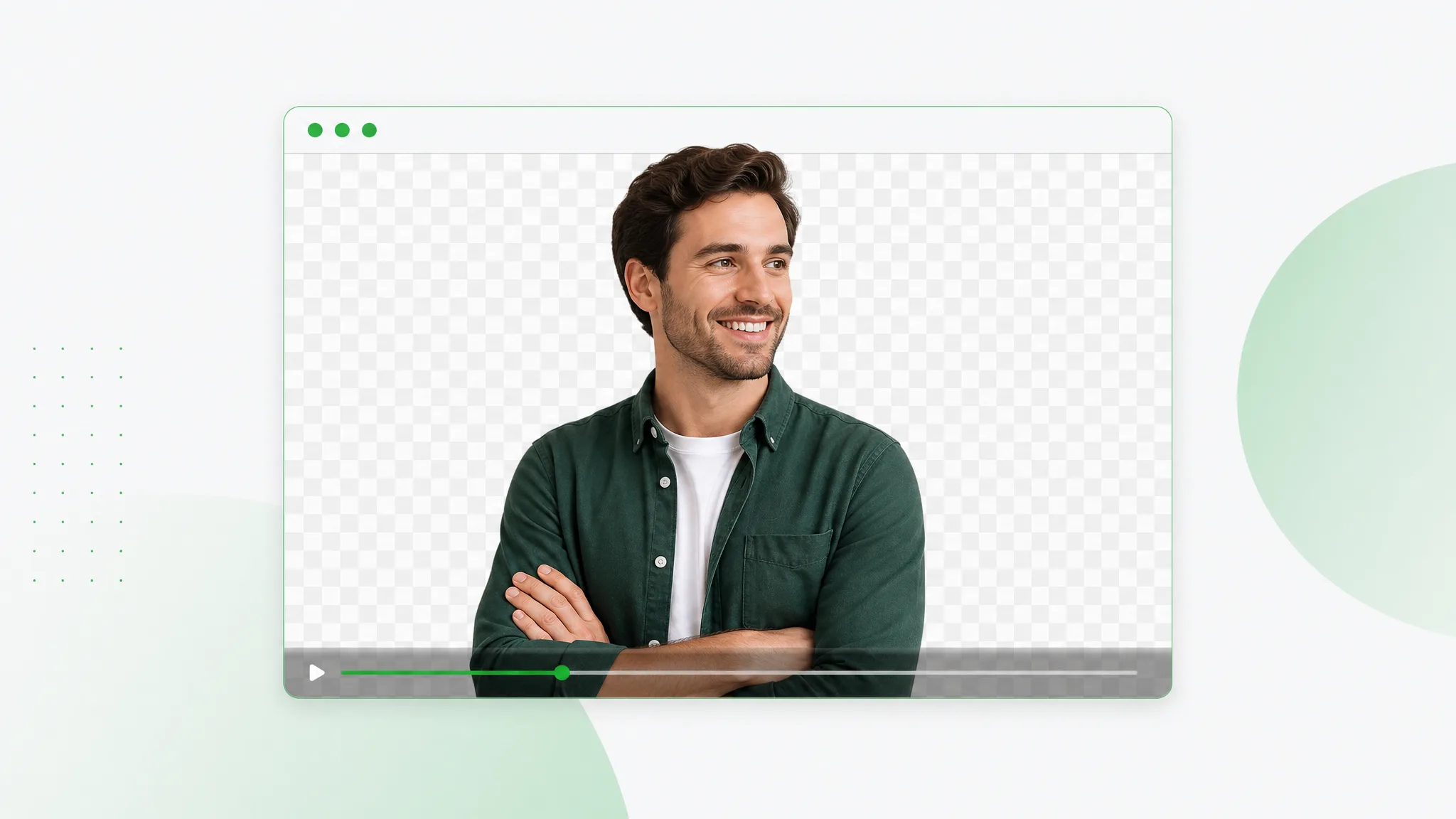
Ritaglia il soggetto ed esporta un WebM trasparente con vero canale alpha — carica qualsiasi clip, l'IA fa una passata pulita di rimozione sfondo WebM, scarica VP9 alpha pronto per il web.
Prova ora
Una gomma da cancellare sfondo video con IA in pochi secondi. Carica la ripresa, l'IA cancella lo sfondo ed esporta un WebM trasparente — senza schermo verde né filigrana.
Prova ora
Video in WebP, versione trasparente: carica una clip, lascia che l’IA tolga lo sfondo ed esporta un WebP animato che porta uno sfondo trasparente vero in qualsiasi pagina.
Prova oraCarica un file .mov e scarica un ritaglio trasparente in pochi secondi — la rimozione sfondo MOV più veloce online, gratis e senza filigrana, con un vero canale alpha — ri-esportalo in ProRes 4444 dal tuo editor se la consegna lo richiede.
Rendere un MOV trasparente — Gratis