Webinars
Place a clean presenter over slides for a polished long webinar.
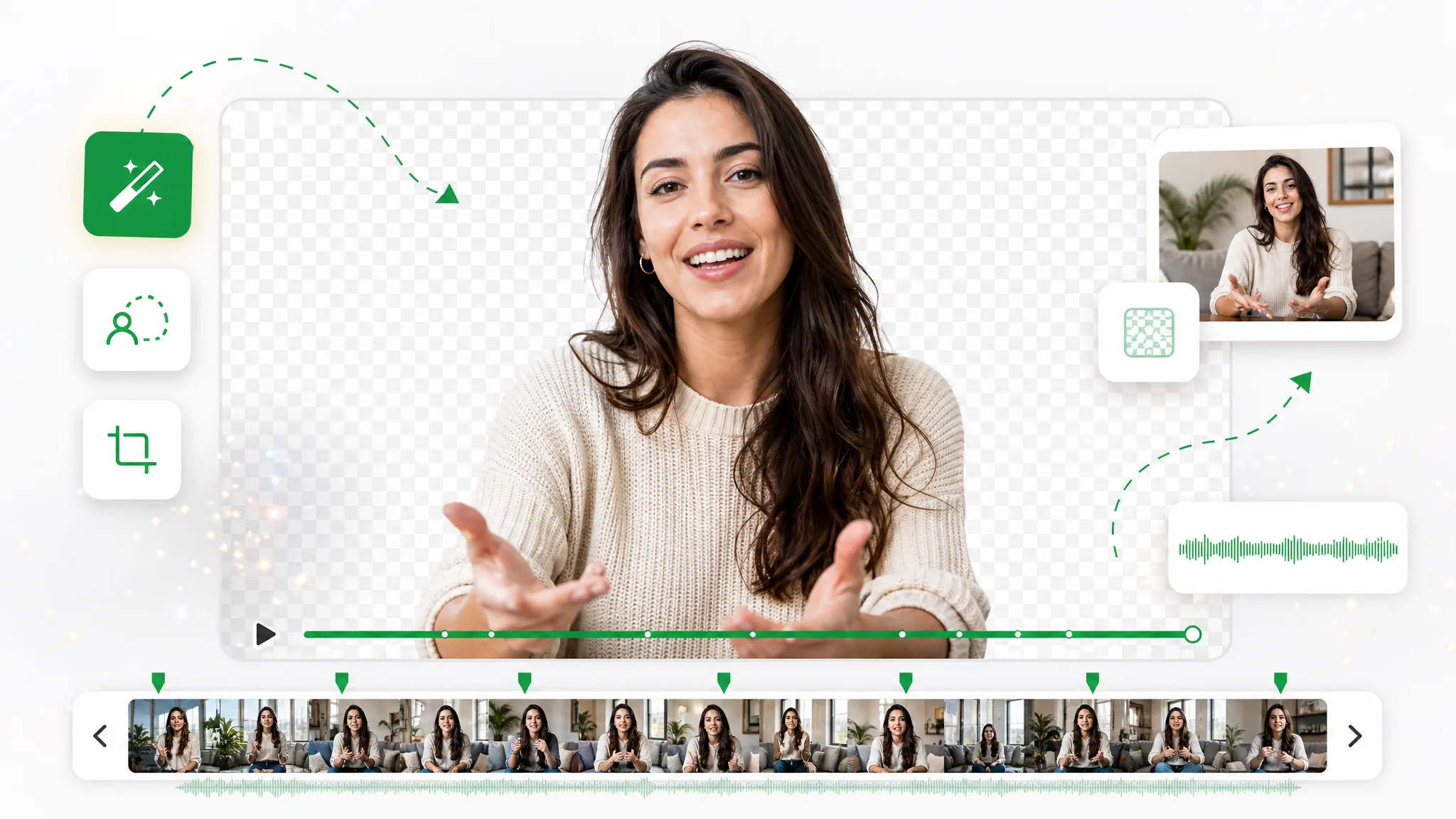
Upload a full-length recording and remove background video 30 minutes long or more in a single pass — no splitting into chunks, just a clean transparent export with full alpha.

Before / after
Drag any sample to see the matte hold steady the way it does across a full 30-minute timeline, so you can trust the edges before you run it on your own footage. Got a whole batch of long clips? The same steadiness carries across the set, with every file holding its edges from the first frame to the last.
对镜讲解类视频,发丝、肤色与柔边都干净利落。
快速运动与飞溅水花,抠像边缘依旧锐利。
把动画角色从任意渲染场景中抠出。
分离风格化角色,用于合成与叠层。
口播开箱、产品展示类成片,人物边缘干净利落。
把 AI 生成的画面几秒换到任意背景上。
对镜讲解类视频,发丝、肤色与柔边都干净利落。
快速运动与飞溅水花,抠像边缘依旧锐利。
把动画角色从任意渲染场景中抠出。
分离风格化角色,用于合成与叠层。
口播开箱、产品展示类成片,人物边缘干净利落。
把 AI 生成的画面几秒换到任意背景上。
Why it works
No length cap, steady tracking, and no watermark — process the whole runtime without the chunking most tools force on you.
Half an hour, an hour, a full webinar — upload the whole recording and cut it out without chopping it into segments first. There is no length limit to plan around, so a long clip goes through in one upload, which is exactly what separates this from tools that quietly cap you at a couple of minutes per file.
去除背景The subject is tracked across the entire timeline, so the matte does not drift or flicker on long footage the way frame-limited tools do. On a 30-minute recording that stability is everything, because a single bad stretch in the middle is the kind of flaw nobody notices until the clip is already composited and delivered.
免费试用Skip exporting segments and stitching them back together by hand — when you remove background video 30 minutes long the whole runtime comes out as a single WebM with full alpha. The last thing you want on a long edit is to manage a dozen pieces, so it arrives as one clean file ready to drop straight into the timeline.
更换背景Need a whole series done? Line them up and remove multiple video's background fast, even when every file runs half an hour or more. A lecture set or an interview run usually means several long recordings back to back, so batching them beats reuploading and waiting on each one individually.
立即开始Step by step
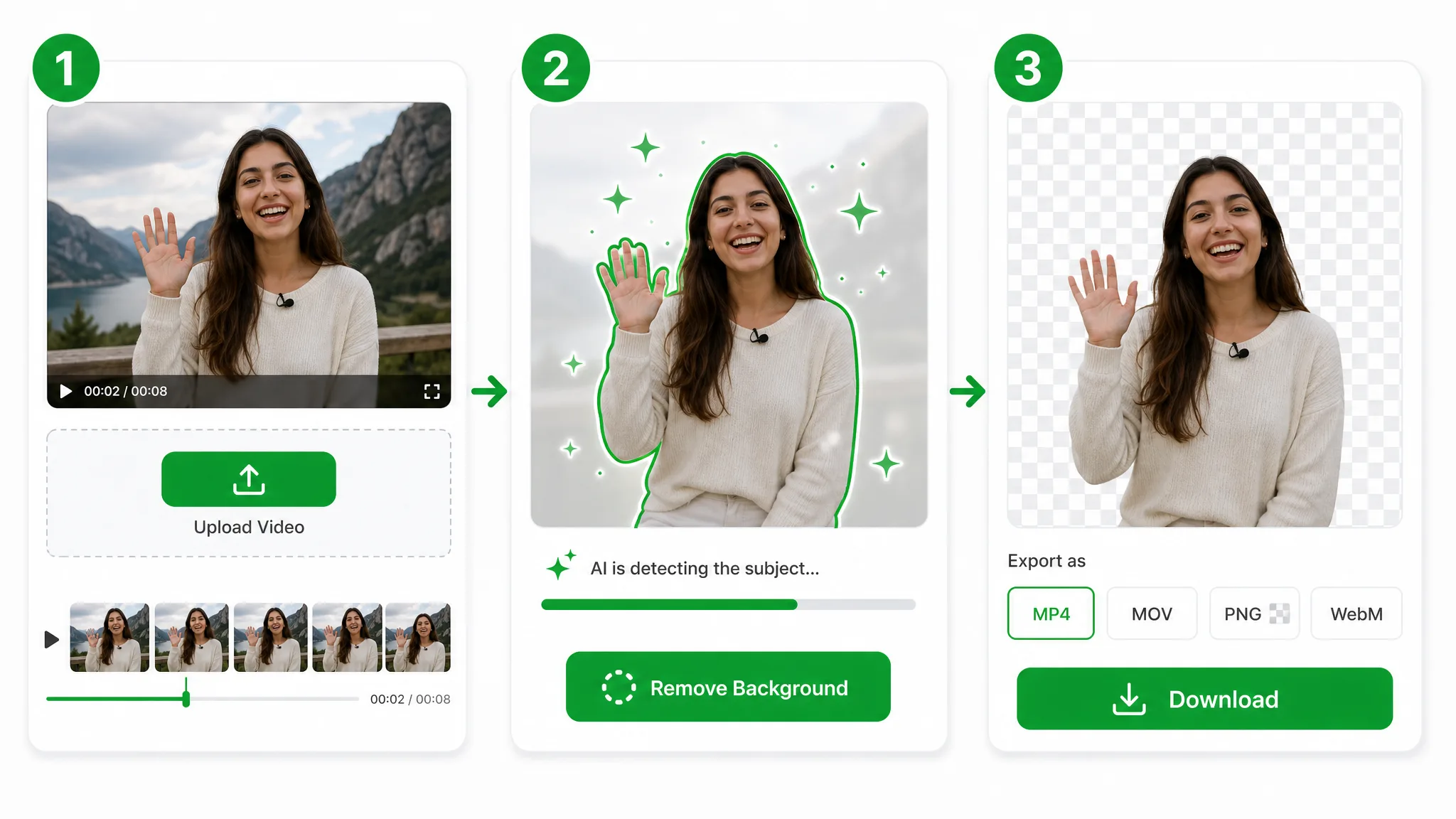
Upload the full recording, let the Pro tier process it end to end, and download the whole clip — three steps, no chunking in between. The same rhythm repeats per file, so a stack of long recordings follows one simple loop.

Drop in an MP4, MOV, or WebM that runs half an hour or longer. Hand it the whole file — there is no need to trim or split it into pieces first.
The Pro tier tracks the subject across the entire timeline in one job — no keyframing, green screen, or per-segment masking, and no length cap to work around. Queue several recordings and it clears them one after another.
Export one transparent WebM for the whole runtime, with full alpha and a matte that stays steady from the first frame to the last.
Where it helps
Webinars, lectures, and full interviews — pull the subject cleanly across the whole runtime, whether it is one half-hour recording or a stack of them queued back to back.
Place a clean presenter over slides for a polished long webinar.
Cut out speakers across a full-length interview, no green screen.
Overlay yourself on a screen recording for the whole tutorial.
Drop a long vlog onto a new scene without re-shooting.
FAQ
Common questions on length limits, the Pro tier, supported formats, and keeping the matte steady across a long clip.
Yes — upload the full recording and the Pro tier processes it end to end. There is no need to split it into shorter clips first, and the matte tracks the subject across the entire timeline so the result stays steady the whole way through.
No length limit at all. A half-hour clip or a full hour both work, and the job simply uses more credits as the runtime grows rather than cutting you off at some hard ceiling partway through.
Queue them on the Pro tier and let each one process in turn. The tool will remove multiple video's background fast even when every file runs half an hour or more, so a lecture set or interview series gets done in one sitting instead of upload by upload.
Yes. The subject is tracked across the whole timeline, so the edges hold from start to finish with no drift or flicker on long footage — exactly the steadiness that matters most when a half-hour recording has to land clean in a single pass.
MP4, MOV, and WebM all upload. Whatever you bring in, the export comes back as a single full-length transparent video in WebM with full alpha, ready to drop into any editor that supports an alpha channel.
Half-hour runtimes need more compute, so they run on Pro. The result is still full quality with no watermark — the longer runtime is the only thing that changes about the export.
相关工具
用于去除、替换、抠像视频背景的更多工具。

Switch from Unscreen and cut any video background for free — no upload cap, no watermark. The same one-click cutout for an unscreen video export or a looping unscreen gif, nothing to install.
立即试用
Upload a clip and remove background from GIF automatically with this GIF background remover — export a clean transparent loop, no green screen or manual masking.
立即试用
Drop in footage shot on a green backdrop and this green screen remover keys it out to remove background video in one pass — a clean cutout, no manual chroma node to wire up.
立即试用Upload a long clip and let the Pro tier process the whole runtime — free, no watermark, exported with full alpha. Have a series to clear? Queue them and clear the whole set in a single sitting.
Remove Background Video 30 Minutes — Free