Chroma Key Remover

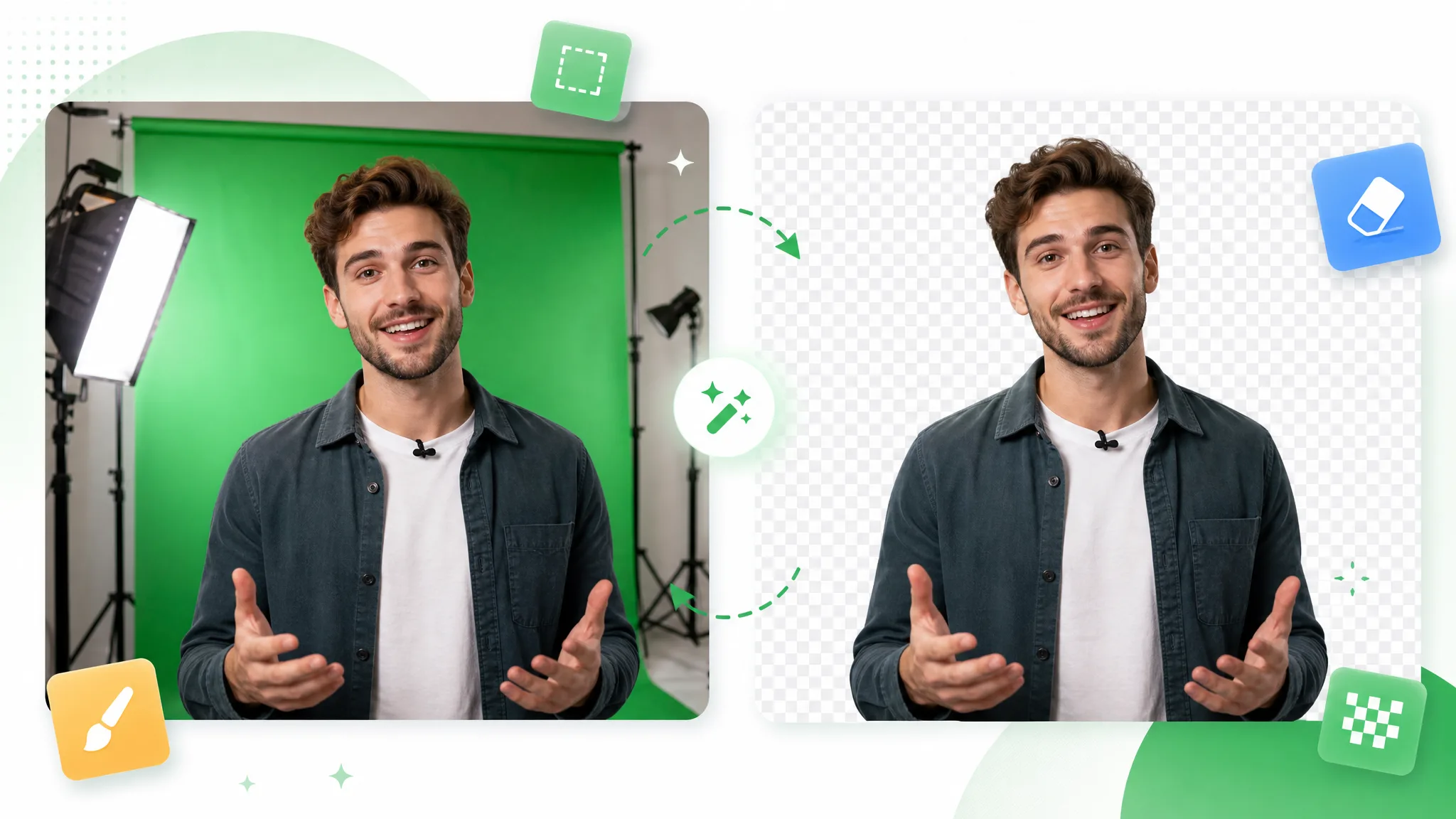
Upload any clip and this chroma key remover pulls the matte automatically — a chroma key online that samples the backdrop and exports a transparent subject, no real chroma key green screen needed.

Chroma key removed from green screen footage, leaving a clean transparent cutout.
或将文件拖到此处MP4、MOV、WebM · 最长 60s · 最高 4K · 100MB
没有视频?试试这些:
免费试用
  • 无水印
  • 干净 alpha 导出
  • 4K画质
  • 长视频

Before / after

Watch the key color drop out

Drag any sample to compare the keyed source with a clean matte the chroma key remover pulled automatically, and judge the edges before you run a chroma key online on your own footage.

处理前处理后

绿幕摄像头画面

把干净的人像摄像头叠到游戏或幻灯片上,无绿色溢色。

处理前处理后

绿幕主持人

绿幕实拍后,把主持人送到任意背景前。

处理前处理后

抠出的游戏角色

风格化角色干净抠出,边缘锐利无溢色。

处理前处理后

动作画面去绿幕

把快速运动的主体从绿幕上干净抠出。

处理前处理后

动画角色去绿幕

把风格化动画角色从绿幕底中抠出。

处理前处理后

特效镜头去绿幕

把 CGI 元素从绿幕中抠出,直接用于合成。

处理前处理后

绿幕摄像头画面

把干净的人像摄像头叠到游戏或幻灯片上,无绿色溢色。

处理前处理后

绿幕主持人

绿幕实拍后,把主持人送到任意背景前。

处理前处理后

抠出的游戏角色

风格化角色干净抠出,边缘锐利无溢色。

处理前处理后

动作画面去绿幕

把快速运动的主体从绿幕上干净抠出。

处理前处理后

动画角色去绿幕

把风格化动画角色从绿幕底中抠出。

处理前处理后

特效镜头去绿幕

把 CGI 元素从绿幕中抠出,直接用于合成。

Why it works

A chroma key remover without the qualifier dance

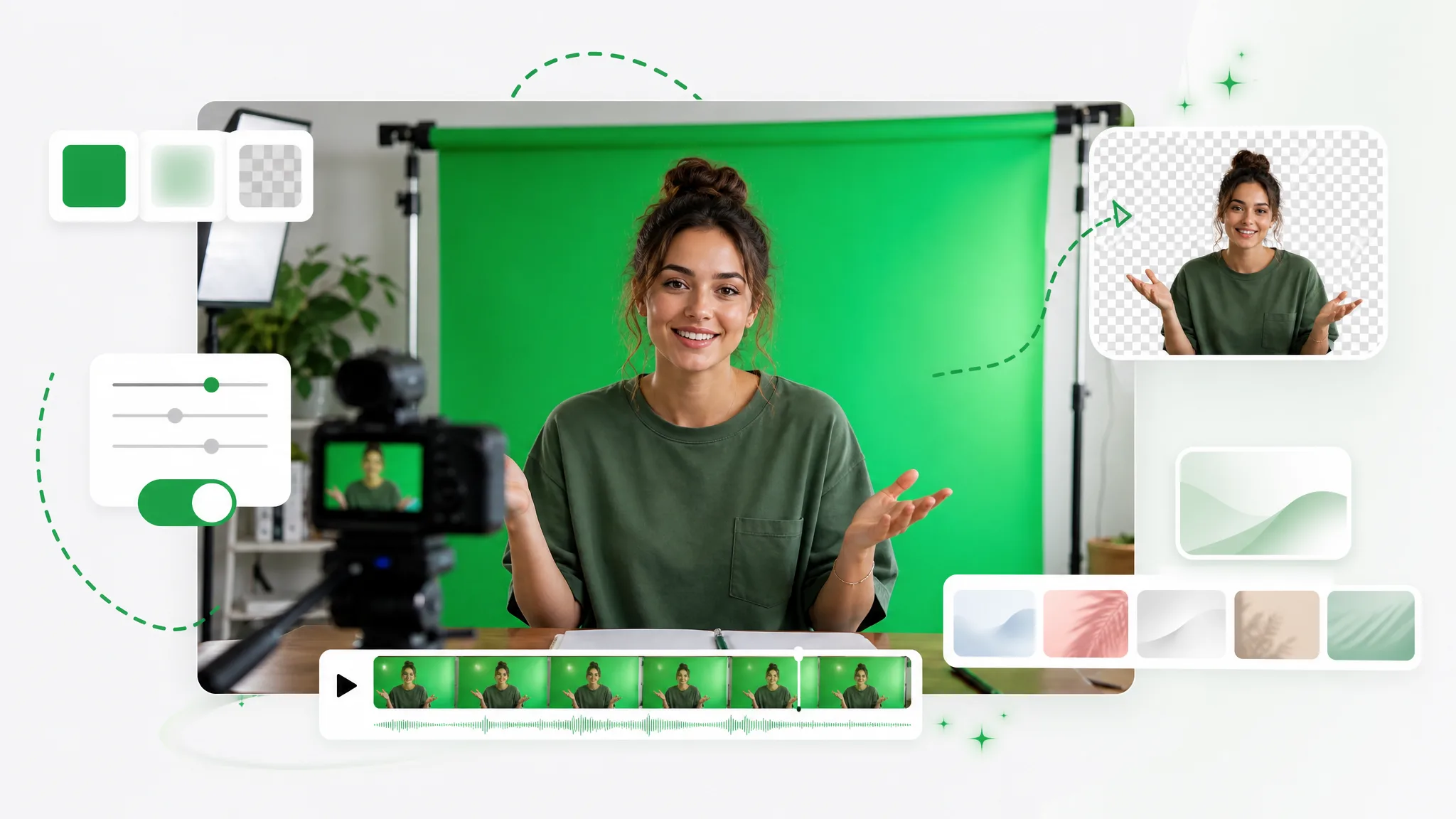
Any key color, spill control, and no watermark — this chroma key remover skips the tolerance sliders manual keyers force on you, and works even when you never shot on a real backdrop.

Samples any key color

Whatever green screen shade you shot on, the color keyer detects the dominant backdrop and pulls the matte for you — no eyedropper picking, no tolerance tuning, no qualifier sliders to nudge per shot. Because this chroma key remover reads the key color automatically, a quickly lit setup keys as cleanly as a perfectly even studio wall, and you skip the part of keying that usually eats the most time.

去除背景
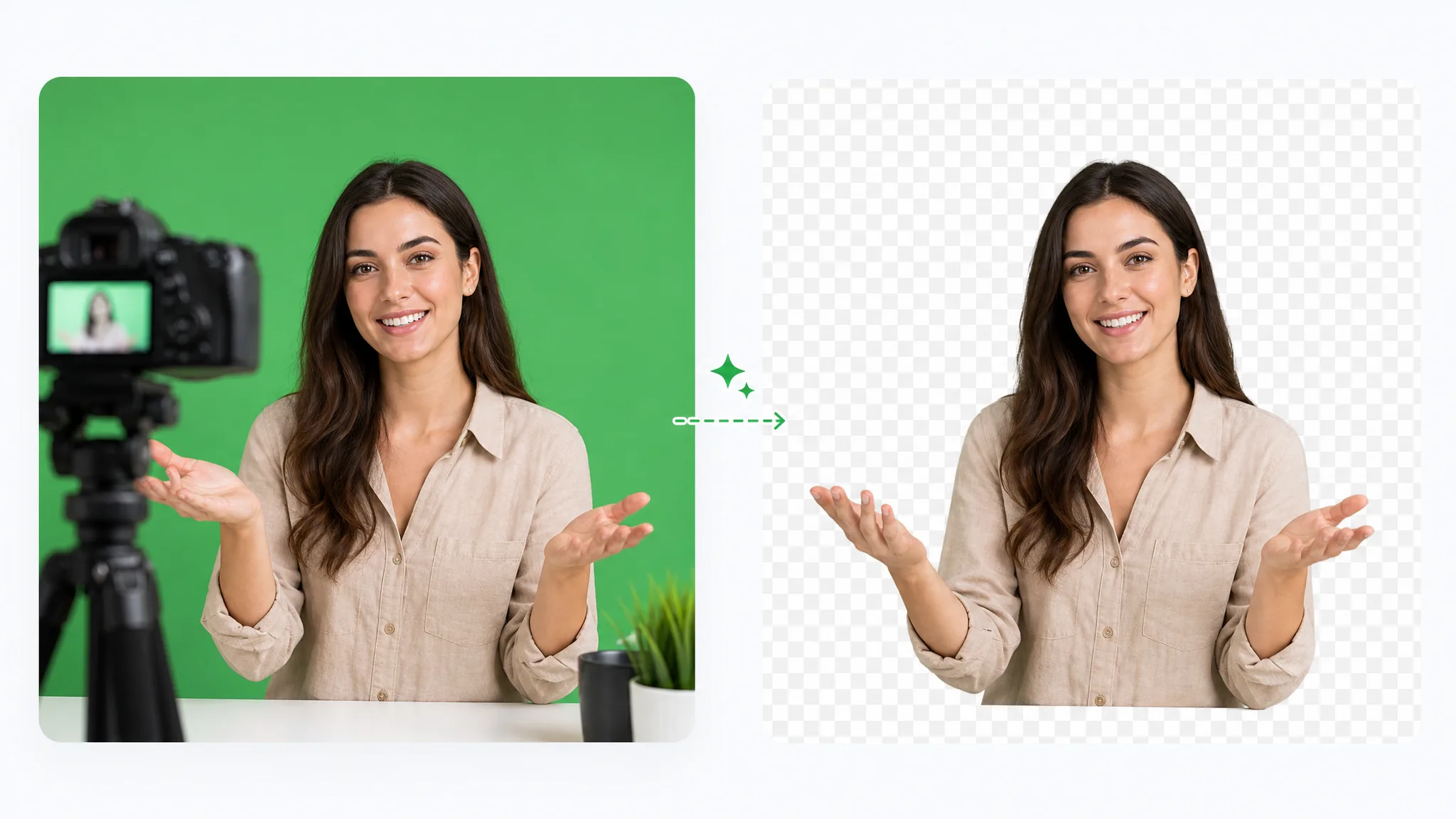
Green screen footage exported as a truly transparent video with a real alpha channel.

Despill is built in

Reflected key color on edges and hair is suppressed as the matte is pulled, so your subject does not glow green once you composite it. That spill is exactly what makes a chroma key green screen look fake, and a manual color keyer needs a separate despill pass to fix it. Here it happens in the same step, which keeps fine detail like flyaway hair sitting naturally on the new scene.

免费试用
A green screen keyed out cleanly with every strand of hair kept intact.

Consistent across the clip

The matte stays stable through motion and lighting shifts, so the key holds where a single-tolerance keyer would tear or chatter. A chroma key remover that only samples one frame breaks the moment your subject moves or the backdrop brightens; this one tracks the whole clip, frame to frame. Fast gestures, pans, and uneven lighting on the cloth all stay clean instead of flickering at the edges.

更换背景
A green screen subject composited onto a fresh new branded background.

No editor round-trip

Get the result of a tuned chroma key online without rebuilding nodes in a desktop timeline shot by shot. There is no keyer node graph to wire, no despill stack to layer, and no per-shot sampling to repeat — you upload, the AI keys, and you download a clean transparent subject. That turns an afternoon of careful node tweaking into a single pass you can run straight from the browser.

立即开始
A streamer keyed from a green screen as a clean facecam overlay for gameplay.

Step by step

Run the chroma key in three steps

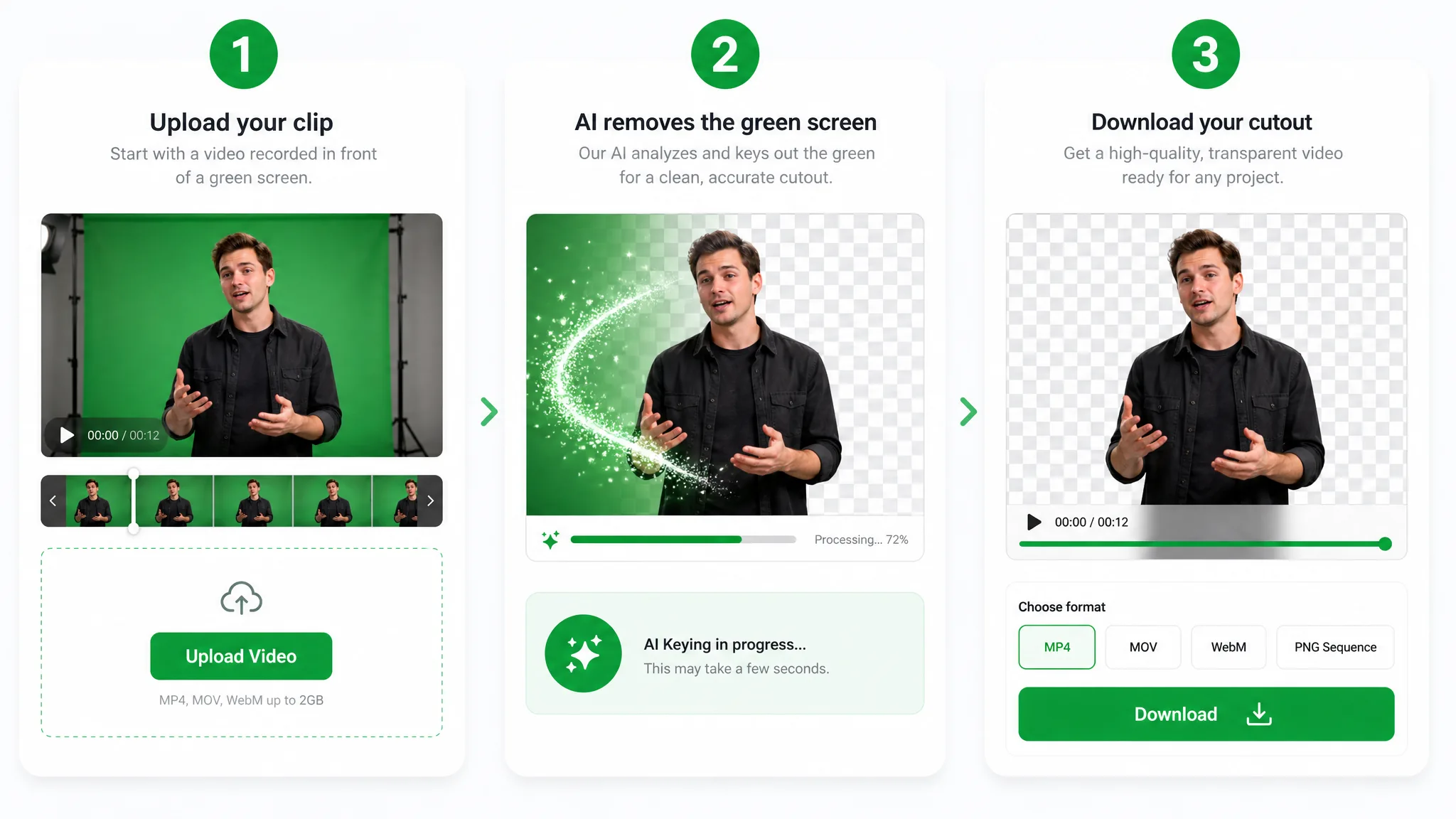
Upload the keyed clip, let the color keyer pull the matte, and download the subject — a full chroma key remover run with no node graph in between.

Three-step overview of removing a green screen: upload the green screen clip, let the AI key out the green, then download the transparent result.
  1. 1

    Upload keyed footage

    Drop in an MP4, MOV, or WebM with a solid key color and the chroma key remover detects it on its own — no qualifier sliders or manual sampling.

  2. 2

    Pull the matte

    The AI works as a color keyer across the whole clip, so a chroma key online run finishes in one pass — no keyframing, no despill stack, no rotoscoping.

  3. 3

    Export the subject

    Download a clean cutout ready to composite — faster than rebuilding a chroma key by hand on every shot in a desktop editor.

Where it helps

When auto-keying saves the shot

Reaction clips, virtual sets, and product reels — run a chroma key online and composite the subject onto anything, whether you shot on a chroma key green screen or no backdrop at all.

Live streaming & gaming

Drop a clean facecam over your gameplay or stream — no green spill, no extra setup.

Green screen facecam keyed out for a clean gaming stream overlay.

Reactions & commentary

React over any clip with a crisp keyed cutout that keeps hair and headphones intact.

Green screen reaction video keyed onto gameplay footage.

Virtual sets & studios

Swap your green screen for a polished virtual studio without booking a stage.

Presenter composited from a green screen onto a virtual studio set.

Product demos & ads

Present products against any branded background straight from a green screen shoot.

Green screen product demo composited onto a clean branded background.

FAQ

Ask anything about the chroma key remover

Common questions on key colors, spill, and exporting a clean transparent subject from a chroma key remover.

Upload your keyed clip and the AI pulls the matte automatically. Short videos run free with no watermark or sign-up, so you can test this chroma key remover on a real shot and download the transparent subject before deciding to pay for anything.

Key out your footage in one pass

Upload a clip and let the chroma key remover pull the matte — a free chroma key online with no watermark and no manual nodes to wire up.

Use the Chroma Key Remover — Free