Change Video Background

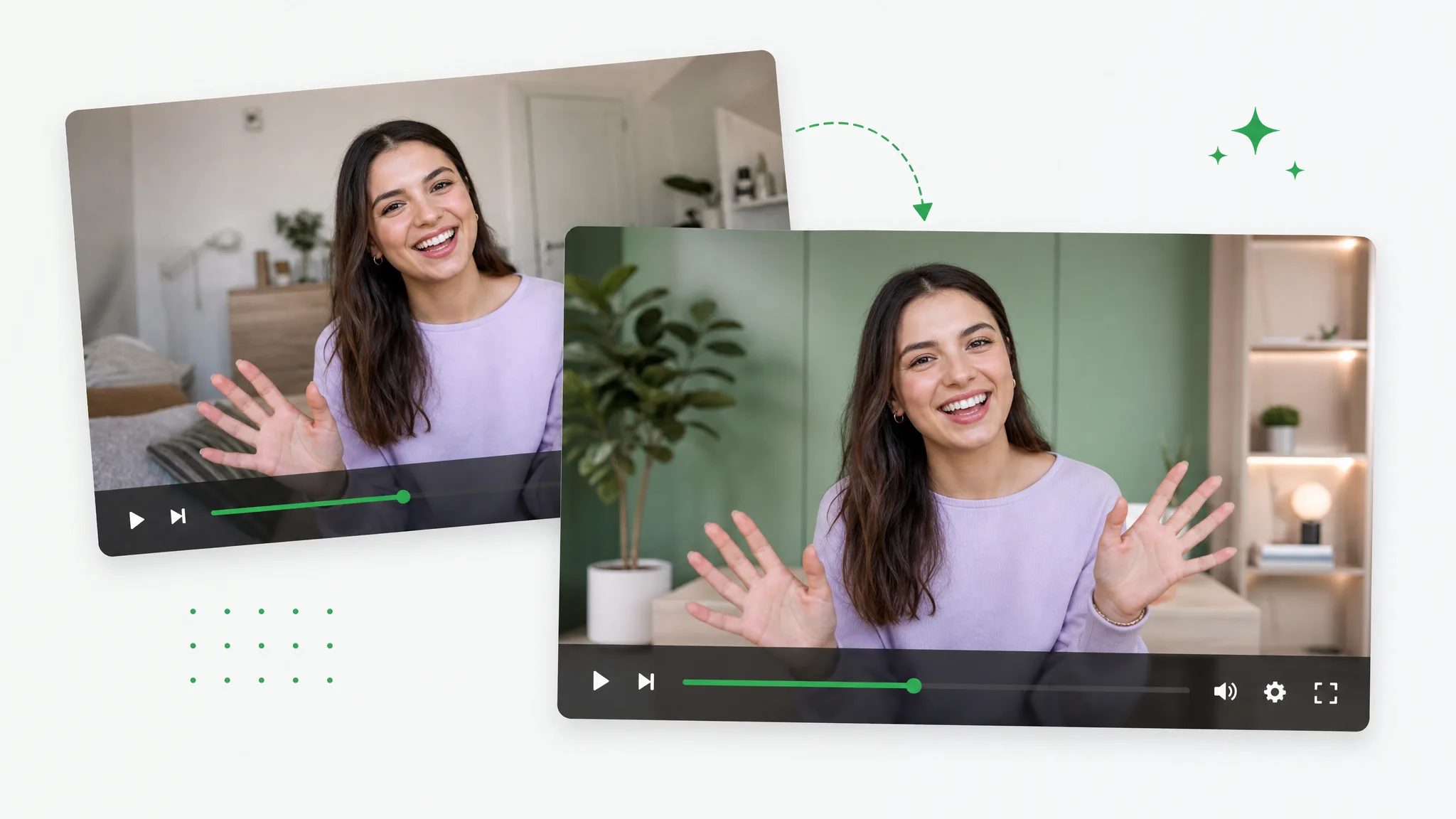
Change video background online without a studio — upload a clip, swap the original scene for any image or color, and let this AI video background changer keep your subject sharp on the new backdrop.

Changing a video background by swapping the original scene for a fresh new one.
或将文件拖到此处MP4、MOV、WebM · 最长 60s · 最高 4K · 100MB
没有视频?试试这些:
免费试用
  • 无水印
  • 干净 alpha 导出
  • 4K画质
  • 长视频

Before / after

Swap the scene behind your subject

Drag any sample to compare the original footage with the same shot on a brand-new backdrop, and judge the edges for yourself before you change video background on your own clip.

处理前处理后

搬进办公室

一步把自己放进精致办公空间,无需搭景。

处理前处理后

品牌感影棚背景

一步把产品展示放到干净的品牌背景前。

处理前处理后

送到全新场景

把主体送到任意地方——哪怕是热带海滩。

处理前处理后

放进公园

把角色放进明亮的户外阳光场景。

处理前处理后

搬进阁楼

一步把主体放进温馨的现代室内。

处理前处理后

送到城市

把 CGI 镜头合成到电影感夜景天际线上。

处理前处理后

搬进办公室

一步把自己放进精致办公空间,无需搭景。

处理前处理后

品牌感影棚背景

一步把产品展示放到干净的品牌背景前。

处理前处理后

送到全新场景

把主体送到任意地方——哪怕是热带海滩。

处理前处理后

放进公园

把角色放进明亮的户外阳光场景。

处理前处理后

搬进阁楼

一步把主体放进温馨的现代室内。

处理前处理后

送到城市

把 CGI 镜头合成到电影感夜景天际线上。

Why it works

A backdrop swap that actually holds up

Matched edges, steady tracking, and no watermark — this video background changer composites cleaner than the free tools that leave a fringe behind, so the new scene reads as real footage instead of an obvious cutout.

Drop your subject onto any scene

Upload a photo, a studio set, or a branded backdrop and the AI places your subject on it, so you can change video background to almost anywhere without a real location shoot. That flexibility is the whole point of a video background changer — a single take filmed at your desk can land in a boardroom, on a beach, or against a clean brand color, and you never have to book a set or travel to film it.

去除背景
A video subject moved from a plain room onto a vibrant new outdoor scene.

Edges that match the new light

The cutout blends into the fresh backdrop instead of looking pasted on, so hair and shoulders sit naturally against whatever scene you picked. Most free tools leave a hard fringe that instantly gives the composite away; here the edge work is what makes a changed background read as real footage, which matters far more when you change video background for a client edit or a paid ad than for a quick test.

免费试用
A presenter placed on a polished branded studio backdrop.

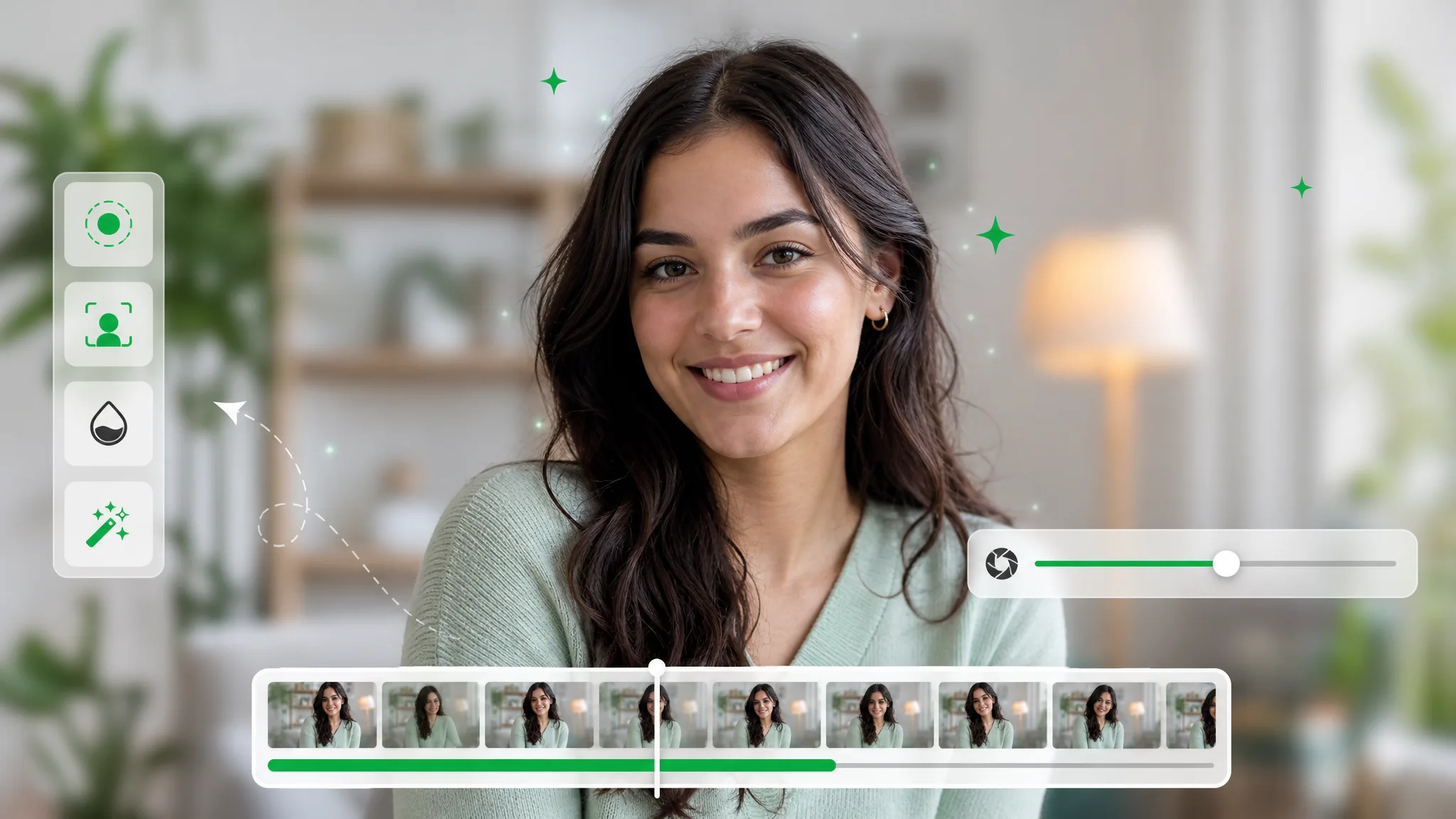
Locked frame to frame

Motion stays stable across the whole clip, so the changed background never jitters, tears, or pops as your subject moves around the shot. The video background changer tracks the subject continuously rather than re-guessing each frame in isolation, which is exactly what keeps a talking-head or a moving product demo steady — the kind of motion that makes cheaper tools wobble or smear the new scene behind the person.

更换背景
A subject placed on a clean solid brand-color background.

Finished MP4, ready to post

You get a flattened MP4 with the new scene already baked in, so you can drop it straight onto social, a landing page, or any timeline without extra rendering. There is nothing left to composite on your side once you change video background — the file behaves like ordinary footage, ready to trim, caption, and publish the moment the export finishes downloading.

立即开始
A subject given a fresh new background with no green screen needed.

Step by step

Change video background in three steps

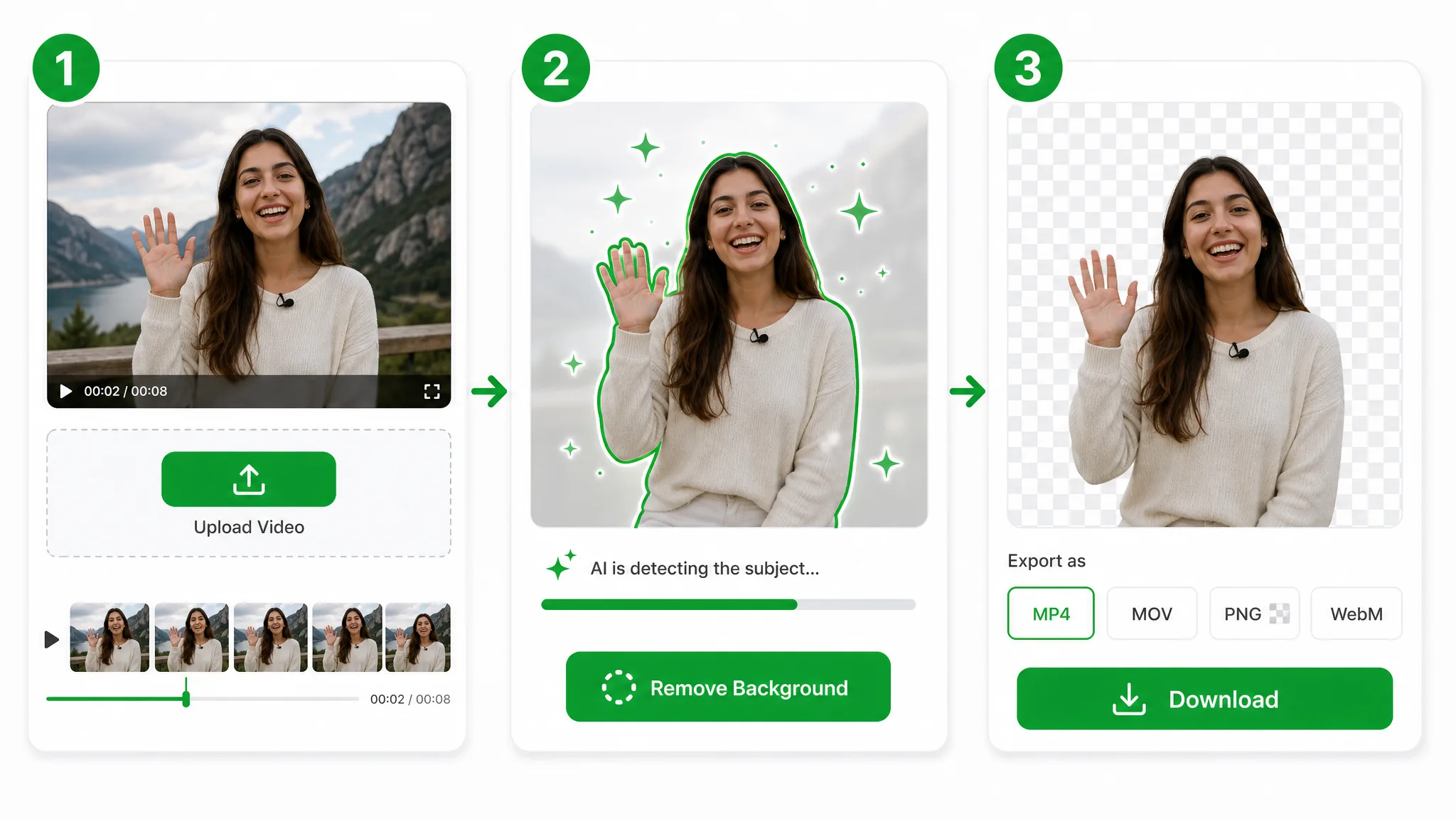
Upload your clip, pick a new backdrop, and download a finished video with the scene already swapped — three steps to change video background, with no timeline editing in between.

Three-step overview of removing a video background: upload, let the AI cut out the subject, then download the transparent result.
  1. 1

    Upload your clip

    Drop in an MP4, MOV, or WebM and the AI cuts your subject out so you can change video background without green screen, masking, or any editing skills.

  2. 2

    Pick a new backdrop

    Choose a fresh photo, scene, or solid color — the video background changer drops your subject onto it and matches edges frame by frame.

  3. 3

    Export the new video

    Download a finished MP4 with the background already changed, ready to post or drop into any editor — no re-rendering needed.

Where it helps

When a fresh backdrop sells the shot

Product demos, talking heads, and ads — change video background to match any brand, season, or campaign, and reshoot the scene without ever filming it again.

Virtual call backgrounds

Swap a messy room for a clean branded backdrop on any video call.

Video call background replaced with a clean branded virtual backdrop.

Branded scenes

Put creators and presenters on a polished branded set without a studio.

Creator composited onto a branded studio background.

Location swaps

Move your subject to any scene — a city, a beach, or a campaign set.

Subject moved to a scenic outdoor location by background replacement.

Campaign refresh

Reuse one shoot across seasons by dropping in new themed backgrounds.

Product shot placed on a seasonal campaign background.

FAQ

People also ask about changing a video background

Common questions on backdrops, green screen, edges, and clip length — everything to know before you change video background on a real clip.

Upload your clip, choose a new scene, and the AI swaps the backdrop automatically. Then download the finished video with no watermark or sign-up — short clips are free, so a quick social cut never costs anything before you see the result.

Put your subject on a brand-new scene

Upload a clip and swap the backdrop automatically — the fastest video background changer online, free and no watermark, with edges that hold up on the new scene.

Change Video Background — Free