Live streaming & gaming
Drop a clean facecam over your gameplay or stream — no green spill, no extra setup.
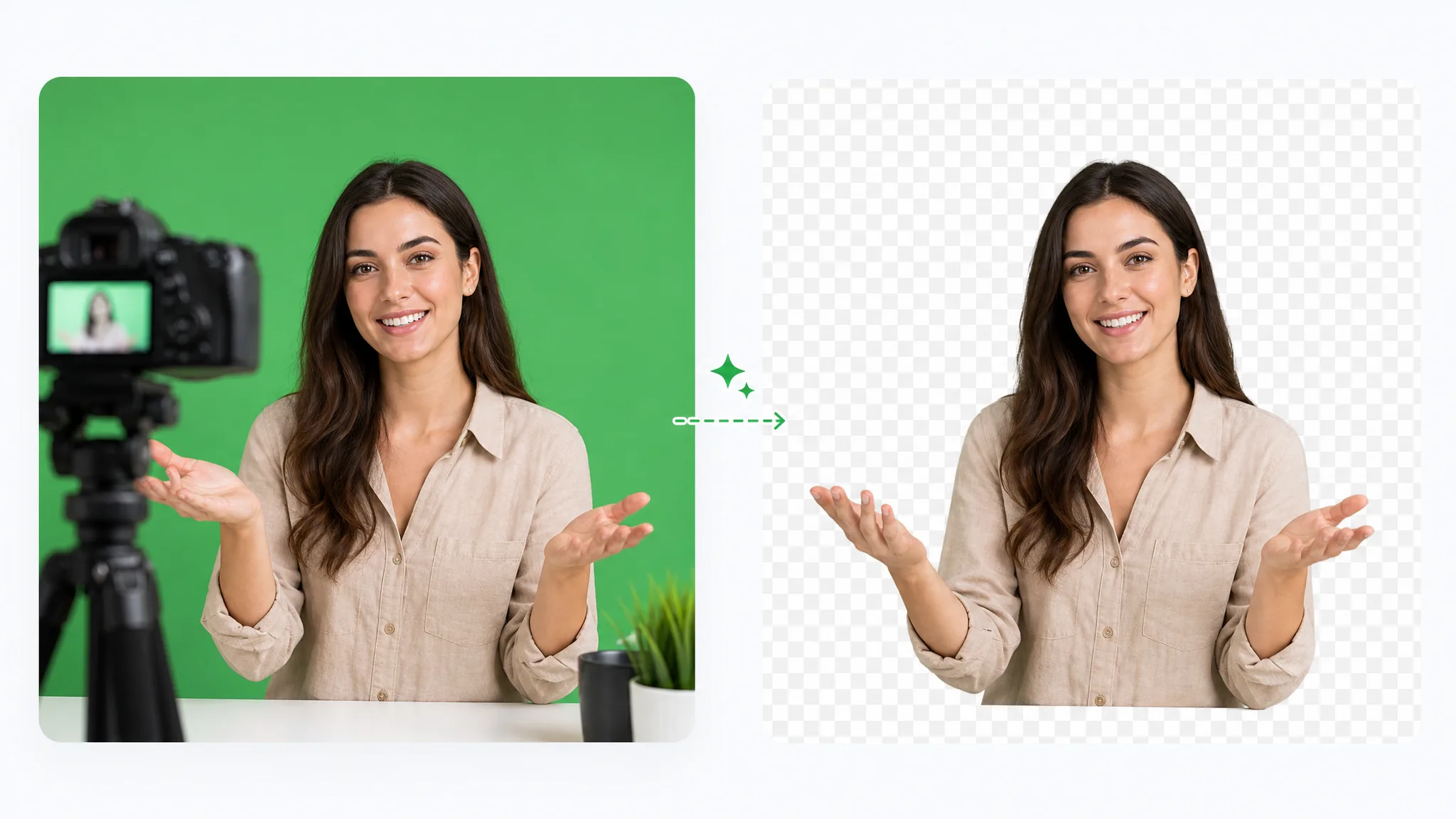
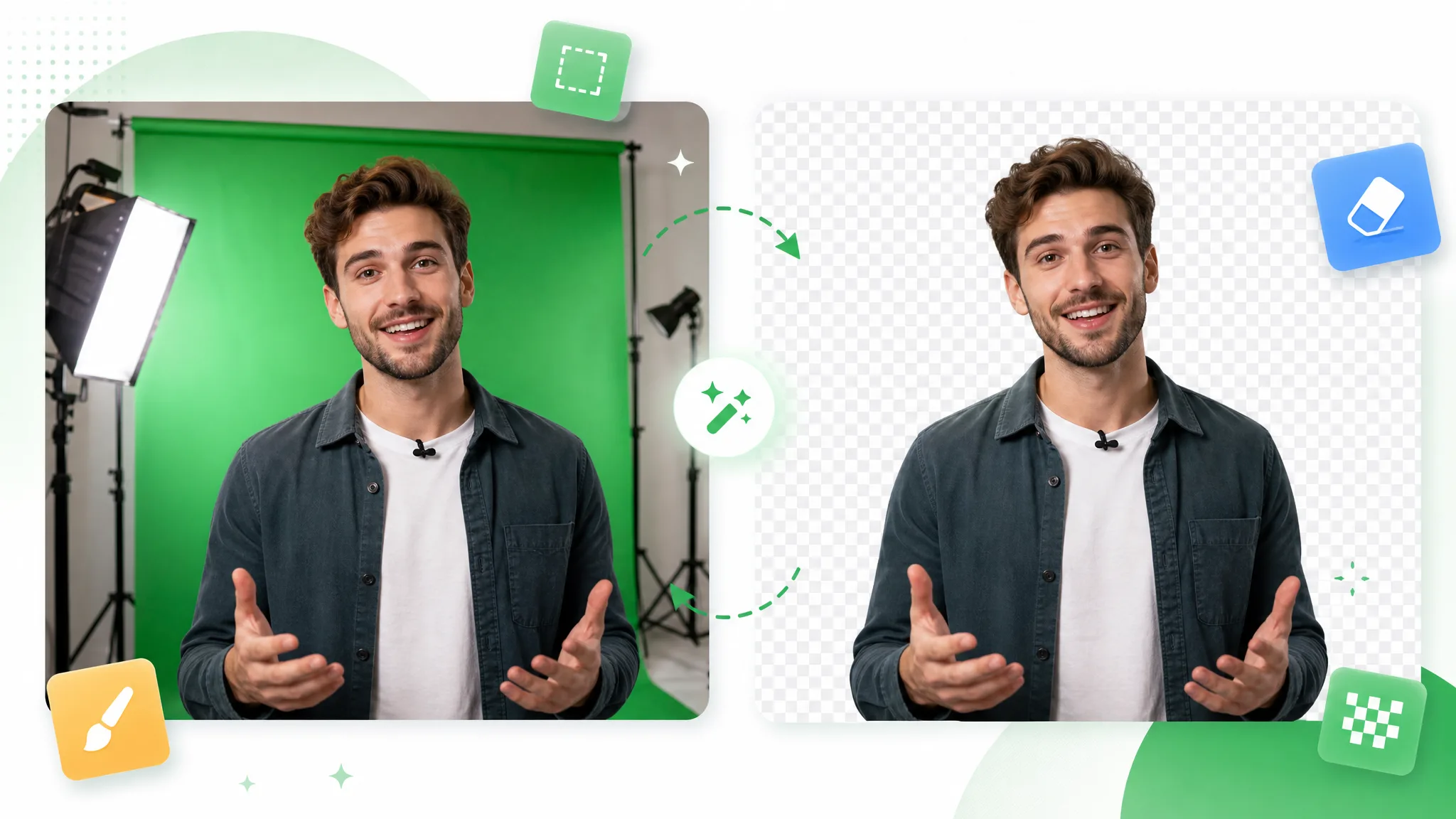
Drop in footage shot on a green backdrop and this green screen remover keys it out to remove background video in one pass — a clean cutout, no manual chroma node to wire up.

Before / after
Drag the slider to compare the raw footage with a clean matte keyed out of the green backdrop, and see how tightly the edges hold before you run the green screen remover on your own clip.
把干净的人像摄像头叠到游戏或幻灯片上,无绿色溢色。
绿幕实拍后,把主持人送到任意背景前。
风格化角色干净抠出,边缘锐利无溢色。
把快速运动的主体从绿幕上干净抠出。
把风格化动画角色从绿幕底中抠出。
把 CGI 元素从绿幕中抠出,直接用于合成。
把干净的人像摄像头叠到游戏或幻灯片上,无绿色溢色。
绿幕实拍后,把主持人送到任意背景前。
风格化角色干净抠出,边缘锐利无溢色。
把快速运动的主体从绿幕上干净抠出。
把风格化动画角色从绿幕底中抠出。
把 CGI 元素从绿幕中抠出,直接用于合成。
Why it works
Spill suppression, edge recovery, and no watermark — it cleans up the matte that hand-tuned keyers leave rough, and it can even remove background from video that never touched a green wall.
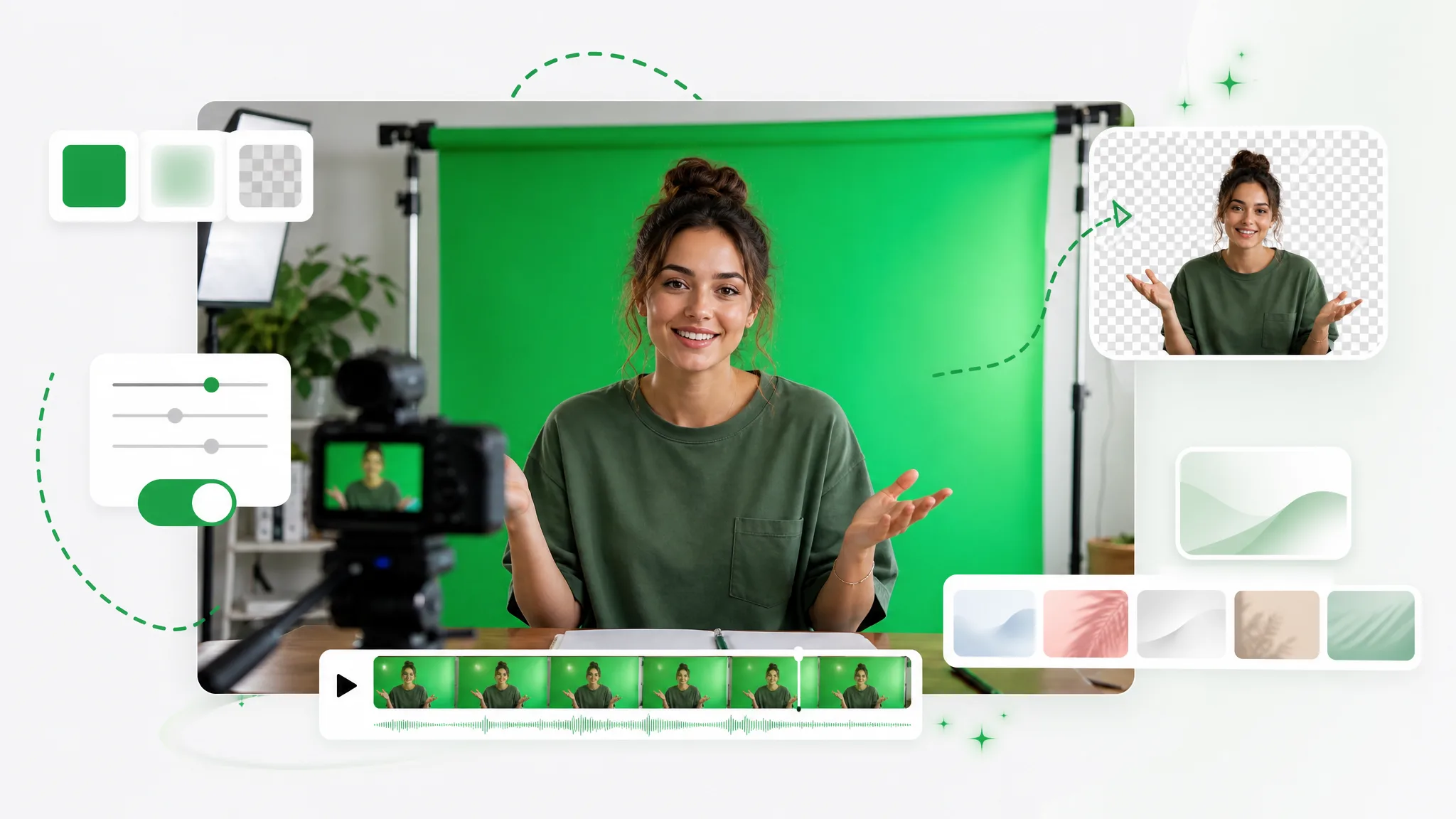
No eyedropper, no tolerance sliders — the AI finds the green backdrop and pulls the matte automatically, even when it is unevenly lit or wrinkled, so you remove background video without touching a single setting. A manual workflow makes you sample the color and nudge qualifiers on every shot; here that step disappears entirely. Because the model reads the subject as much as the backdrop, it stays accurate where a single-color keyer would clip into hair or chew up soft edges.
去除背景Green reflections on hair and shoulders are suppressed as the matte is pulled, so the cutout sits naturally on a new scene instead of glowing at the border. That green fringe is the giveaway that someone keyed in a hurry, and a manual despill pass takes time to dial in. Here despill runs automatically, so flyaway strands and soft edges land clean the first time, with no colored halo to paint out by hand.
免费试用The matte tracks motion across every frame, so a fast pan or hand gesture stays clean with no flicker or chattering edge. Key off a single frame and the matte breaks the instant the subject moves or the backdrop shifts brightness — exactly the moment a clean key matters most. This green screen remover follows the whole clip, which keeps gestures, hair, and quick movement locked instead of buzzing at the outline.
更换背景Get the same result as a tuned chroma key without keyframing qualifiers or stacking despill nodes shot by shot. There is no keyer node to wire, no matte to refine by hand, and no desktop editor to round-trip through — you remove background video right in the browser and download a finished cutout. That turns a fiddly node setup into one upload, which is the whole point of an automatic green screen remover.
立即开始Step by step
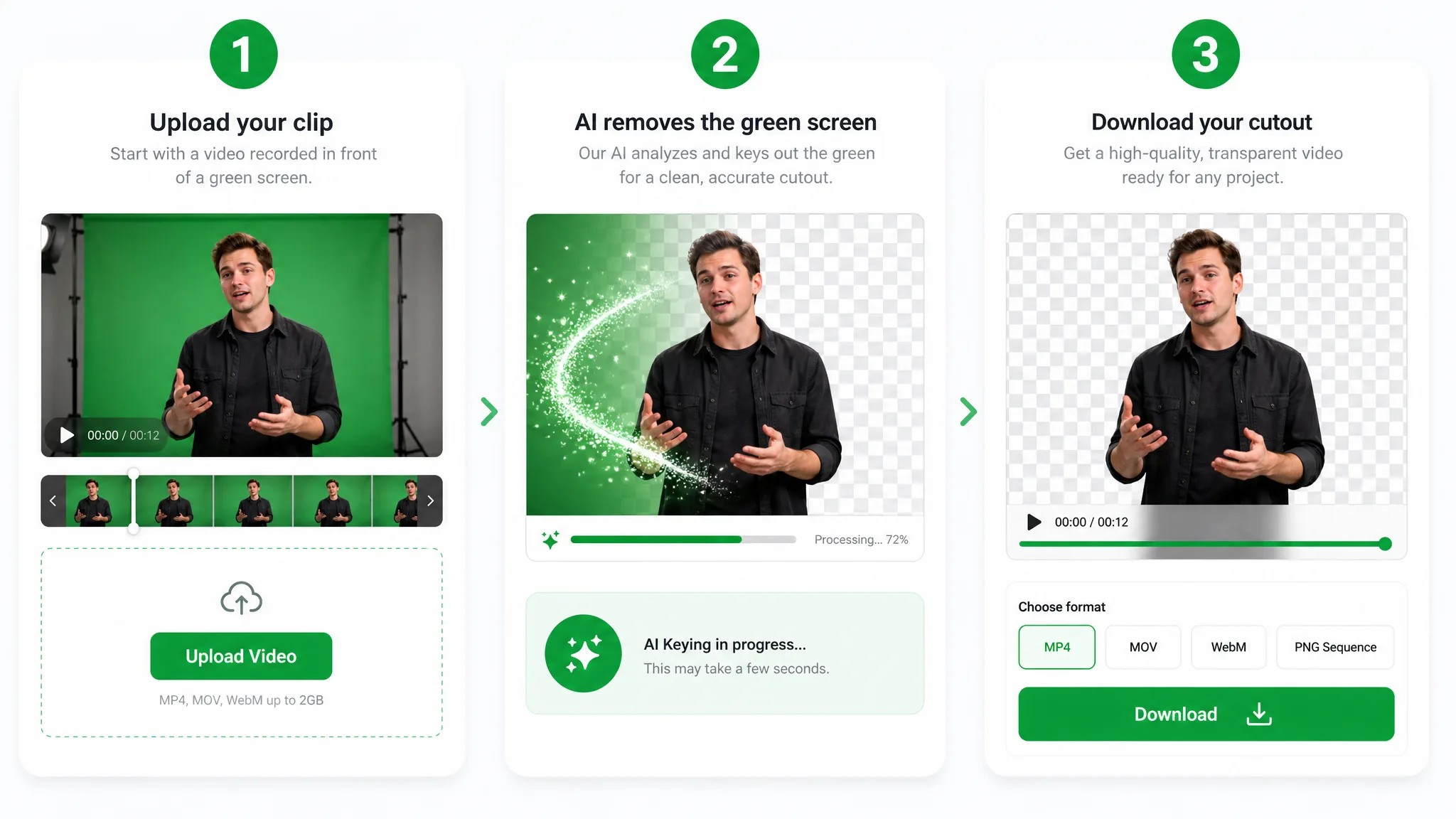
Upload the green screen clip, let the AI key it out, and download the cutout — a full run that can even remove background from video shot without a green wall, no chroma node in between.

Drop in an MP4, MOV, or WebM filmed on a green backdrop — the tool reads the key color on its own, no node graph or plugin to install.
The AI samples the backdrop and pulls a clean matte to remove background video in one pass — no spill, no jagged fringe, no frame-by-frame masking to babysit.
Export the keyed subject ready to drop onto any scene — a faster route than wiring a chroma node by hand in your editor. Because it can remove background from video with or without a green wall, the transparent file lands ready to composite, with none of the colored fringe a rushed key leaves behind.
Where it helps
Streamer overlays, product demos, and reaction clips: remove background video and composite the subject anywhere. The same model can clear the background from footage you never shot on green at all.
Drop a clean facecam over your gameplay or stream — no green spill, no extra setup.
React over any clip with a crisp keyed cutout that keeps hair and headphones intact.
Swap your green screen for a polished virtual studio without booking a stage.
Present products against any branded background straight from a green screen shoot.
FAQ
Common questions on spill, uneven backdrops, and exporting a clean cutout from the green screen remover.
Short clips are free to key with no watermark or sign-up. You can remove background video on a real shot, see how the matte holds, and download the cutout before paying for anything — a no-risk way to try it on your own footage.
No. It runs in the browser, so you skip the chroma node entirely and never open a desktop timeline just to key one clip. The tool handles the matte and hands you a clean transparent subject to drop into any scene.
Yes. The model reads the subject directly, so it can remove background from video that has no green wall at all — handy when you only have a busy room or a plain shot to clean up.
Yes — it pulls a clean matte in one pass, then exports the keyed subject. You get a green screen cutout you can composite over any new scene, with edges that hold through motion instead of tearing the way a single-tolerance key does.
Yes. The AI tolerates shadows and creases that trip up a single-color keyer, sampling the dominant color across the whole frame. A wrinkled or unevenly lit wall still keys to a clean matte without manual patching.
Export the keyed clip and convert it to green screen to png frames in any editor. The transparent cutout drops cleanly into stickers, overlays, and thumbnails, keeping the same crisp edges the tool pulled from your footage.
相关工具
用于去除、替换、抠像视频背景的更多工具。

Switch from Unscreen and cut any video background for free — no upload cap, no watermark. The same one-click cutout for an unscreen video export or a looping unscreen gif, nothing to install.
立即试用
Upload a clip and remove background from GIF automatically with this GIF background remover — export a clean transparent loop, no green screen or manual masking.
立即试用
Turn any clip into a green screen video in seconds — add a green screen background automatically, no studio or manual keying, ready to composite in any editor.
立即试用Upload a clip and let the green screen remover pull a clean matte and remove background video — free to start, no watermark, and no chroma node to wire up.
Use the Green Screen Remover — Free